









Quick Start Guide: MagDock Expand Kits
Unboxing & Overview
In the Box
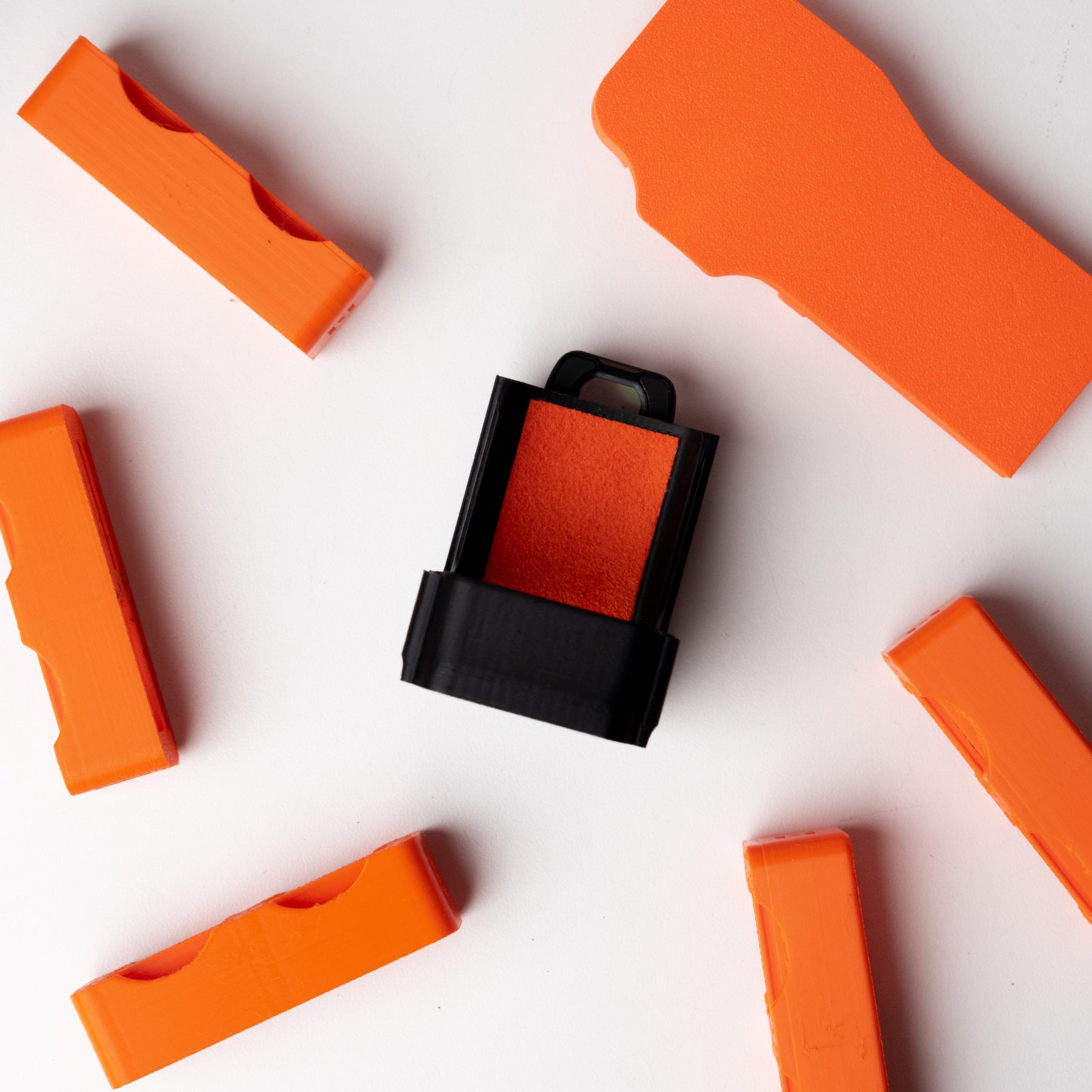
- Full Kit (Cine): MagDock Expand Base, Plate, Custom Grip, Ultra-Thin 3M MagSafe Ring
- Lite Kit (Mobile): MagDock Expand Plate, Custom Grip, Ultra-Thin 3M MagSafe Ring
Setting Up Your MagDock Expand System
Important: To prevent damage, please pull the grips upward from the plate to remove them.
Step 1: Apply the MagSafe Ring
This ring allows you to use the MagDock system on non-MagSafe devices, such as laptops, tablets, or other flat surfaces.
Surface Preparation
Ensure the surface is clean, dry, and free from dust or oils. Use a soft cloth and rubbing alcohol to clean the area if needed.
Placement Planning
Decide where you want to place the ring on your device. Common placements include the back center of a laptop, iPad, or any other flat, non-textured surface. Avoid textured or rubberized areas, as they may affect adhesion.
Applying the Ring
- Carefully peel the backing off the 3M adhesive side of the MagSafe ring.
- Align the ring over the chosen spot and press down firmly, applying even pressure around the entire ring to ensure good adhesion.
Waiting Period
For best results, allow the adhesive to set for about 10-15 minutes before attaching any accessories. This helps secure a stronger bond.
Step 2: Attaching the Base
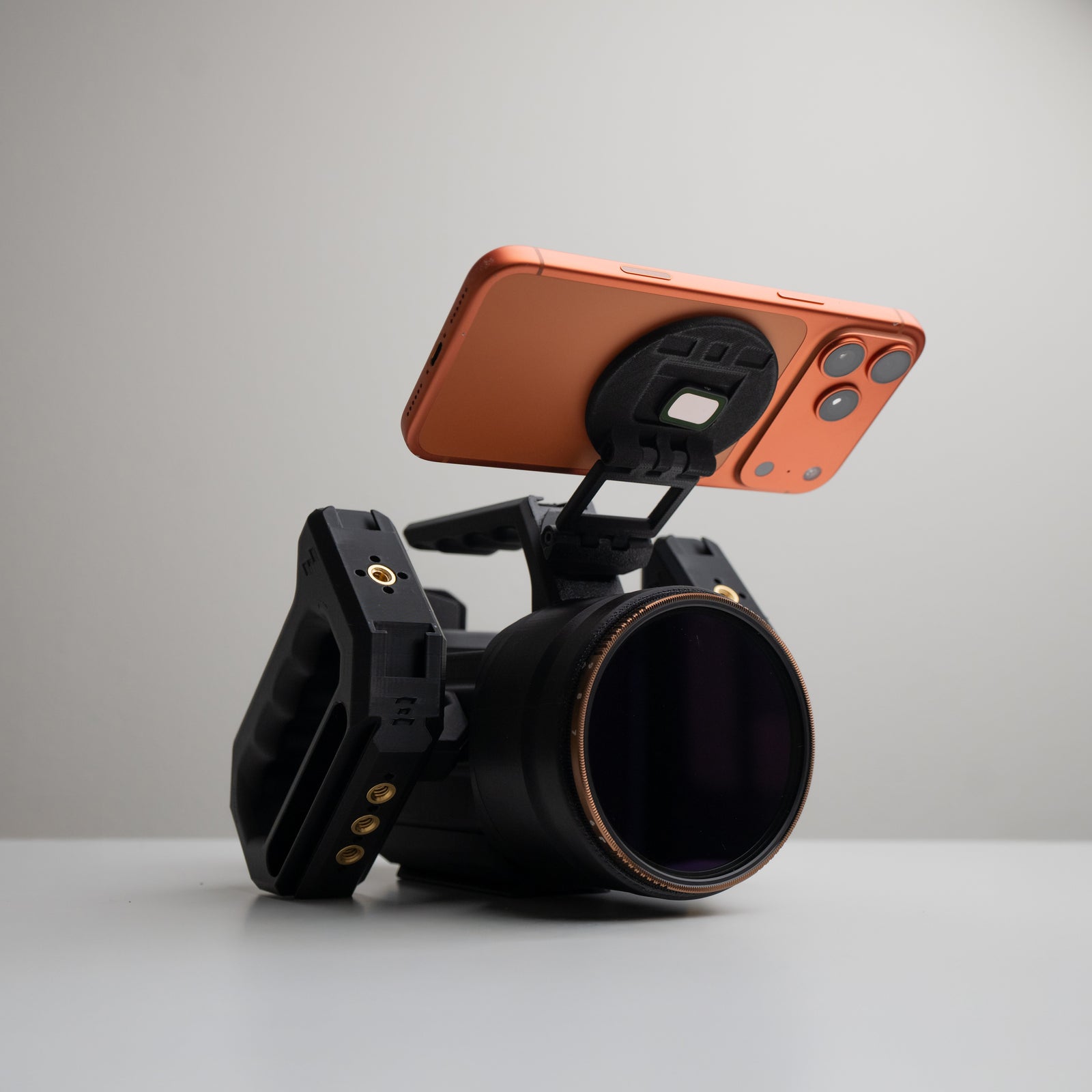
The MagDock Expand Base features a 1/4-20 screw, allowing you to securely attach it to compatible rigs, cold shoe adapters, and camera cages.
Screw the base into any 1/4-20 port on your gear. This base acts as the foundation for attaching the MagDock system to your setup. Do not overtighten as you may damage the base.
Step 3: Snap-On the Plate
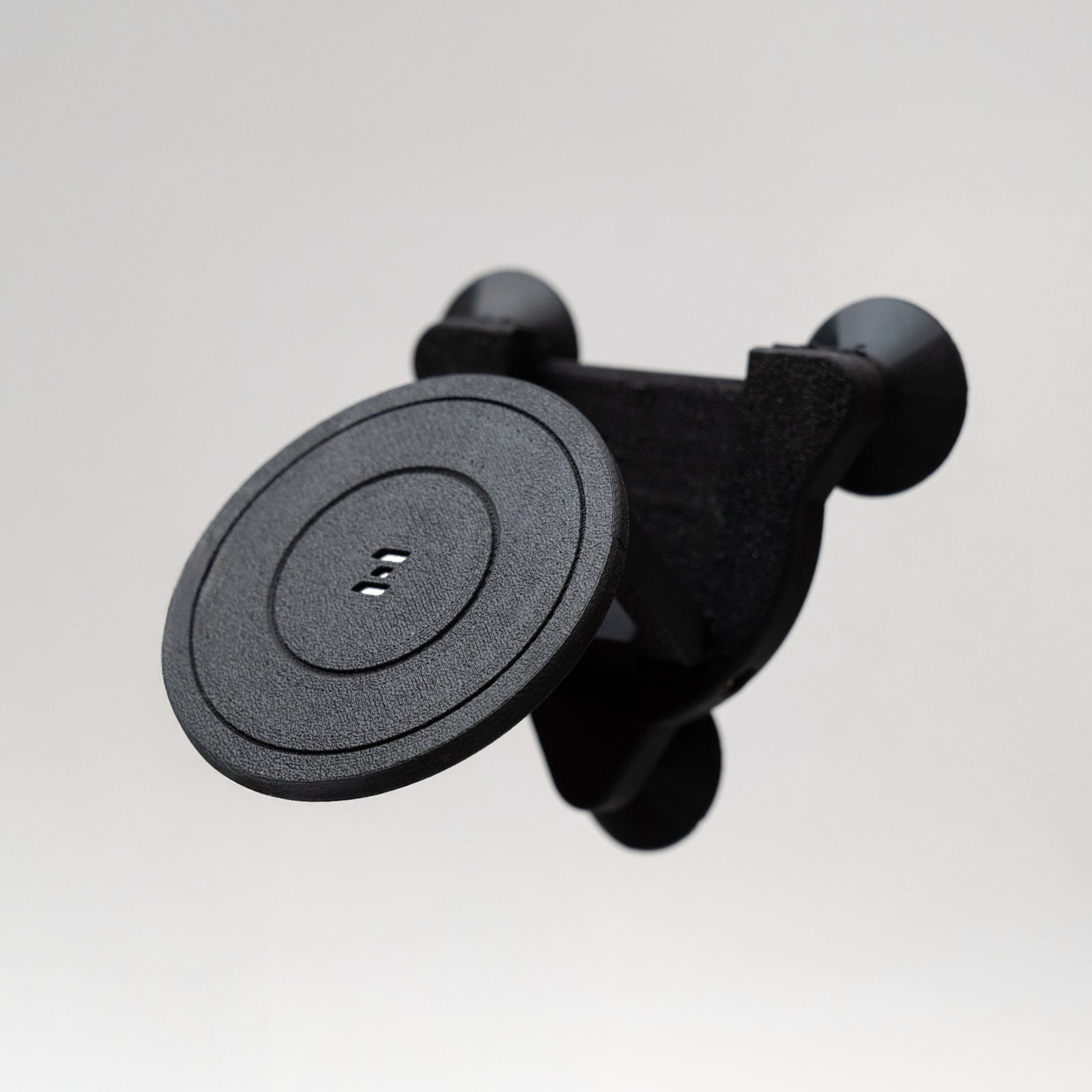
The Plate holds all the magnetic strength needed for your accessories. Simply snap the Plate onto the Base or onto any MagSafe-compatible ring (e.g., on laptops, iPads).
Once attached, the Plate provides a reliable and secure magnetic surface for your gear.
Step 4: Attach the Grip to Your Accessory
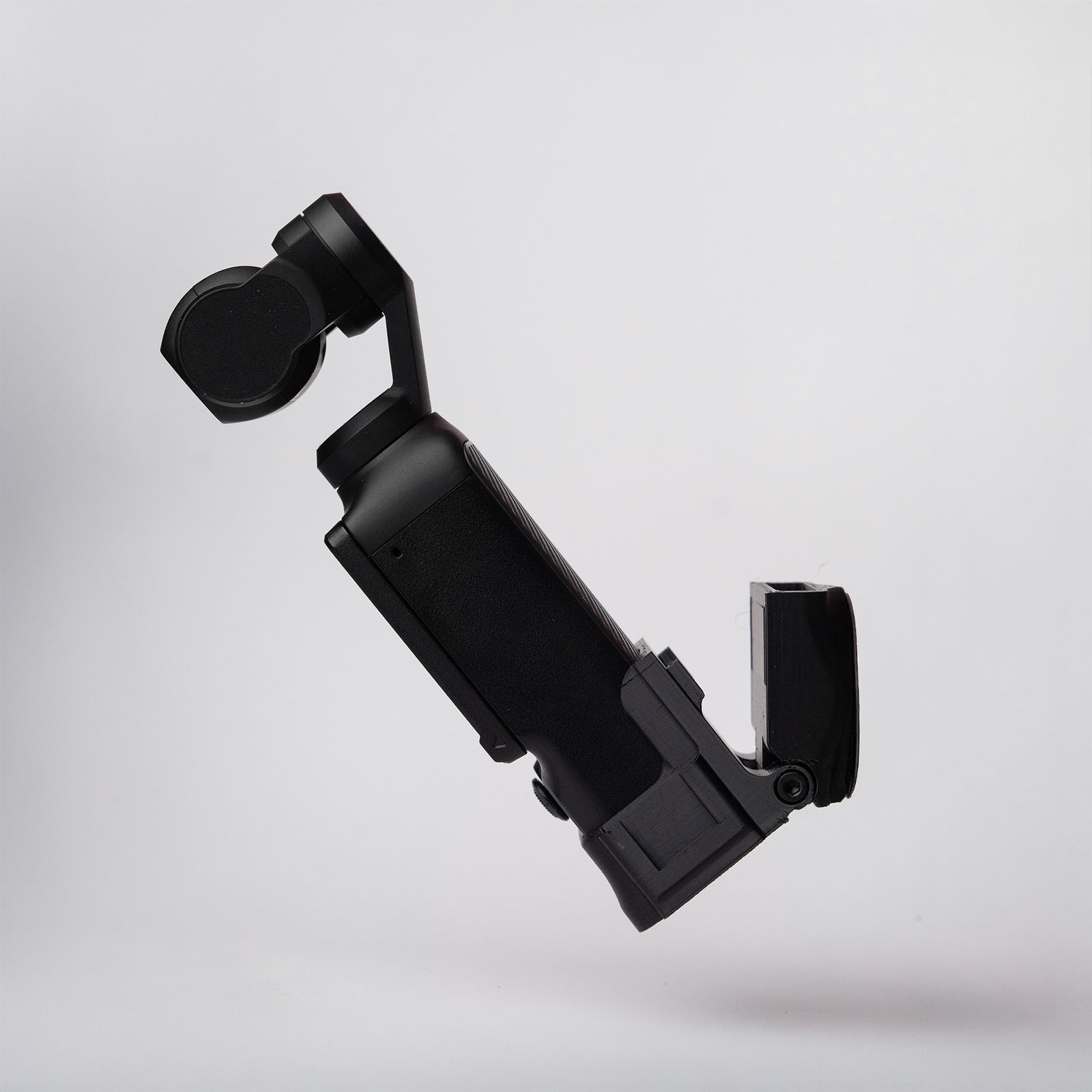
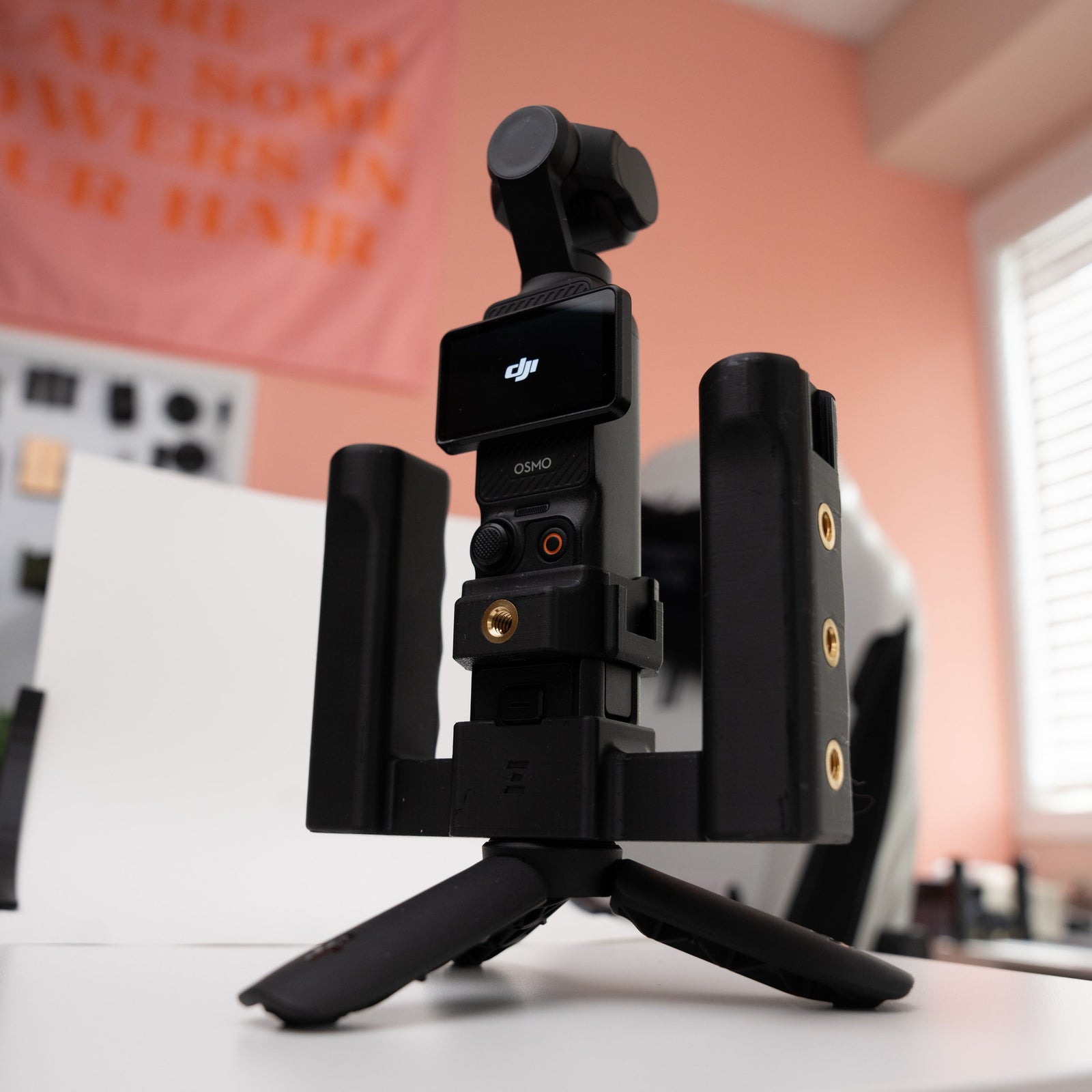
Each accessory (e.g., SSD, card reader) has a custom-fitted Grip. Slide the Grip onto your accessory until it is securely in place. You have the freedom of positioning.
The Grip's internal magnets align perfectly with the Plate, allowing for a quick, snap-on connection to the Plate.
Using the MagDock Expand System
Mounting Options
Attach the MagDock system to camera rigs, desks, hubs, laptops, iPads, or other compatible surfaces for a clean, organized setup. Use it to securely mount SSDs, card readers, and more for easy access.
Swapping Grips
The modular design allows you to swap Grips based on the accessory you're using. Simply remove one Grip from the Plate and replace it with another, depending on your workflow needs. Remember to pull upwards from plate to prevent damaging grips.
Safety & Disclaimer
- Surface Compatibility: Use only on smooth, flat, and non-porous surfaces. Avoid rough or textured surfaces as they can weaken the grip.
- Check Before Use: Always check the stability of the mount before filming to prevent accidental detachment.
- Liability Disclaimer: We are not responsible for any damage to your footage, SSD, or other accessories from improper use.
Need Help?
For more information or support, start a chat or contact us at support@zoss.media