








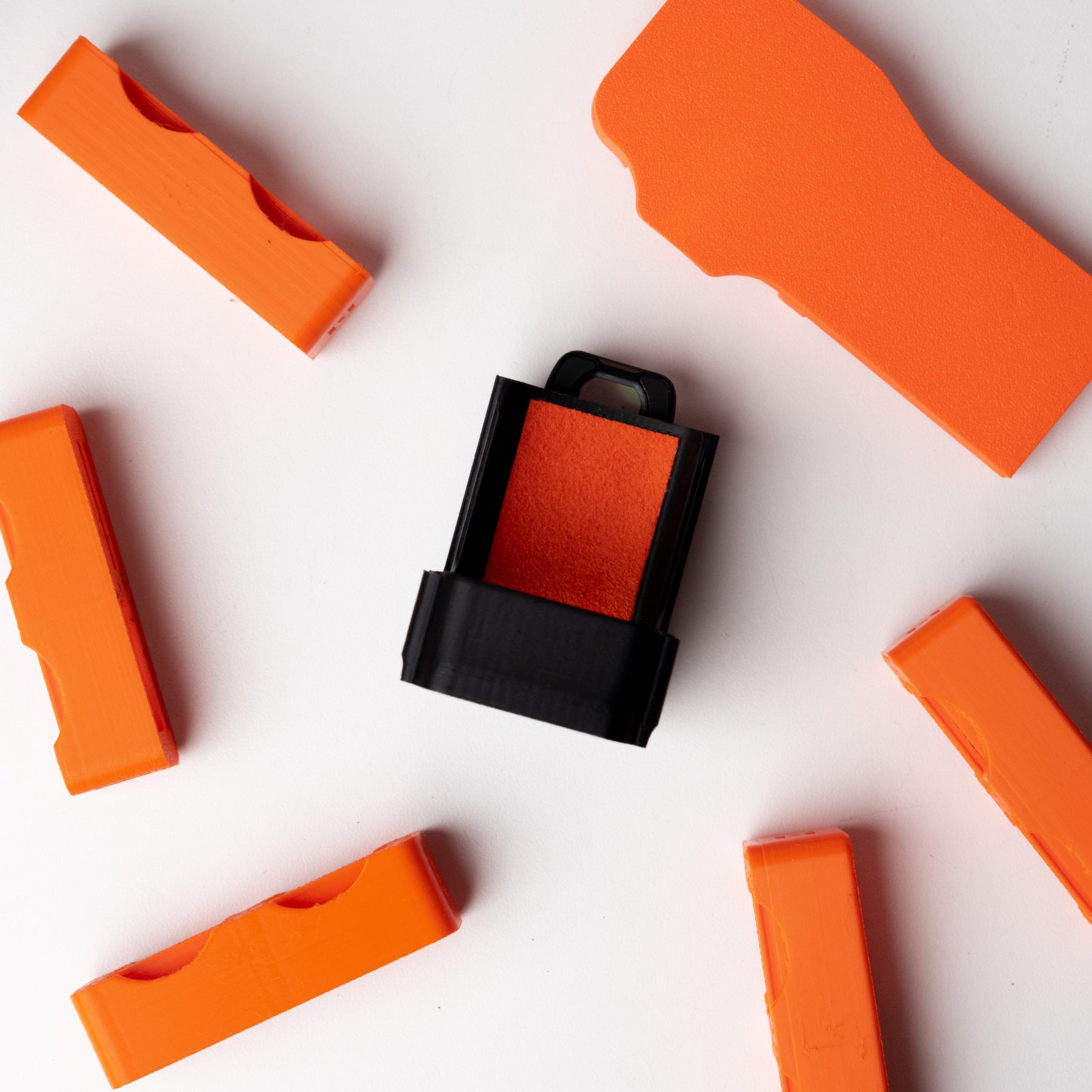

OSMODO PRO Accessory Port Accessories
Compatibility: These accessories are designed exclusively for the OSMODO PRO housing. They are not compatible with the original OSMODO (which has a different top design) or other ZOSS products.
Quick Start Guide
All OSMODO PRO Accessory Port accessories share the same mounting system—the 2× M3 accessory port on your OSMODO PRO housing. This guide covers installation for all accessories in this collection.
Compatible Accessories
- OSMODO PRO Top Handle — Carry handle for repositioning and transport
- OSMODO PRO NATO Rail (Straight) — Standard NATO segment for handles, clamps, and monitor mounts
- OSMODO PRO NATO Rail (Angled) — Angled NATO segment for offset accessory positioning
- OSMODO PRO Cold Shoe Block (1/4-20) — Cold shoe mount with 1/4-20 thread
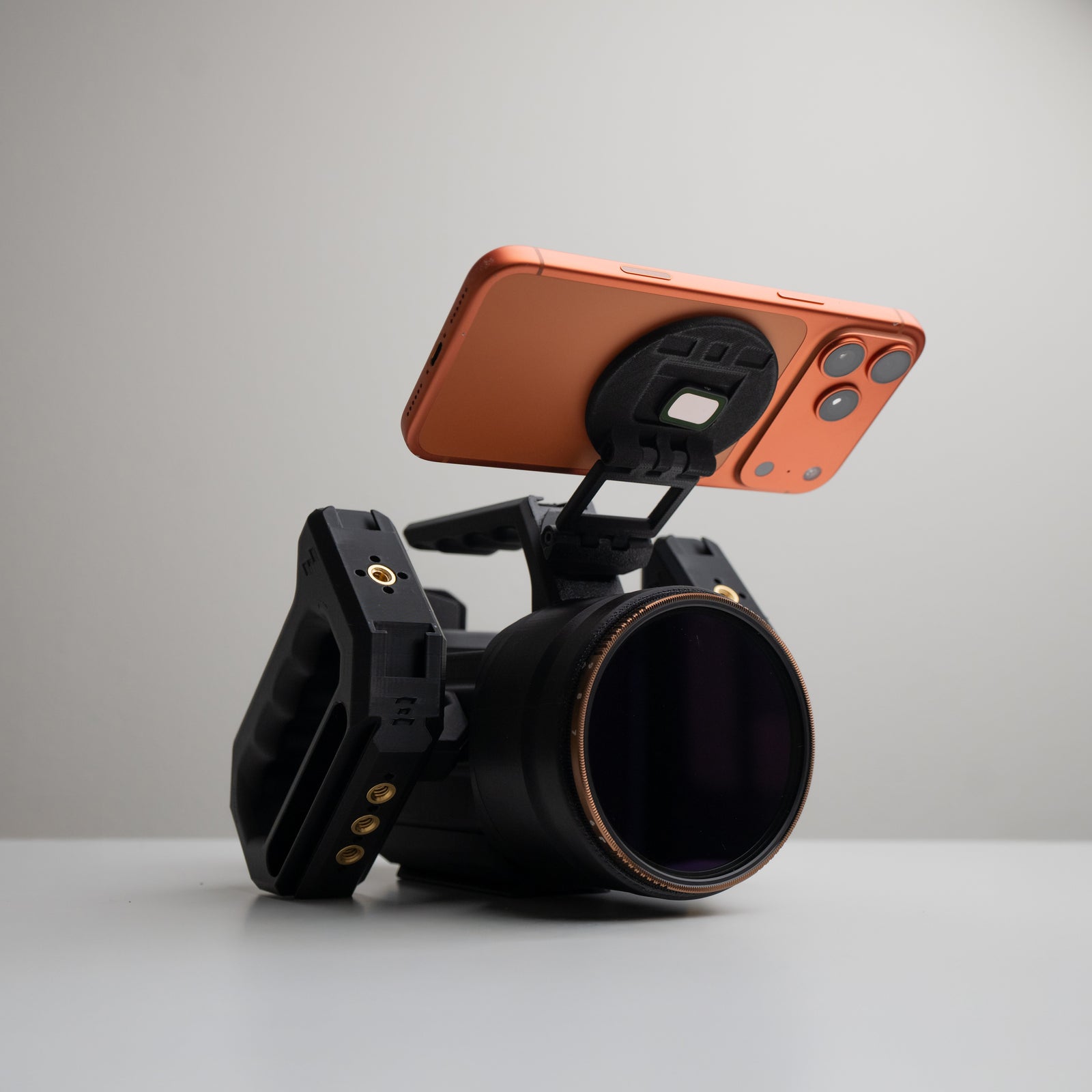
- OSMODO PRO Cold Shoe Block (MagSafe Phone Mount) — Cold shoe mount with integrated MagSafe for iPhone
What's in the Box
Each accessory includes:
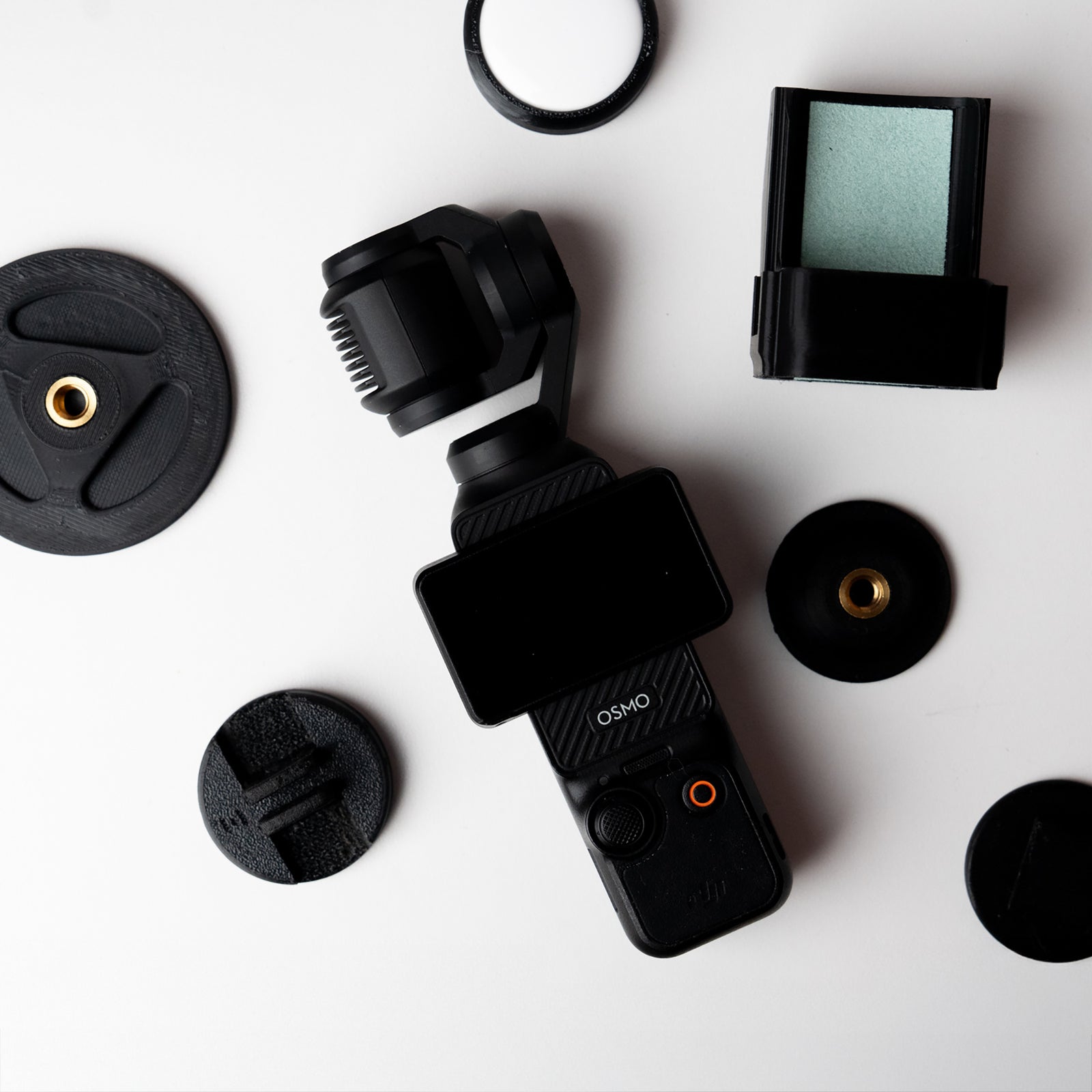
- The accessory (Top Handle, NATO Rail, or Cold Shoe Block)
- 2× M3 screws for mounting to the OSMODO PRO accessory port
Installation Steps
- Locate the accessory port — Find the 2× M3 threaded port on top of your OSMODO PRO housing.
- Position the accessory — Remove the OSMO from housing and align the accessory's mounting holes with the 2 M3 threaded inserts
- Push and hold — Press the accessory firmly onto the port to seat it properly
- Install the screws — Thread in all three provided M3 screws by hand first
- Tighten evenly — Snug each screw gradually, alternating between them for even pressure
Important: Do Not Overtighten
The accessory port uses threaded inserts in the PETG housing. Overtightening can damage the threads or pull out the inserts. Tighten until snug—the accessory should feel solid without excessive force.
Accessory Details
OSMODO PRO Top Handle
A simple carry handle that mounts directly to the accessory port. Ideal for quick repositioning, low-angle shots, and transport. Provides a solid grip point above the rig.
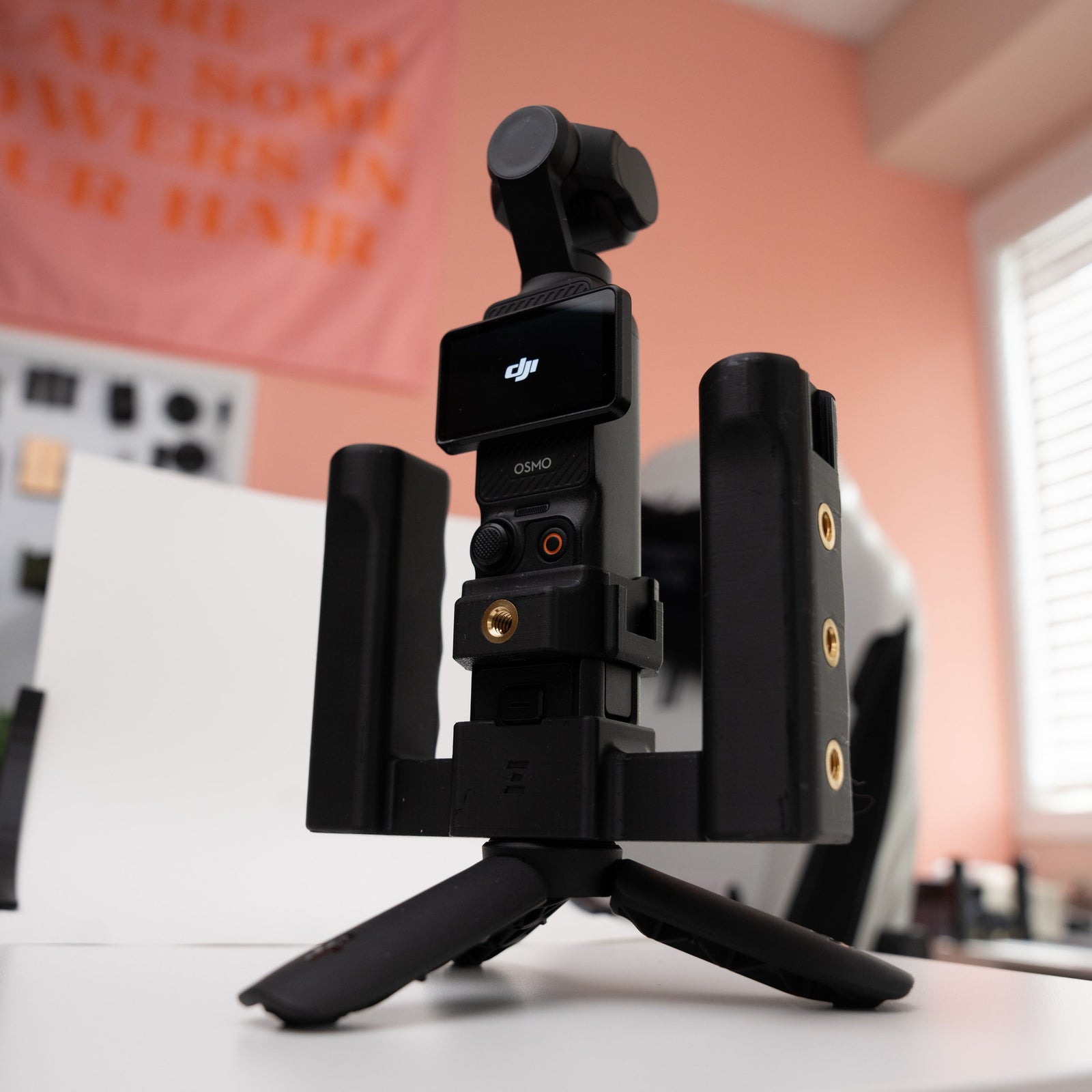
OSMODO PRO NATO Rail (Straight)
Adds a standard NATO segment to your OSMODO PRO. Features:
- Straight NATO rail for handles, clamps, and sliding monitor mounts
- Centered 1/4-20 thread for direct accessory mounting, great to use with the MagDock Phone Mount (1/4-20)
- Works with standard NATO grips and accessory clamps
- Rigid, twist-free connection via 2× M3 attachment
NATO handles, clamps, and other accessories sold separately.
OSMODO PRO NATO Rail (Angled)
Same NATO rail functionality as the straight version, but with an angled orientation for offset accessory placement. Useful when you need to position a handle or clamp away from the centerline.
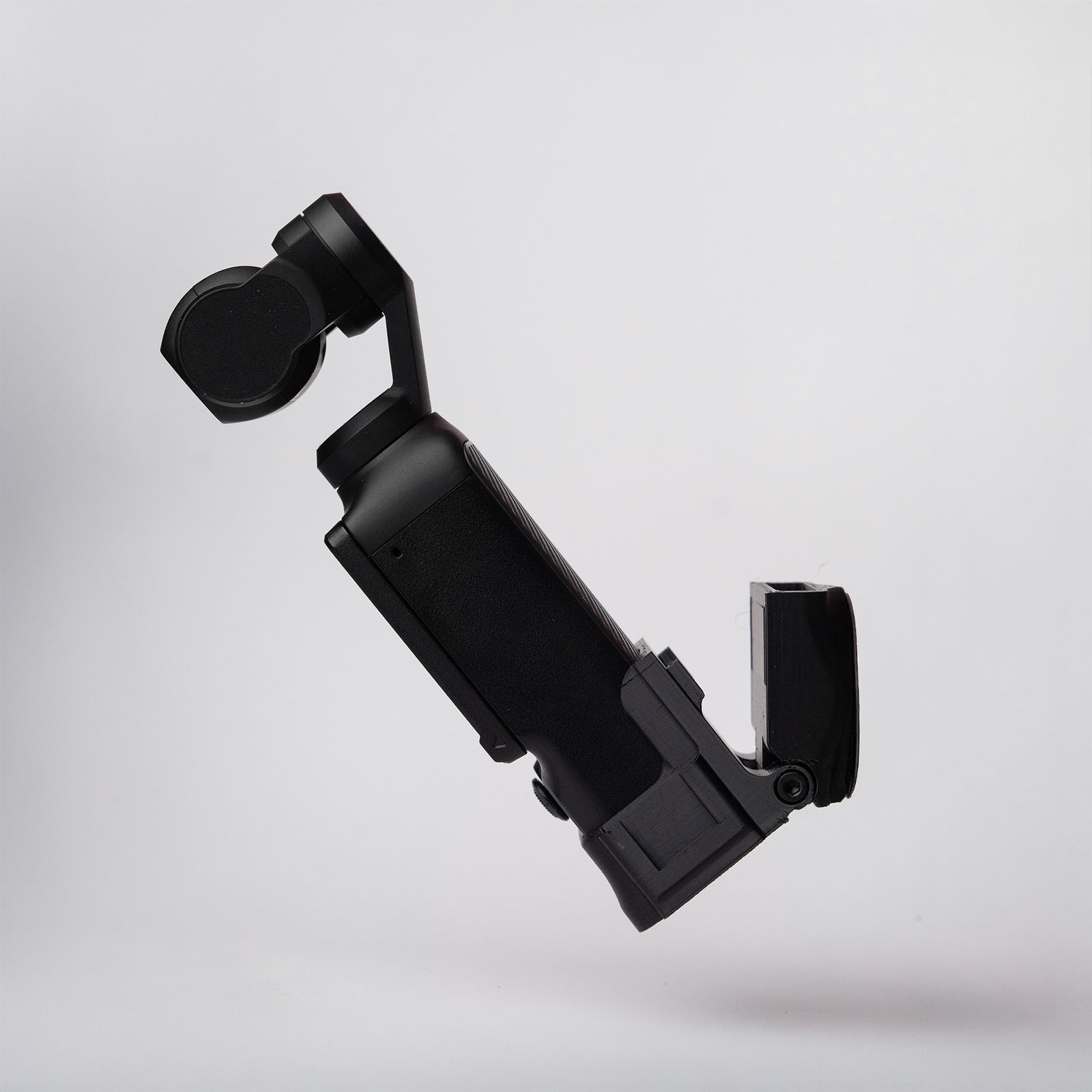
OSMODO PRO Cold Shoe Block (1/4-20)
A compact cold shoe mount that attaches to the accessory port. Features:
- Standard cold shoe for lights, mics, or monitors
- 1/4-20 threaded hole for additional mounting options
- Low-profile design keeps the rig compact
OSMODO PRO Cold Shoe Block (MagSafe Phone Mount)
A cold shoe mount with integrated MagSafe compatibility. Features:
- Standard cold shoe for accessories
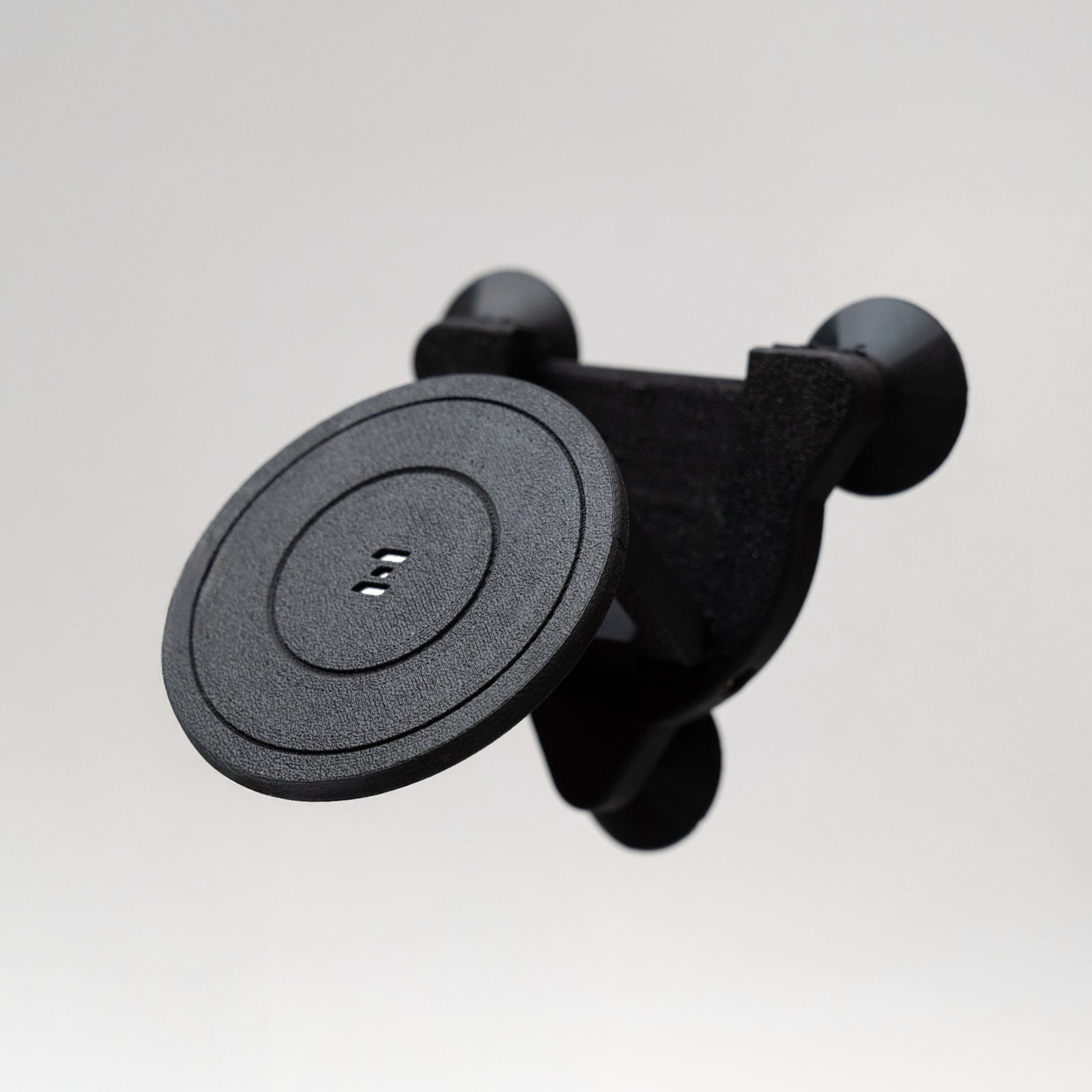
- MagSafe magnet for mounting your iPhone directly above the rig
- Perfect for using DJI Mimo as a monitor while maintaining full camera control
Tighten with provided tool if it needs to be stronger, but do not over tighten.
Use Cases
- Top Handle — Transport, quick repositions, low-angle handheld shots
- NATO Rail (Straight) — Side handles, sliding monitor mounts, accessory clamps that need to lock and slide
- NATO Rail (Angled) — Offset handles for left/right-handed shooting, angled monitor positions
- Cold Shoe Block (1/4-20) — On-camera lights, shotgun mics, small monitors with 1/4-20 or cold shoe mounts
- Cold Shoe Block (MagSafe) — iPhone monitoring with DJI Mimo, keeping your phone securely mounted for touch control
Tips
- Only one accessory can be mounted to the accessory port at a time
- For heavier accessories (monitors, large lights), consider using the NATO rail for more secure clamping
- When using the MagSafe Cold Shoe Block, ensure your iPhone has a MagSafe-compatible case or use it with a bare iPhone
- The accessory port is designed for lightweight accessories—keep total mounted weight reasonable for stable handheld operation
Need Help?
Contact ZOSS 3D support or visit store.zoss.media for more information.