








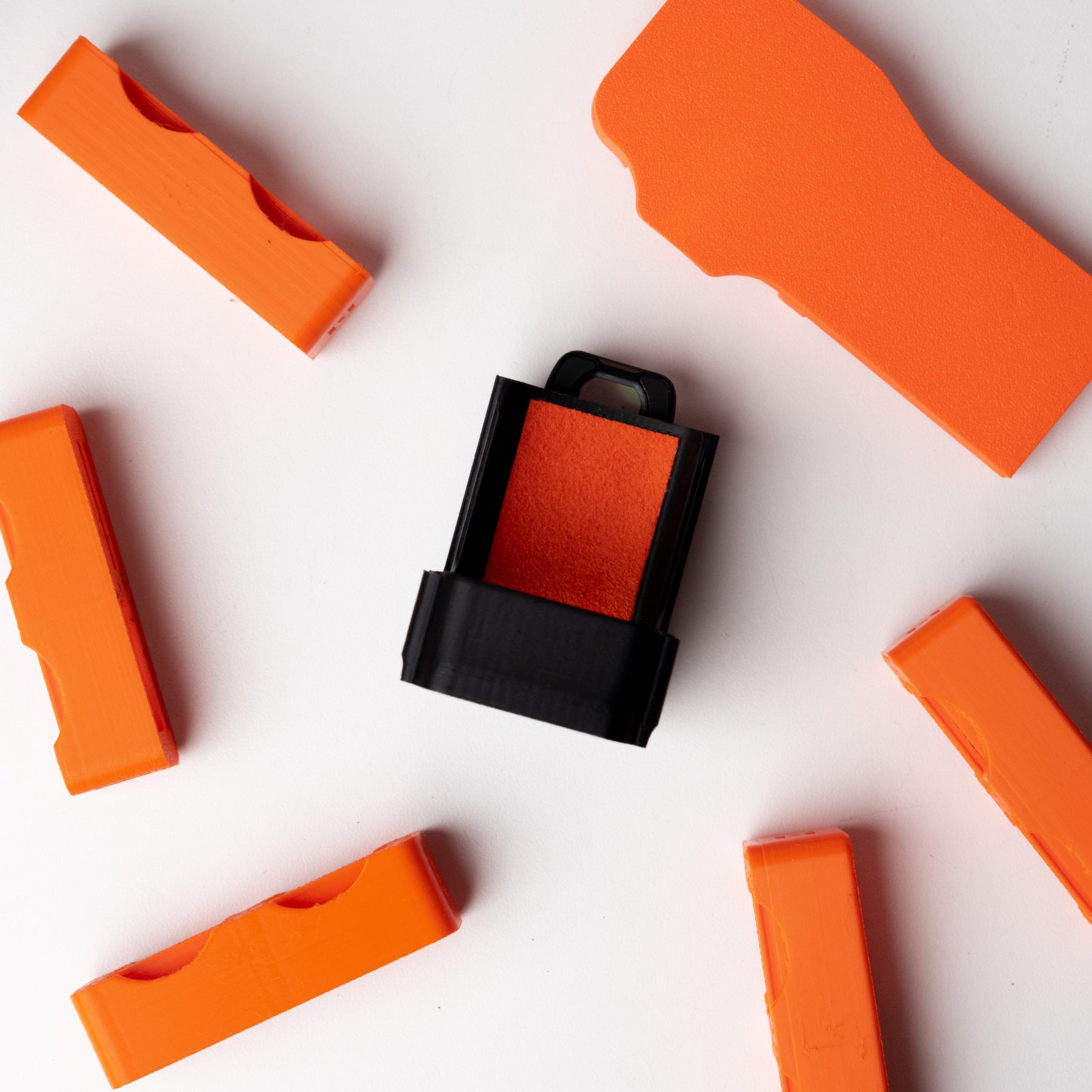

Quick Start Guide: Universal Matte Box Adapter
Unboxing & Overview
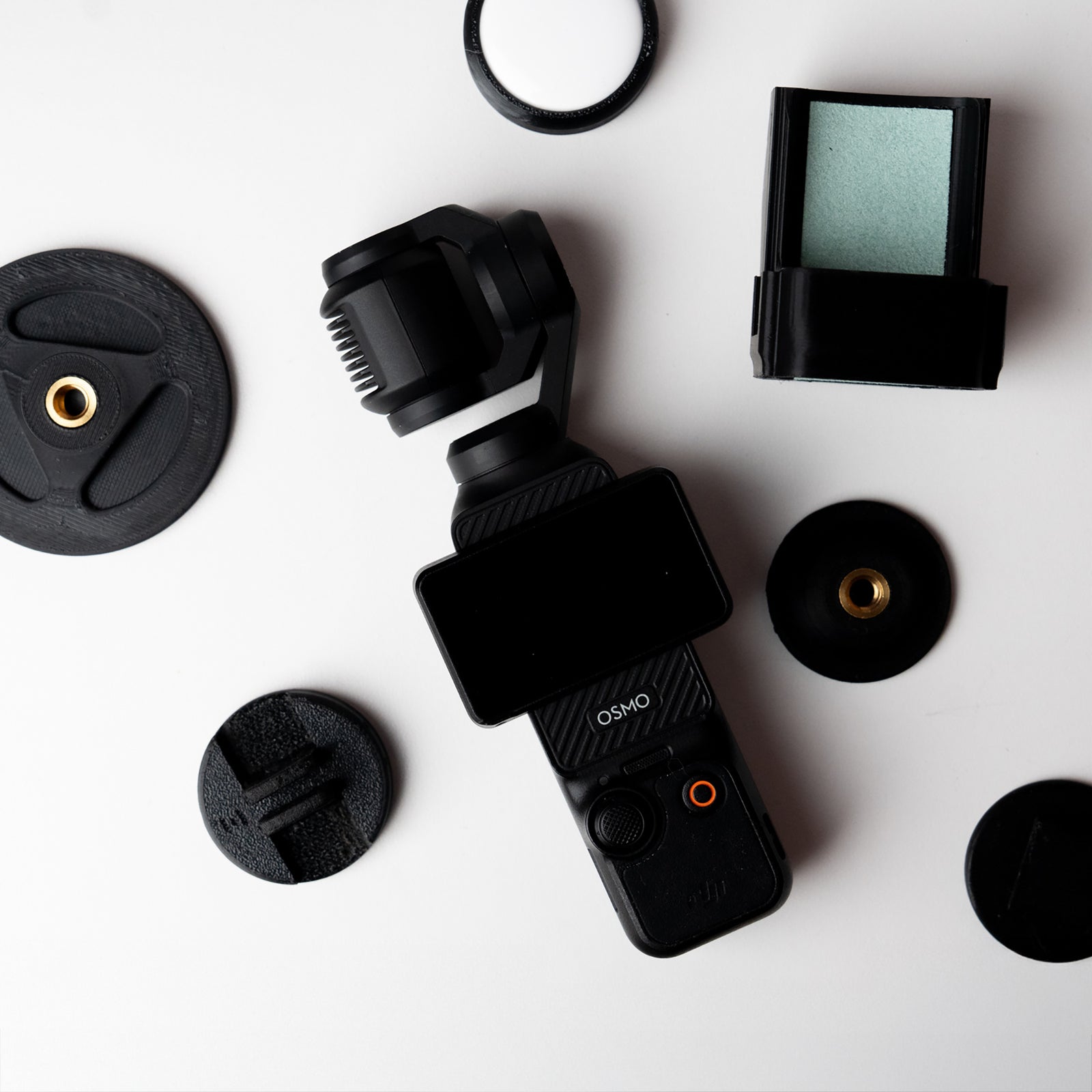
In the Box
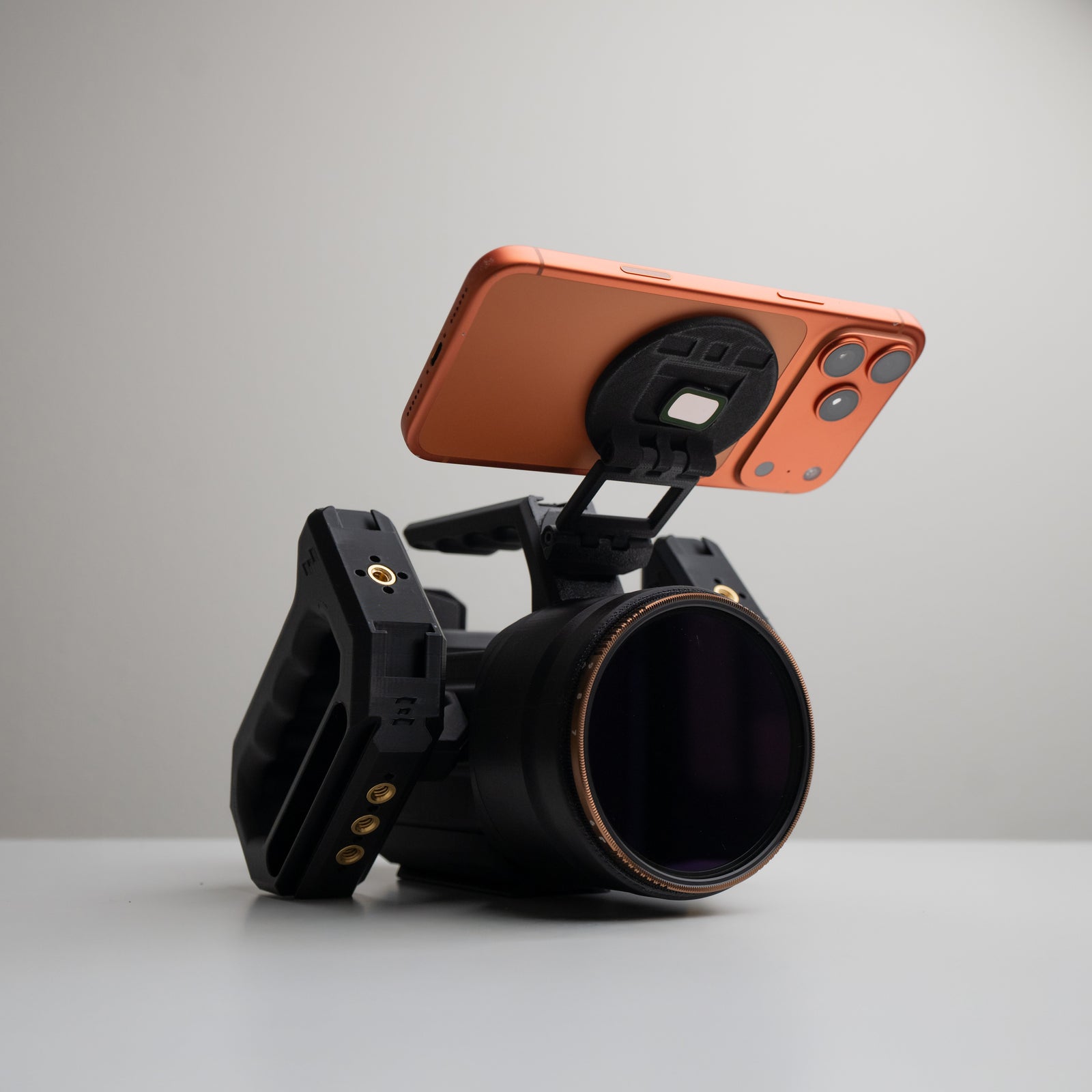
- Matte Box/82mm Filter Adapter (95mm)
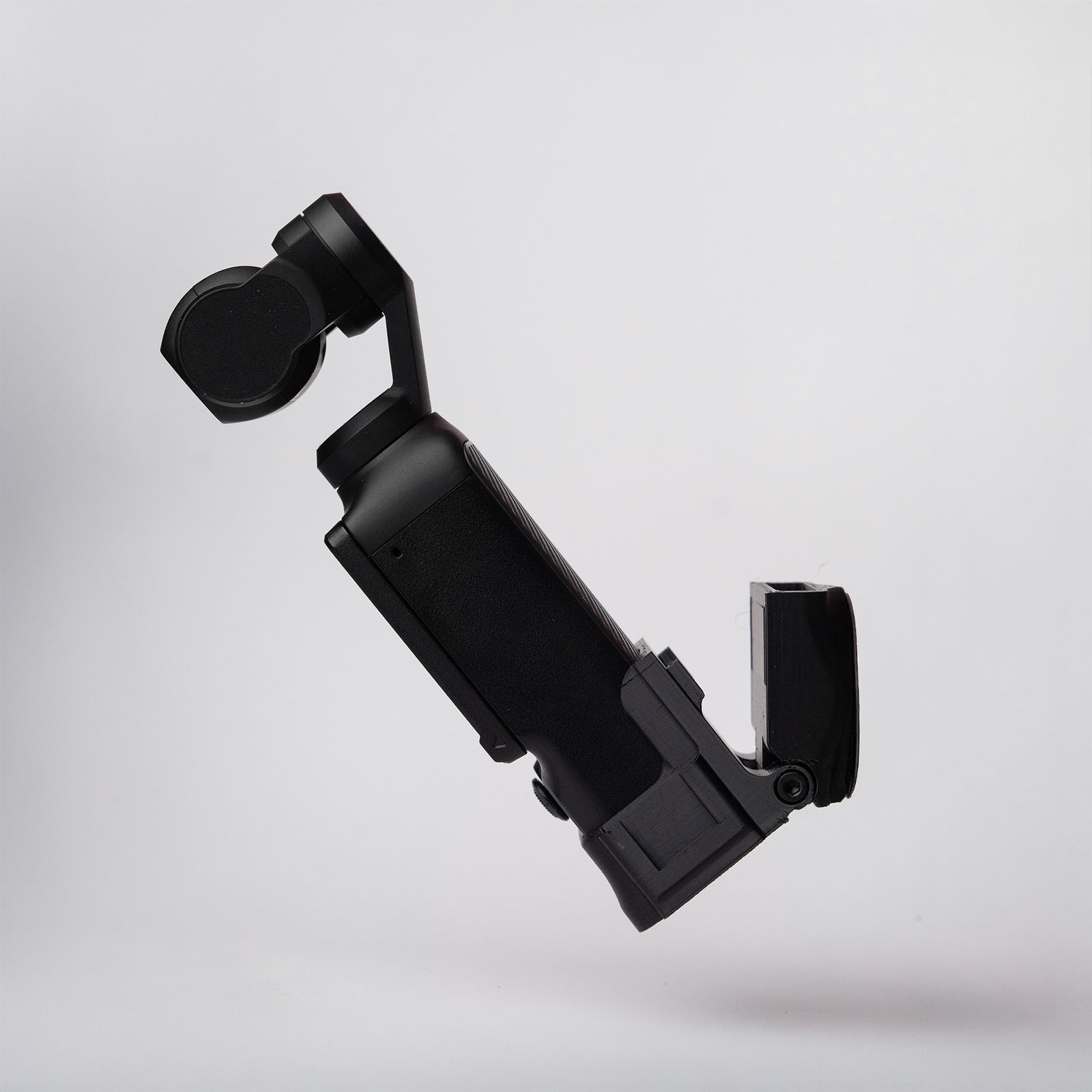
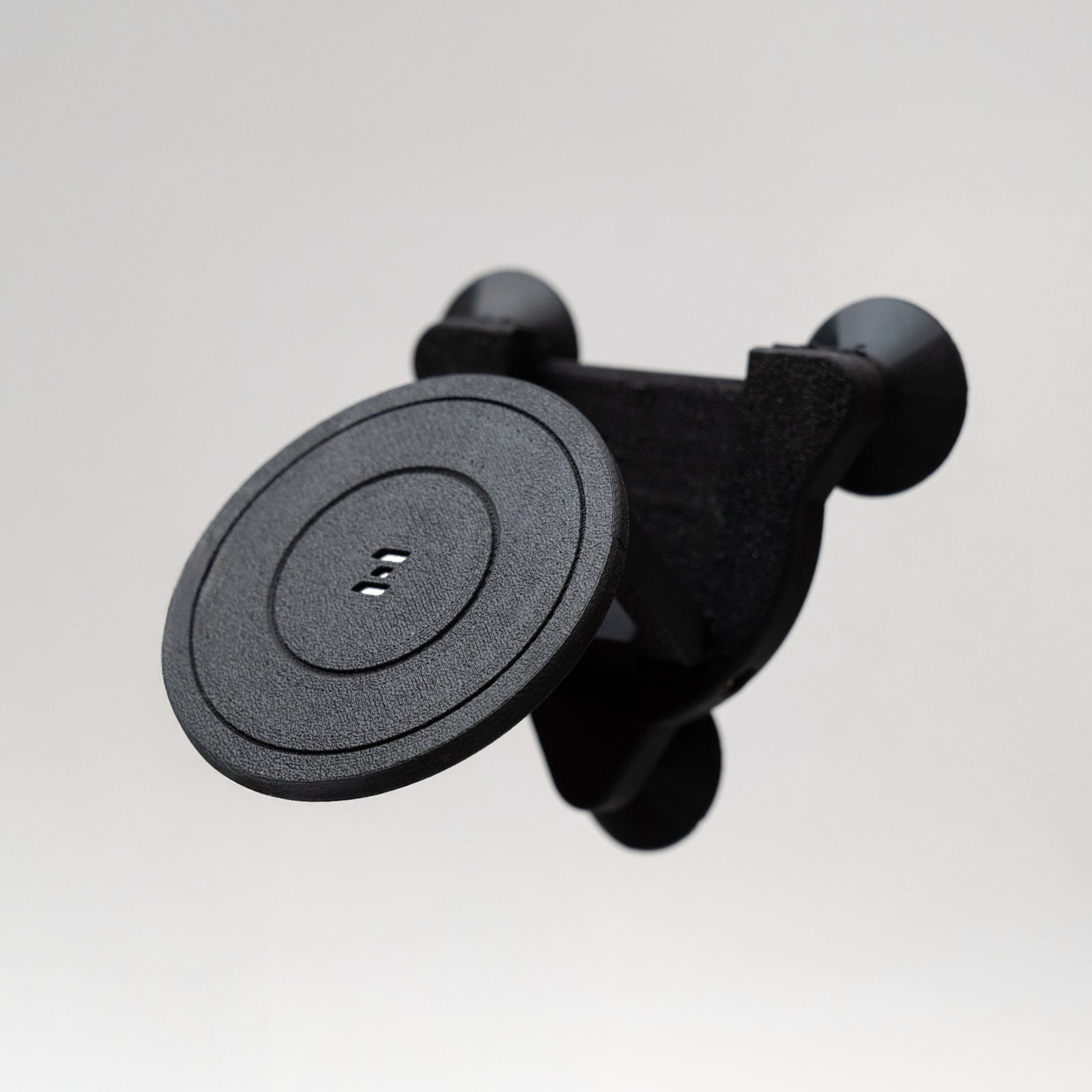
- Pocket 3 Camera Mount (removable)
- 2 × Spare Ultra-Grip Pads
What You Need
- DJI Osmo Pocket 3
- A 95 mm or 115 mm clamp matte box or any 82 mm filter/accessory
Optional Handles
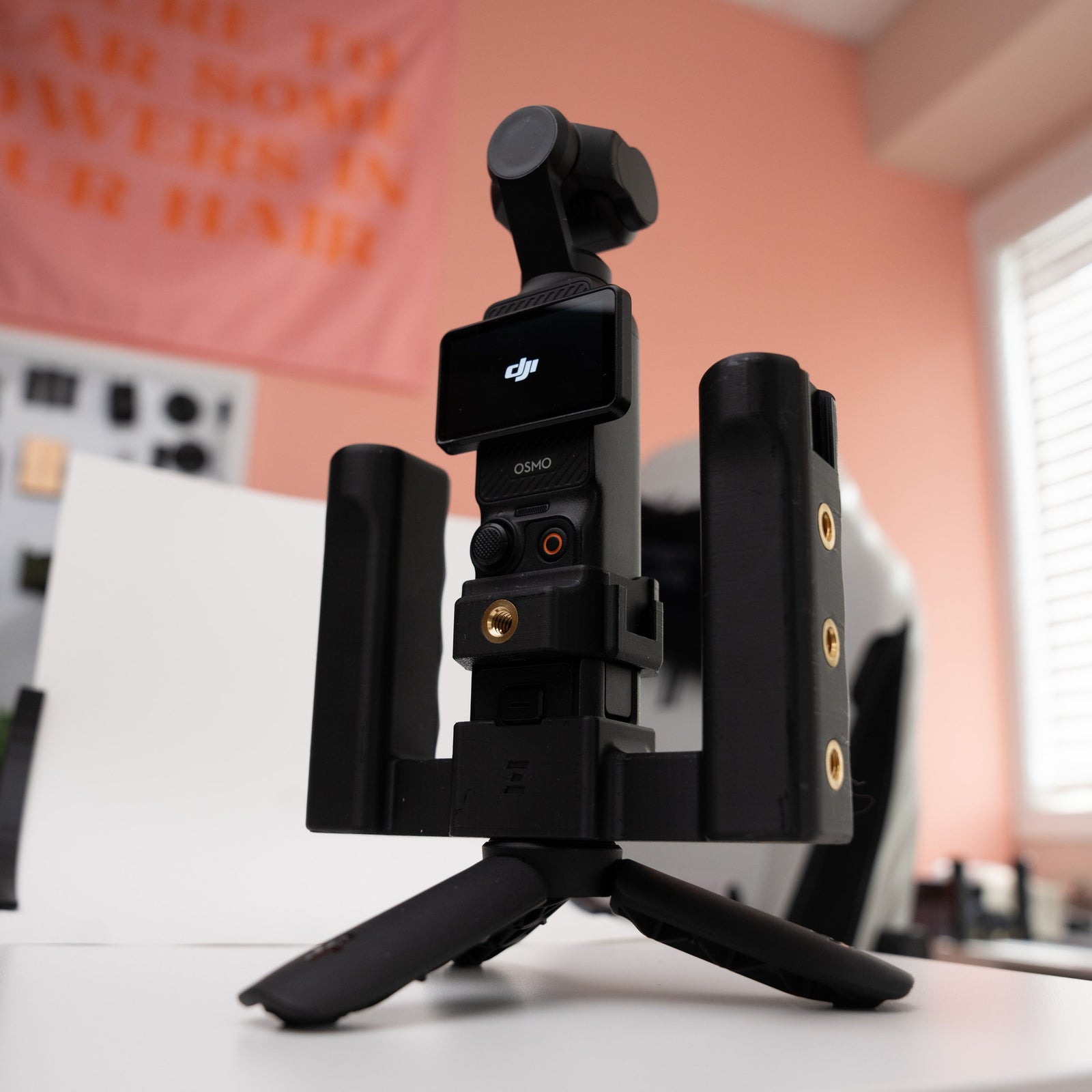
- Single 1/4-20 style handles, or
- Add NATO rails to the adapter to use NATO-clamp handles
Important to Know (Read First)
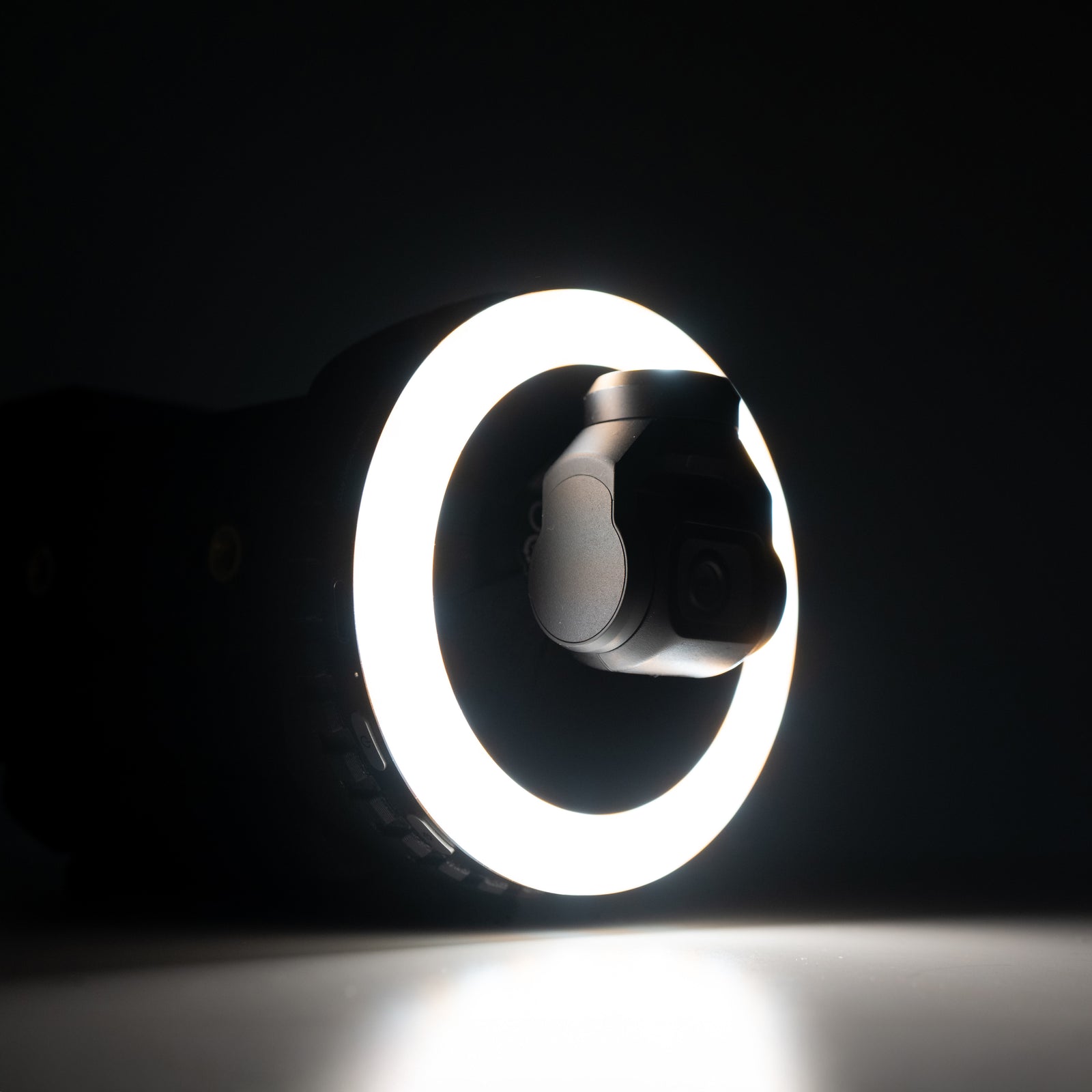
- The adapter creates a short "tunnel." You may see the edges of the opening in your shot if the camera isn't centered or during extreme moves—this is normal.
- Best for stationary shots. Moving shots can work if set up correctly (see tips below).
- No whip pans or very fast moves with the adapter attached.
- Battery handle can be used with this!
How This Differs from the Grip Rig 2 Adapter
- Not plug-and-play: You'll fine-tune the Pocket 3's position more carefully—especially if you don't use the included camera mount.
- Safety-first mount: With the included mount, you'll use a 3 mm tool to attach/remove it. To take the Osmo out, you remove the mount from the adapter first. This design prevents accidental drops and is less convenient than the Grip Rig 2's quick-release.
- Bring-your-own handles: Use single 1/4-20 handles, or add NATO rails to the adapter for NATO-clamp handles.
How to Install
1. Attach the Pocket 3 to the Camera Mount
- Power off the Pocket 3.
- Slowly slide the gimbal head into the Ultra-Grip padded clamp.
- Align the top of the camera with the top of the mount.
- Go slowly—the foam pads are soft for maximum hold and can tear if yanked.
- (Pads are replaceable; extras are included. We also sell replacement 3-packs.)
2. Fix the Mount to the Adapter
- Line up the camera mount with the adapter holes.
- Secure with the screws using a 3 mm tool. Snug, not gorilla-tight.
3. Add Your Front Accessory
Attach your 95/115 mm matte box or 82 mm filter/accessory to the adapter.
4. Power On & Set the Distance
- Turn on the Pocket 3.
- Ease the adapter toward the filter/matte box until it's as close as possible without blocking gimbal movement.
- Test full motion by slowly rotating the camera—no tapping on the filter/matte box.
5. Add Handles & Support (Optional)
- Attach your 1/4-20 handles to the sides, or install NATO rails to use NATO-clamp handles.
- Use the bottom 1/4-20 port for a tripod or quick-release plate.
Tips for Best Results (Especially When Moving)
- Set the Pocket 3 to Follow Mode → Follow Speed: FAST. (Normal is okay; Slow usually isn't.)
- Keep the adapter level with the ground while you frame and move around.
- If the camera drifts off-center, double-tap the Thumb Controller to re-center. Hold the rig level while it recenters.
Mounting Options
There's a 1/4-20 port on the bottom of the adapter for a tripod or quick-release plate.
Quick Troubleshooting
- Edges/vignetting in frame: Re-center (double-tap), keep the adapter level, or back the adapter slightly away from the filter.
- Gimbal hits at startup: Re-seat the camera in the mount, increase clearance to the filter/matte box, then power cycle.
- Slipping camera: Check that the mount screws are snug and the Ultra-Grip pads are clean and fully contacting the camera. Replace pads if worn.
- Shaky results while moving: Use FAST follow, slow your pace, and avoid sudden turns/whip pans.
Care & Pad Replacement
- Remove the Pocket 3 slowly to protect the Ultra-Grip foam.
- Keep pads clean and dry for best hold.
- Replace worn pads with the included spares (additional 3-packs available).
Need Help?
Any issues or questions please start a chat on the store!