
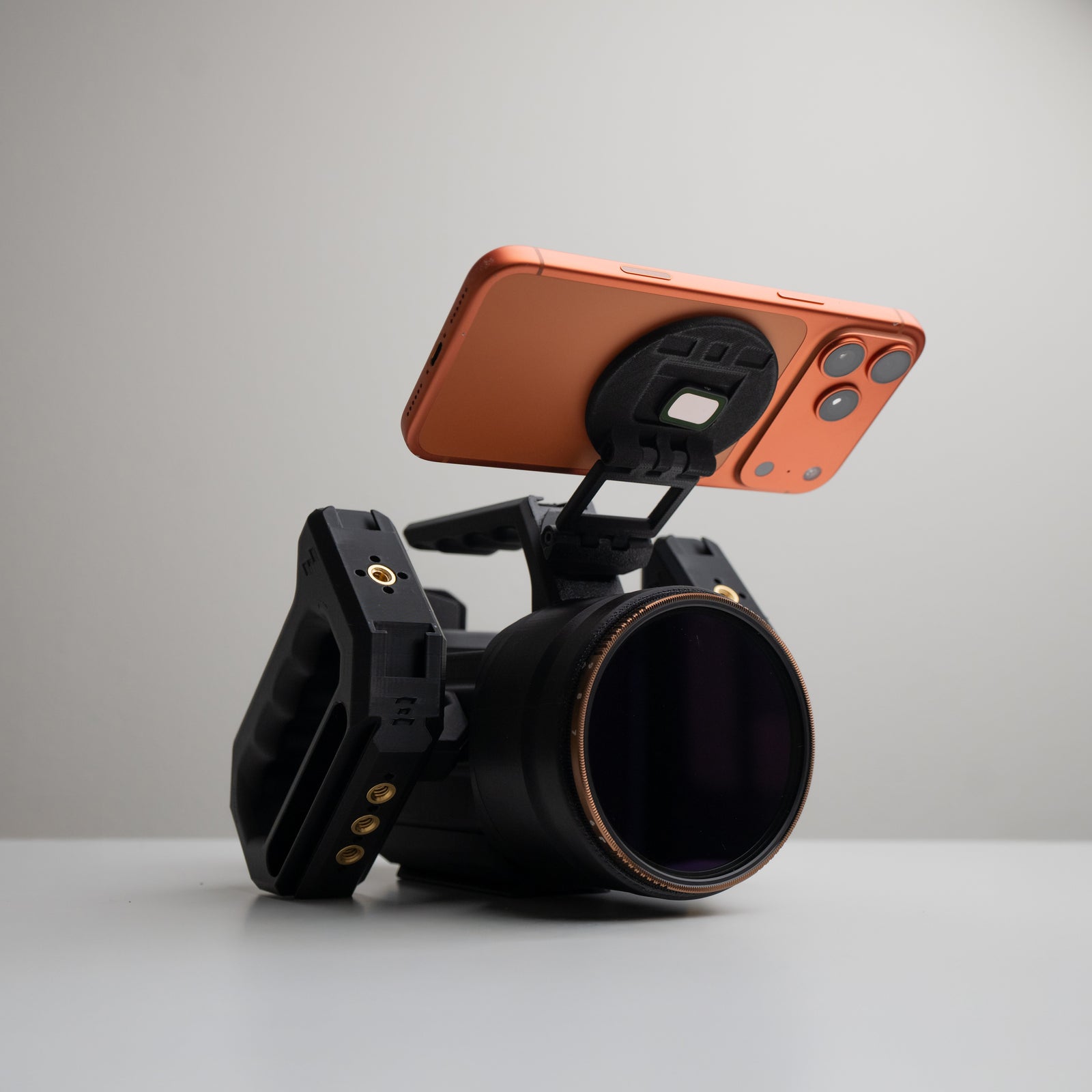

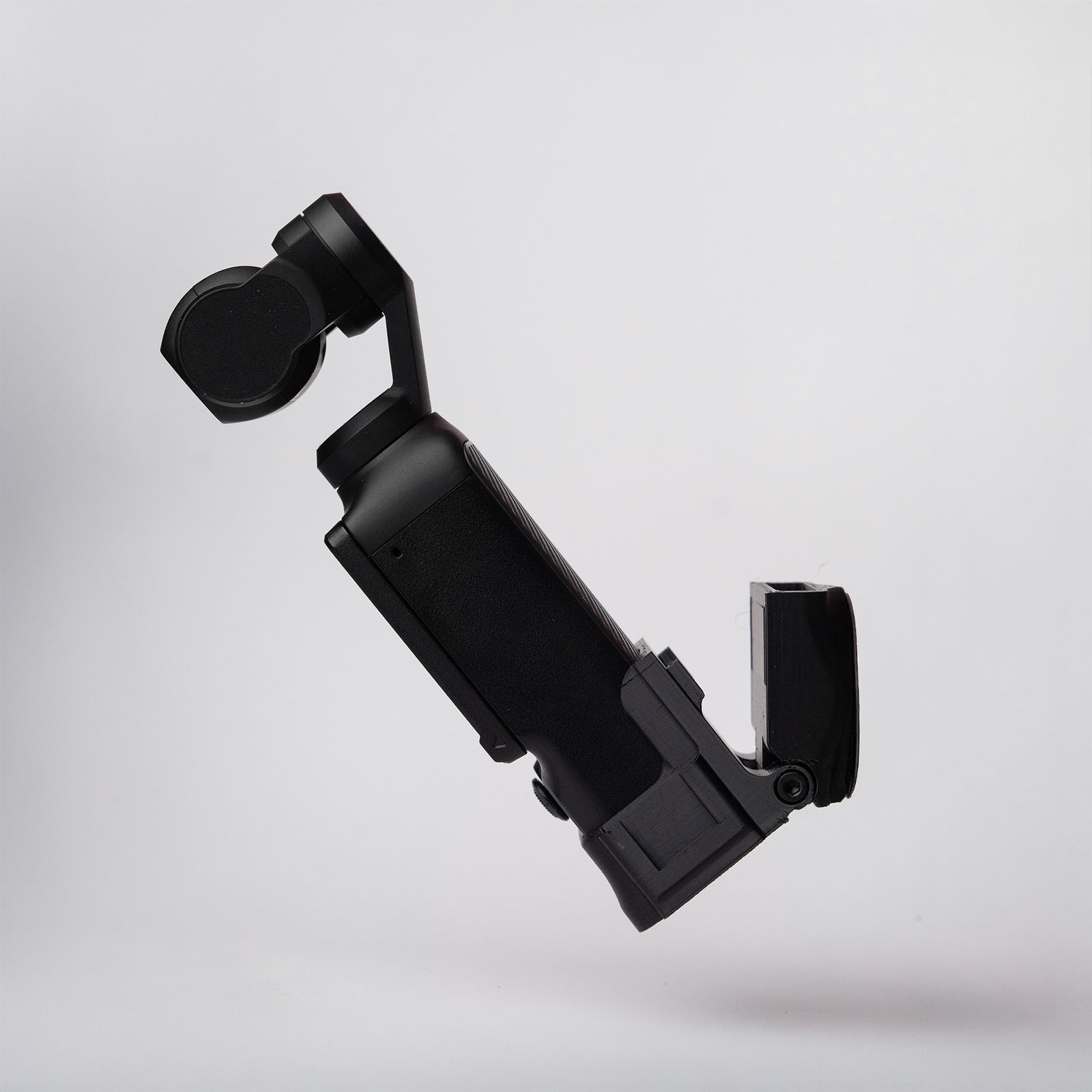

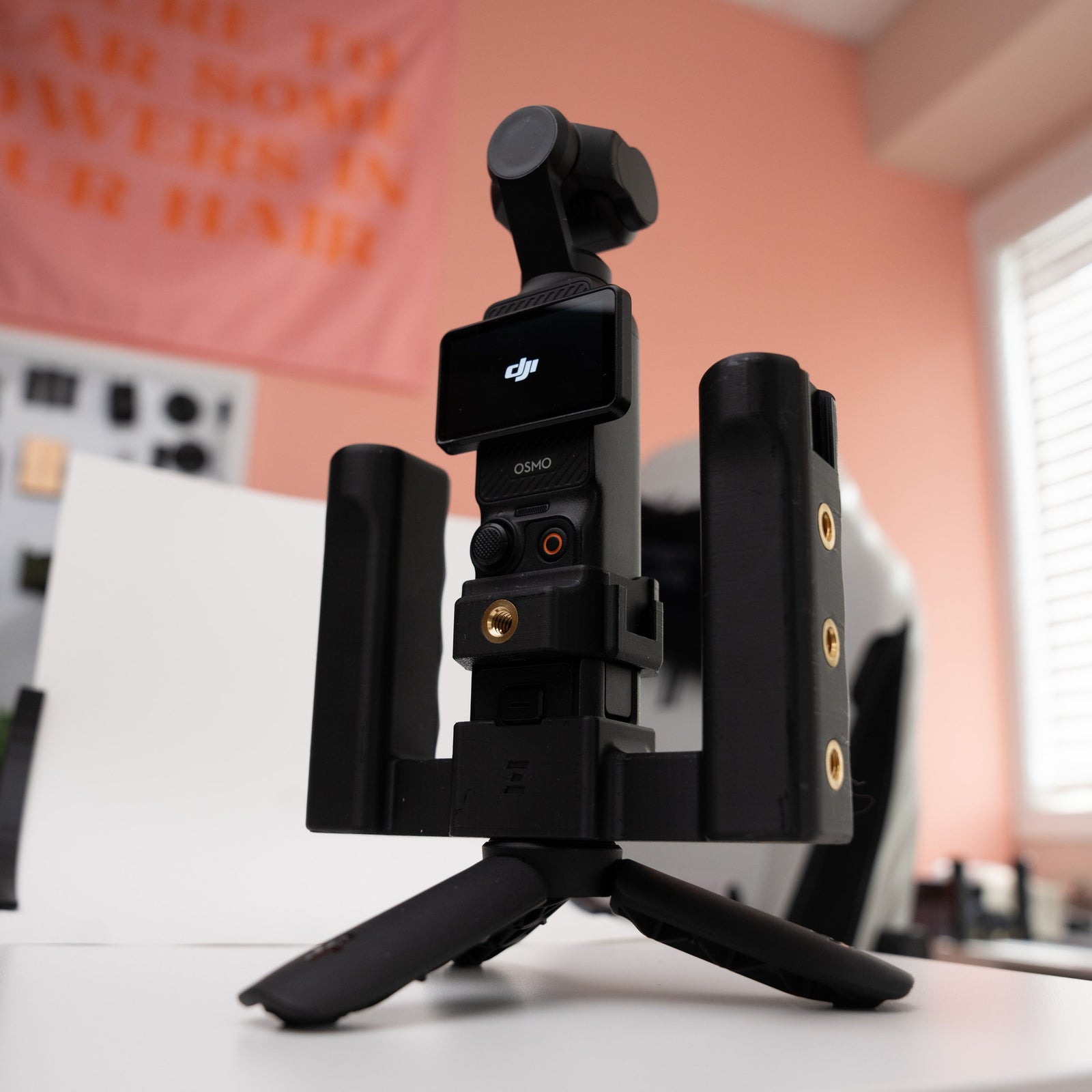

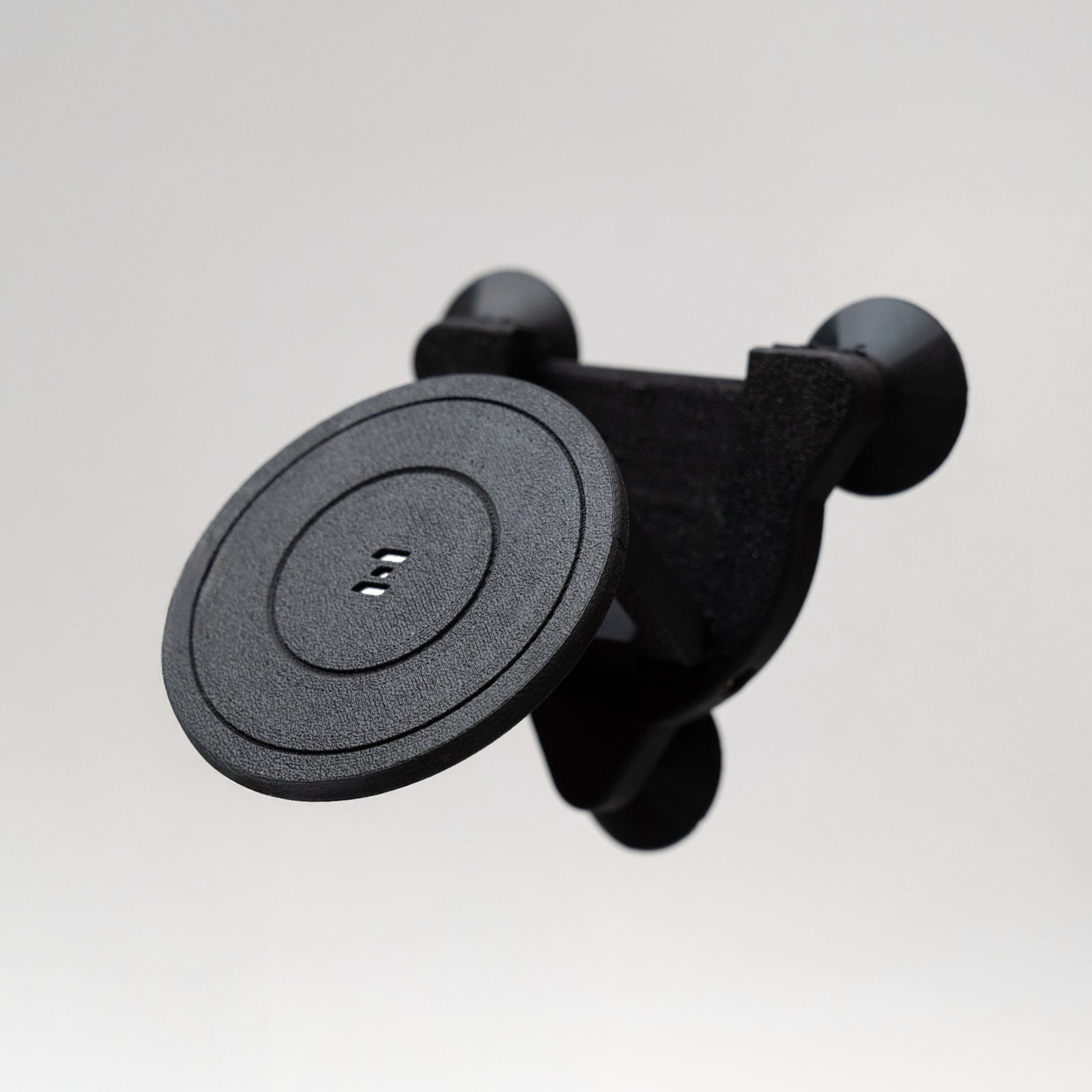





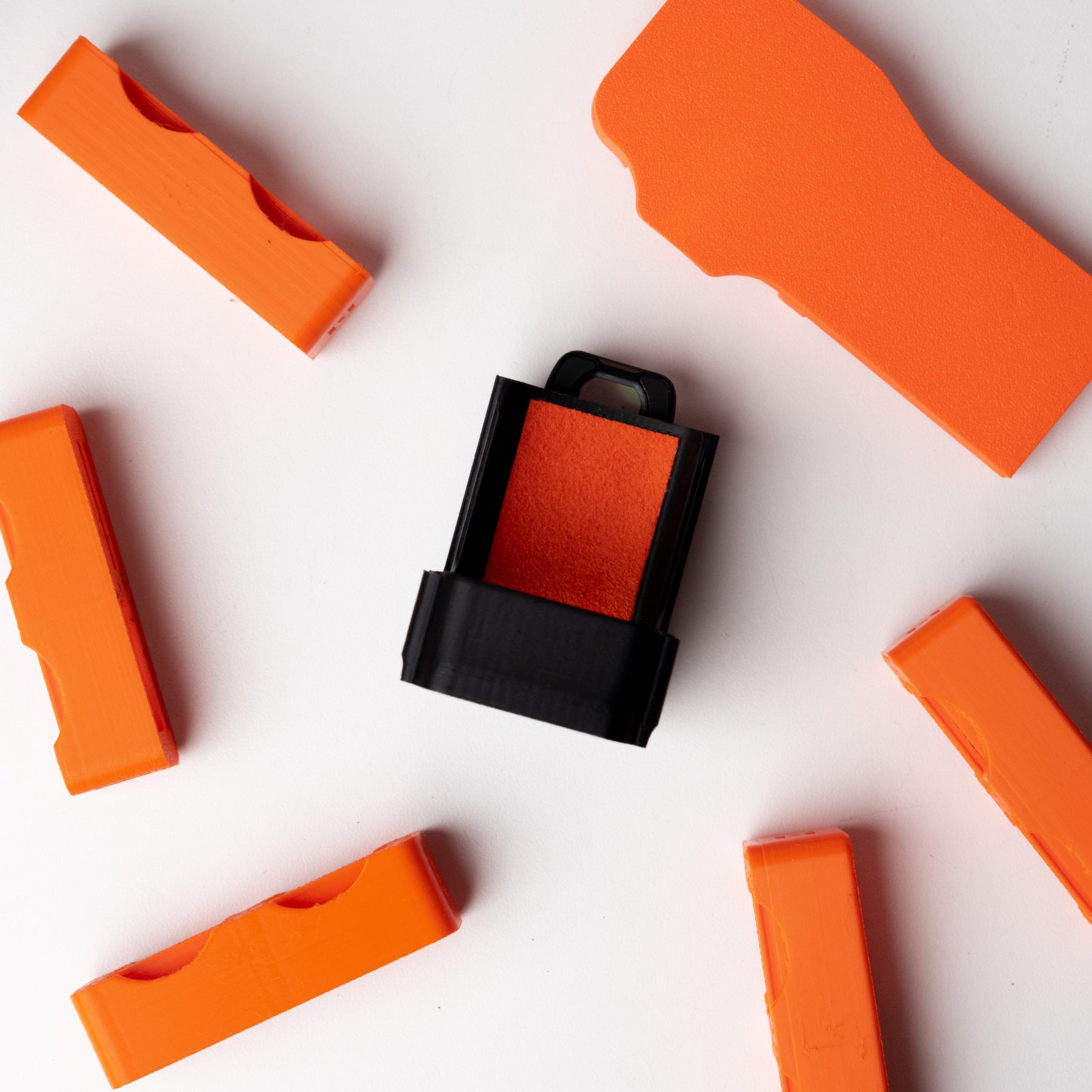

Quick Start Guide: OSMODO Dome Protector (PC)
A front-mounted PC dome splash shield that helps protect your DJI Osmo Pocket 3 (while mounted in OSMODO / OSMODO PRO) from snow spray, splashes, slush, and light rain during action shooting.
What's in the Box
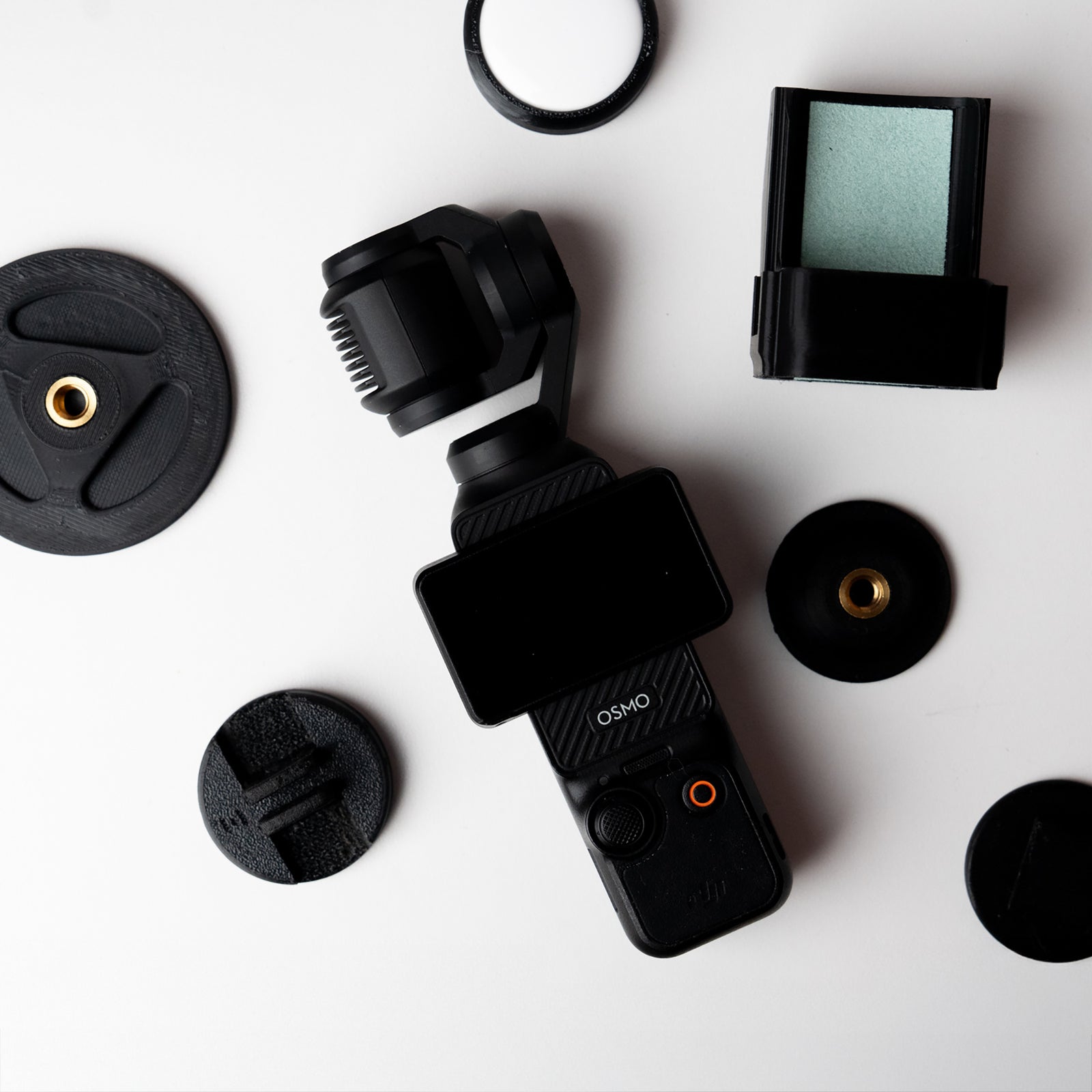
- OSMODO Dome Protector (PC)
Before You Begin
- Mount your DJI Osmo Pocket 3 into your OSMODO or OSMODO PRO housing first.
- Wipe the Pocket 3 lens area clean of dust and moisture.
- Check the dome is clean before filming (microfiber recommended).
Important to Know (Read First)
- This is designed for extreme shooting conditions (spray, slush, snow, light rain) — not everyday use.
- Shooting through a dome may introduce reflections and slight image degradation depending on lighting and angles.
- PC is impact-durable but not scratch-resistant. Scratches/scuffs are normal in action use and can affect clarity.
- Not submersible. This is not a waterproof system and is not intended for underwater use.
Installation
1. Install your Osmo Pocket 3 first
Mount your DJI Osmo Pocket 3 into your OSMODO / OSMODO PRO housing as normal before attaching the dome protector.
2. Thread onto the front interface
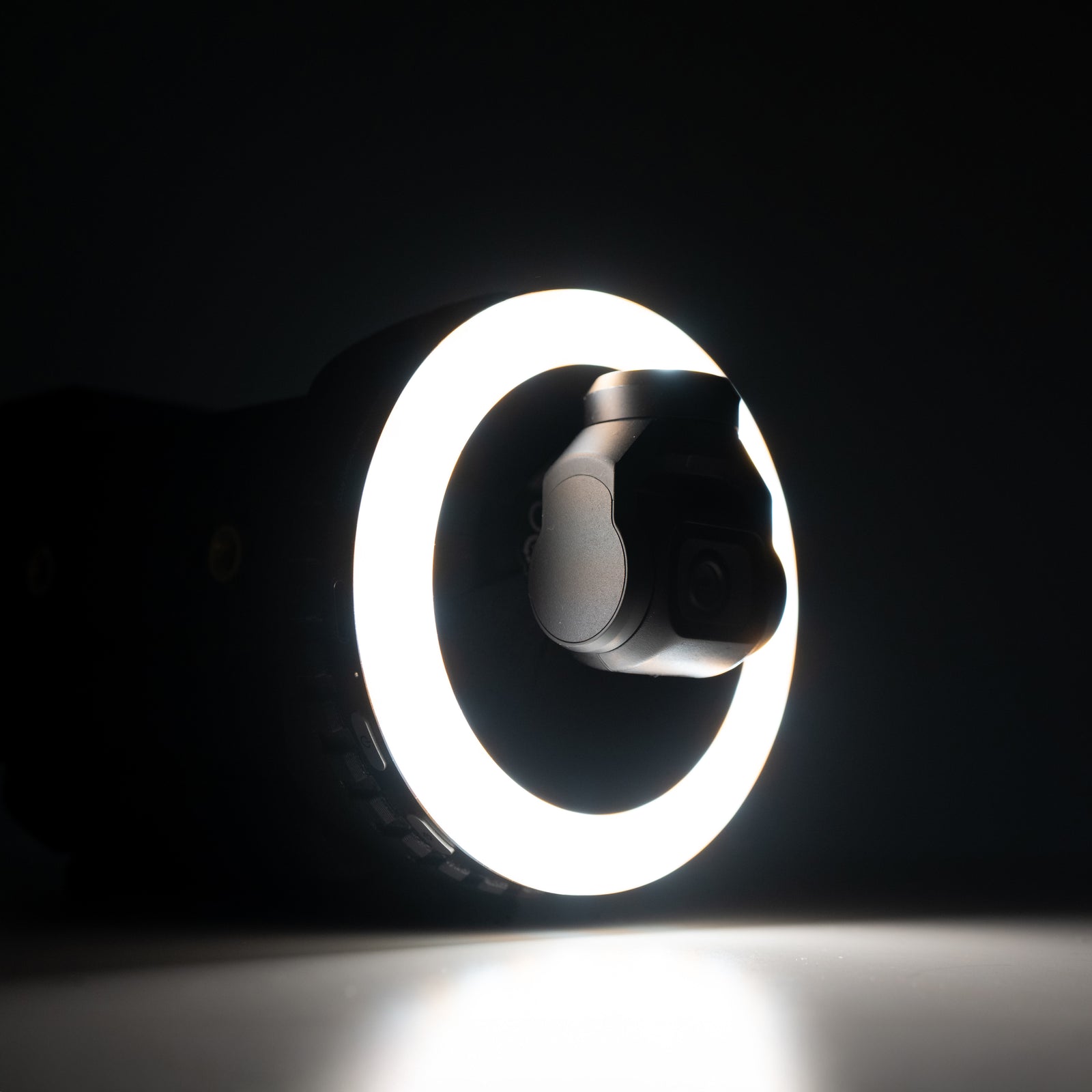
Screw the Dome Protector onto the front of OSMODO / OSMODO PRO (same native front interface as the ring light and 95 mm adapter).
3. Snug, don’t over-tighten
Tighten until secure, but do not over-tighten. Snug is enough and makes it much easier to remove later—especially after cold/wet shoots.
Removal
- Twist off: Unthread the dome protector from the front of the housing.
- If it’s tight: Use steady pressure and back it off slowly—don’t force it.
Dome Replacement (Swap the Clear Dome)
1. Unscrew the front retaining ring
The front piece (retaining ring) holds the clear dome in place. Unthread it to access the dome.
2. Swap the dome
Remove the damaged dome and insert the replacement dome, seated evenly.
3. Re-tighten the retaining ring
This ring can be tightened more than the main mount, but don’t crank it—make sure you can remove it later if you need to swap again.
Tips for Best Results
- Re-center occasionally: Highest quality is directly through the center of the dome.
- Aim through the center: You may see more artifacting or mild degradation when your shot goes through the curved edges—nothing crazy, just keep it centered for the cleanest image.
- Keep it clean: Use a microfiber cloth. Avoid rough fabrics that can scratch the dome.
- Keep a spare: If you shoot hard, having a replacement dome on hand keeps you from losing a day to a scratch.
When to Use
- Snowboarding / skiing / action sports
- Boat days / water spray
- Slush, mud, messy environments
- Light rain when you still need to shoot
- Any high-risk scenario where splashes are likely
Compatibility
- OSMODO for DJI Osmo Pocket 3
- OSMODO PRO housing
Need Help?
Any issues or questions please start a chat on the store!