


Grip Rig 2.
More ways to shoot.
Make it yours.
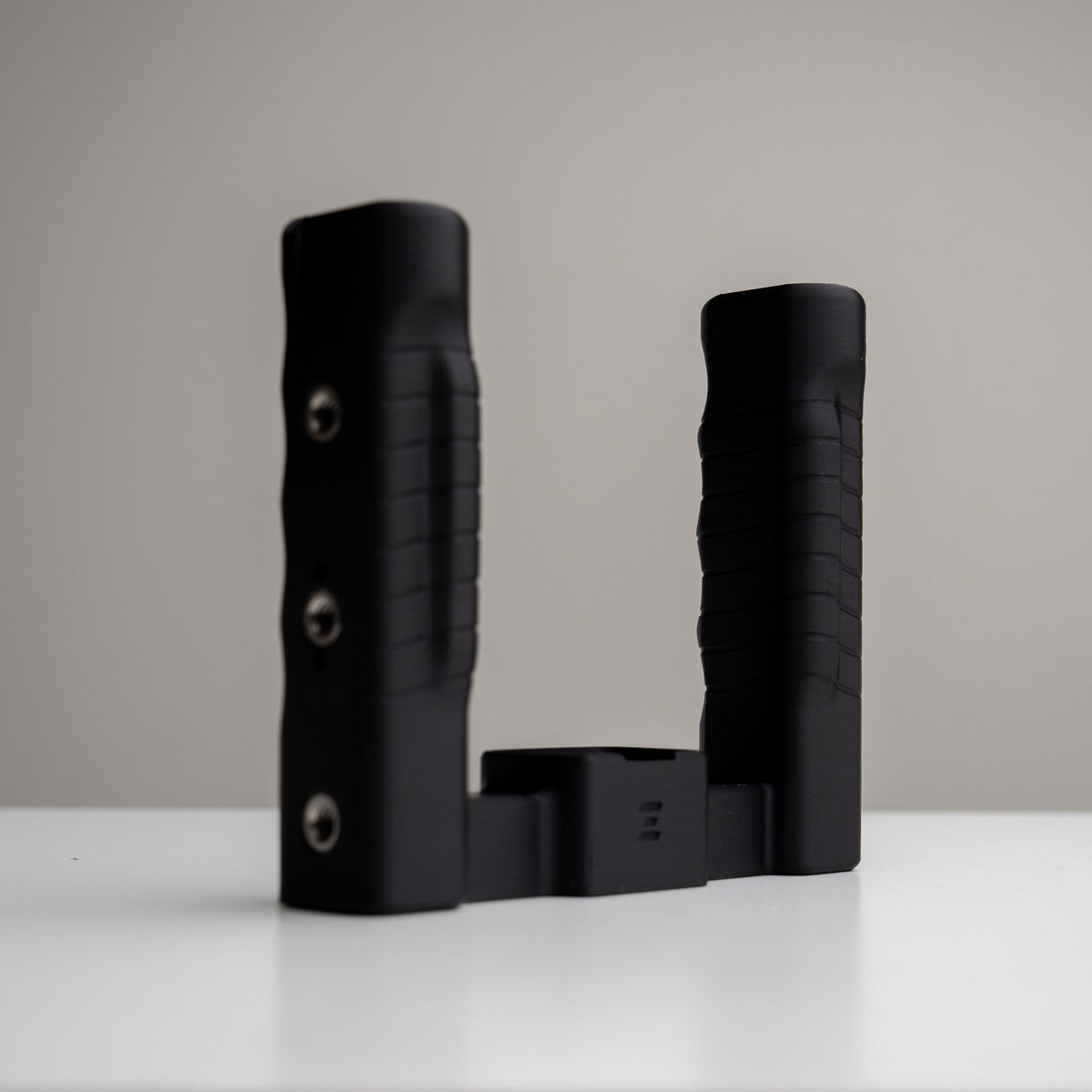
Grip Rig 2. Small camera. More possibilities.
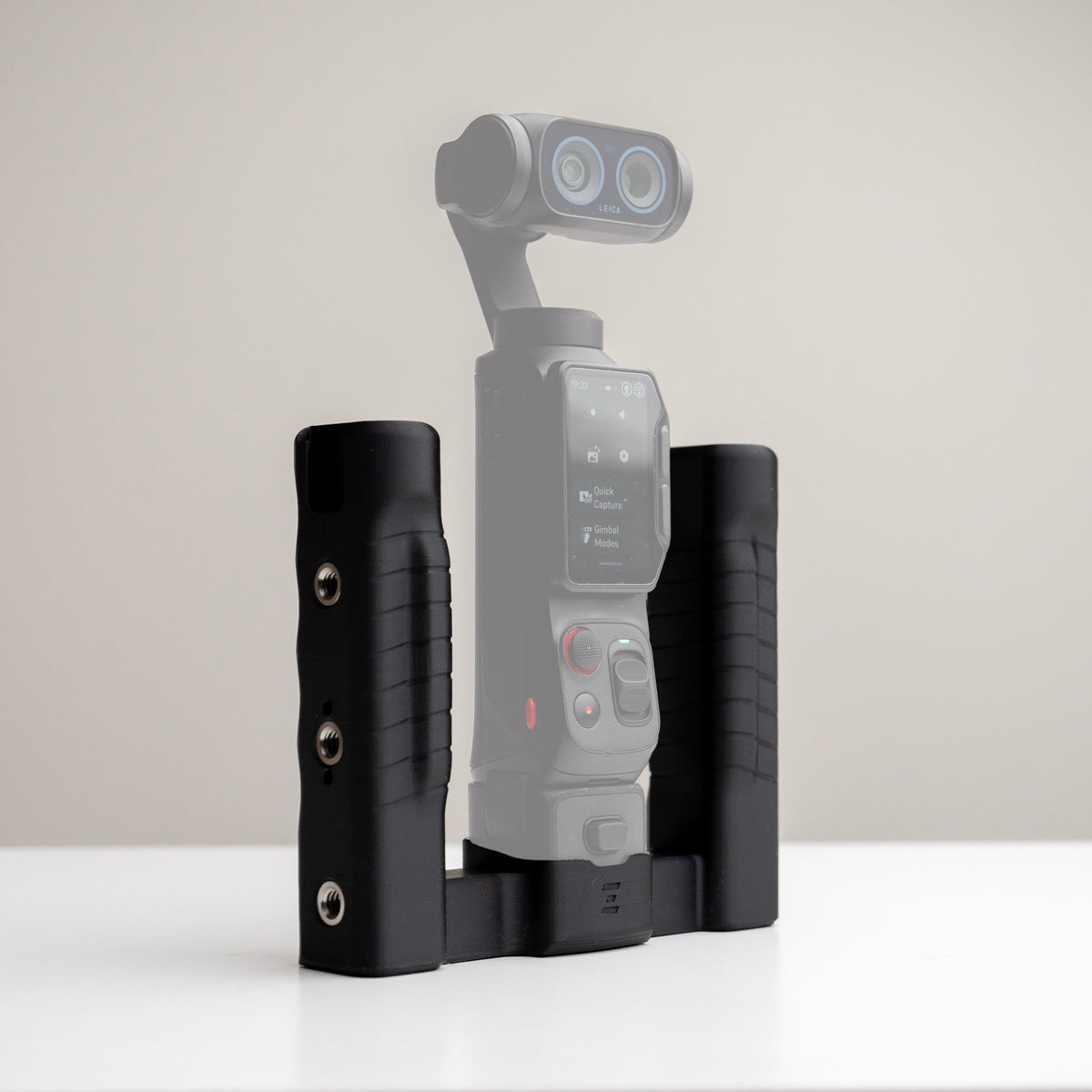
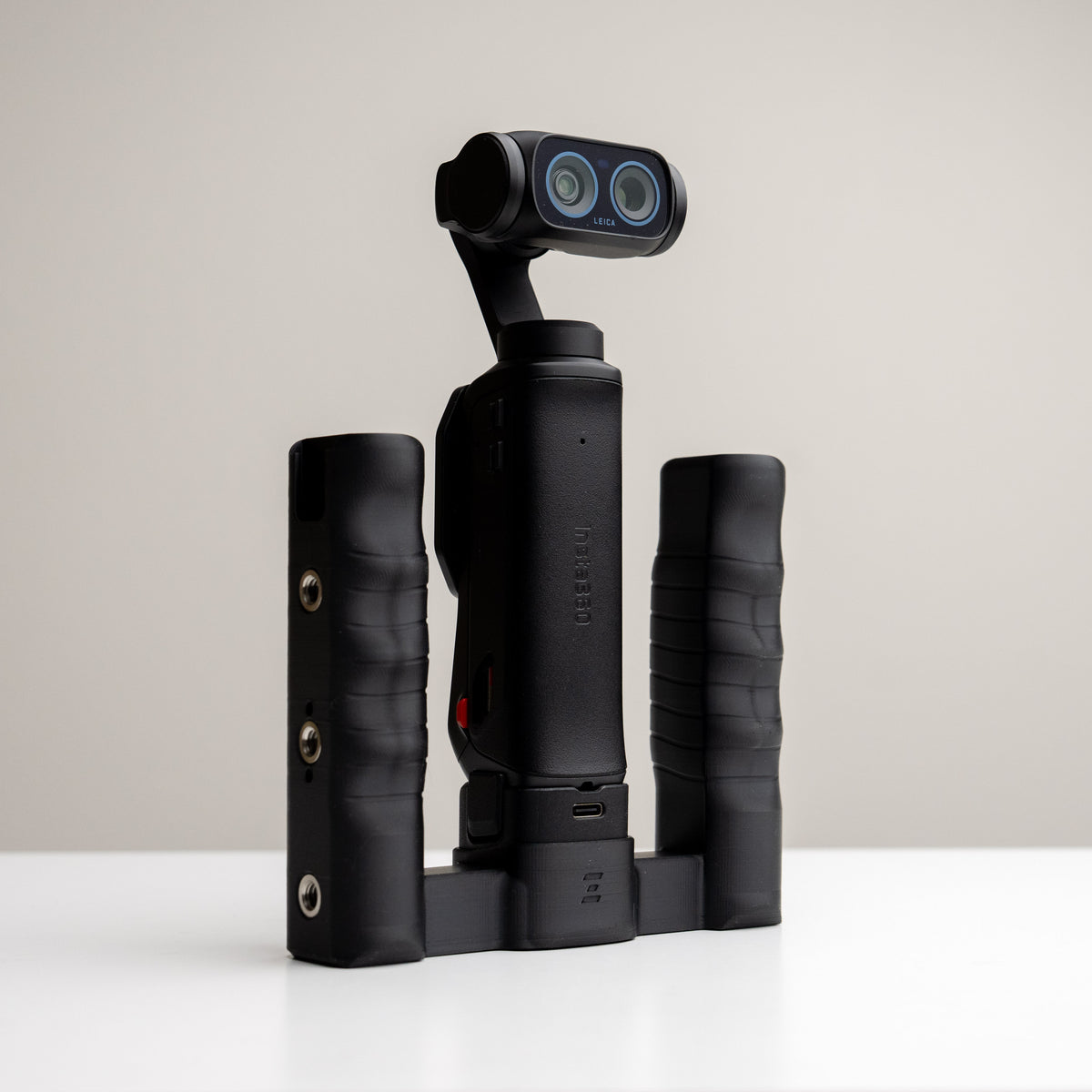
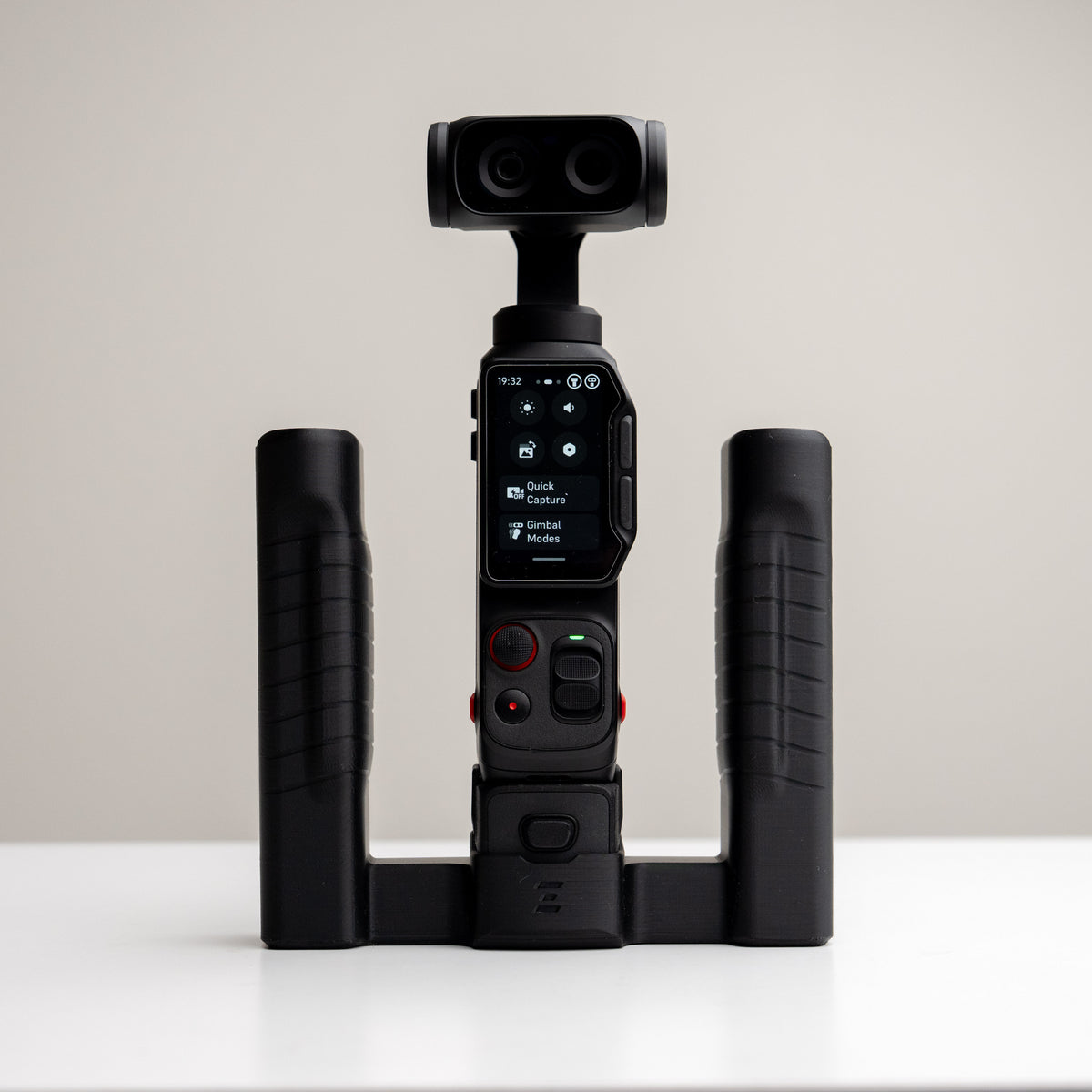
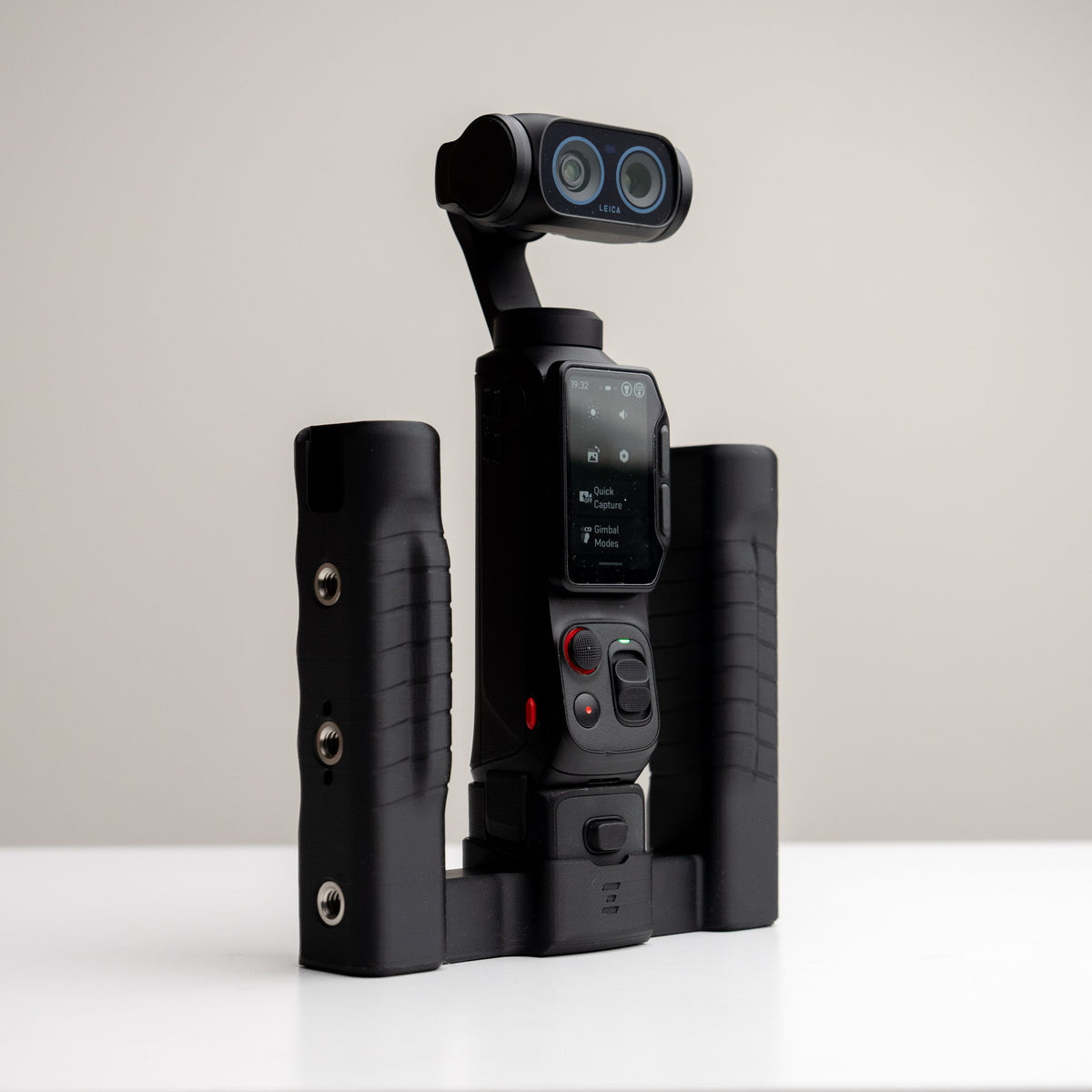
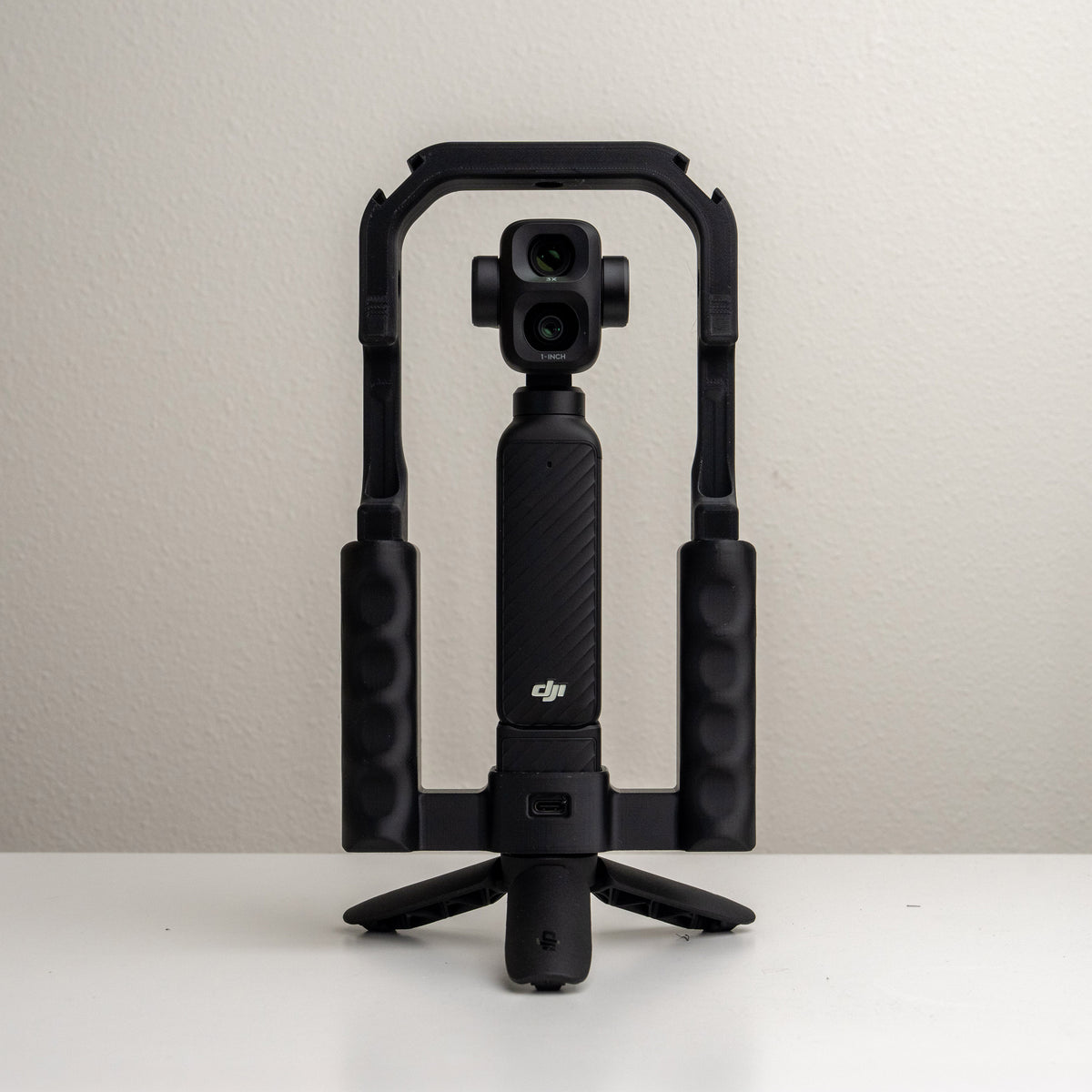
A comfortable two-handed rig for your pocket camera. Choose your handle style, then add compatible mounts and accessories.
Start with the version made for your camera. Build your setup around the way you shoot.
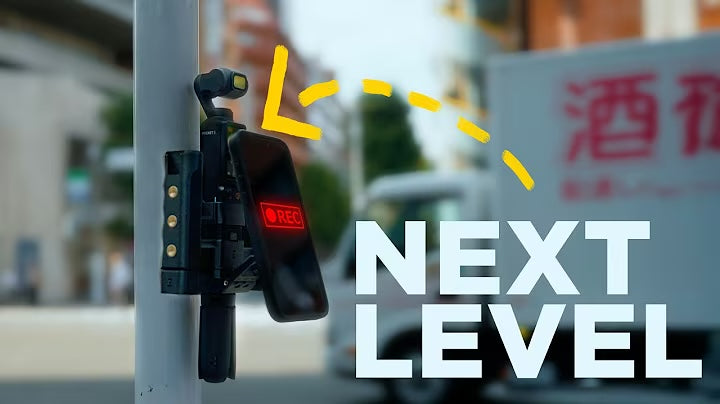
See Grip Rig 2 in action
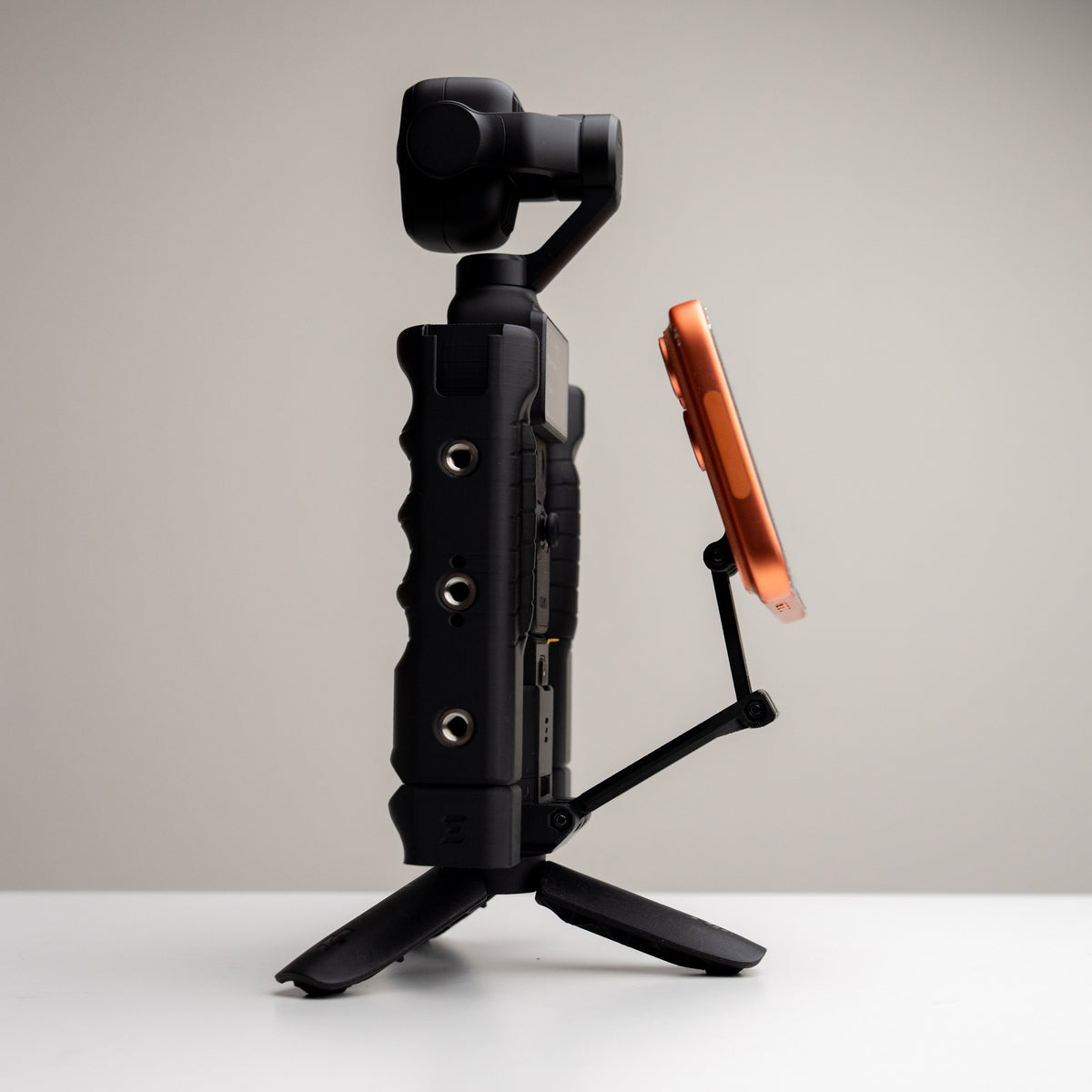
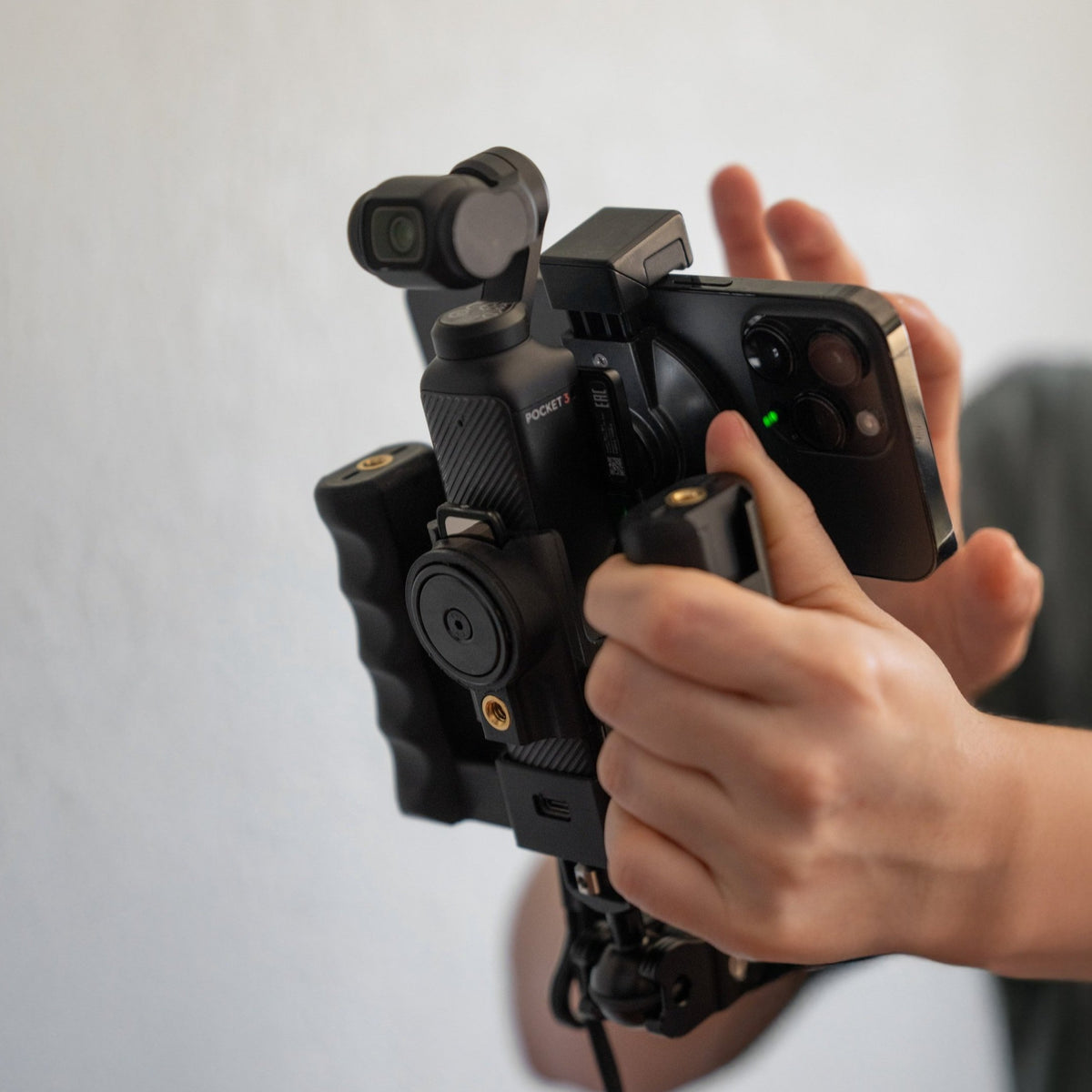
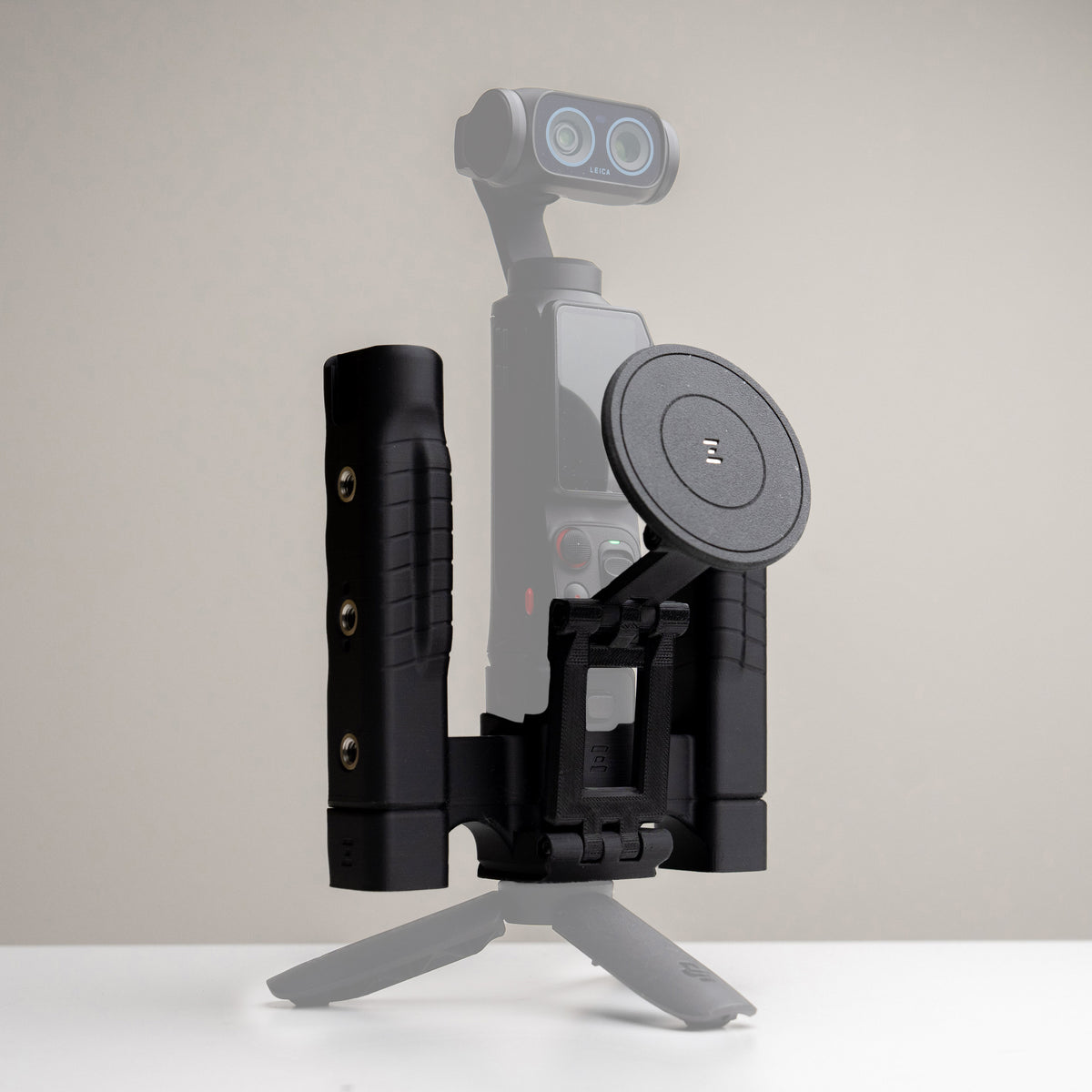
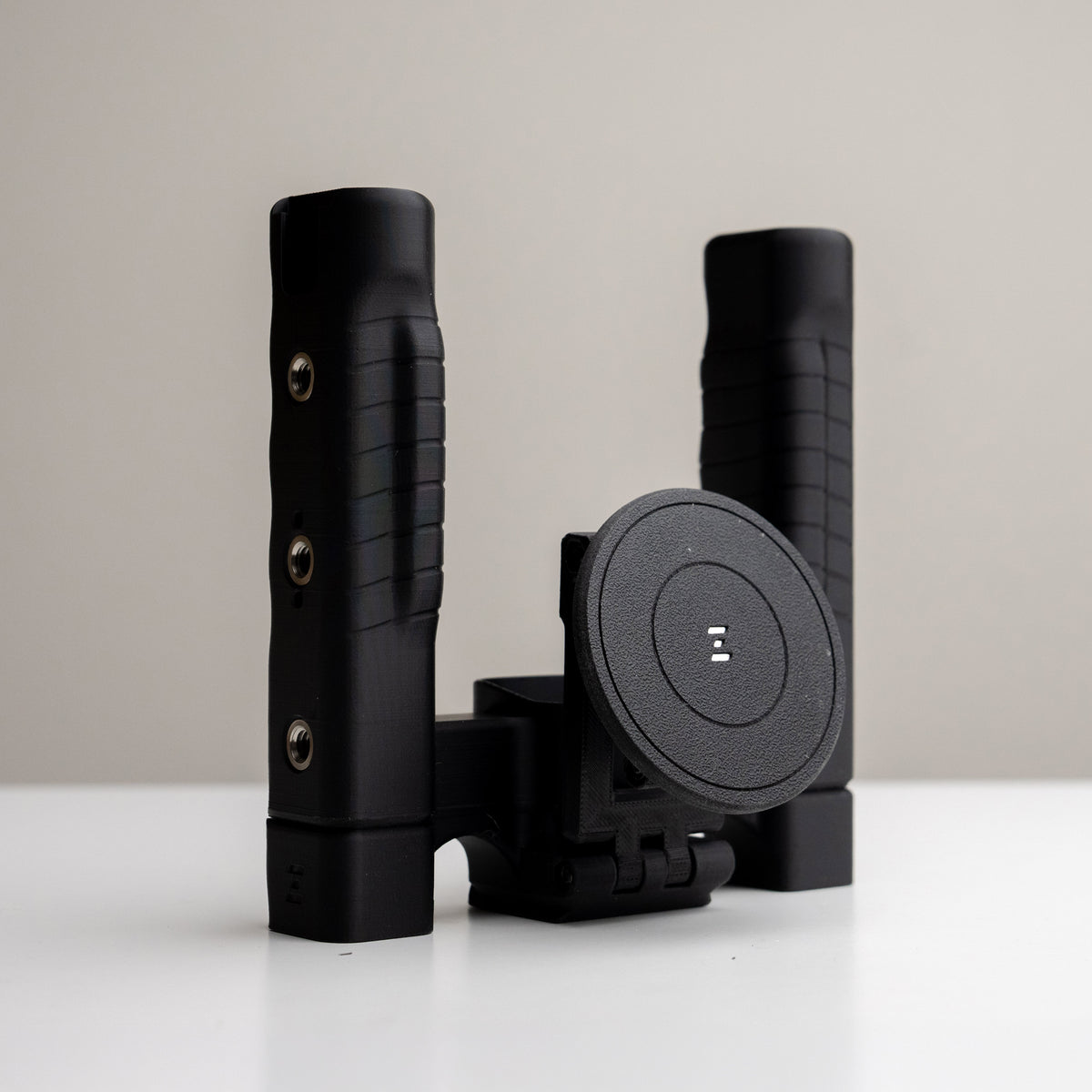
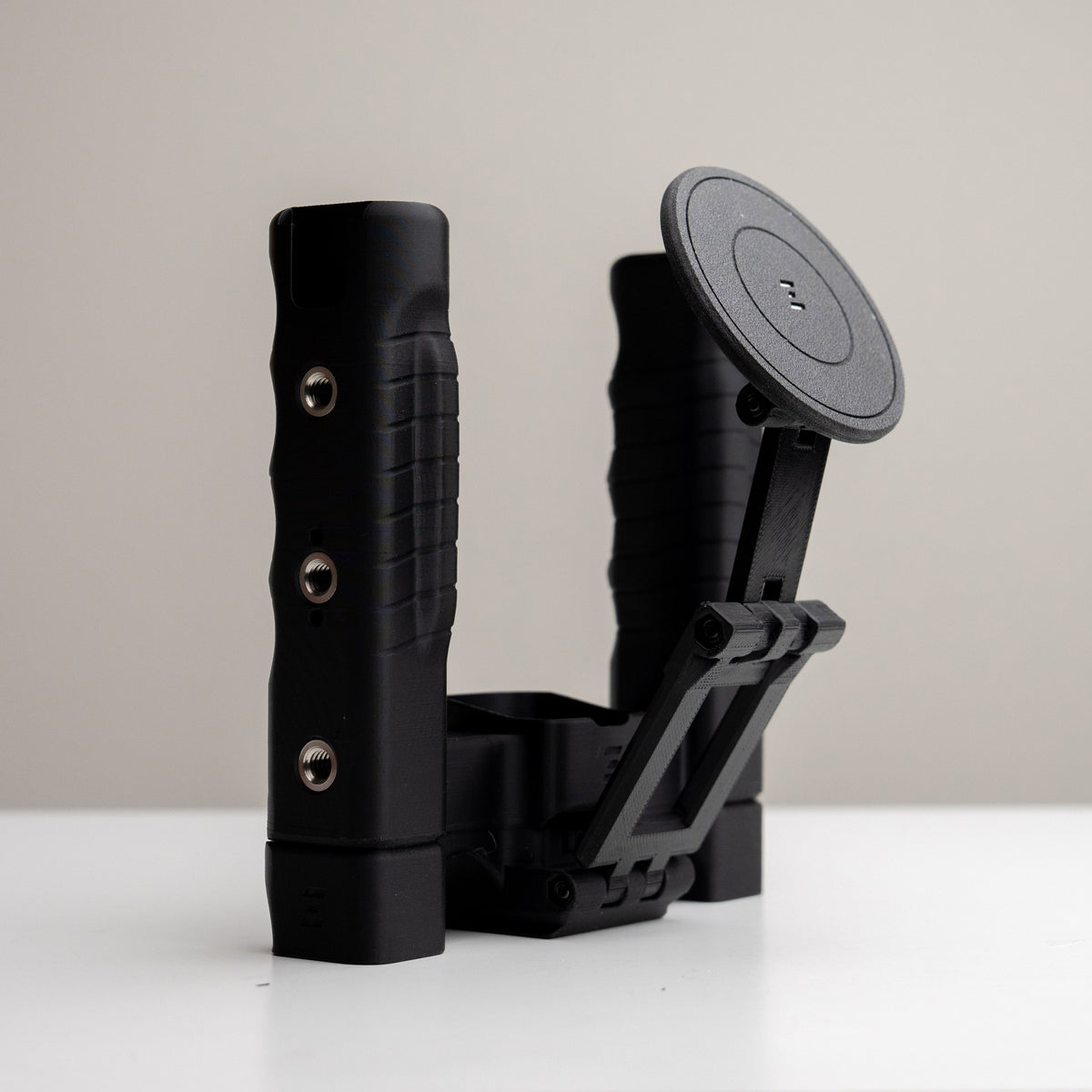
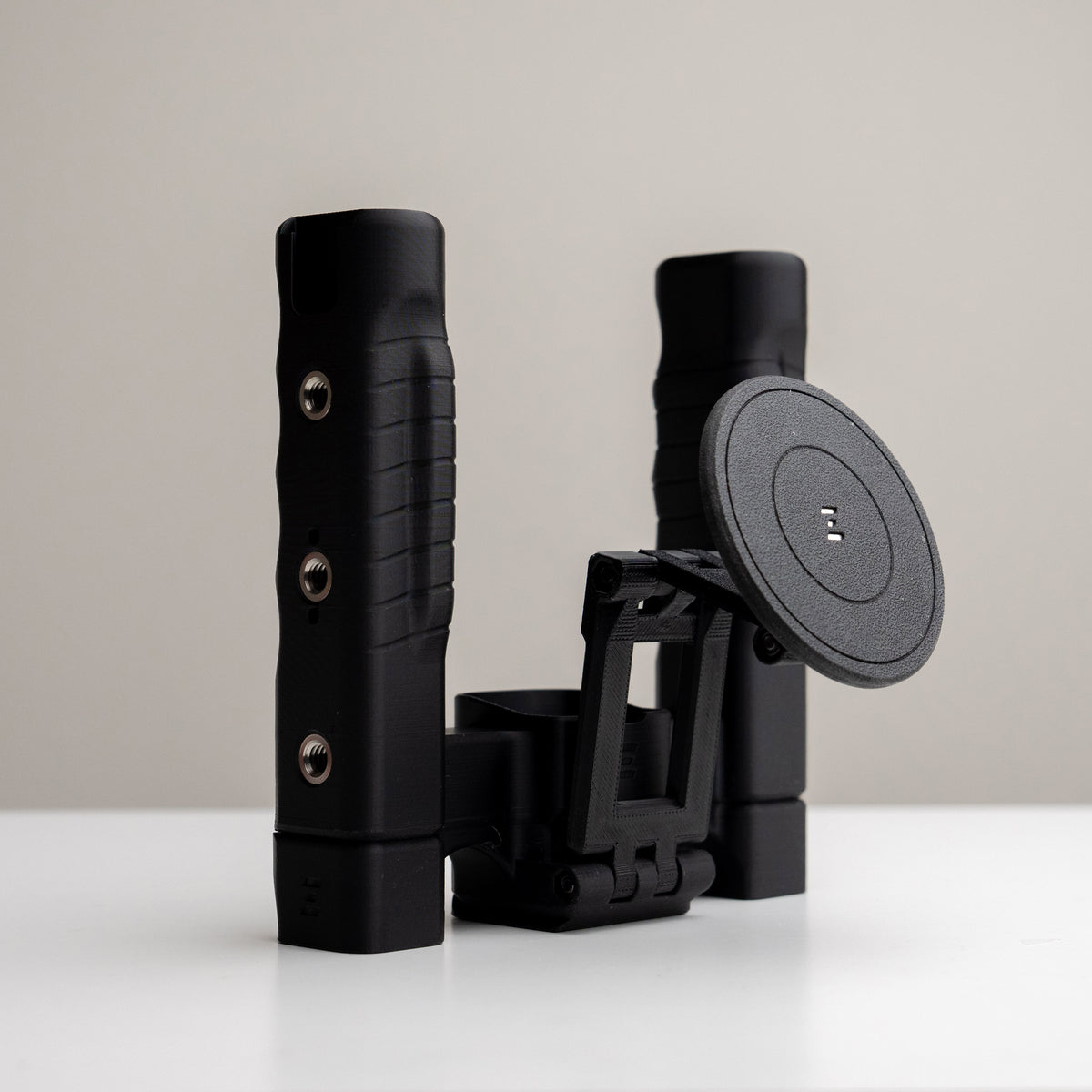
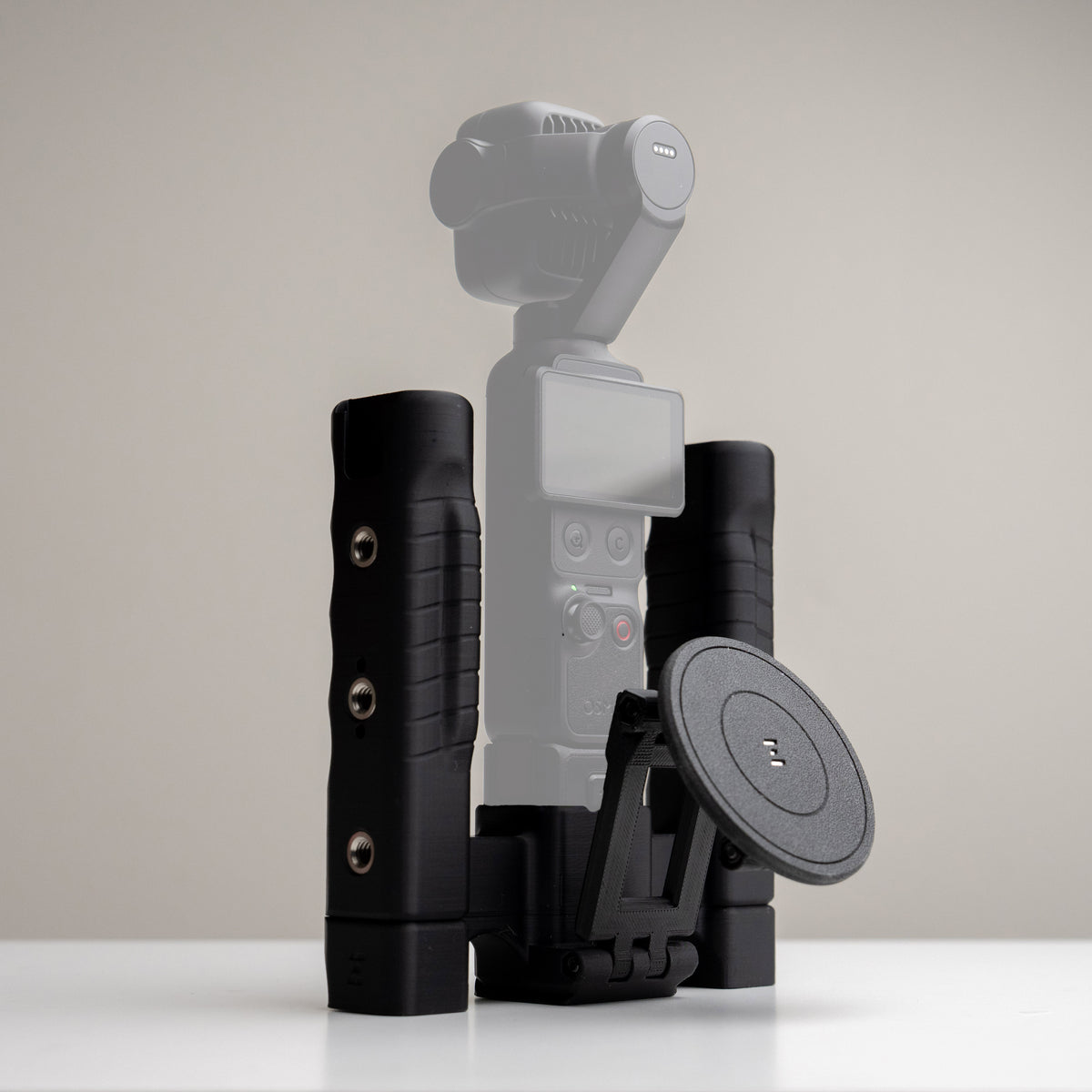
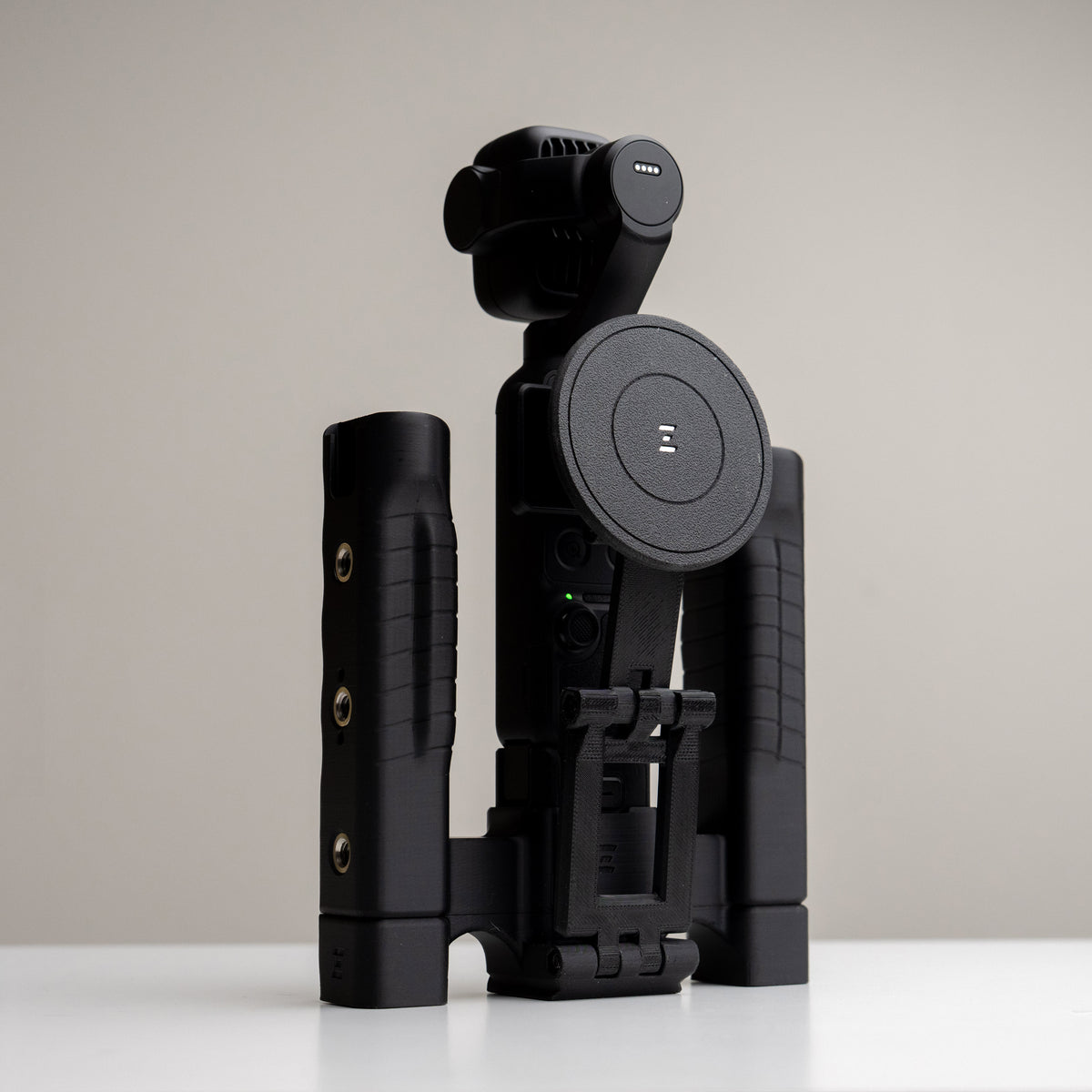
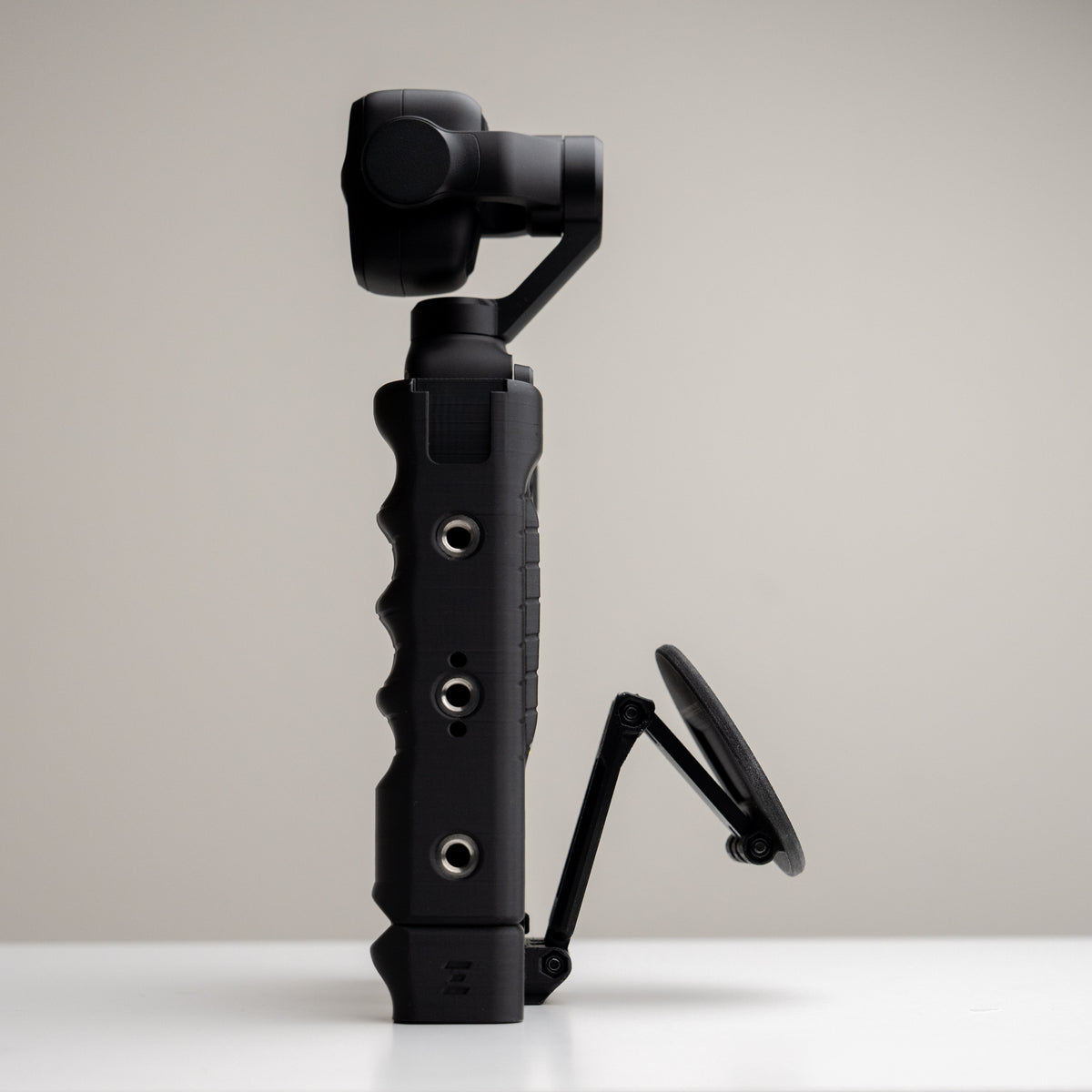
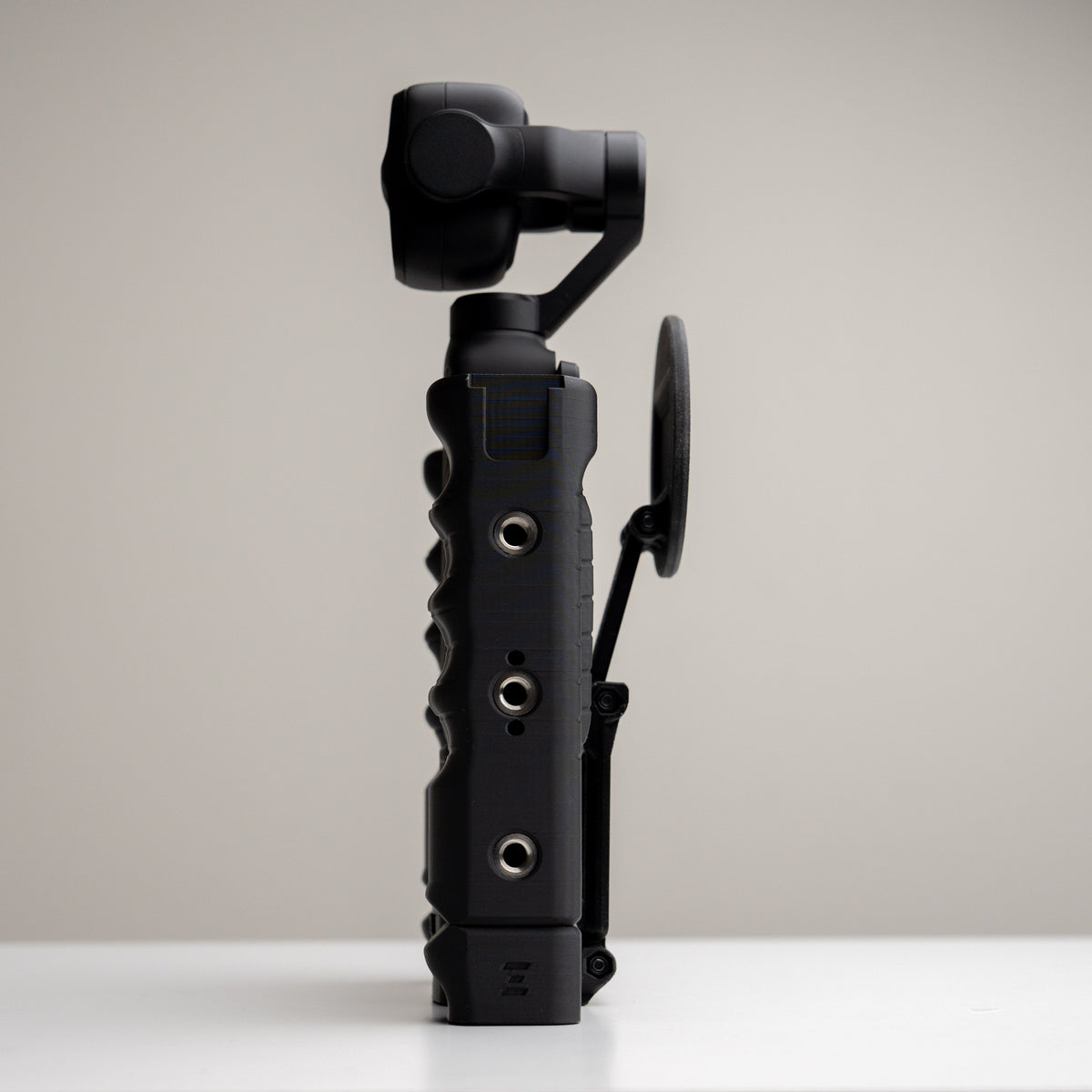
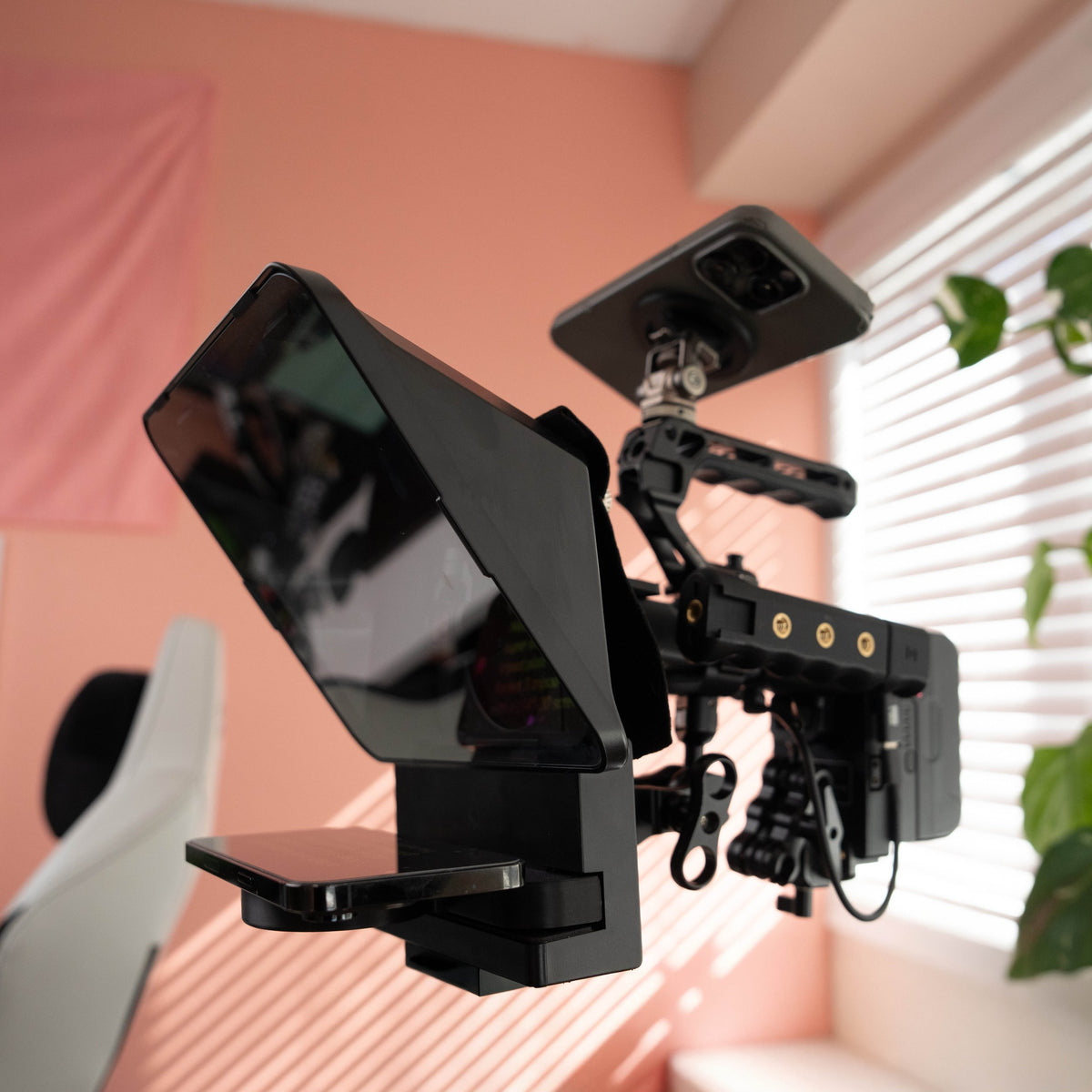
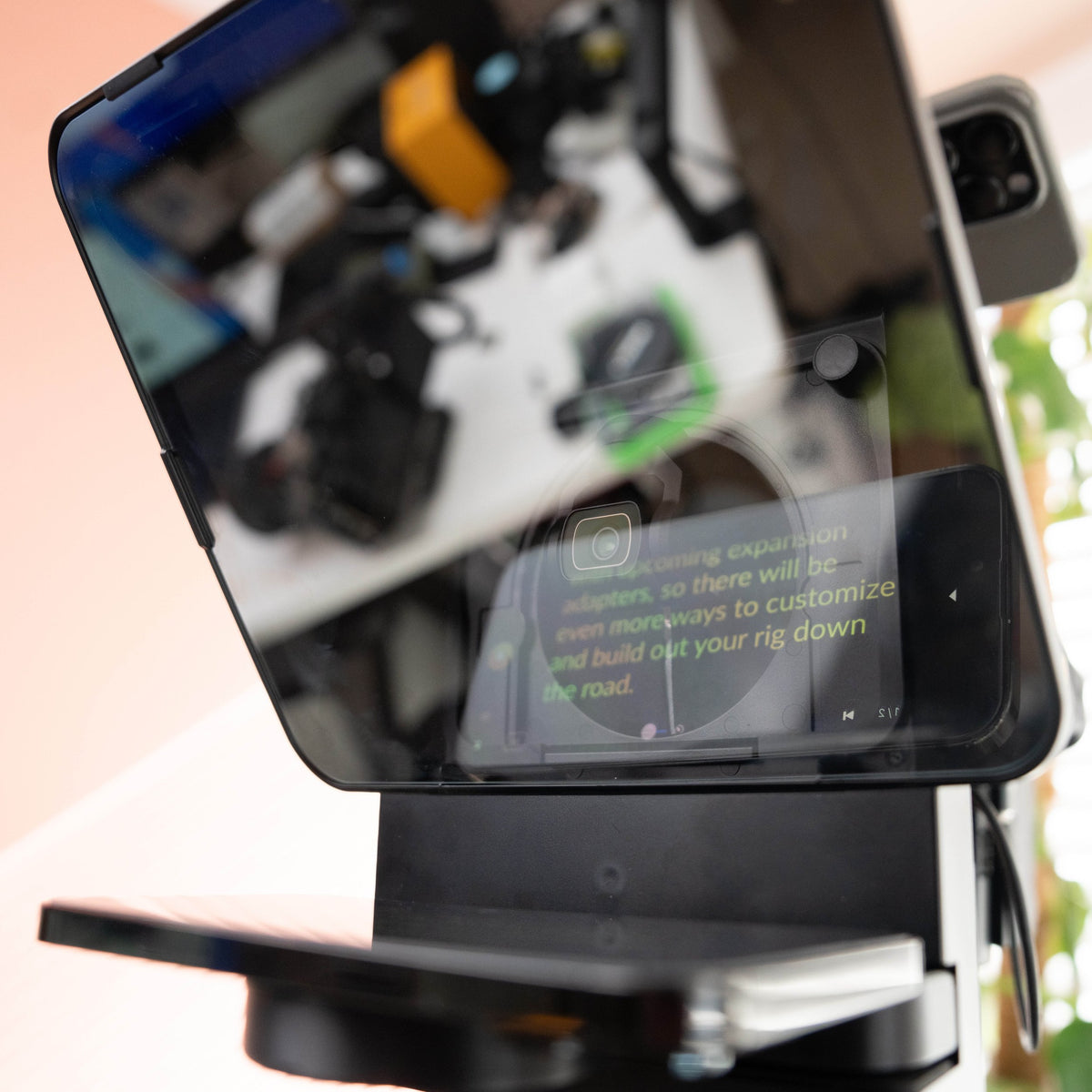
See how the two-handed rig and MagSafe phone adapter work together, from mounting your phone to adjusting its position.
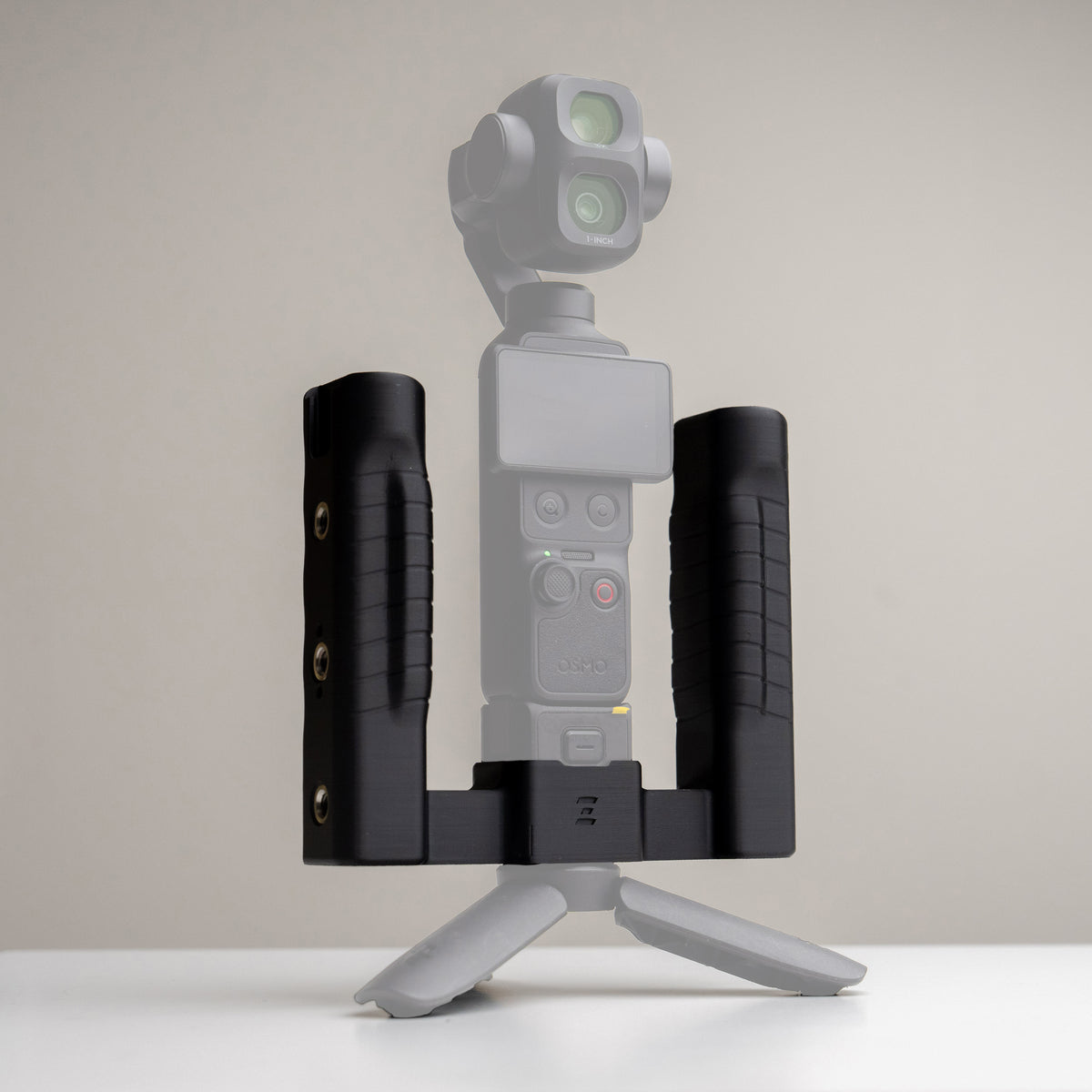
This walkthrough uses a DJI Osmo Pocket 3. Match your camera and Grip Rig 2 version when choosing your setup.
Find your Grip Rig 2
Choose your camera version first, then compare the handle designs. DJI and Insta360 versions are different fits; match your exact camera before choosing a grip.
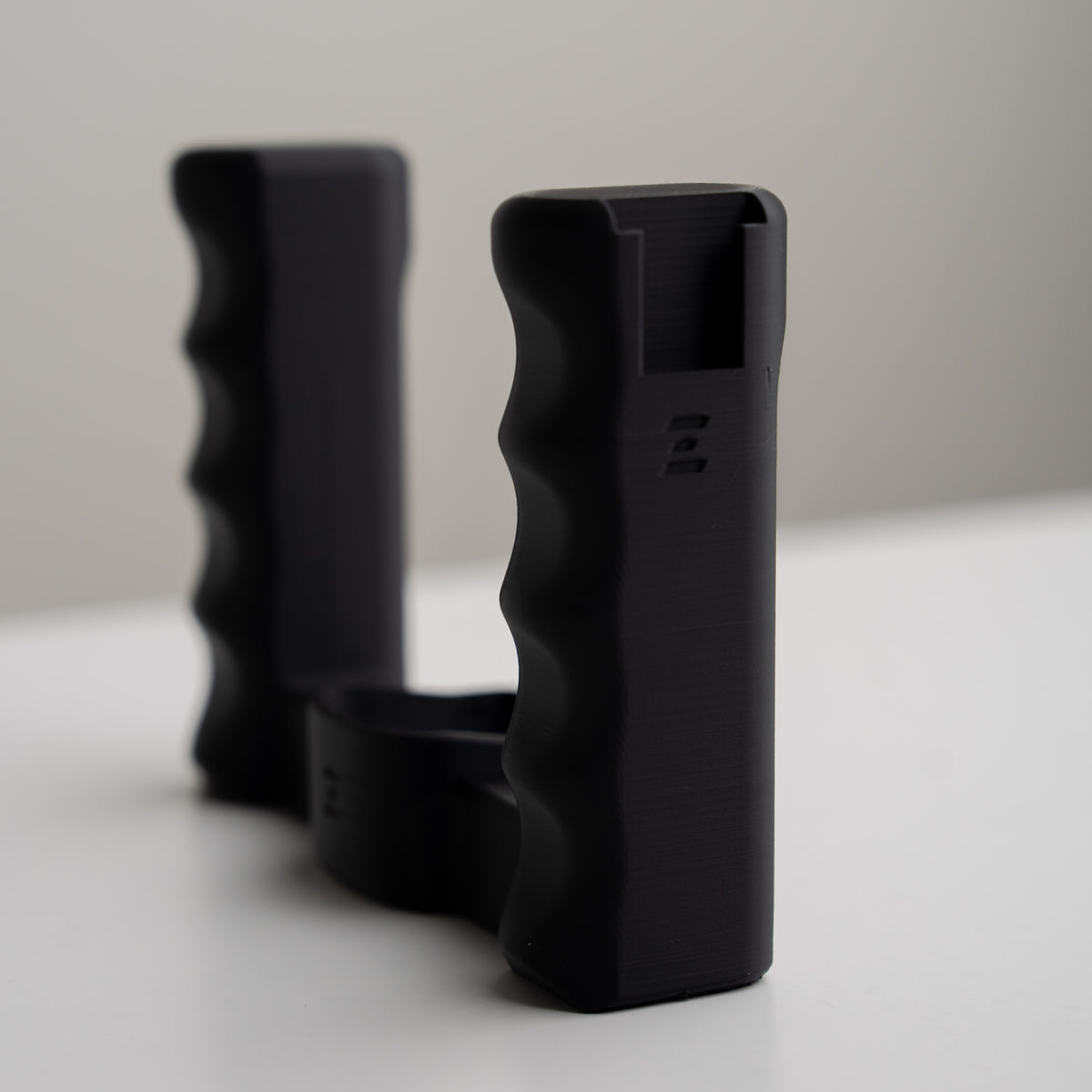
LITE · Keep it simple
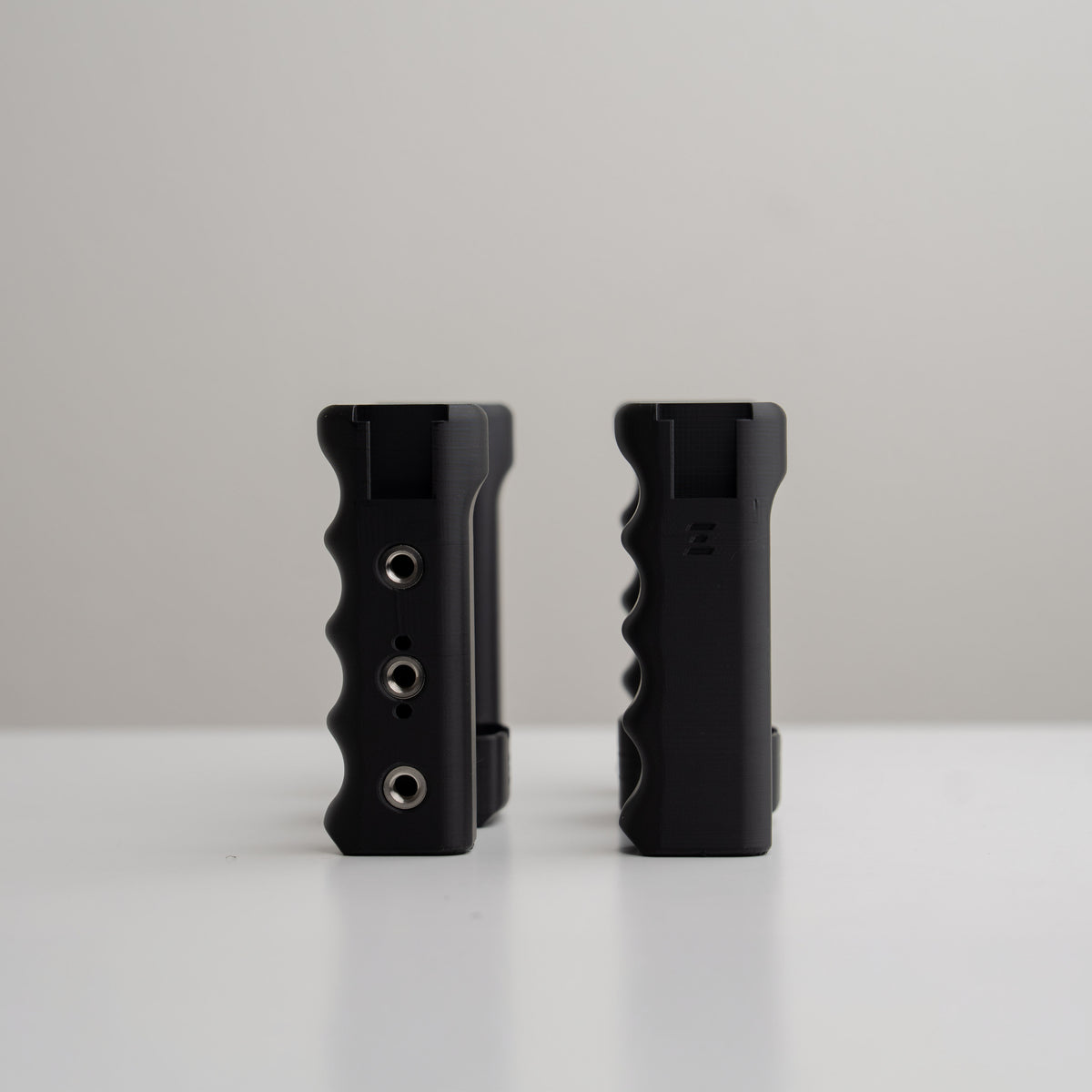
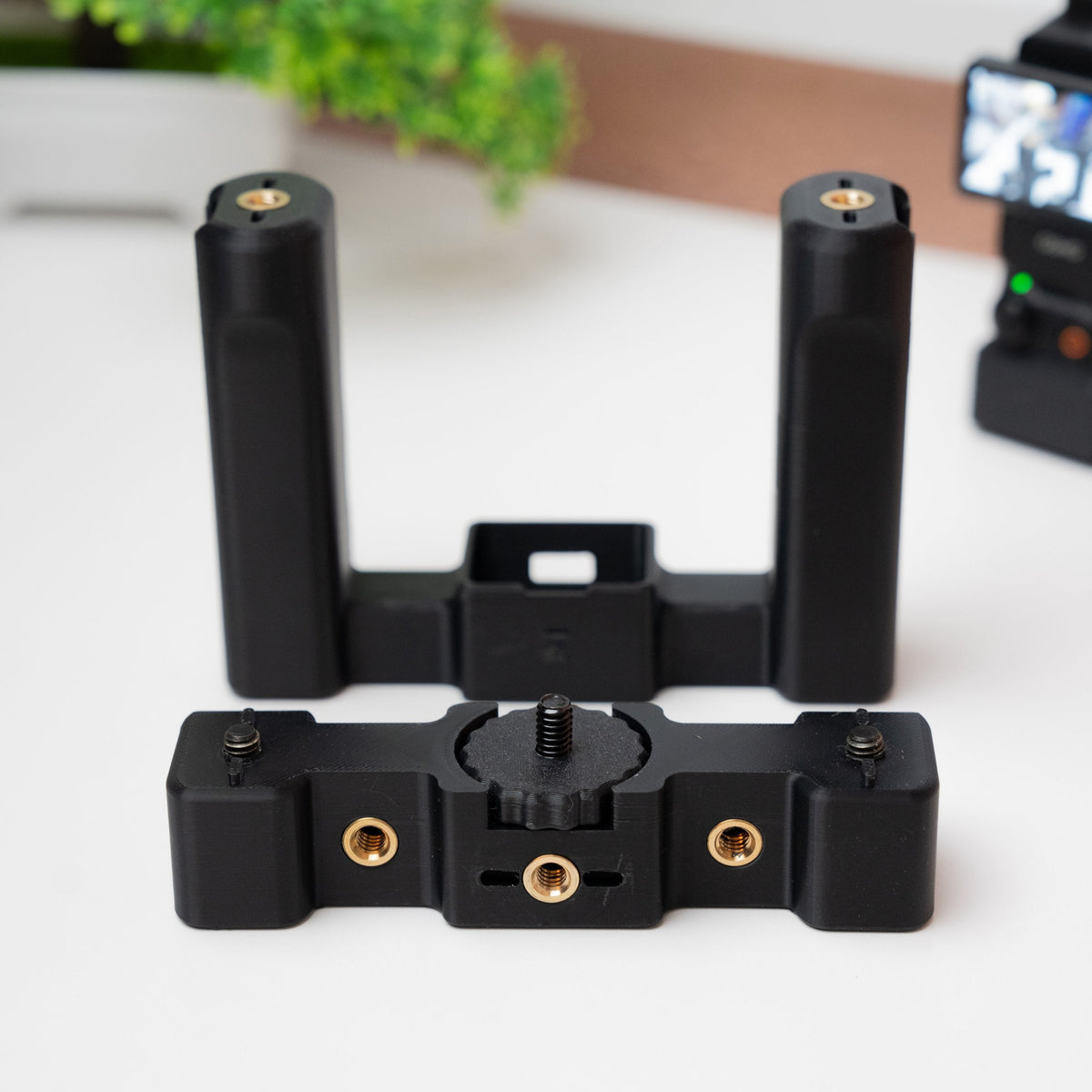
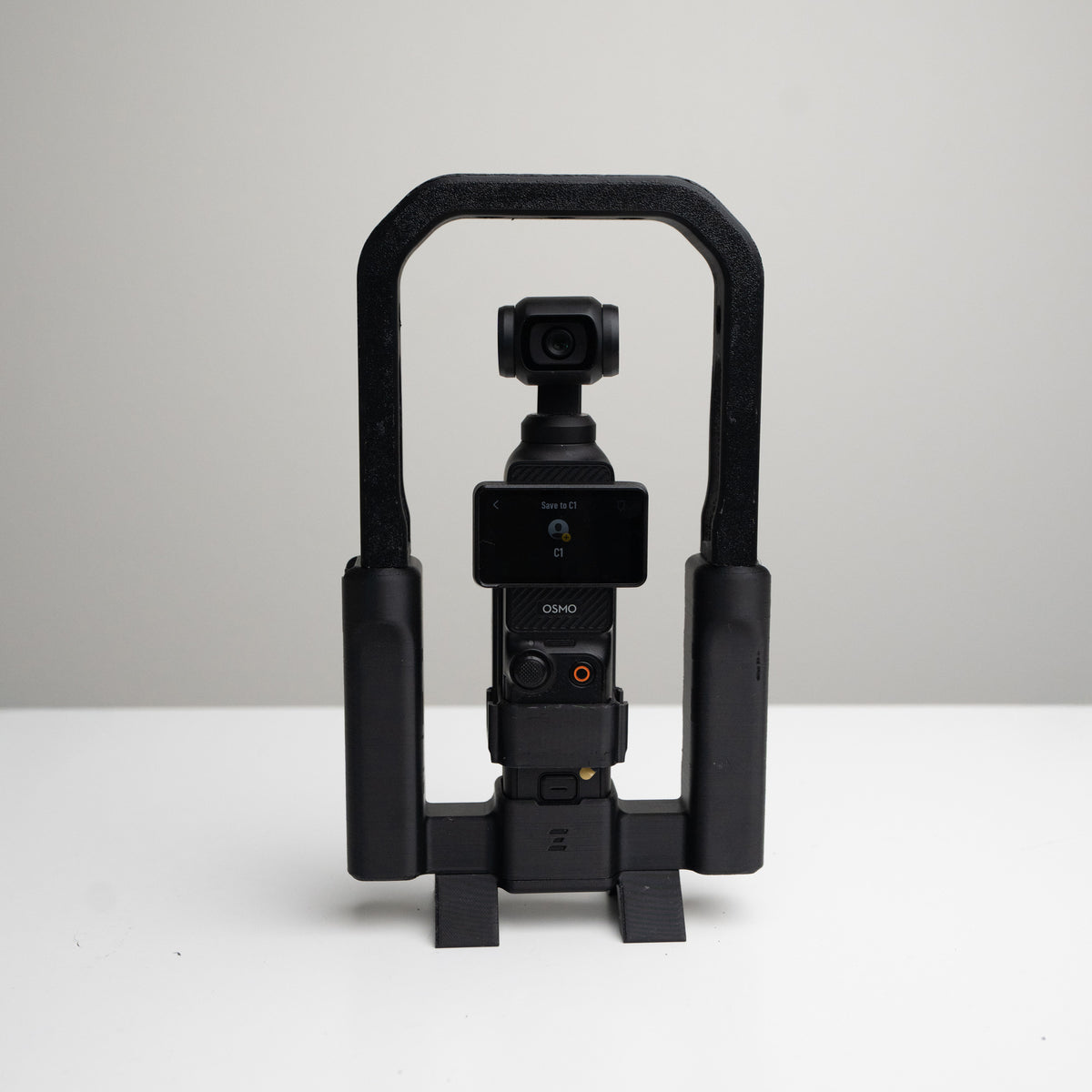
Dual handles, two cold shoes, and two bottom 1/4-20 mounting points. A streamlined starting point for a mic or light, with compatible accessories mounted underneath.
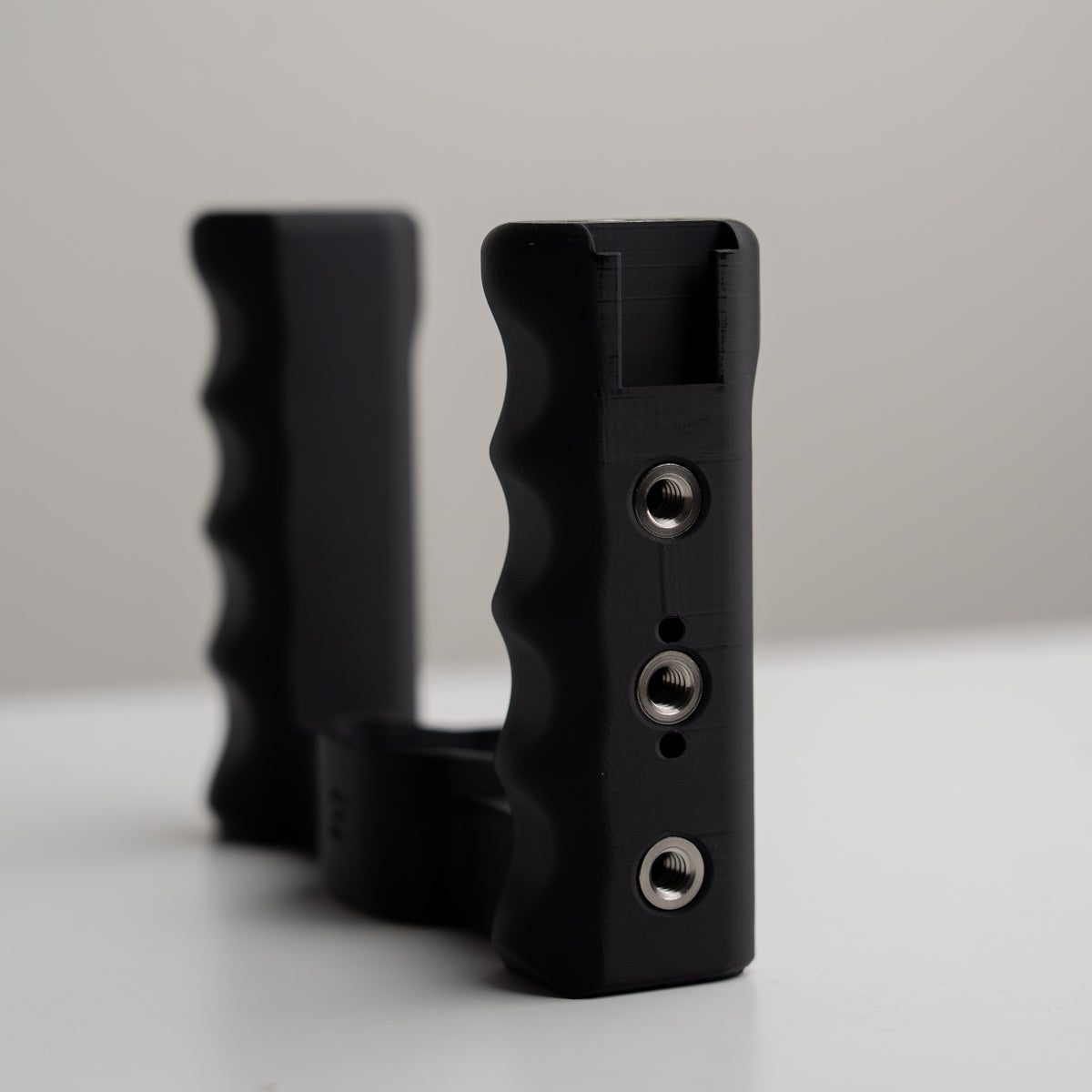
Standard · More ways to mount
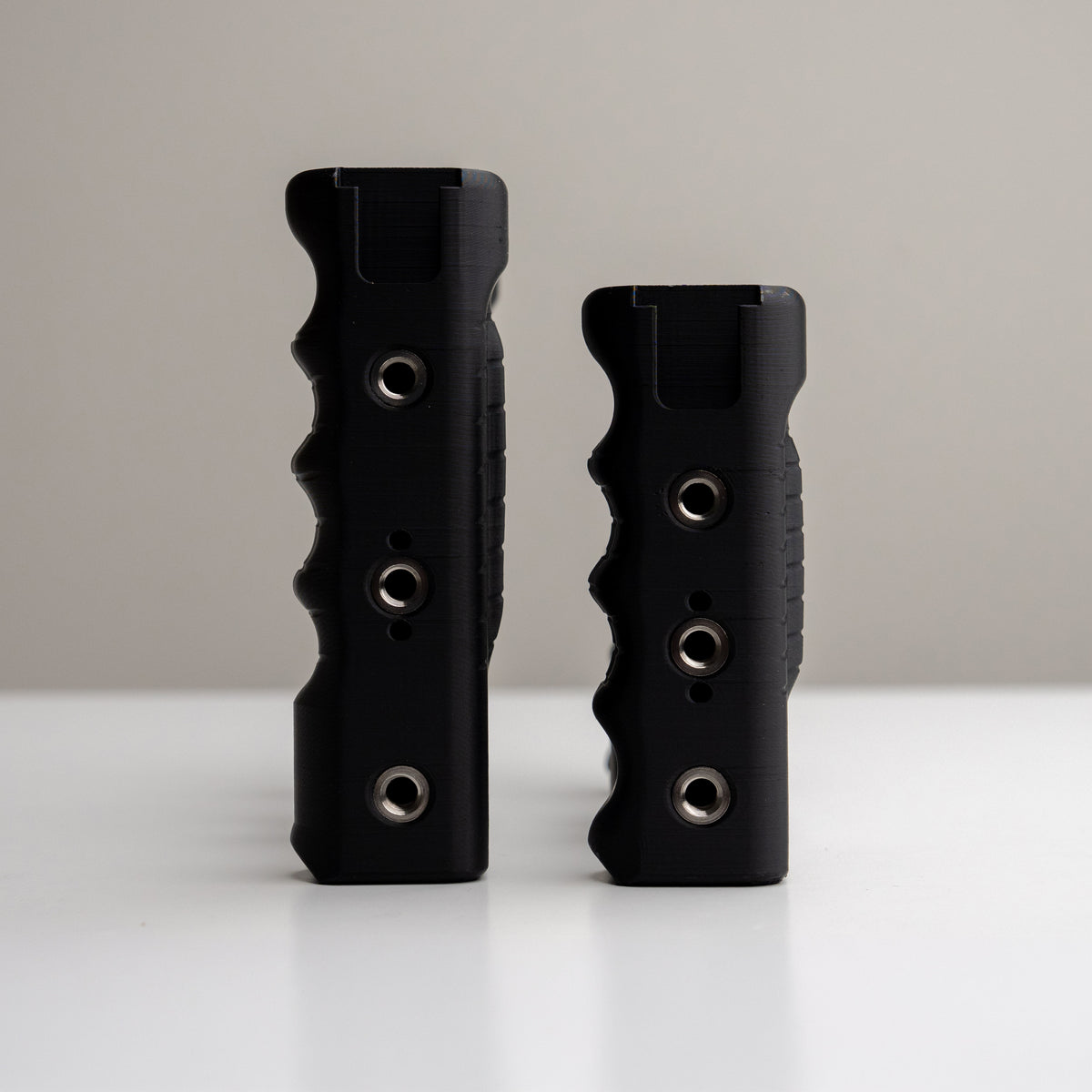
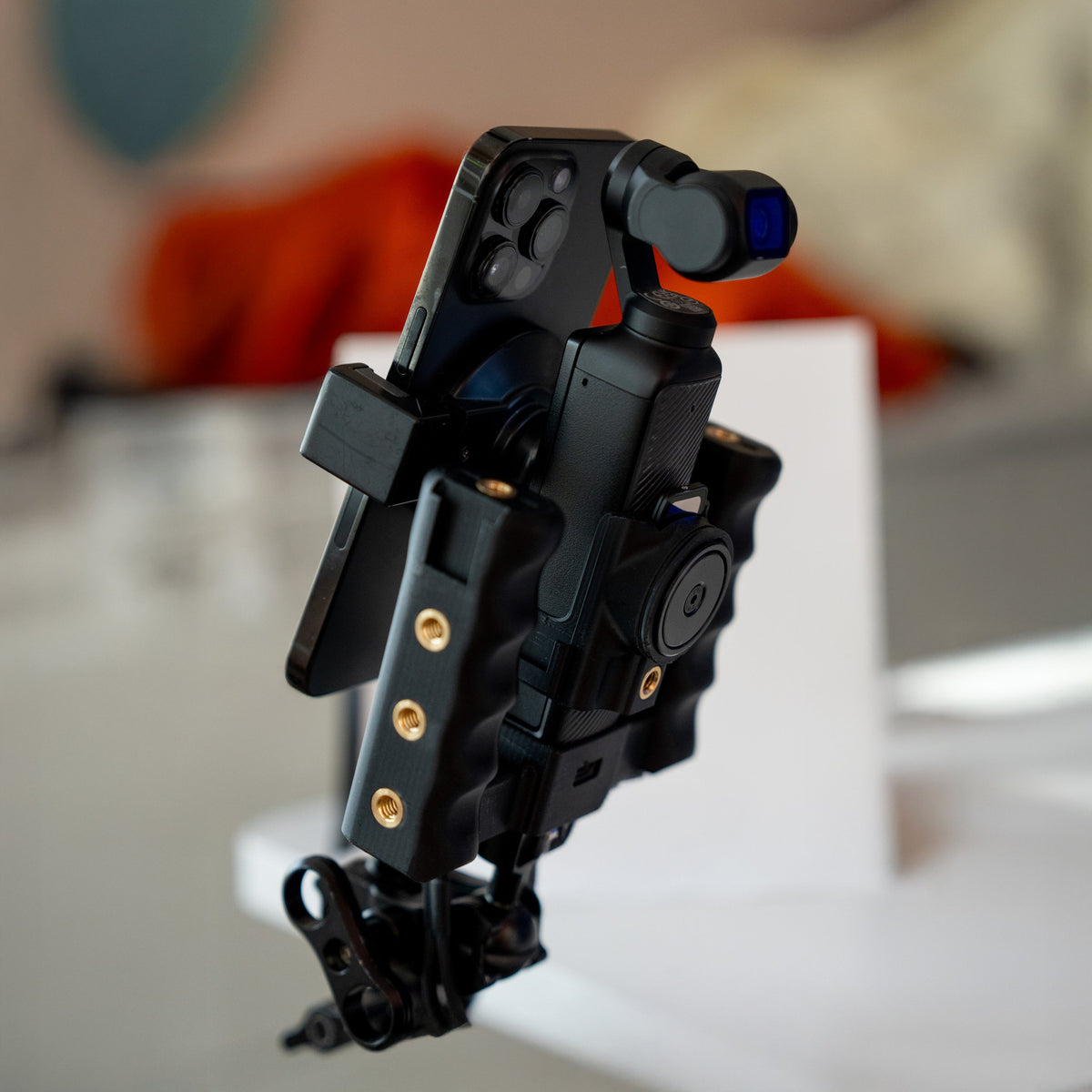
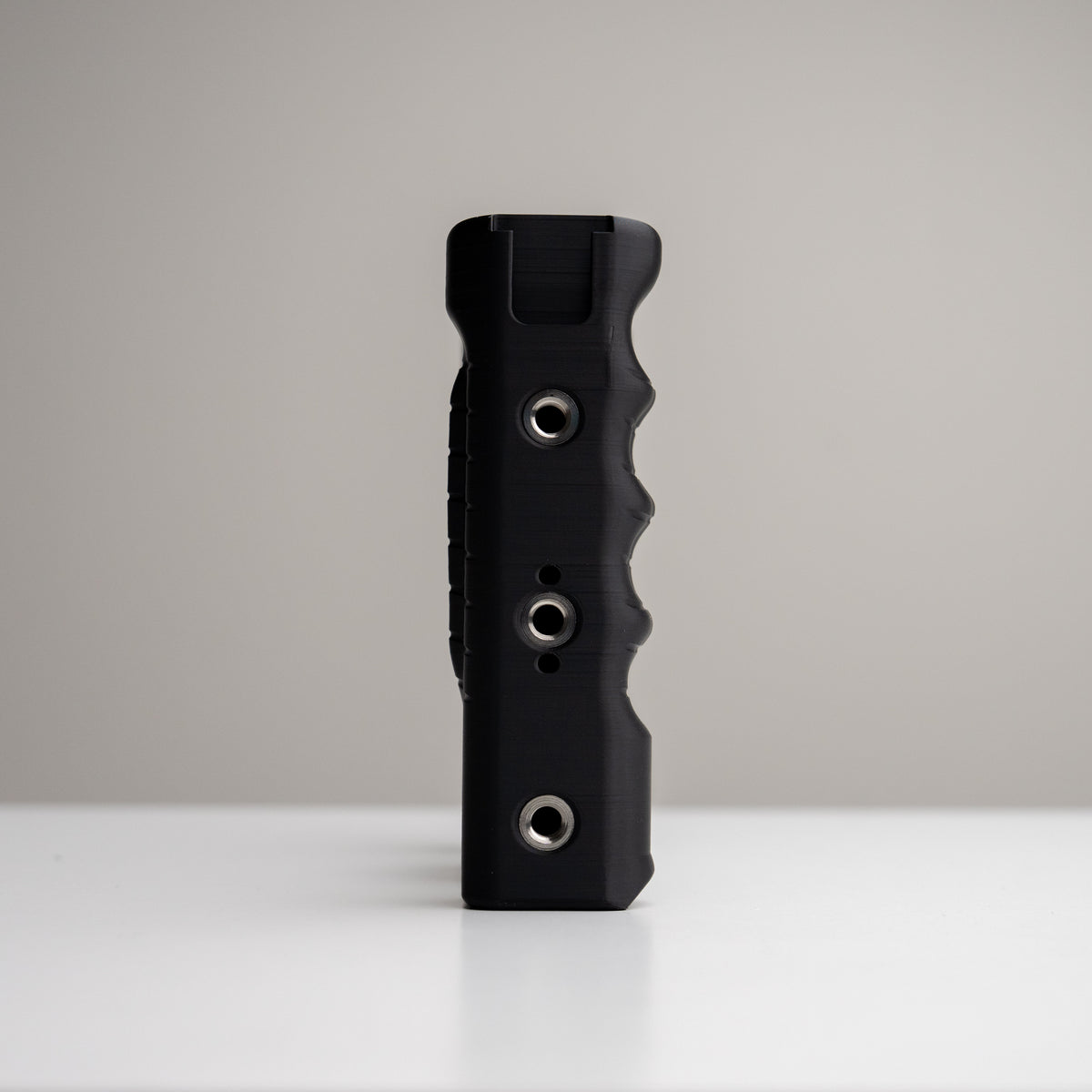
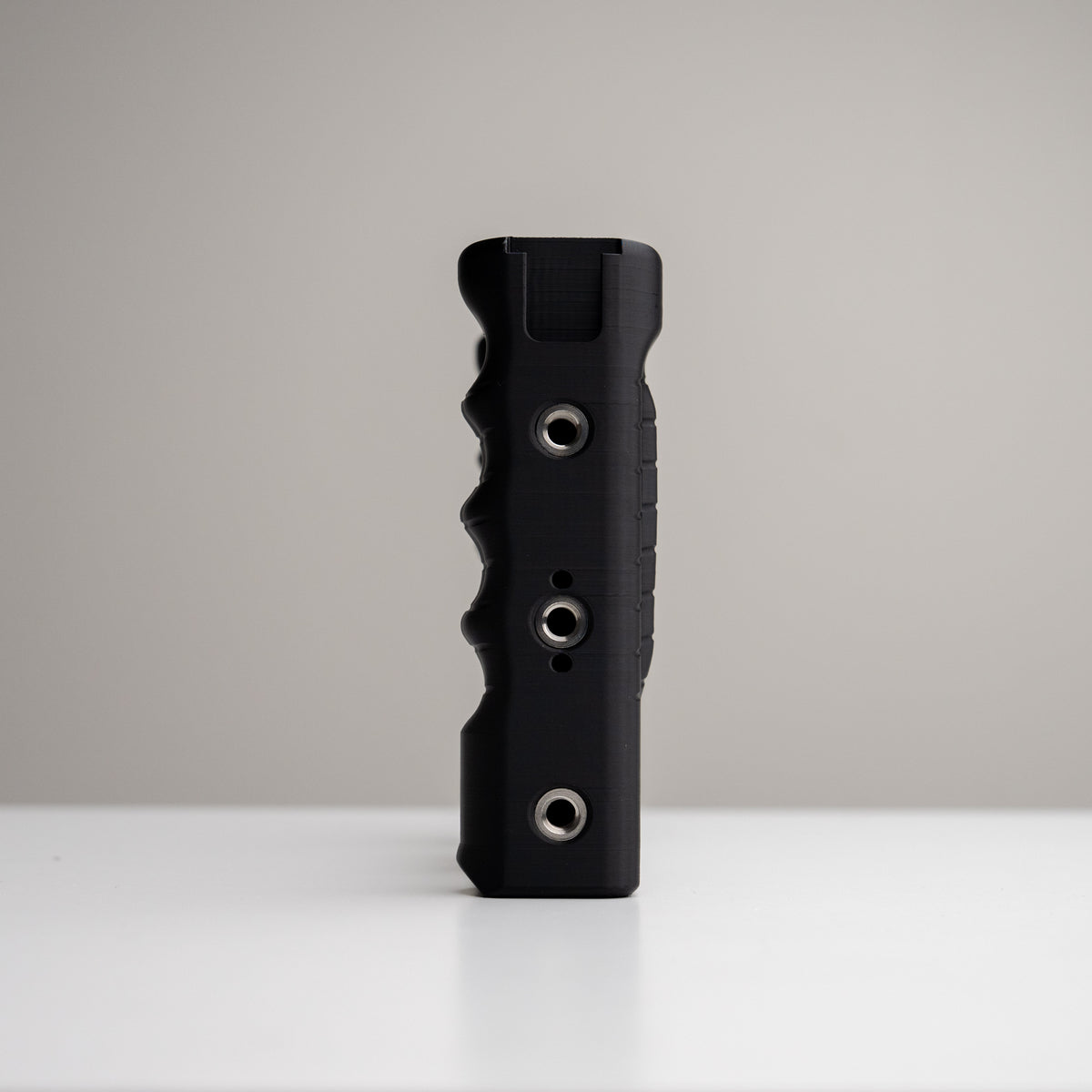
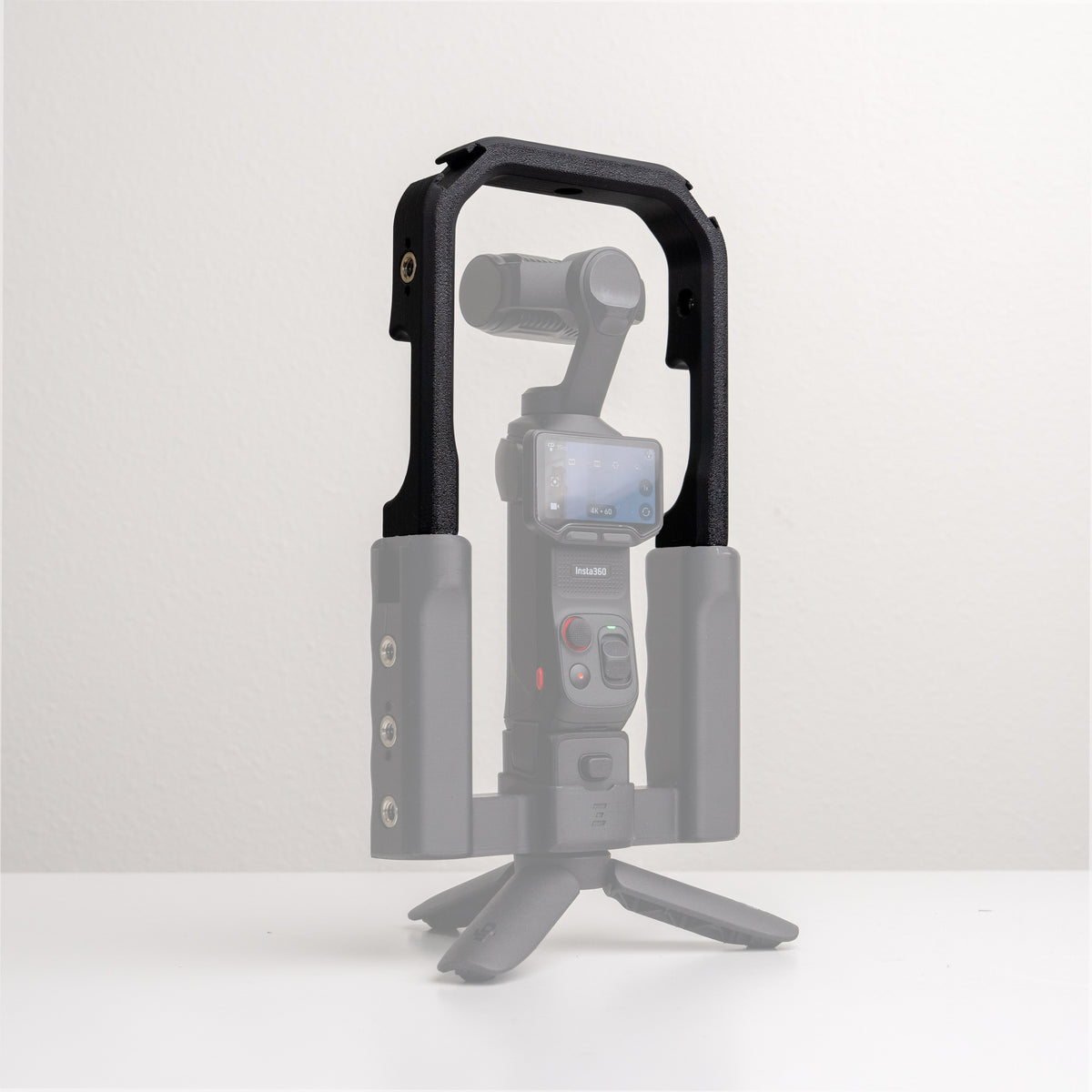
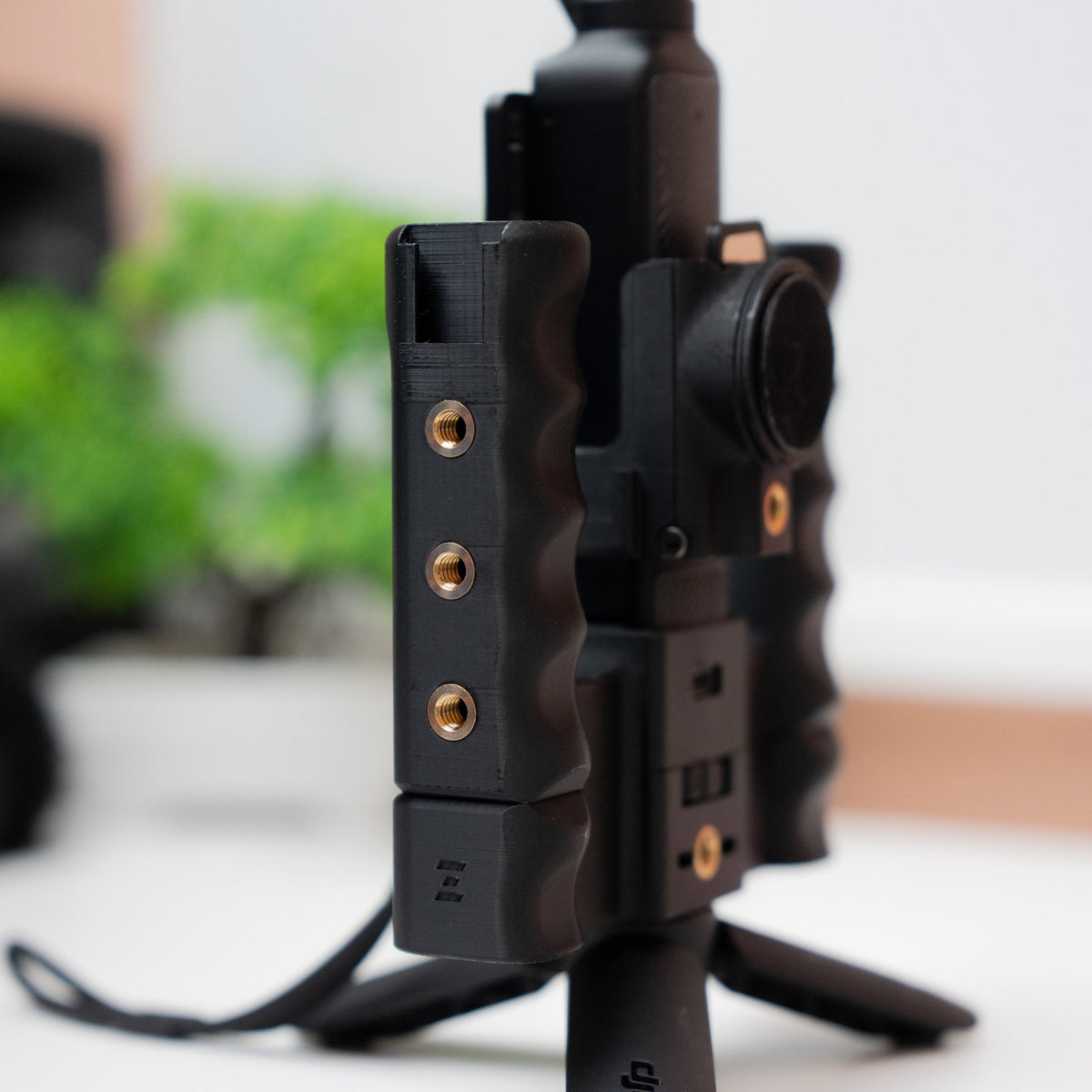
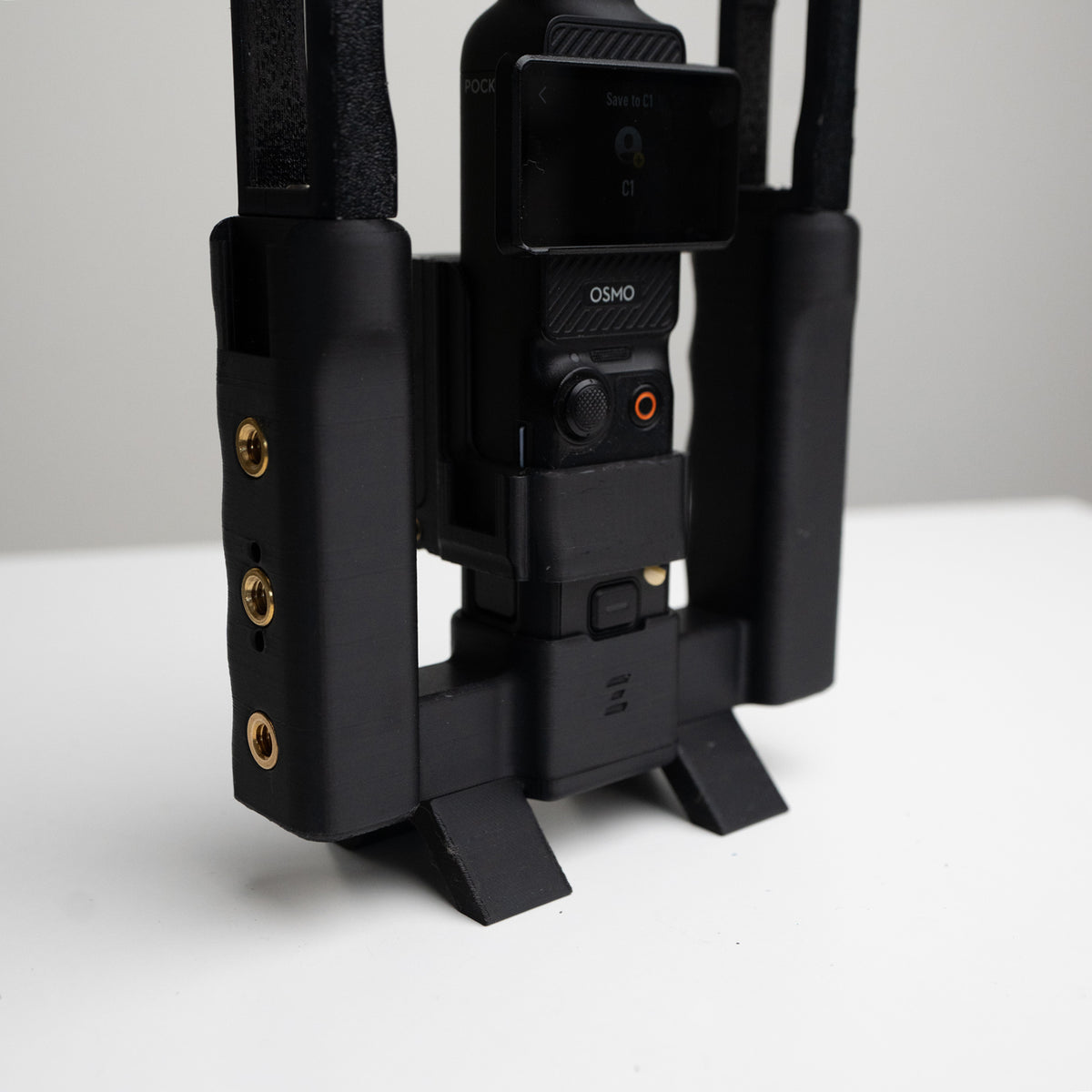
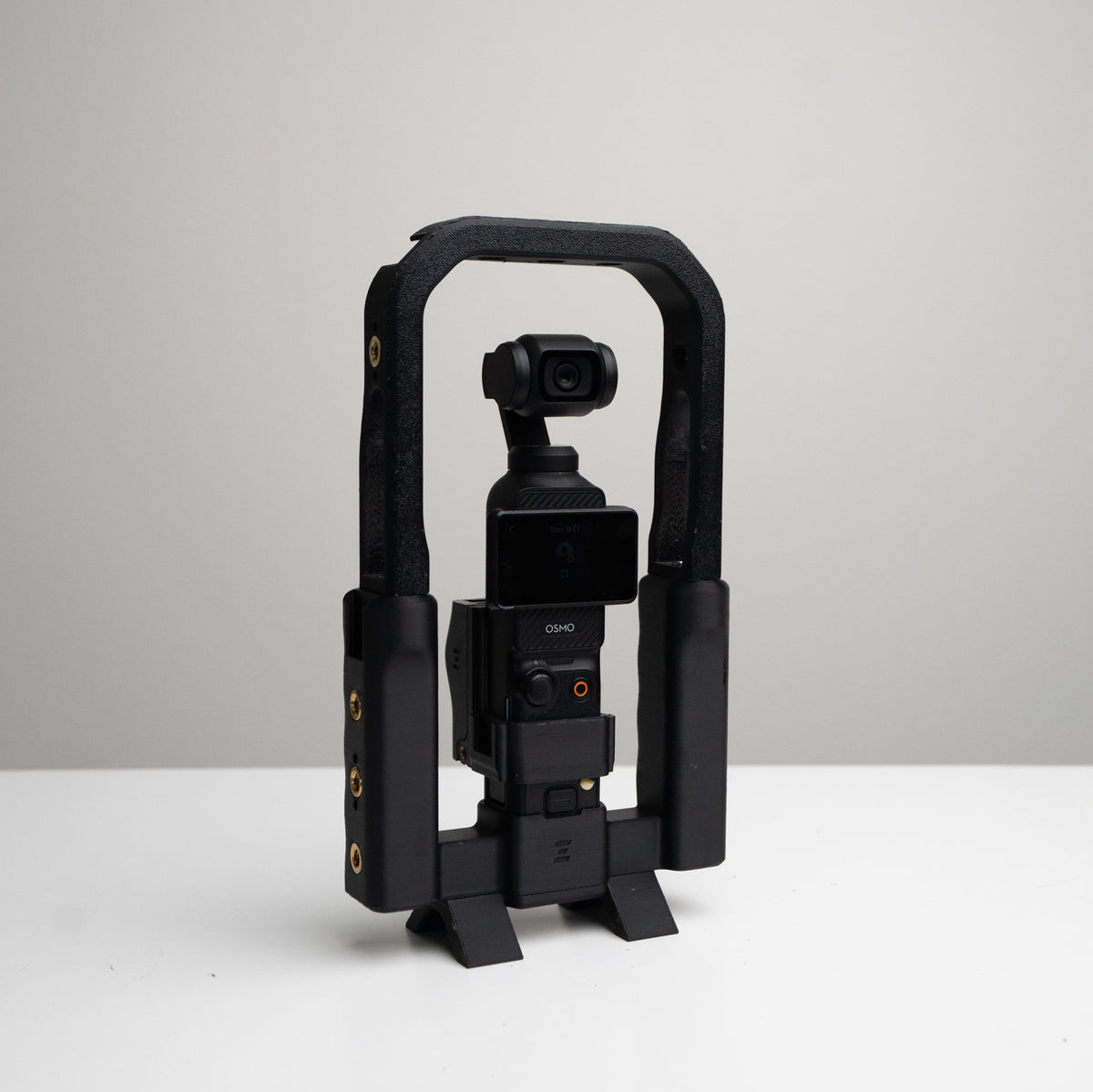
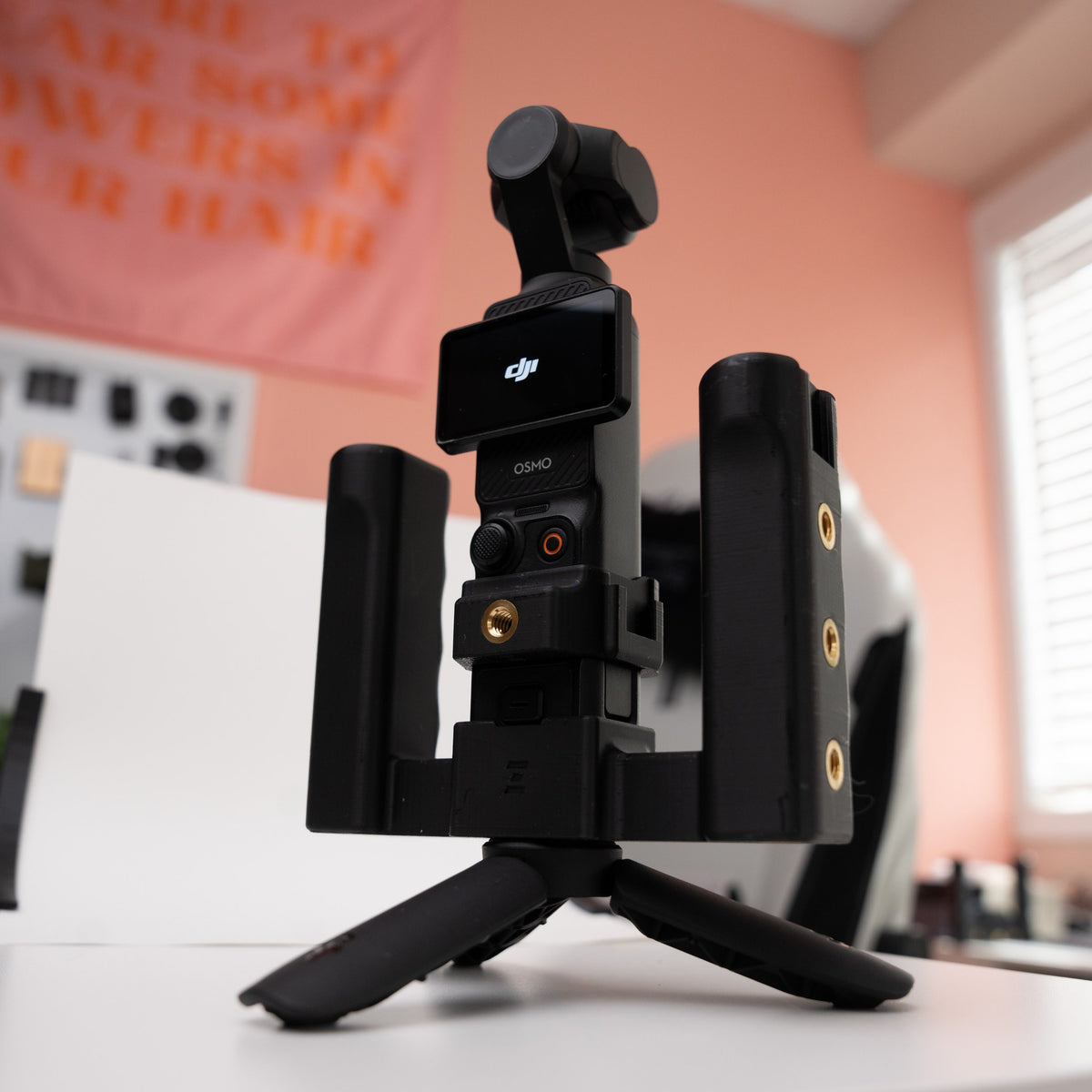
Dual handles, two cold shoes, and over 10 mounting points. Choose Standard when you want more places to attach gear, including compatible top-mounted accessories.
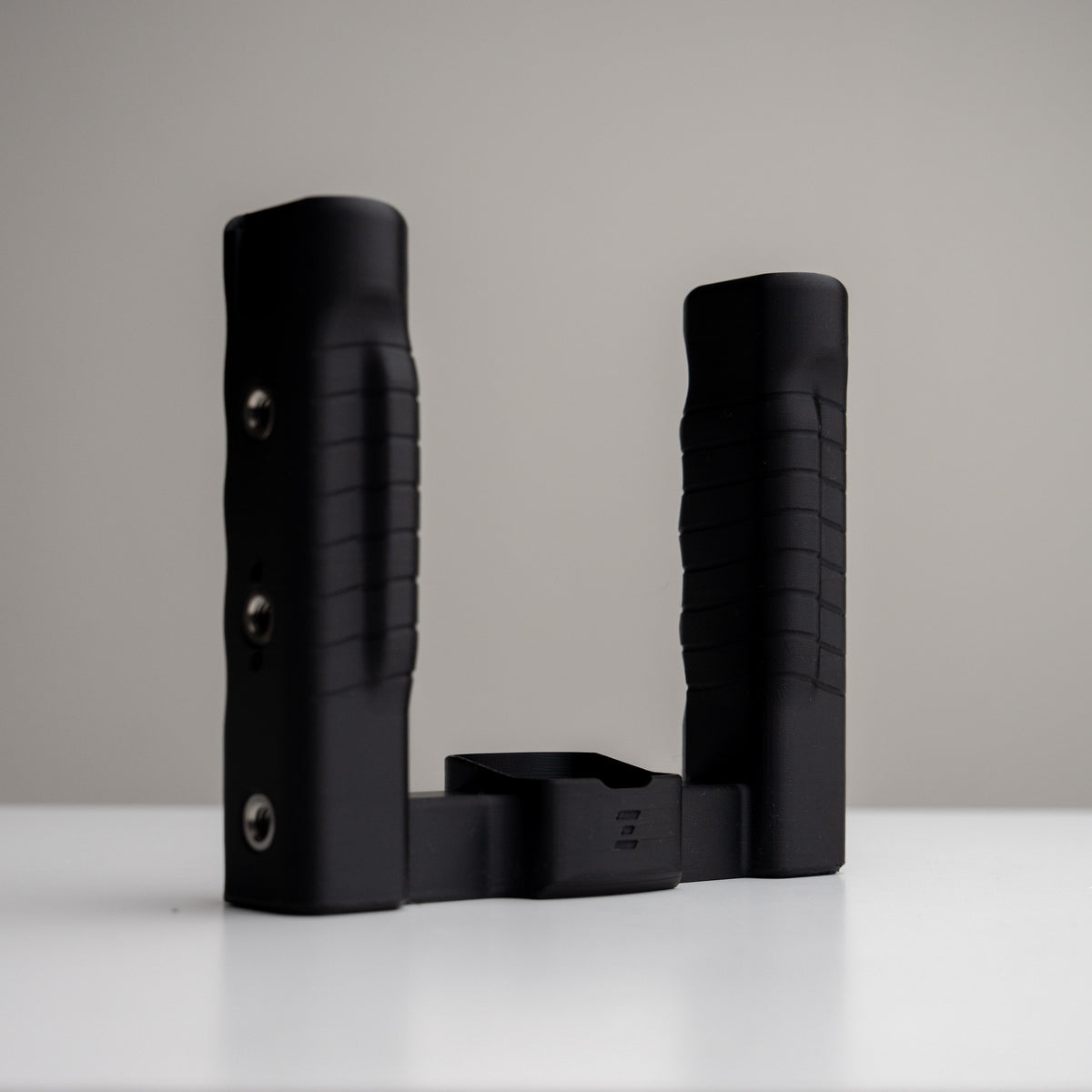
XL · More room for your hands
Taller, slightly thicker handles with added grip grooves give your hands more room and a fuller hold. Choose XL for the grip feel, then check each fitted accessory for XL compatibility.
Make it your setup
Build around the way you shoot
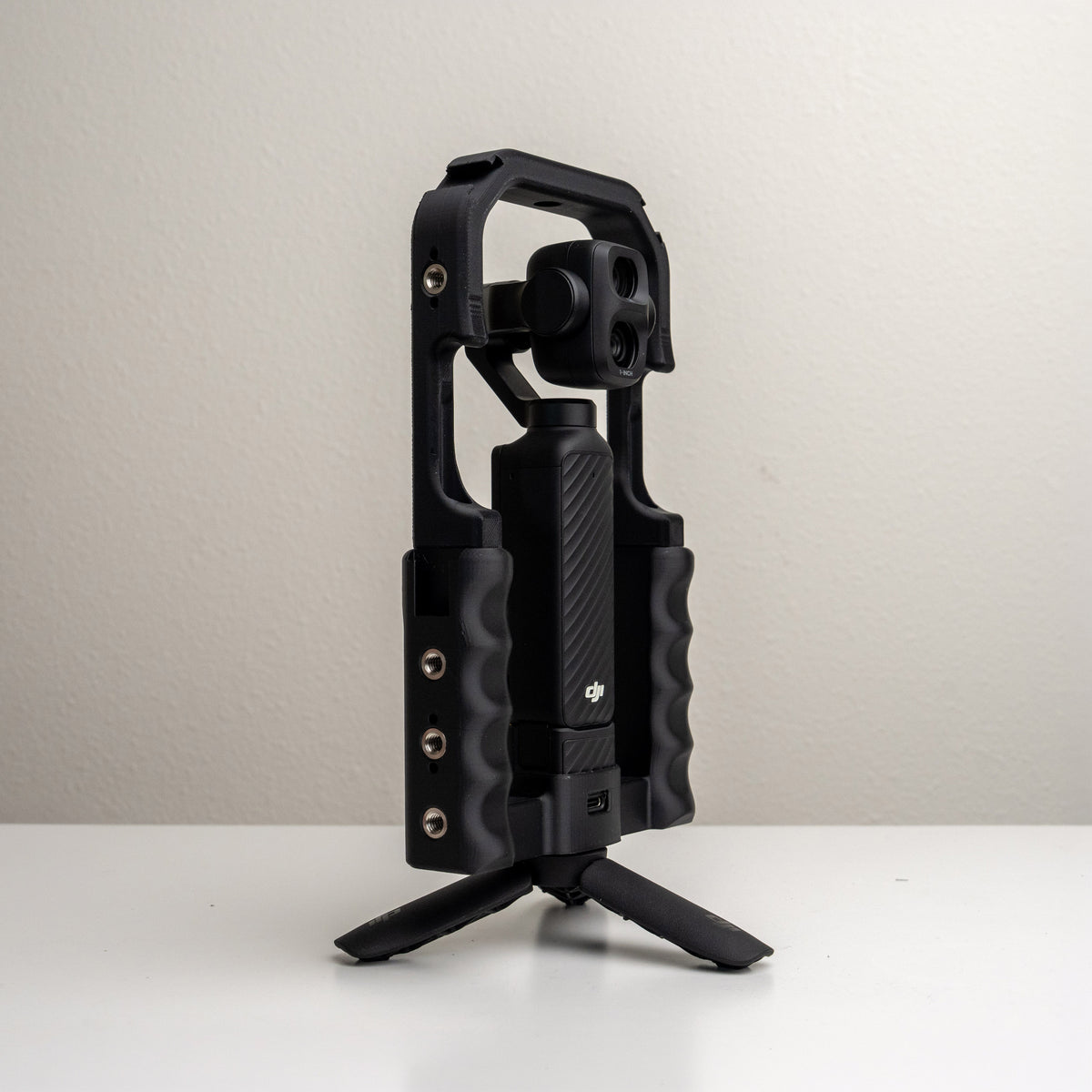
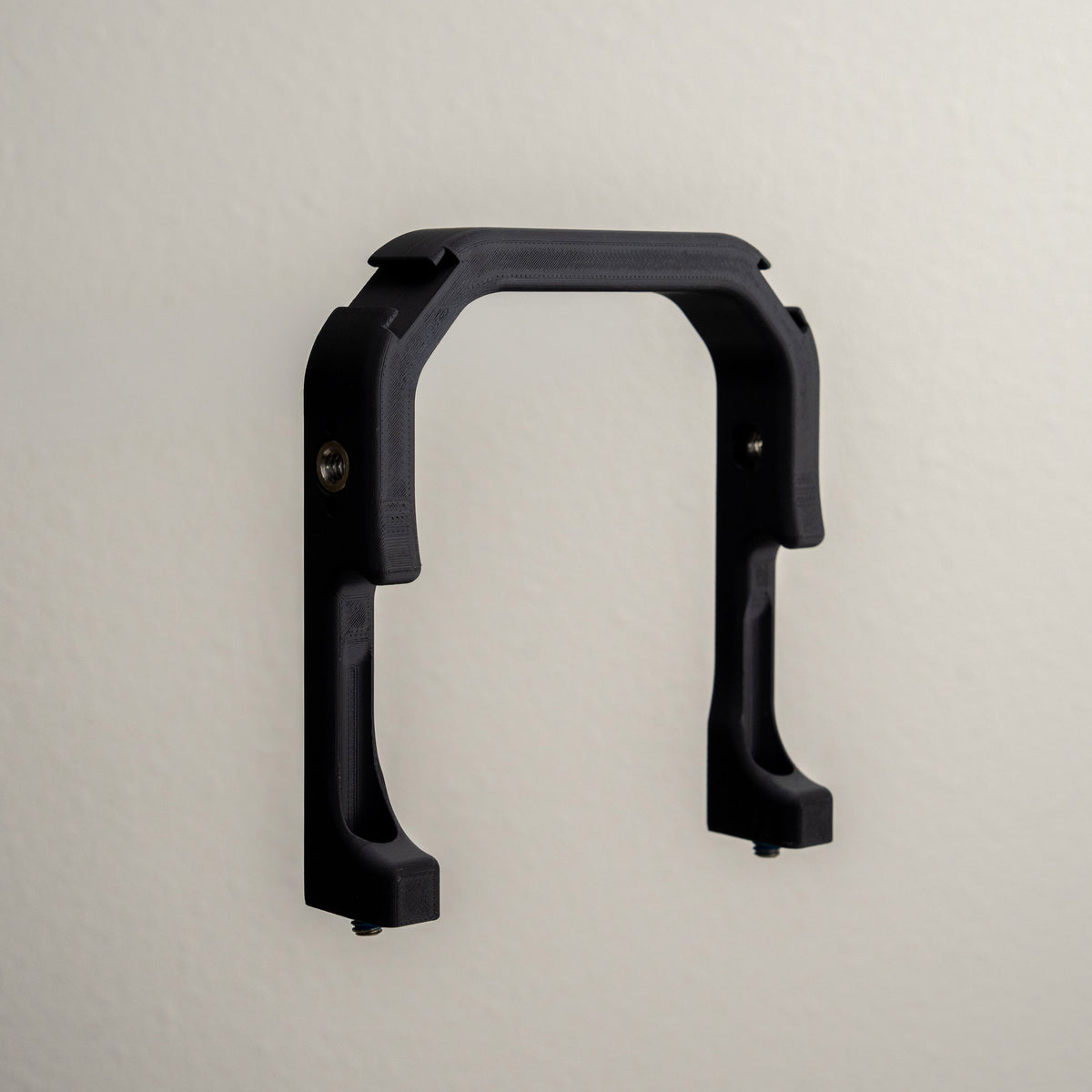
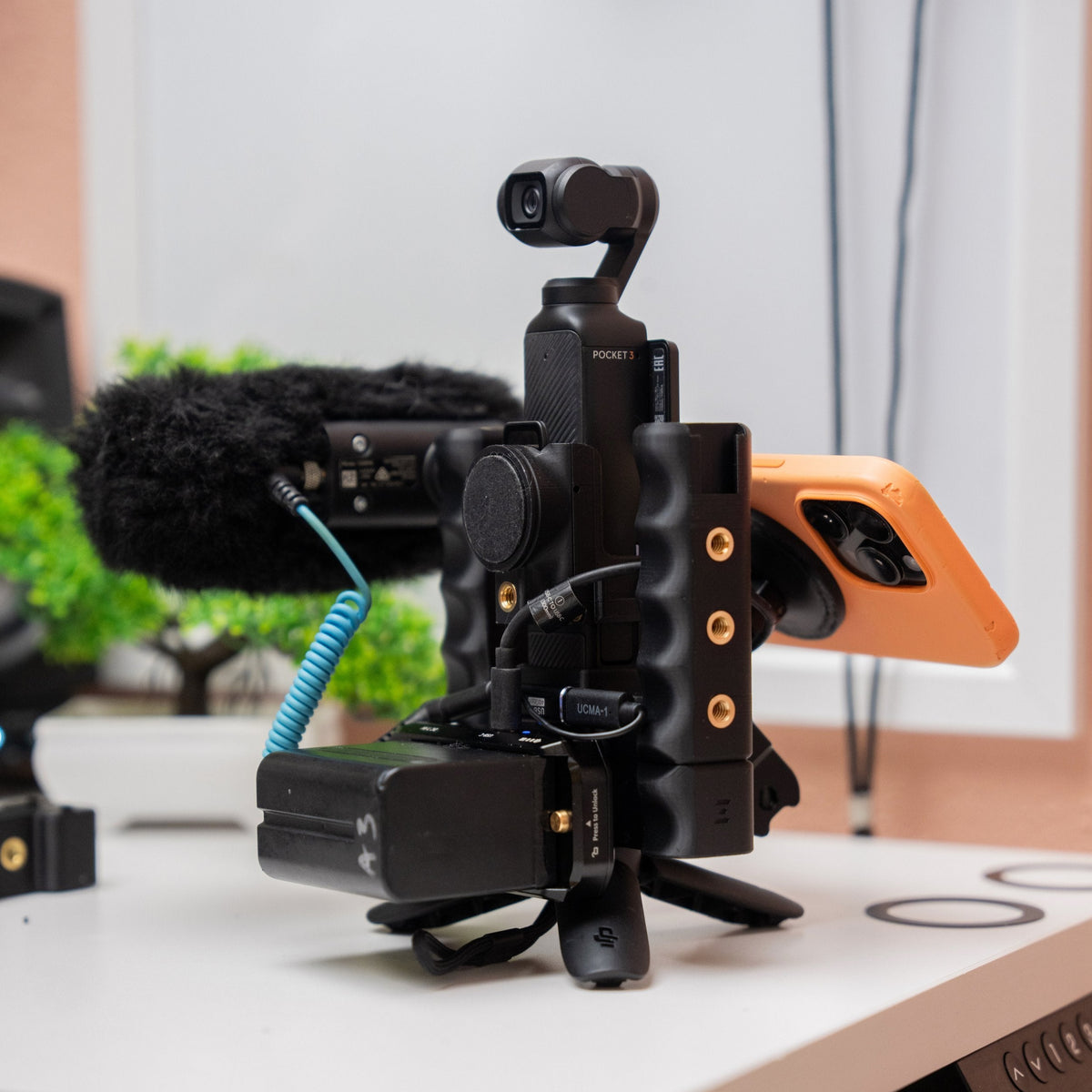
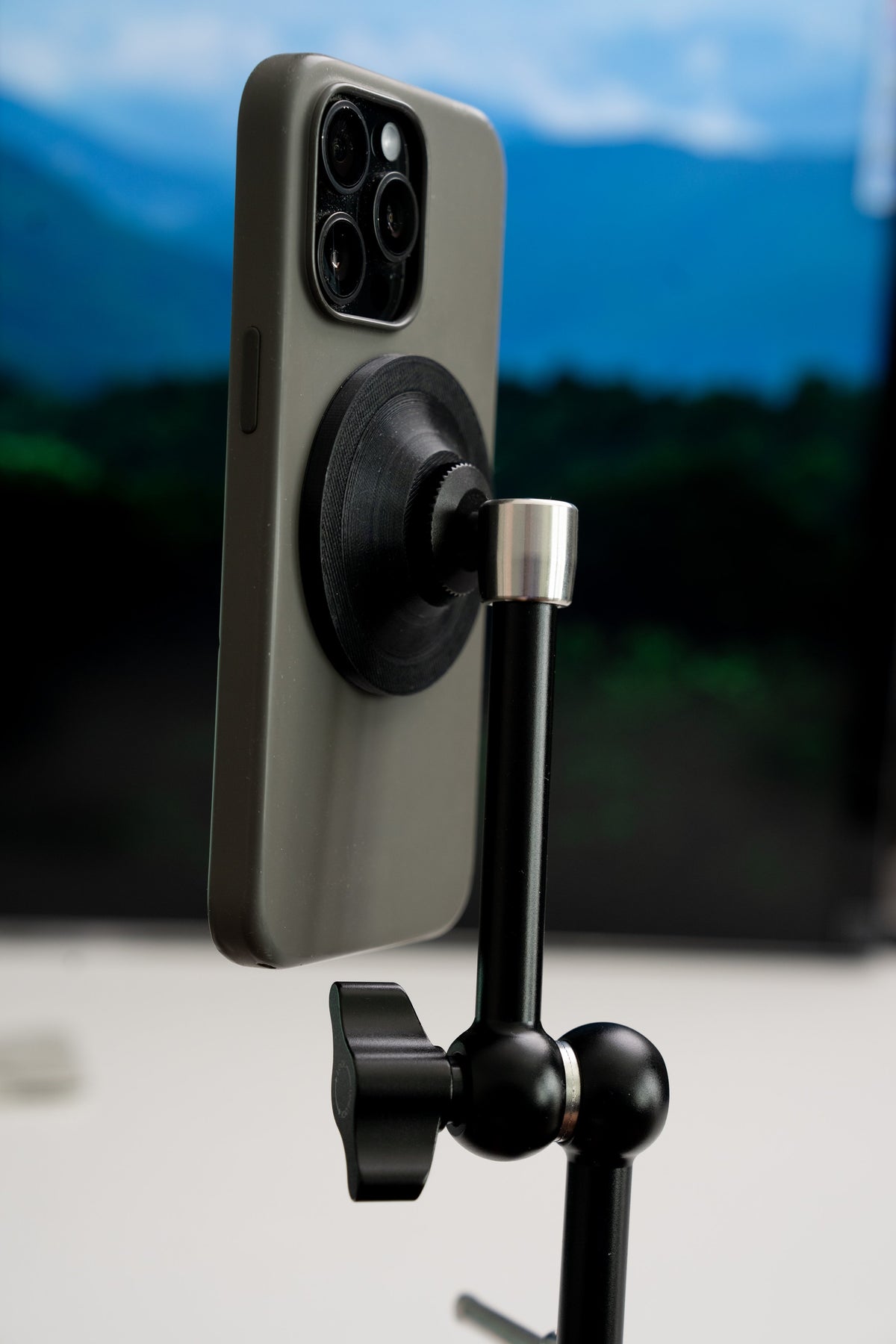
Bring your phone into view with a compatible MagSafe adapter. Add mounting space with a Top Cage, or use expansion adapters to position the gear you need.
Match every fitted accessory to your camera and Grip Rig 2 style. LITE, Standard, and XL have different mounting options, so check the product listing before adding to your setup.
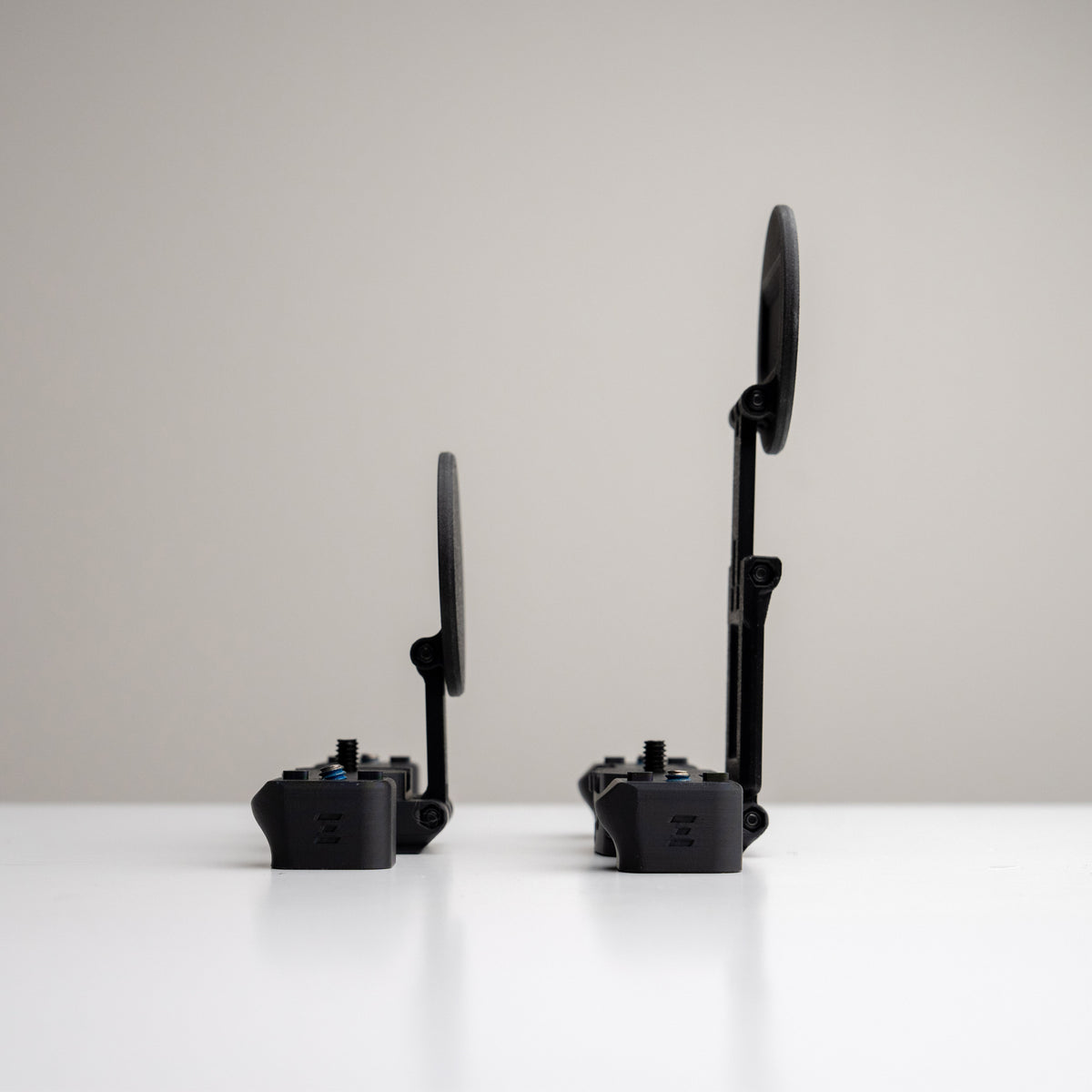
Kits & handles
Choose your starting setup
Start with handles, or choose an XL Phone Mount Bundle. Compare camera fit and included parts on each product page to find the setup that suits you.
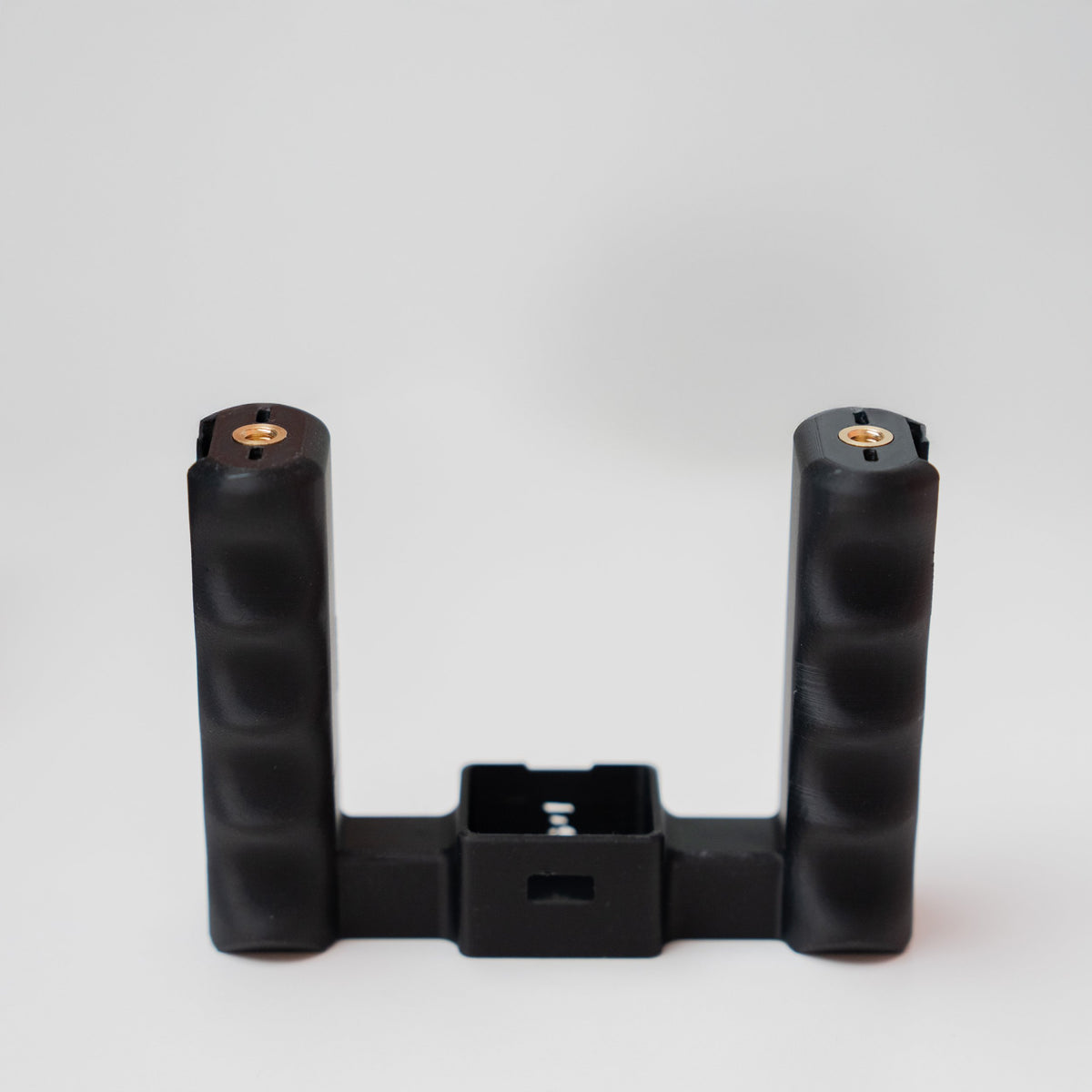
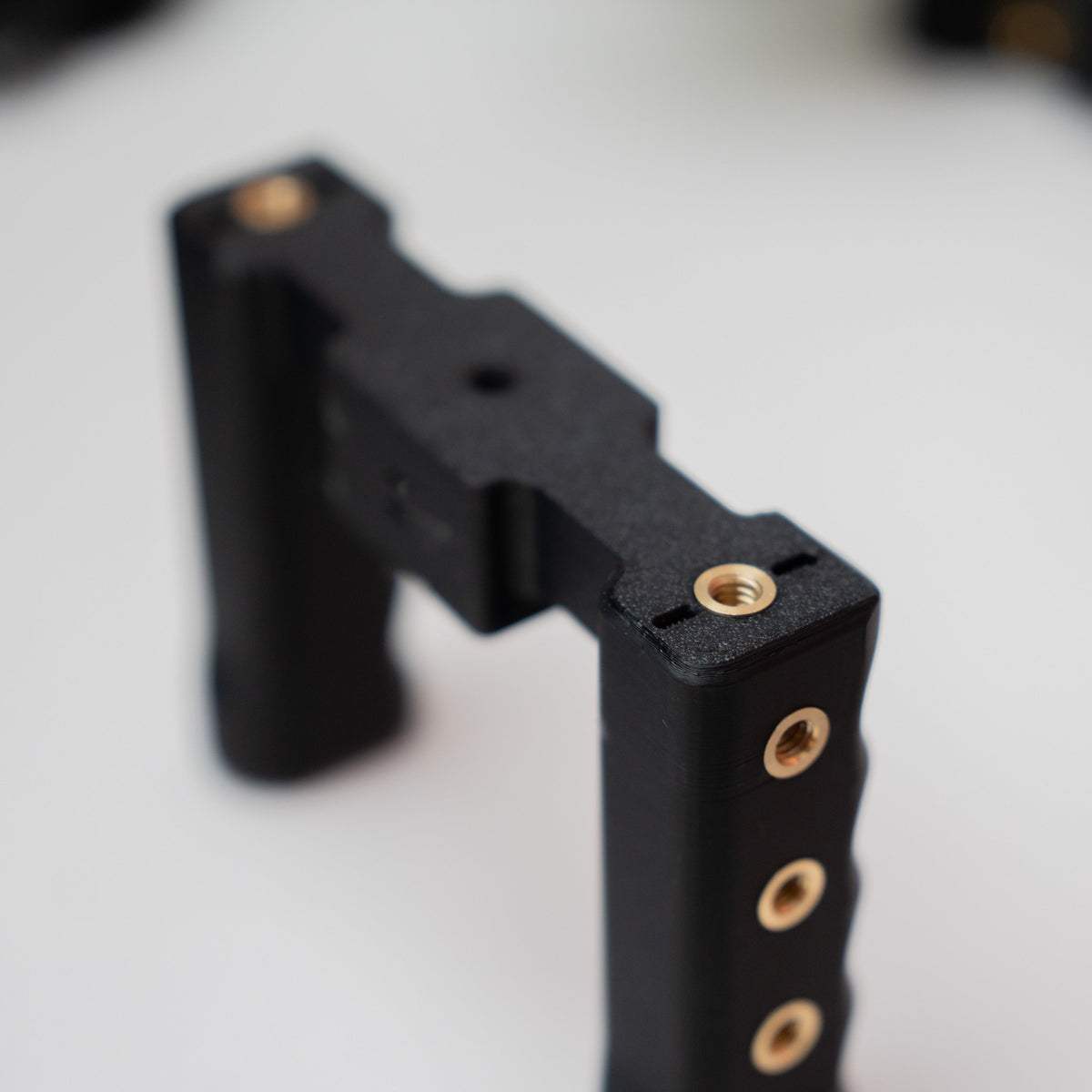
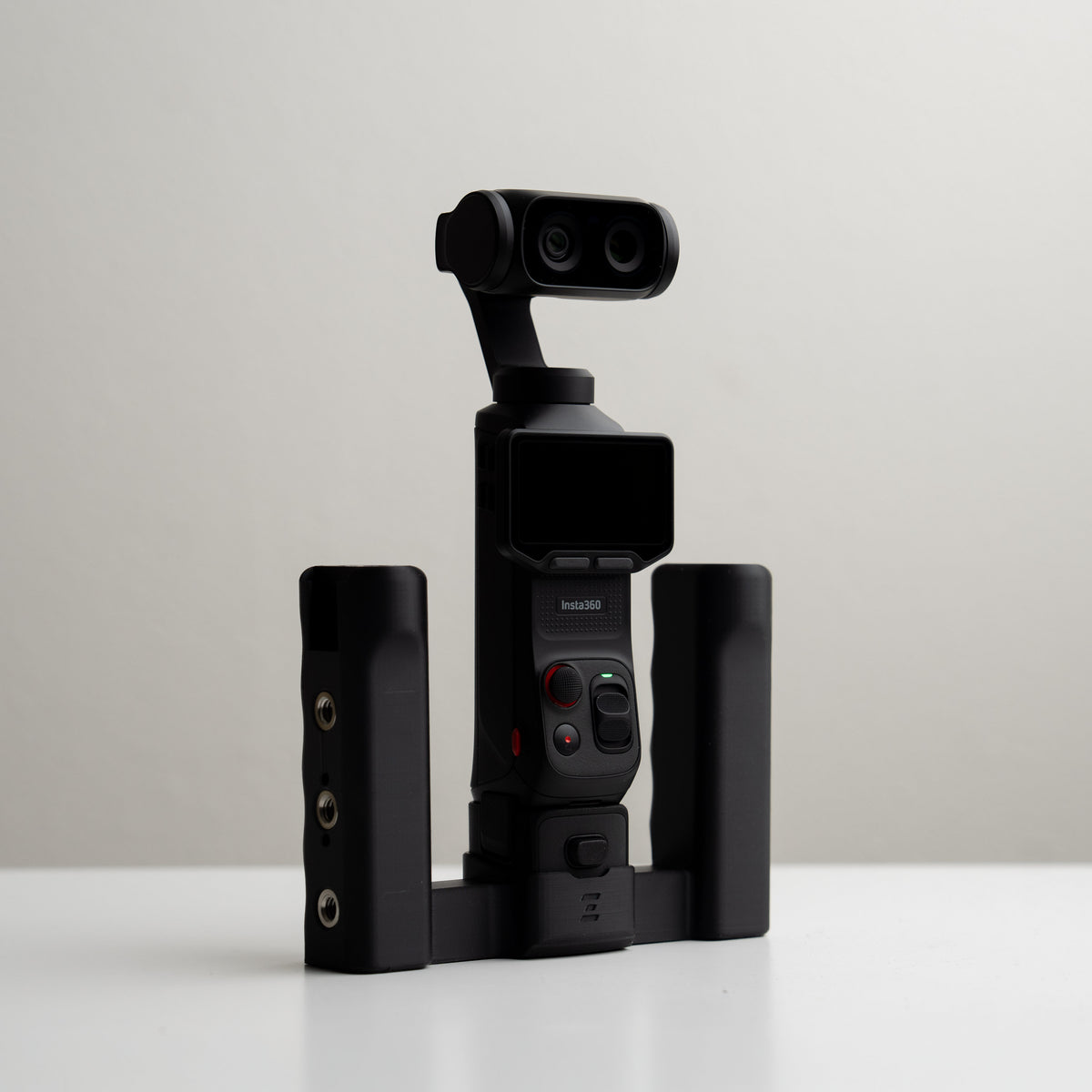
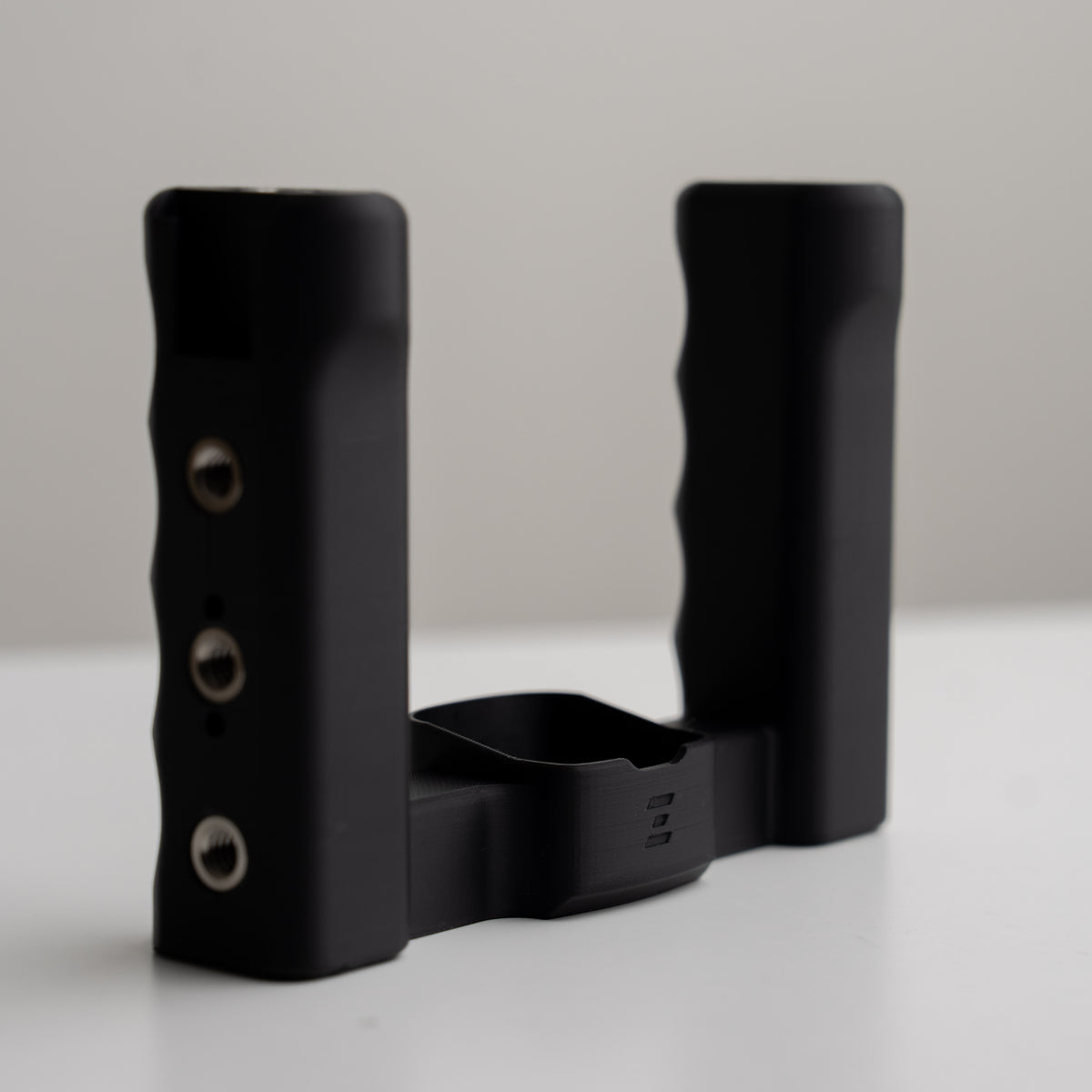
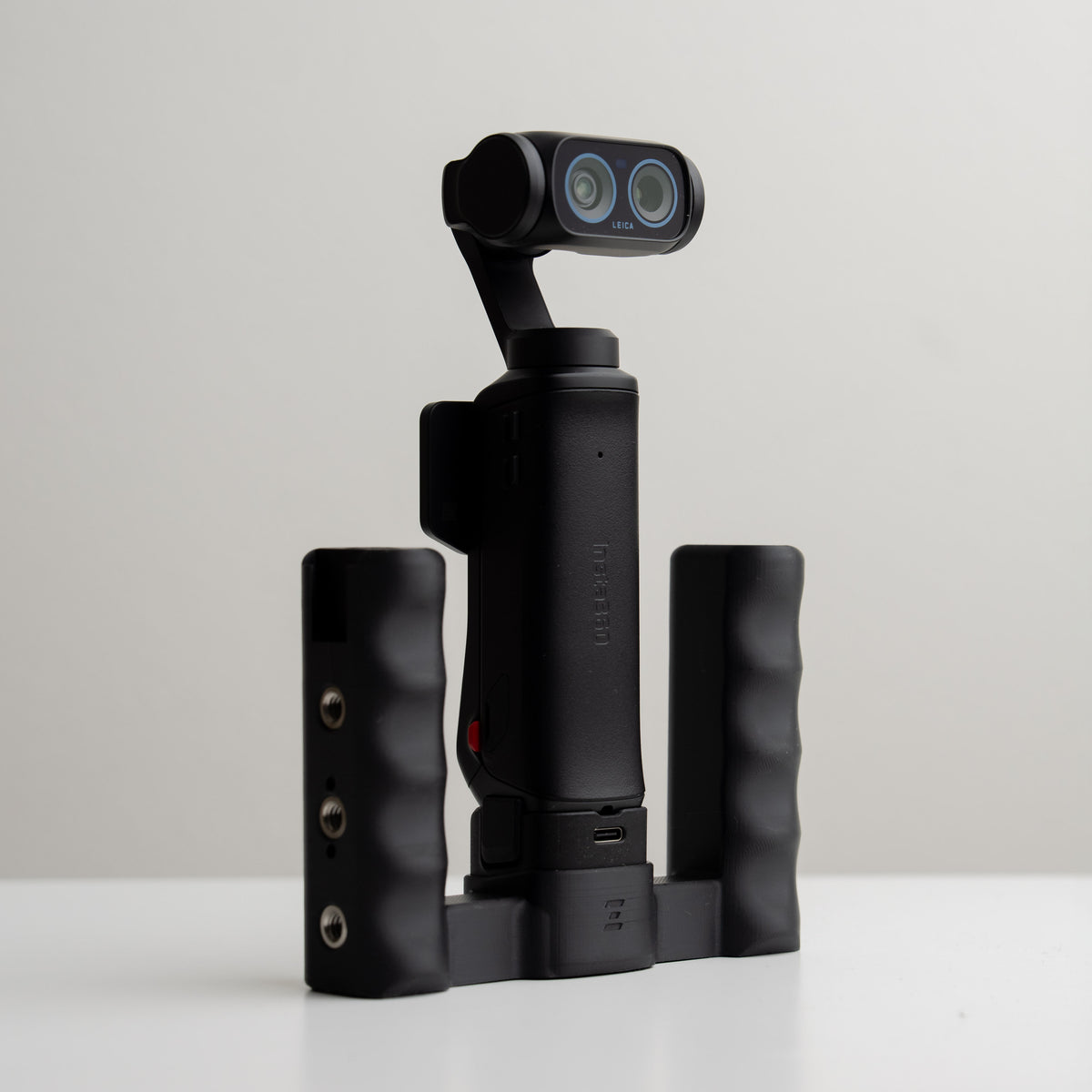
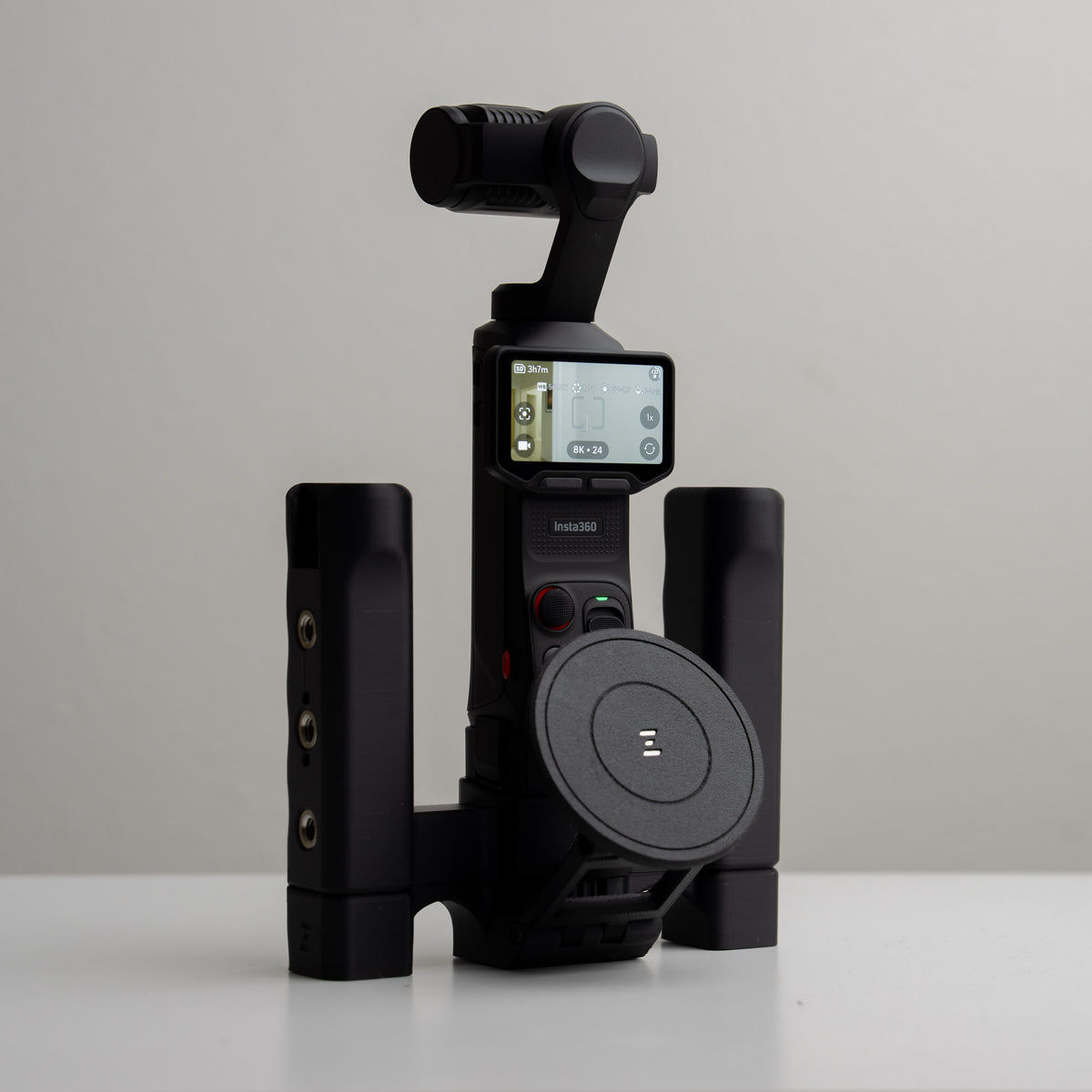
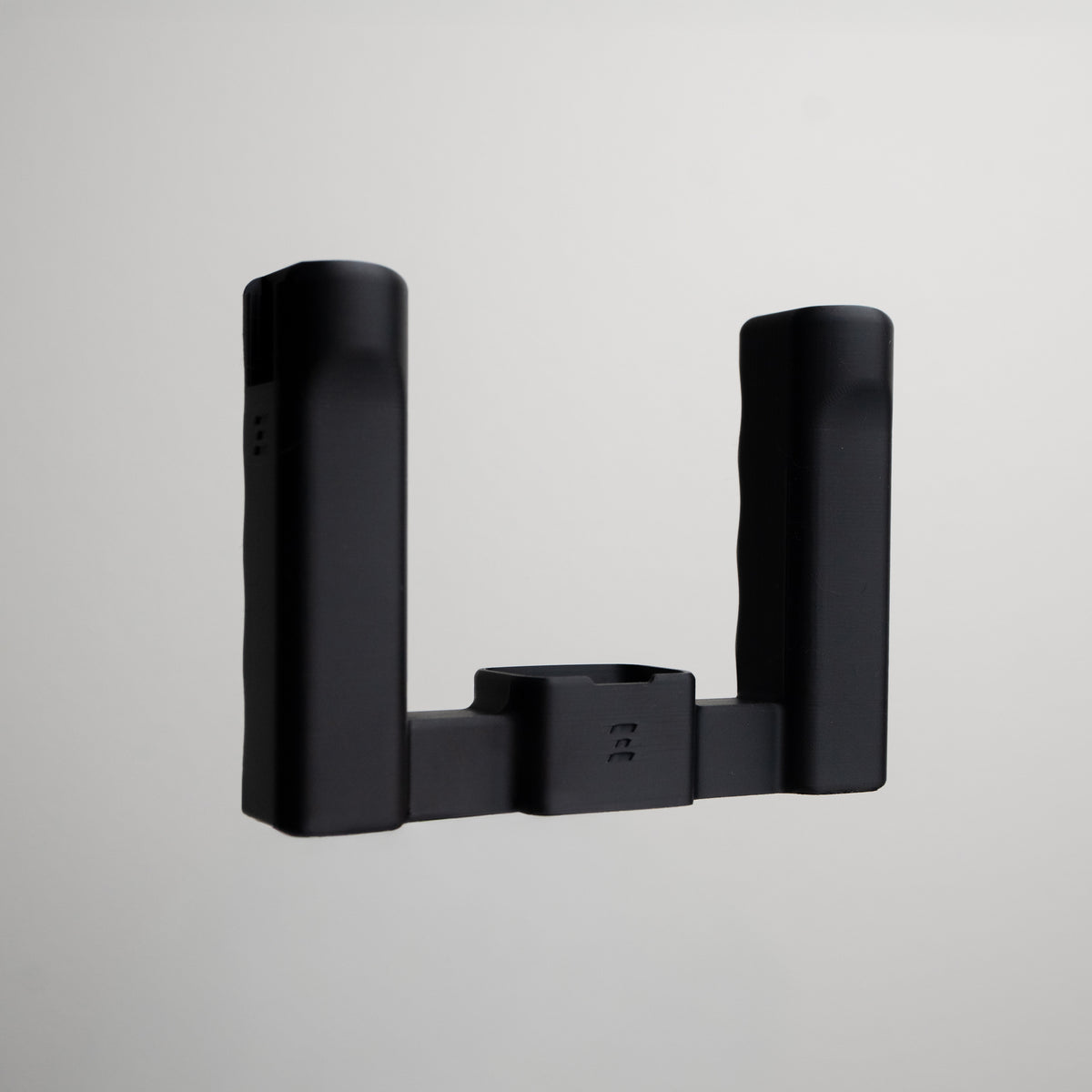
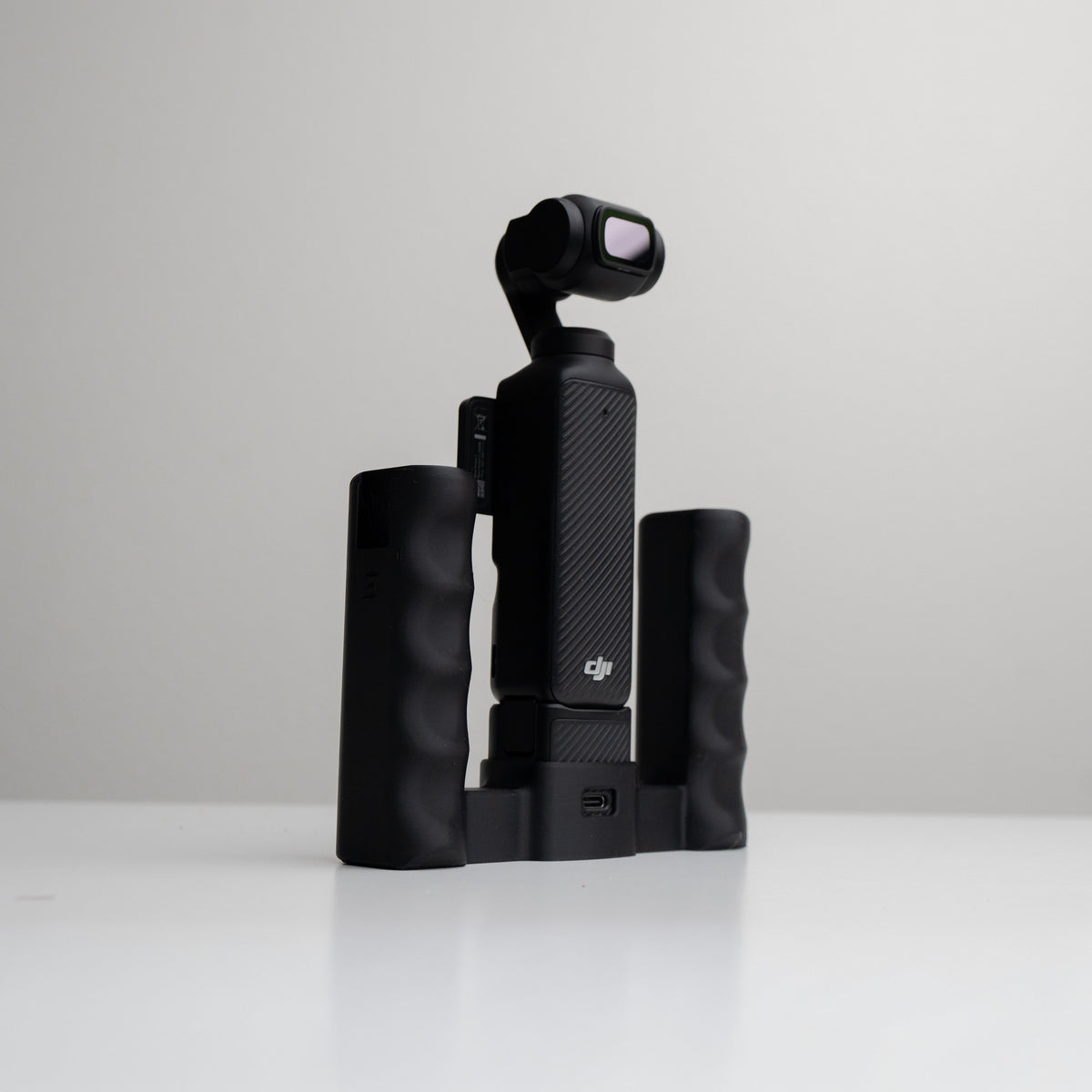
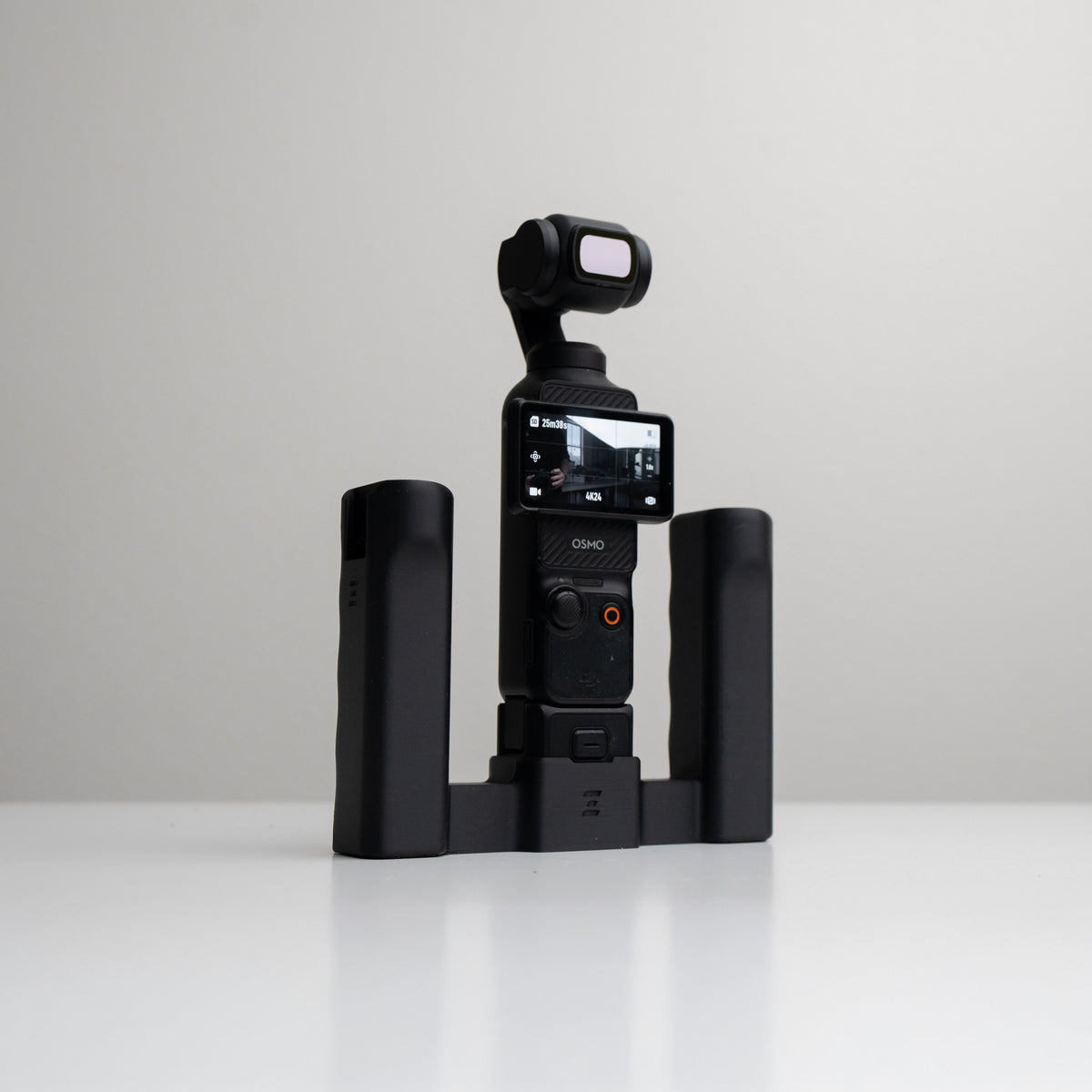
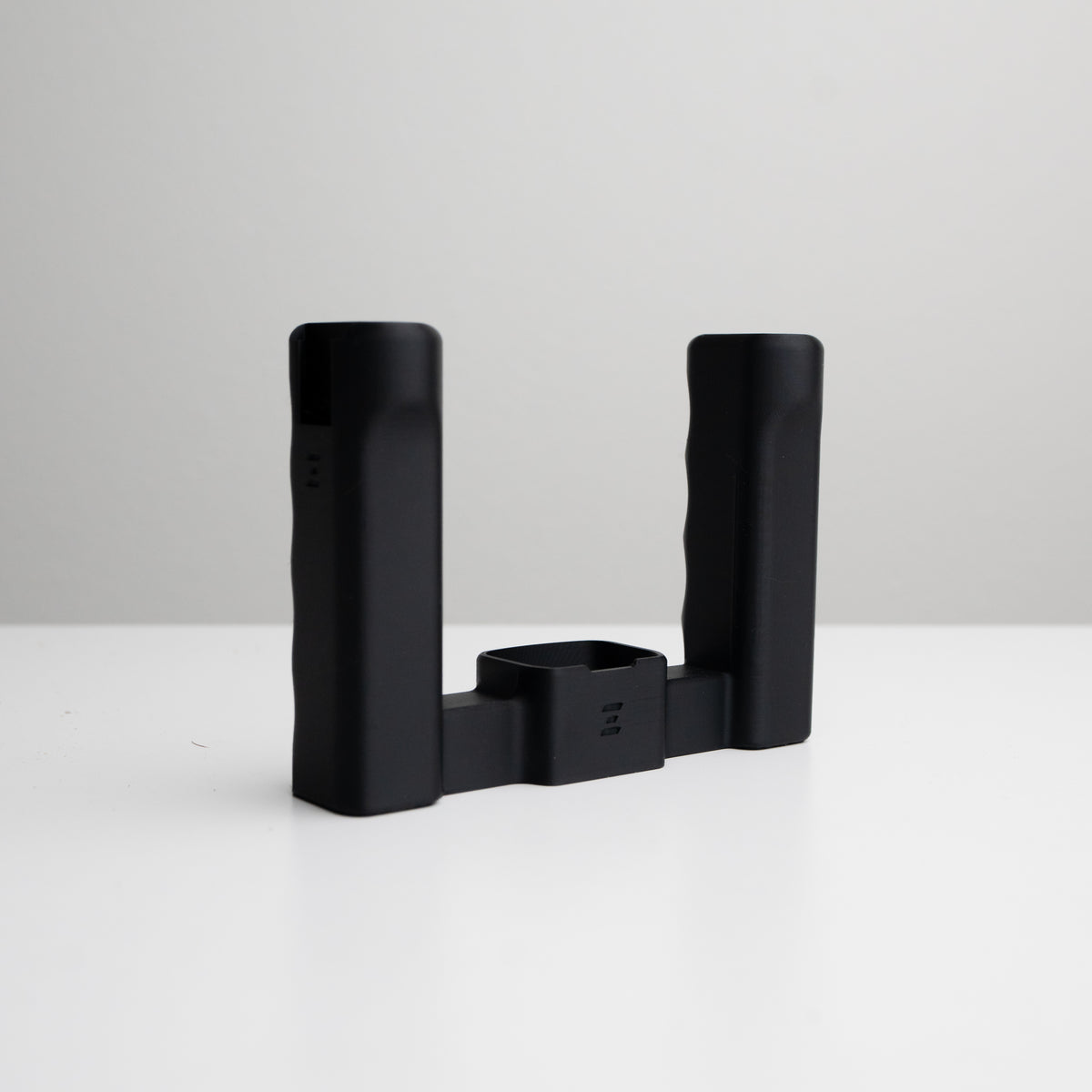
Grip Rig 2 LITE for DJI OSMO Pocket 3 & 4 | Mount Your Phone, Mics, Lights
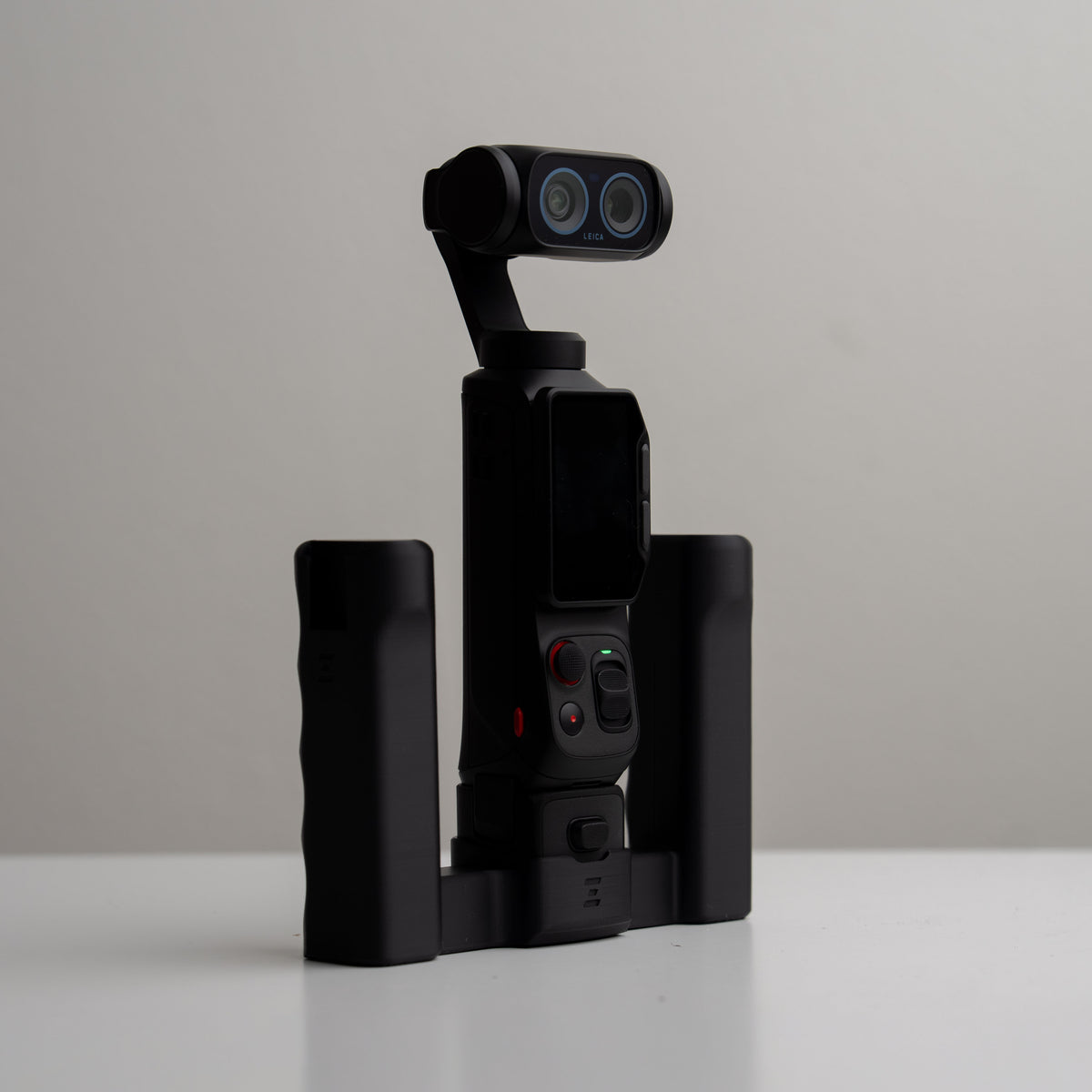
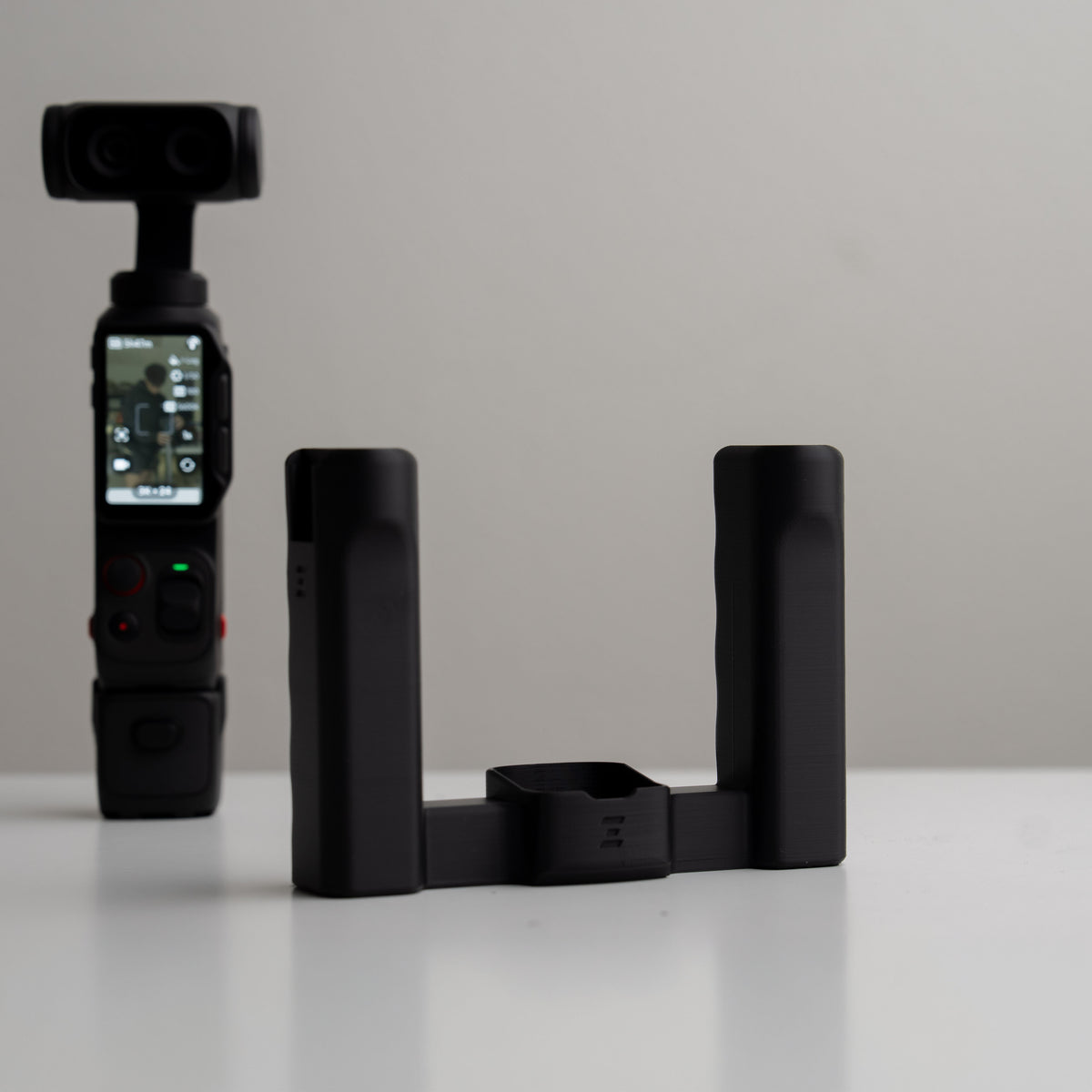
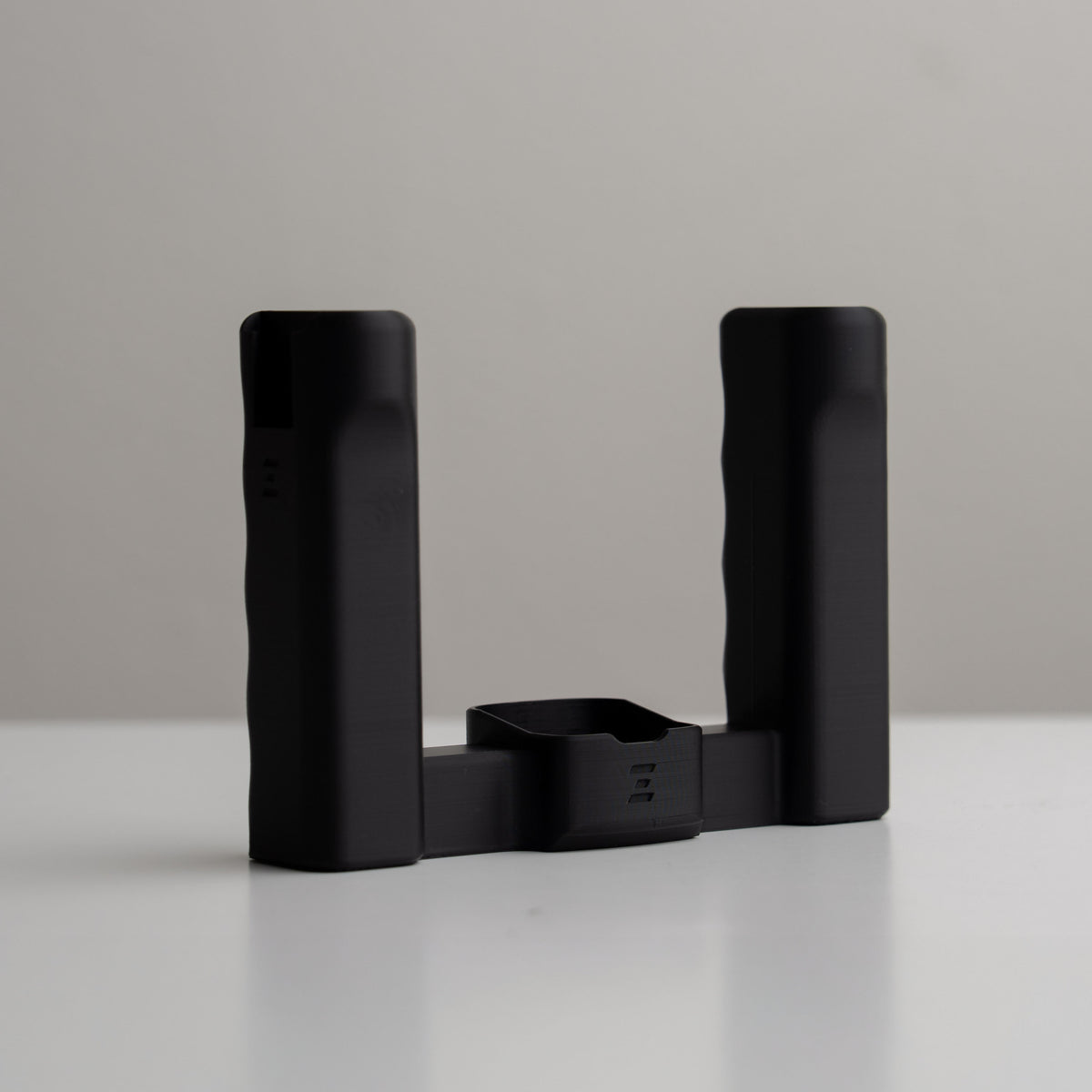
Grip Rig 2 LITE for Insta360 Luna Ultra & Luna Pro
Grip Rig 2 Accessories
Complete your setup
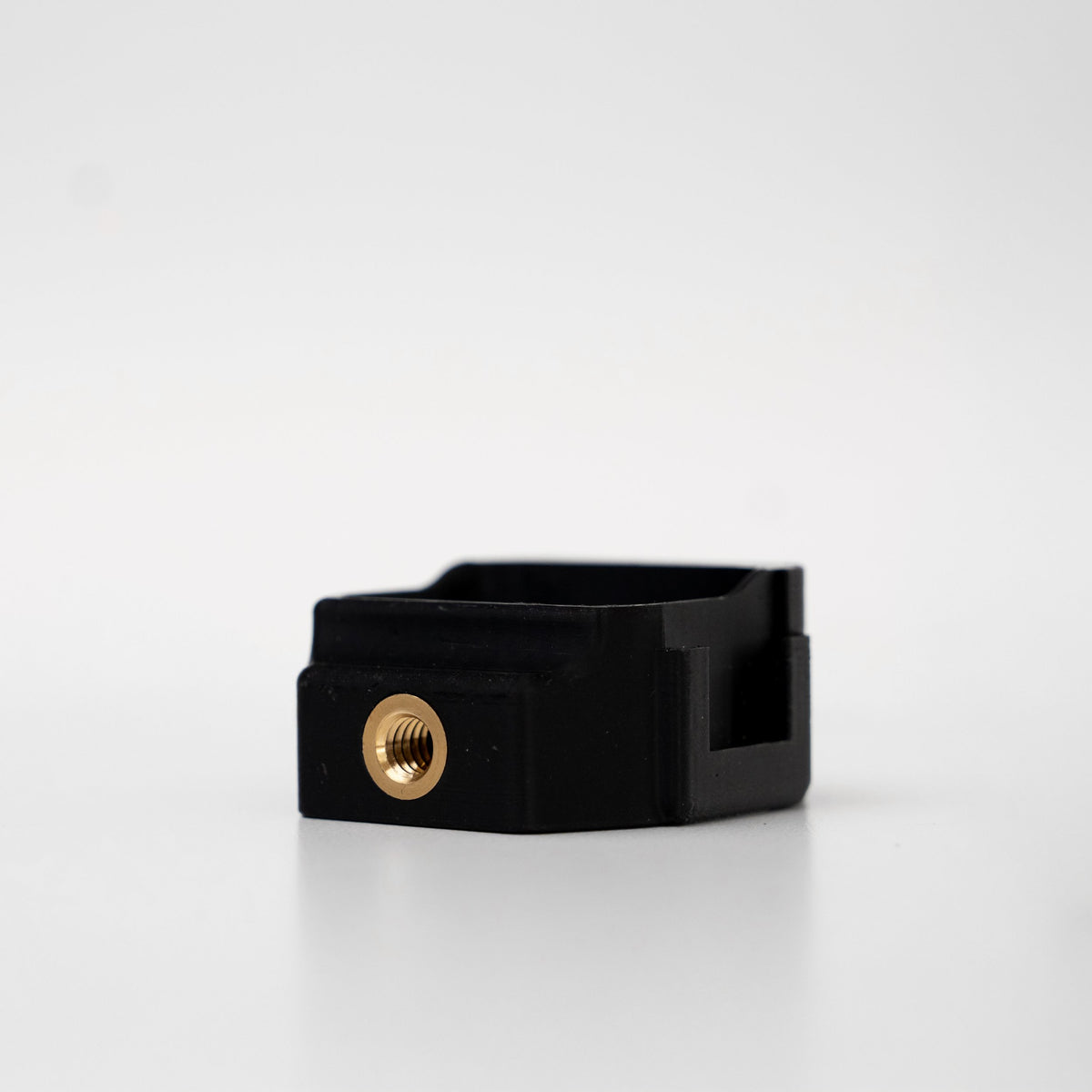
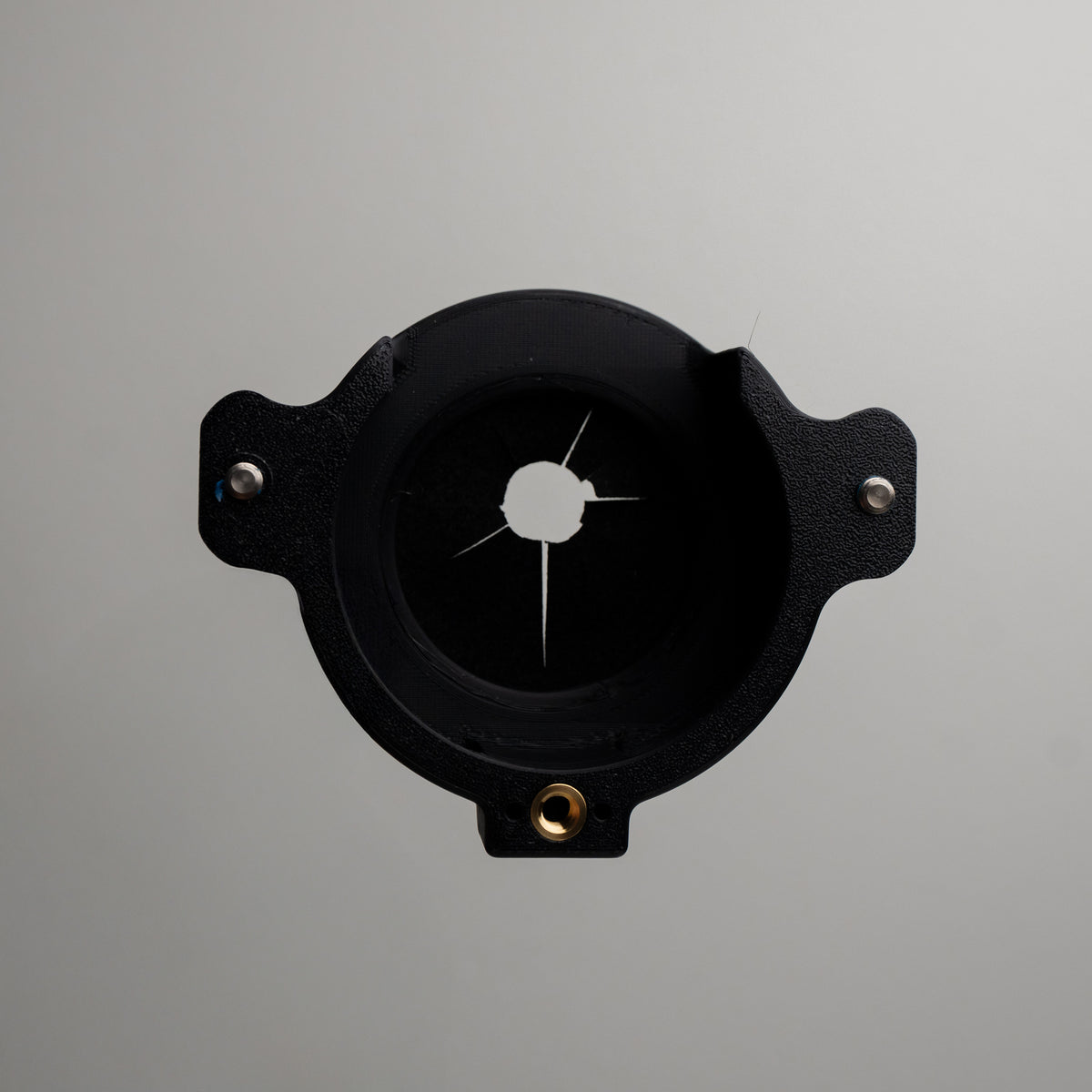
Explore phone mounts, expansion adapters, Top Cages, stands, and more. Check each accessory’s camera and rig-size compatibility to find the right fit for your setup.
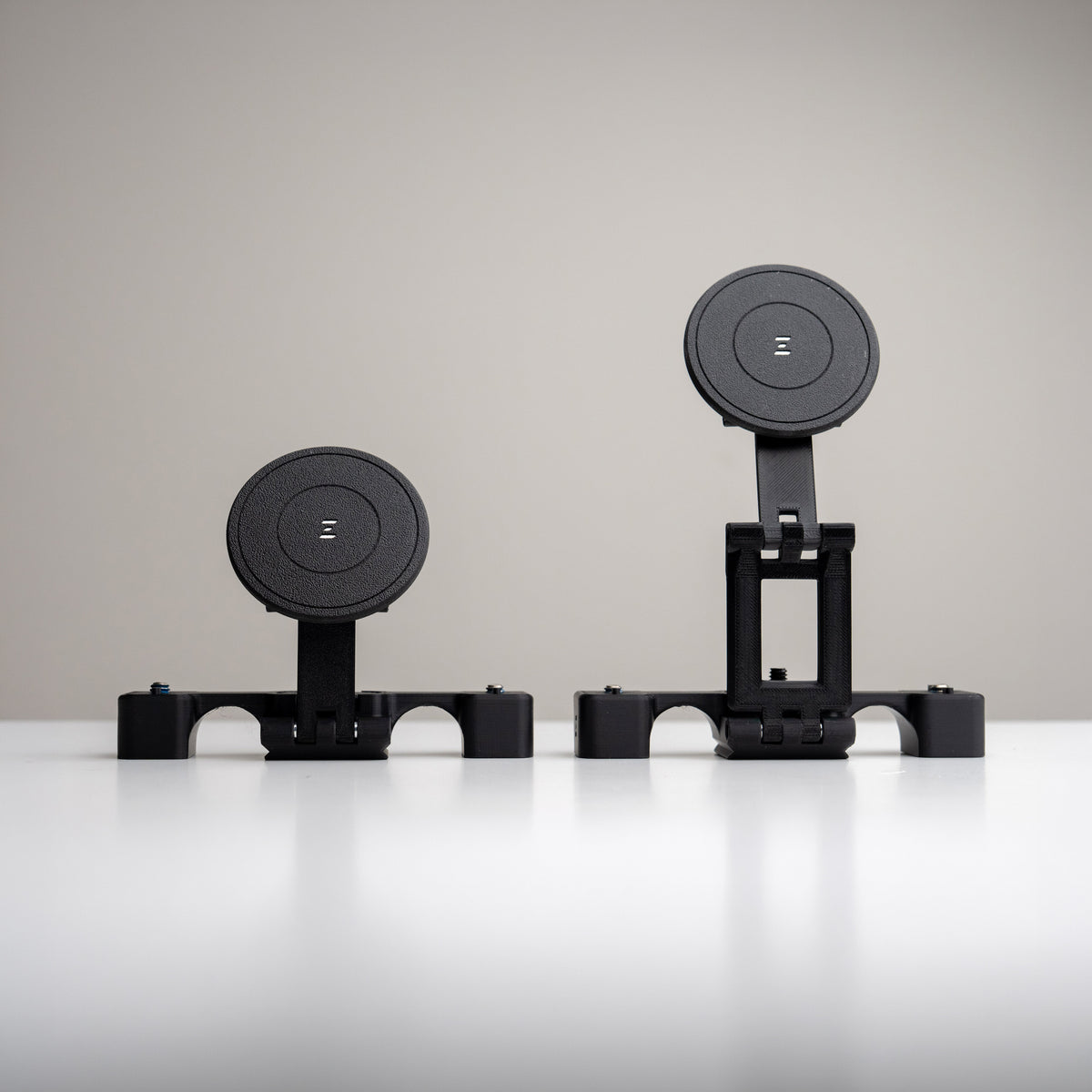
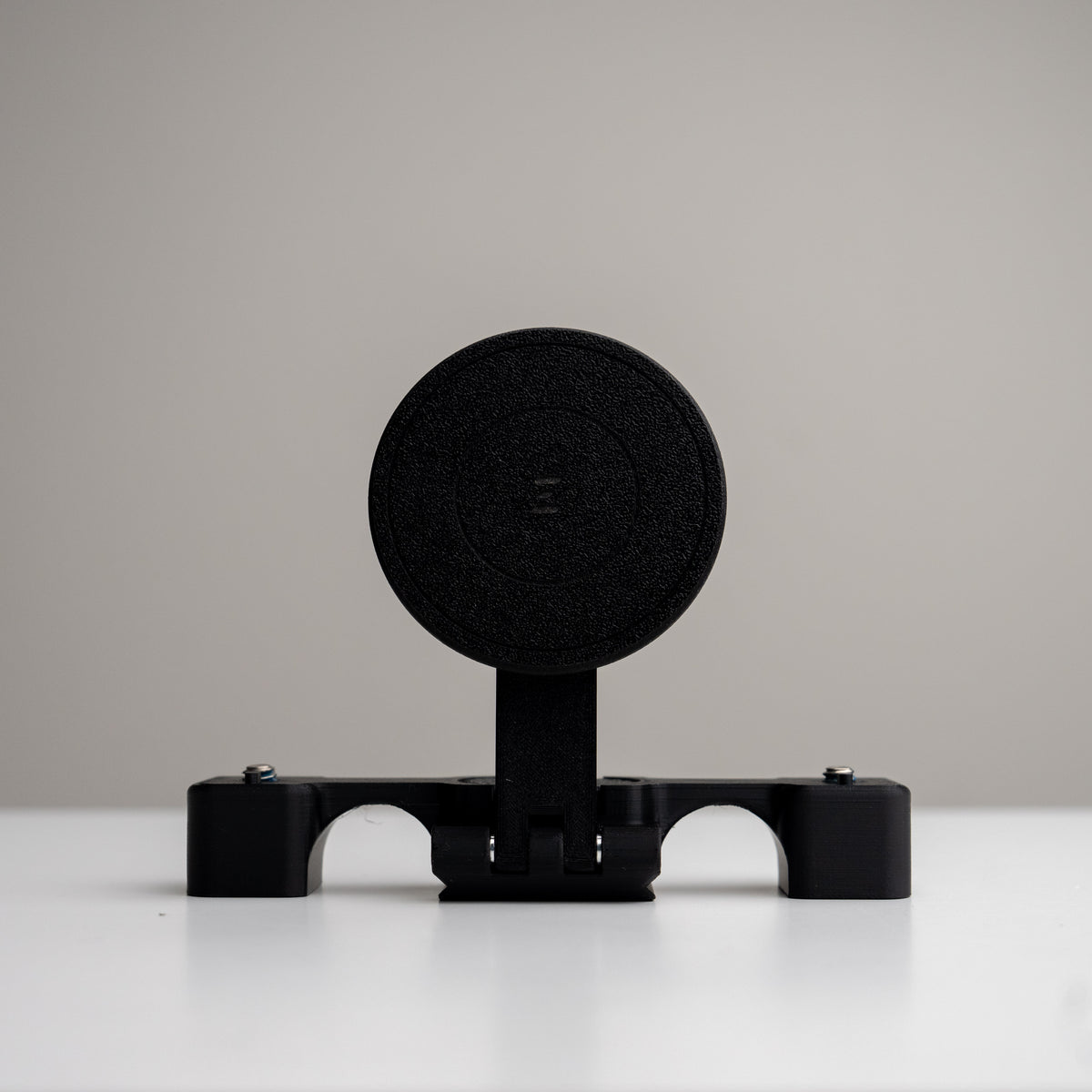
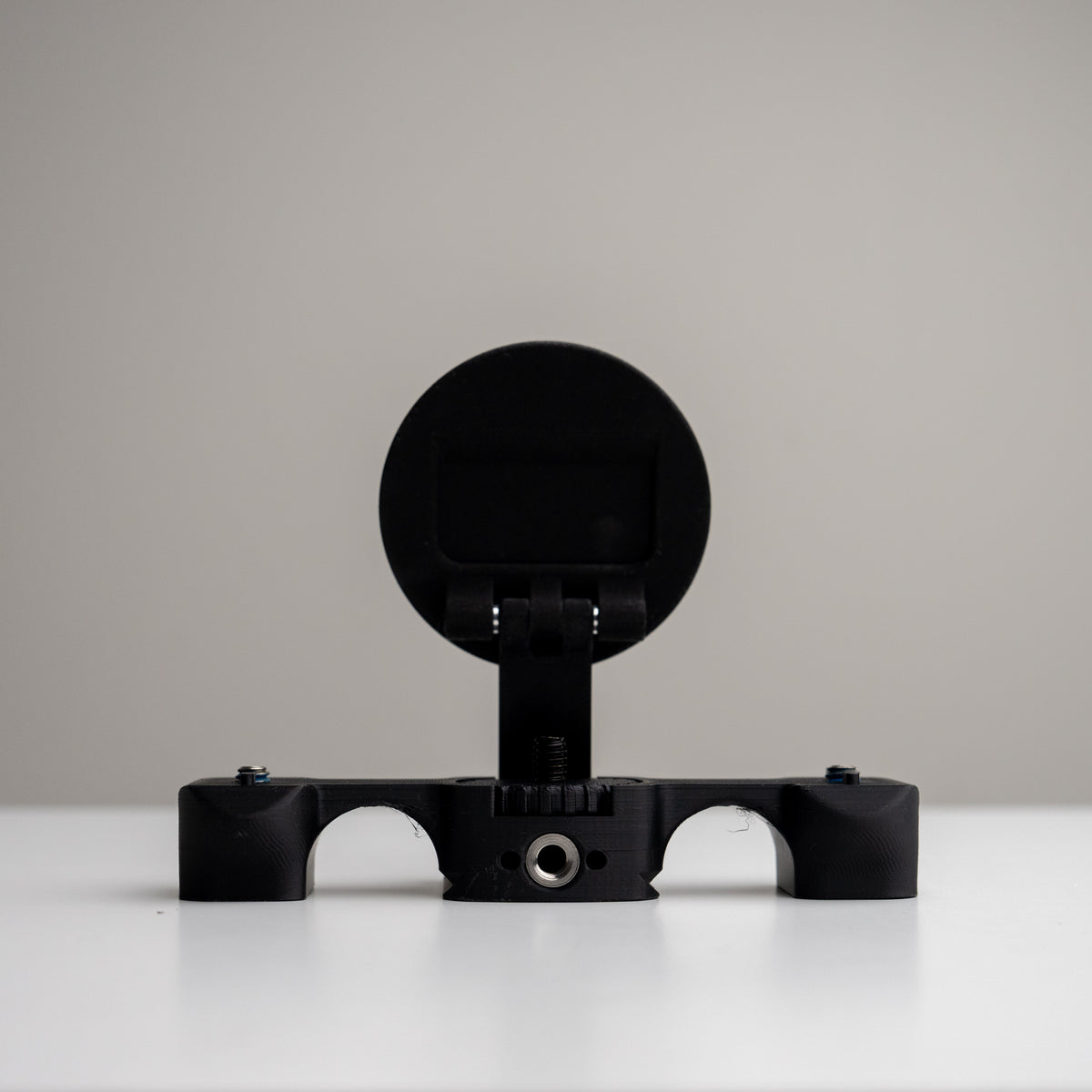
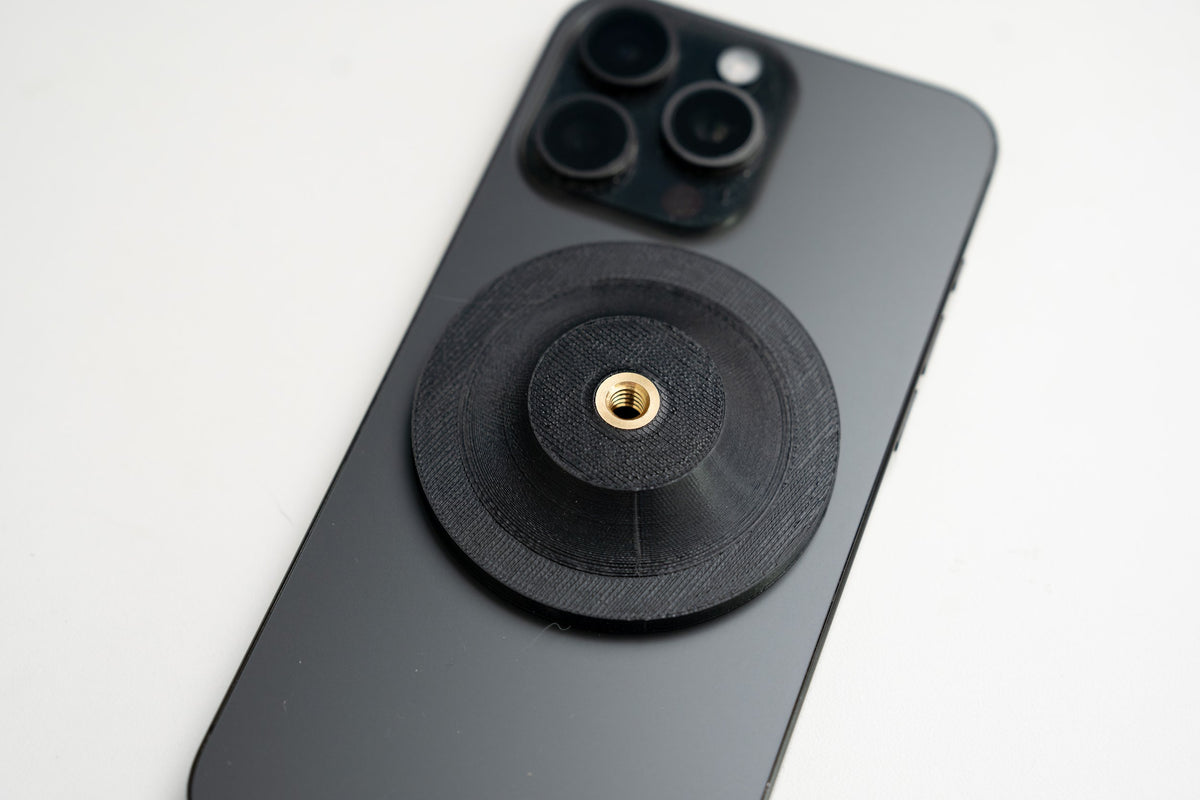
Grip Rig 2 MagSafe Phone Adapter
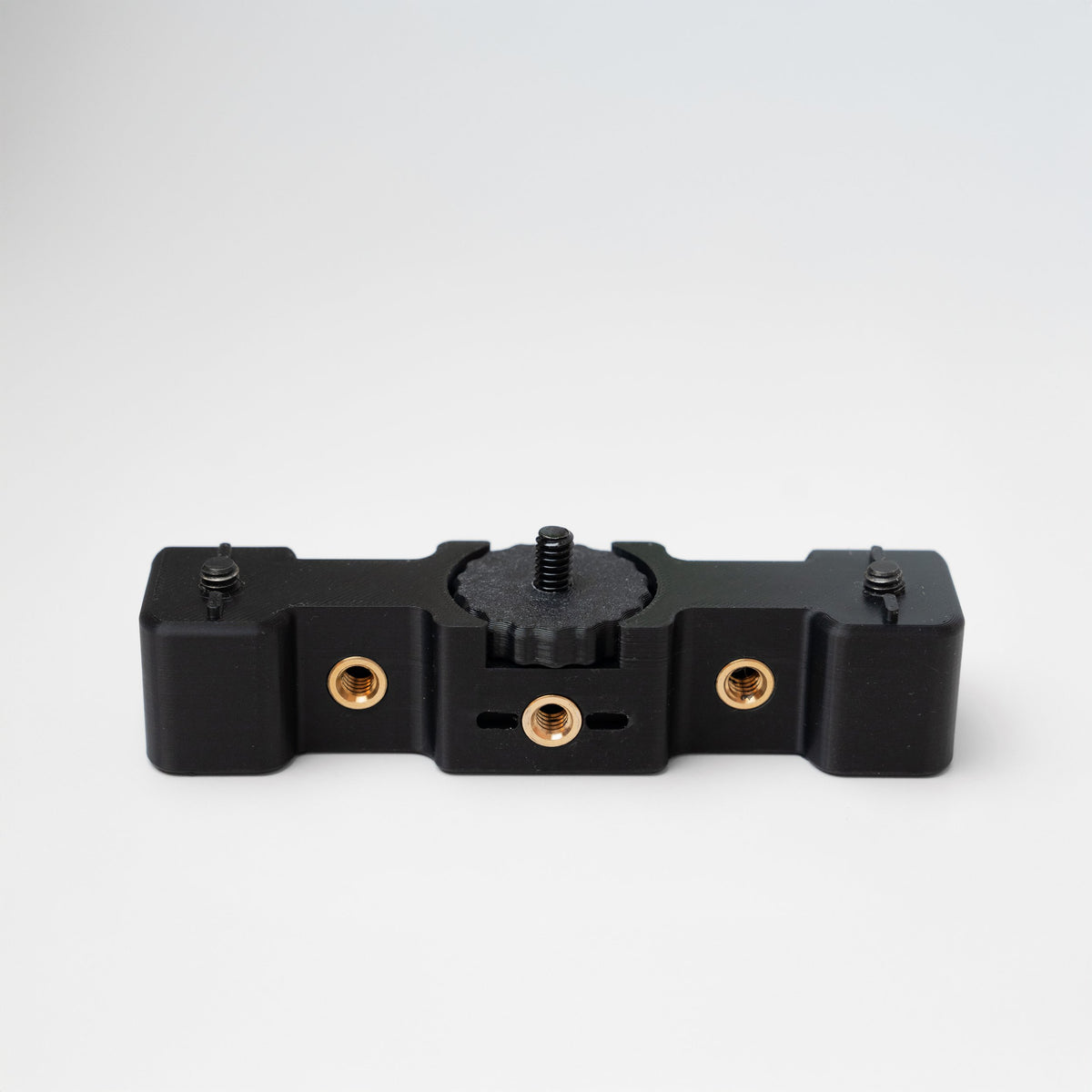
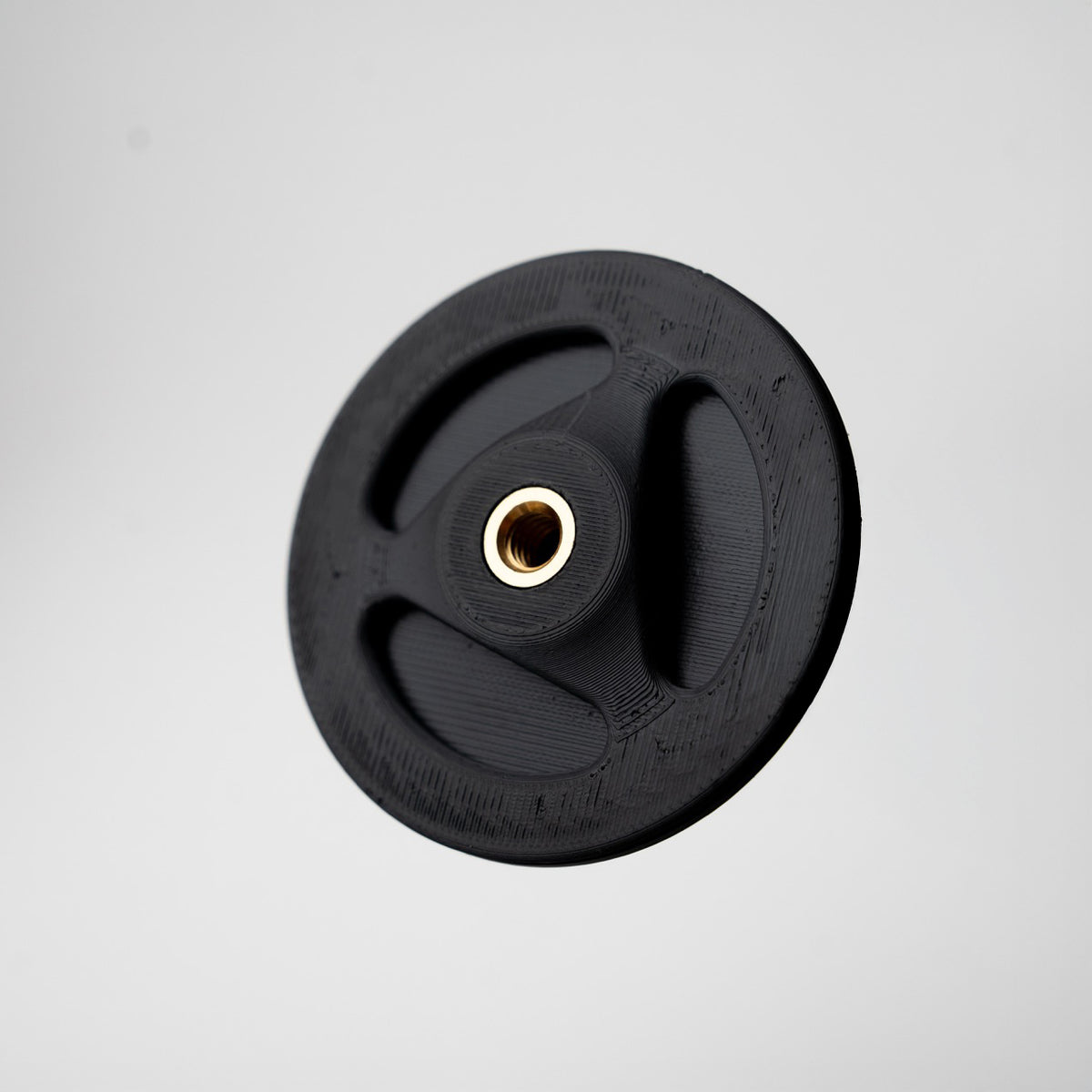
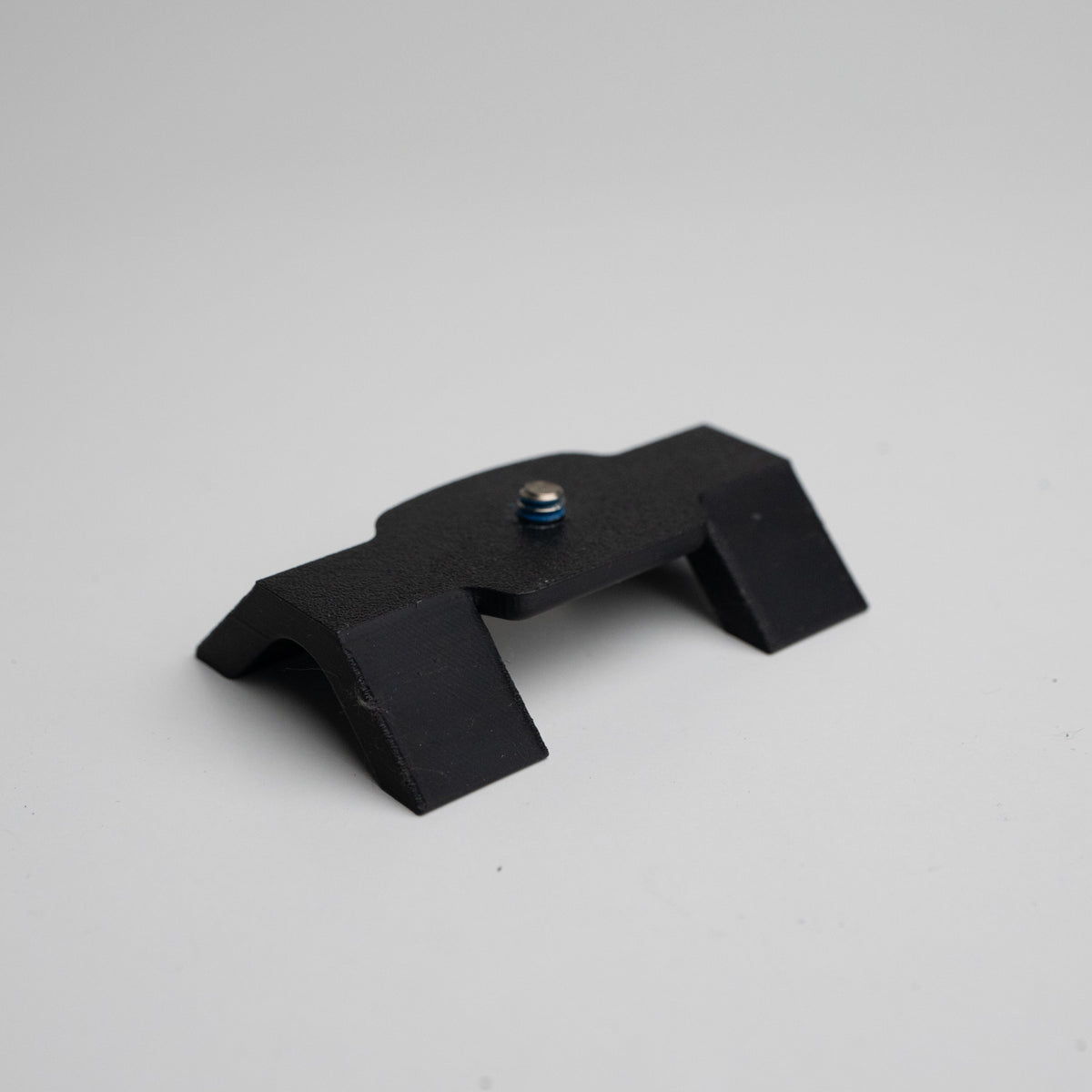
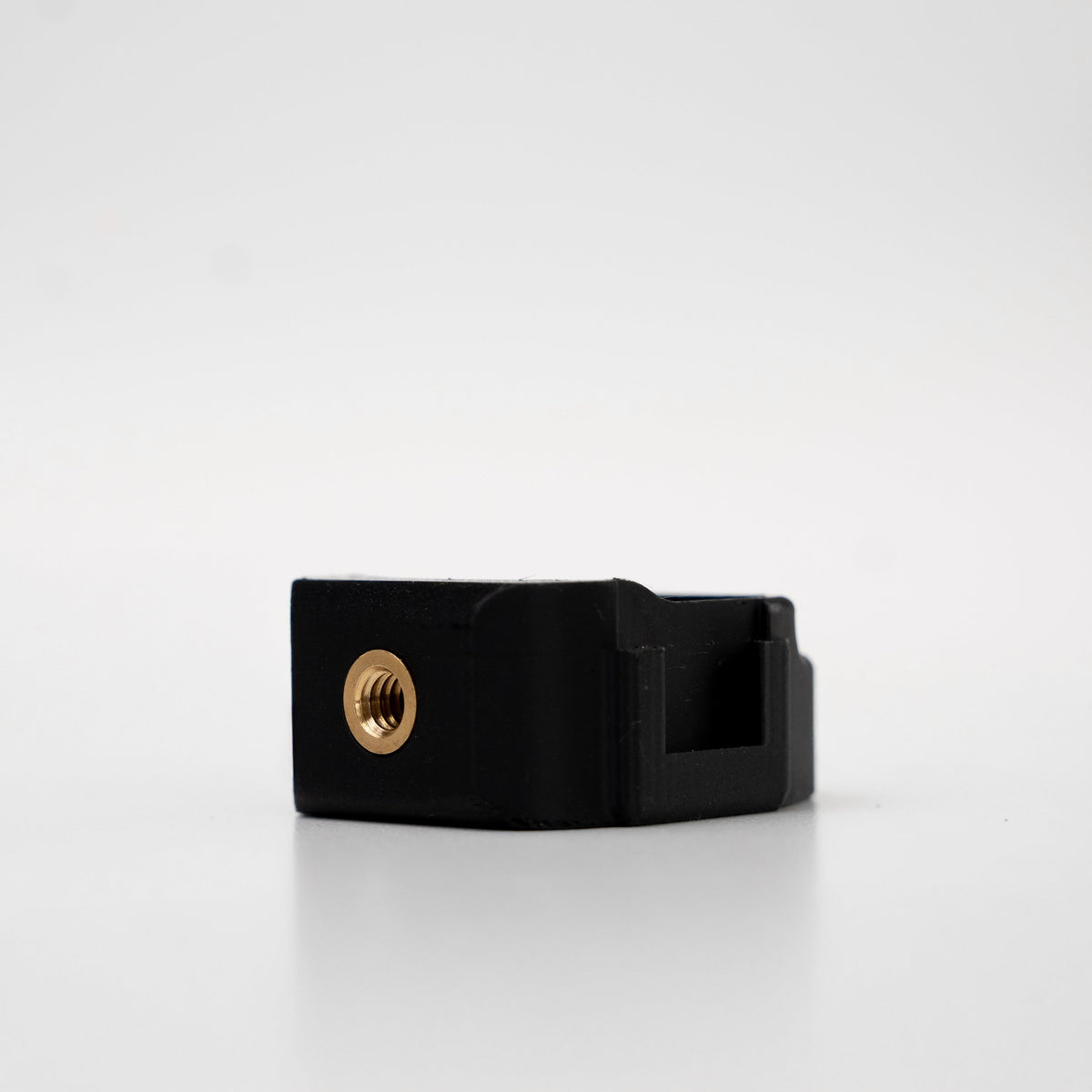
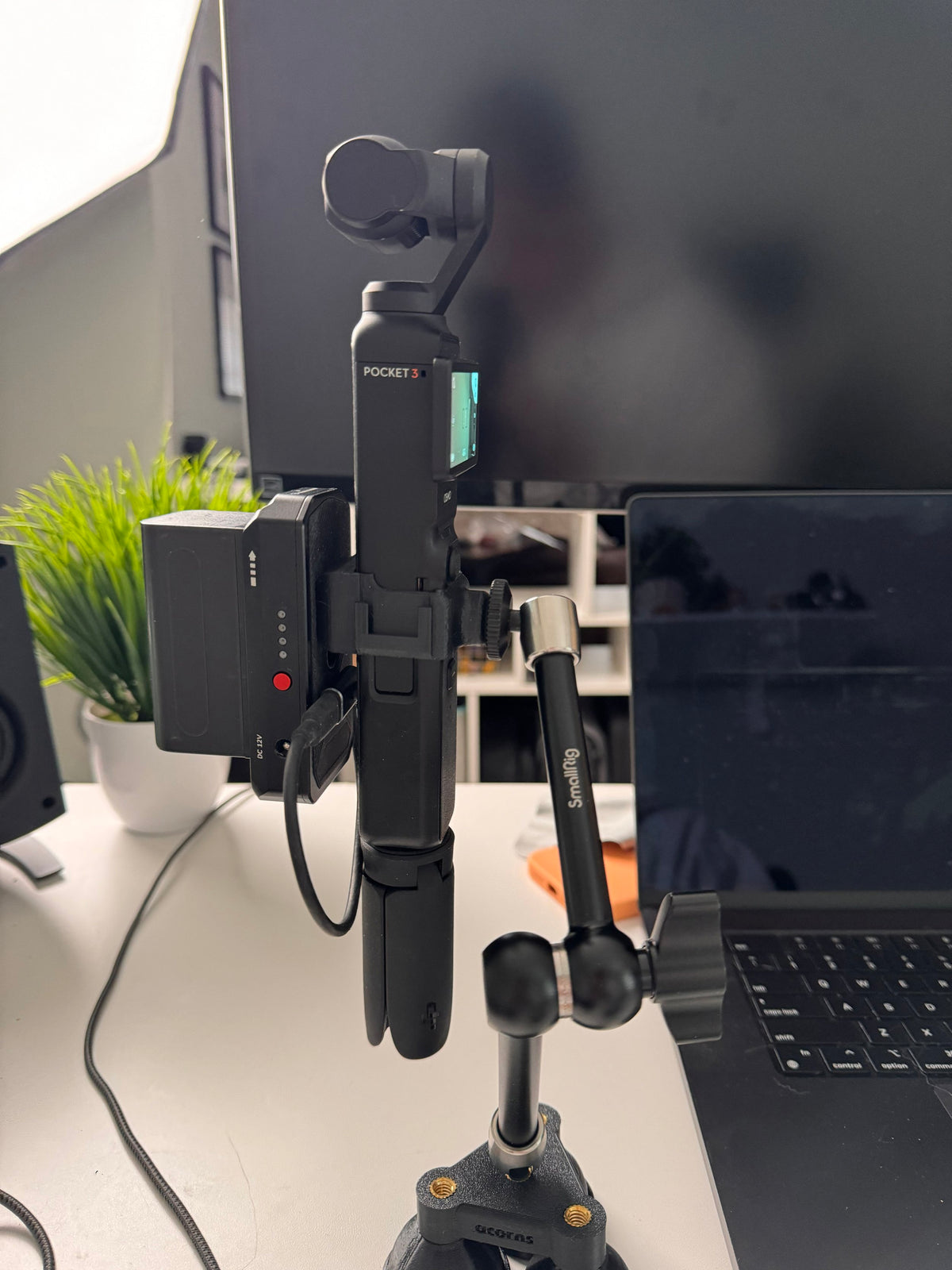
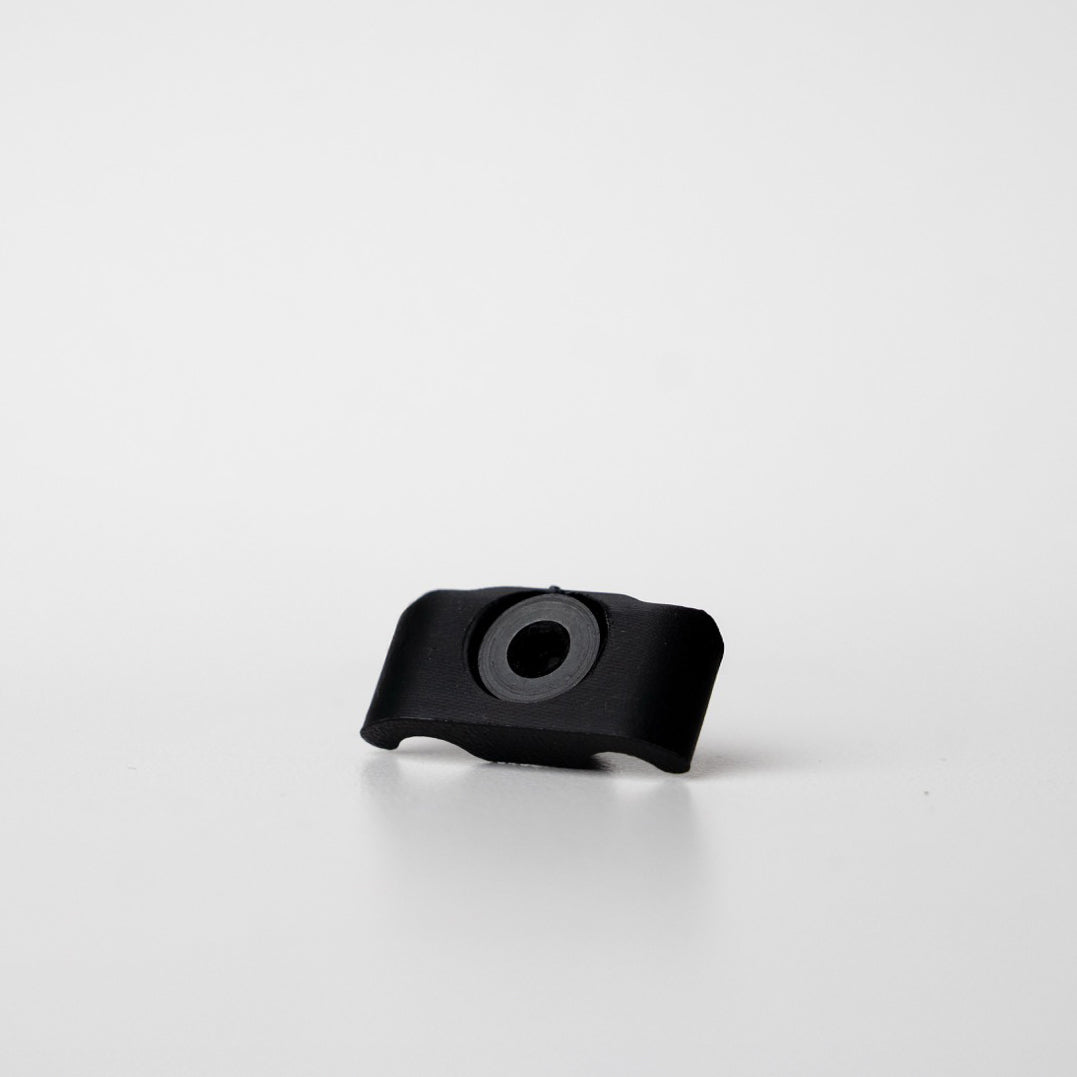
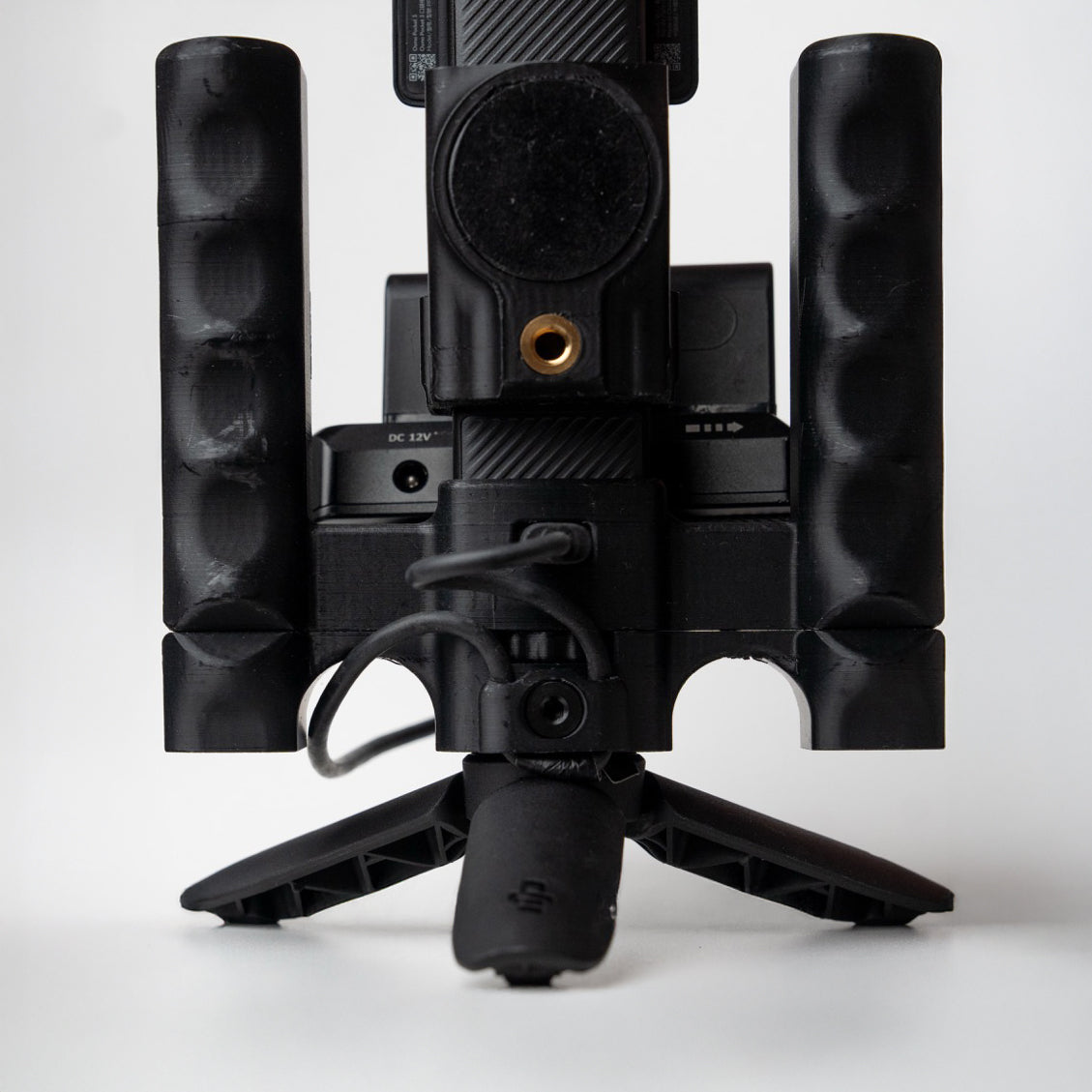
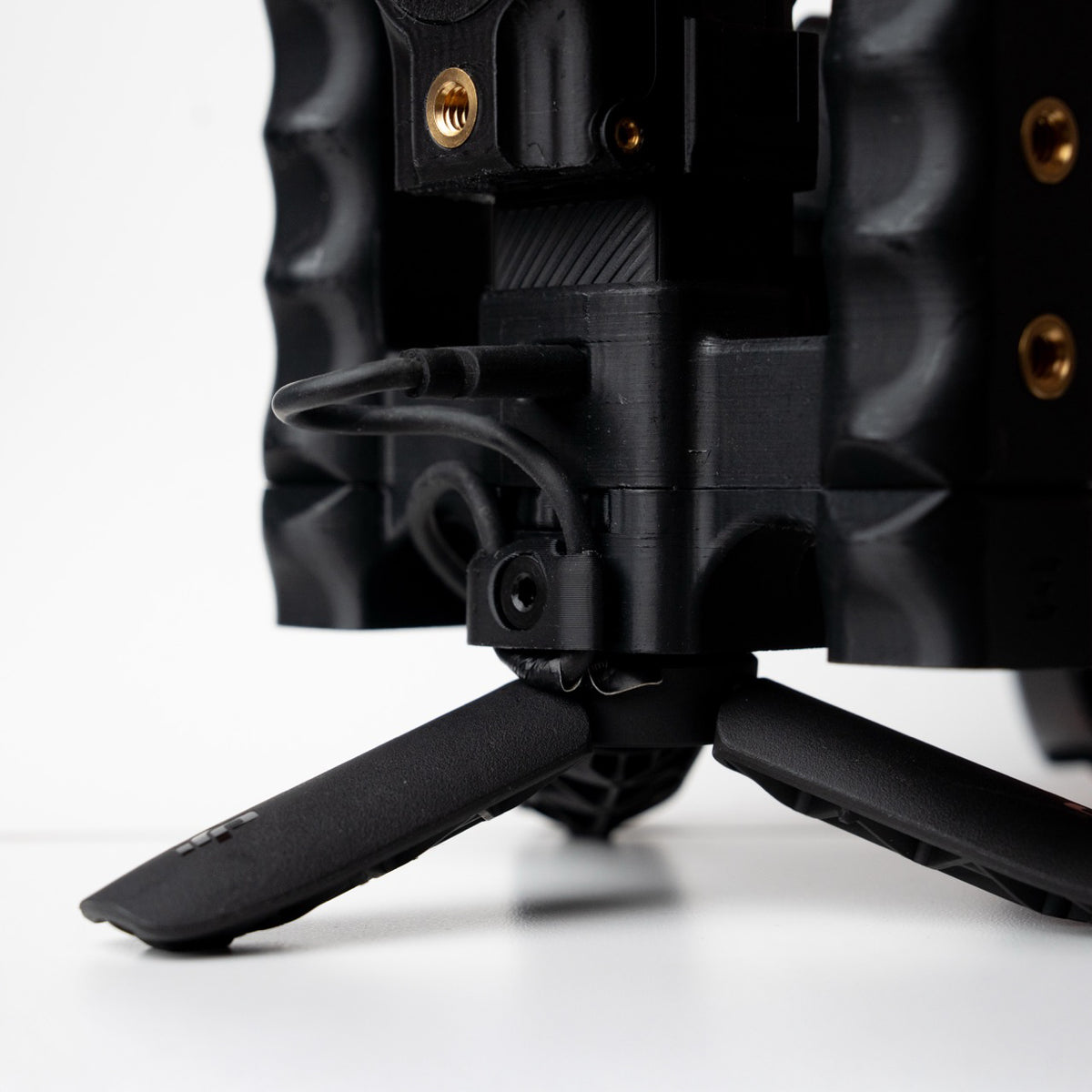
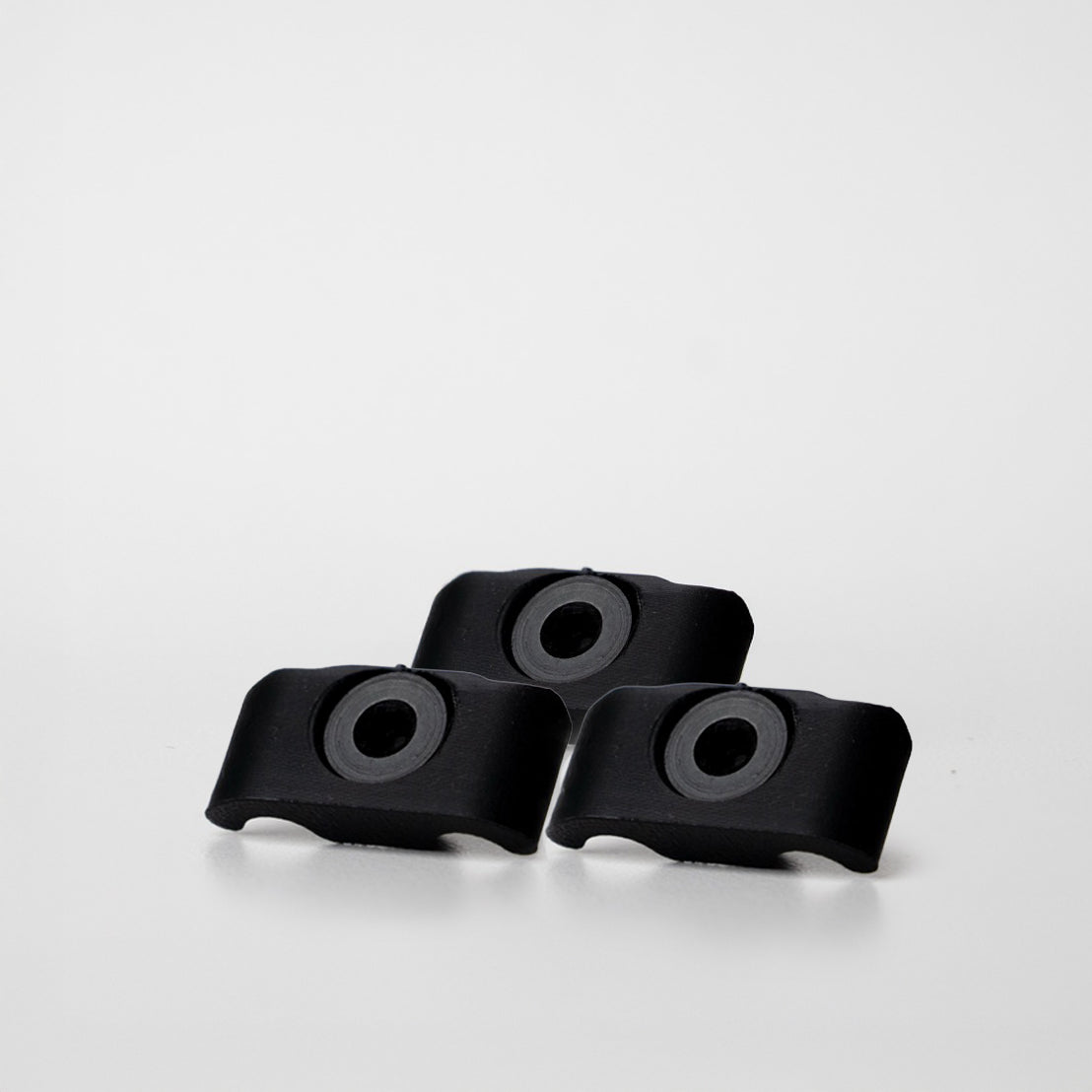
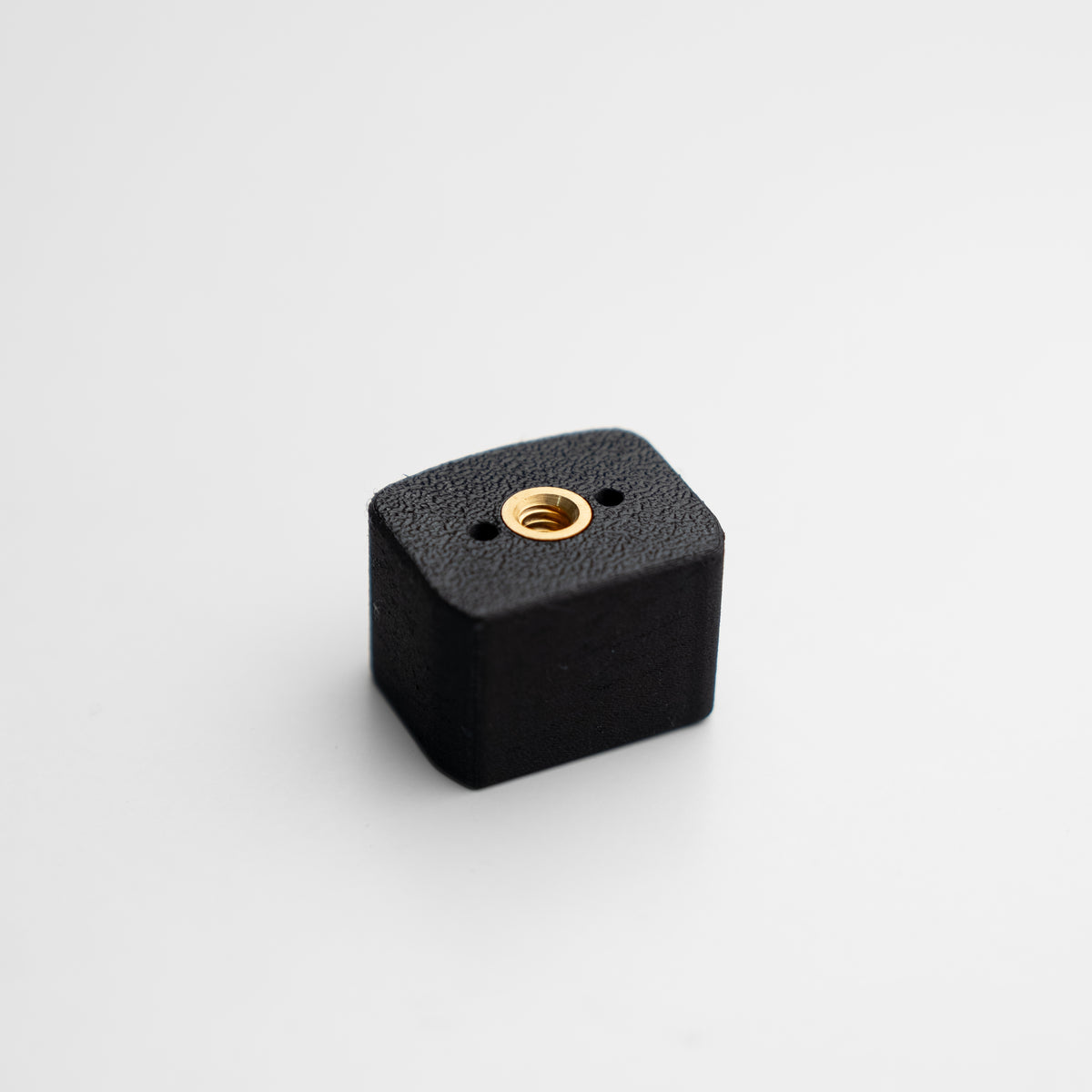
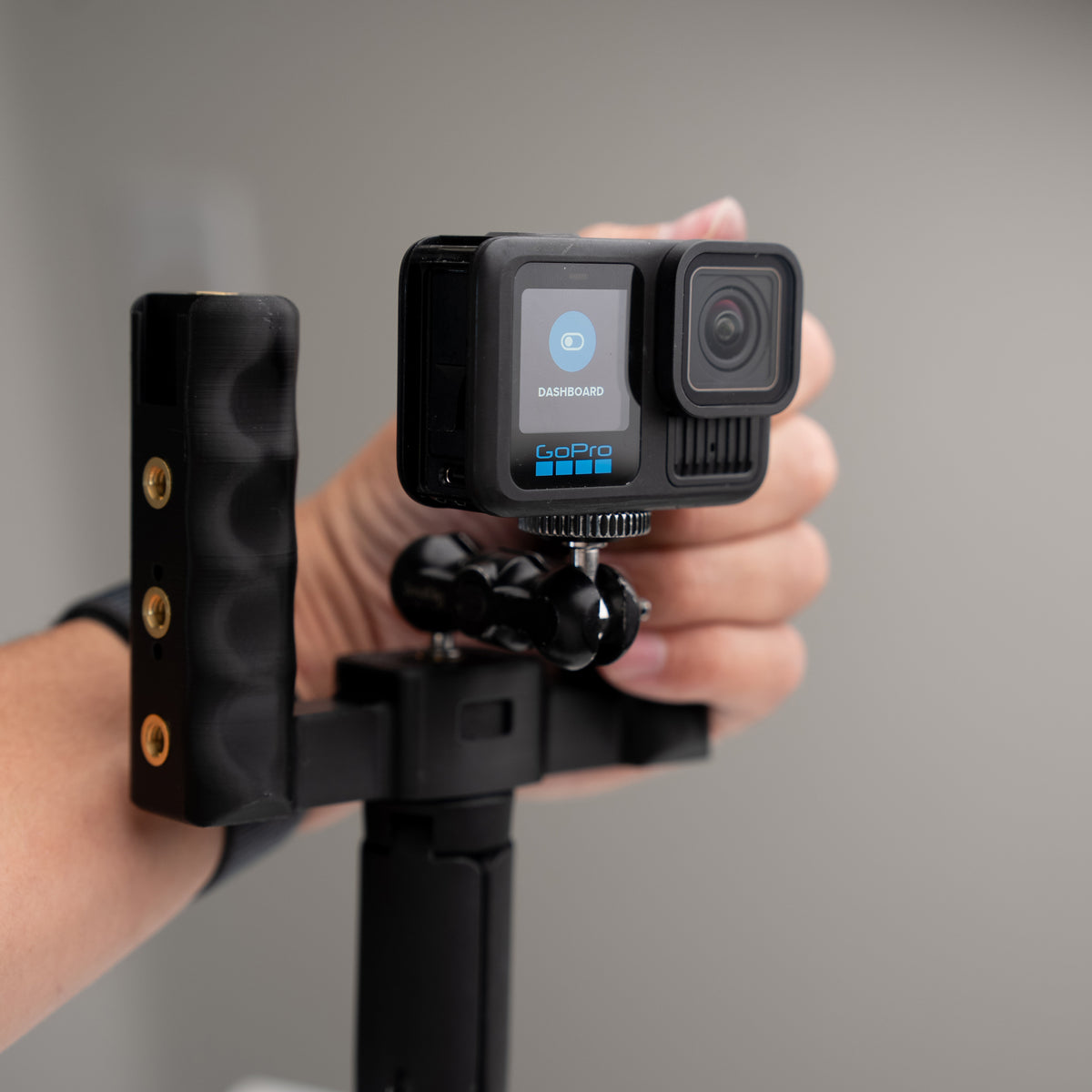
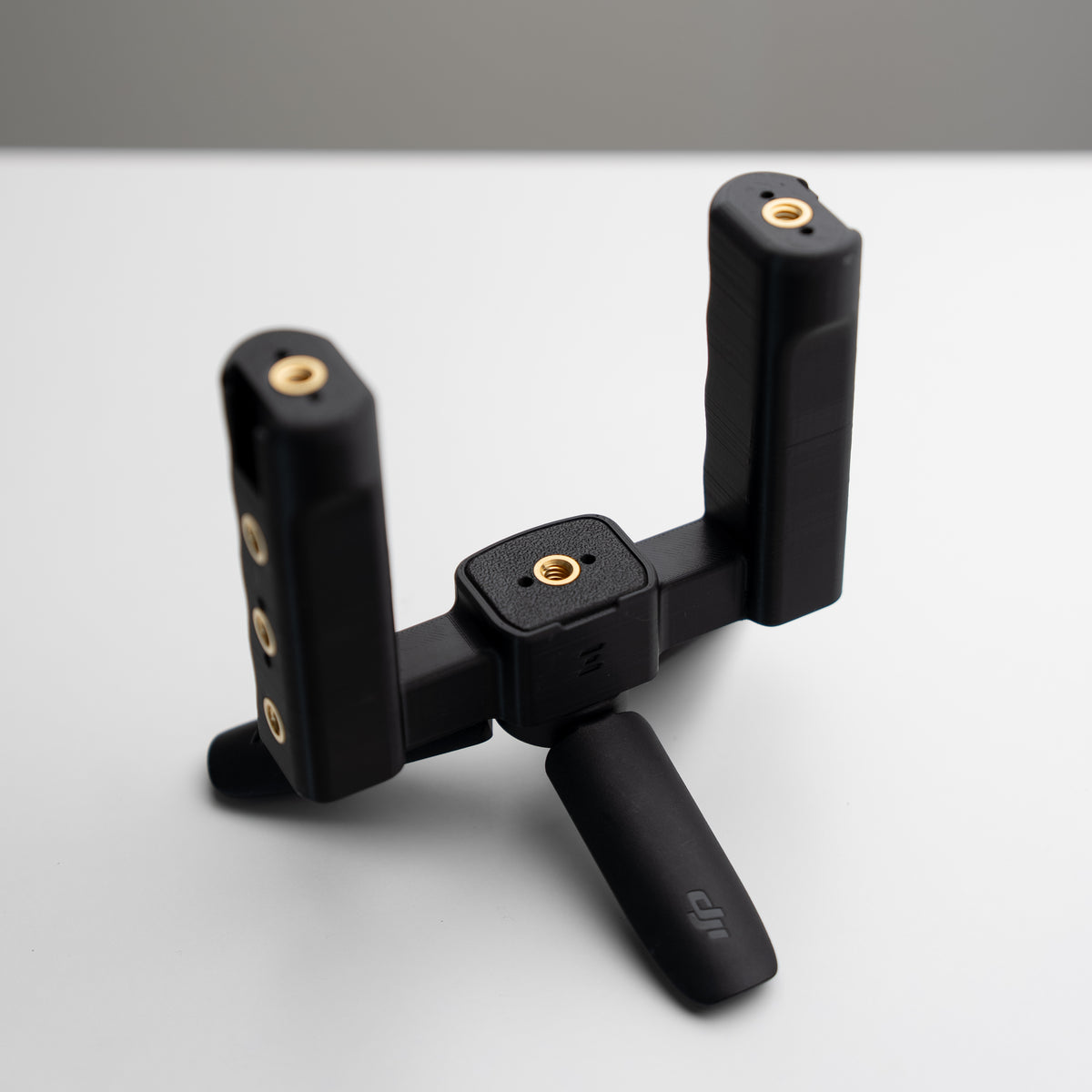
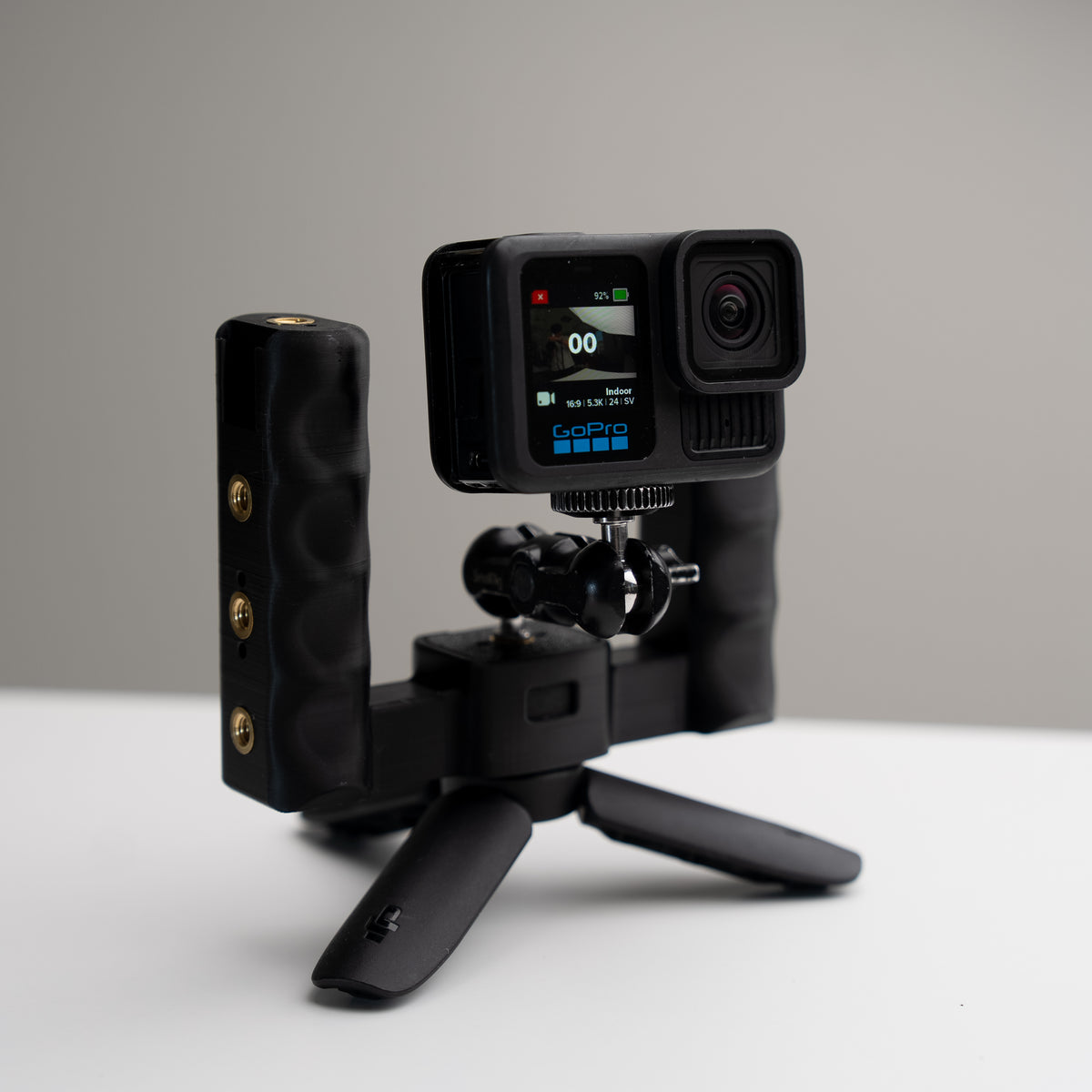
Grip Rig 2 Universal Mount Adapter
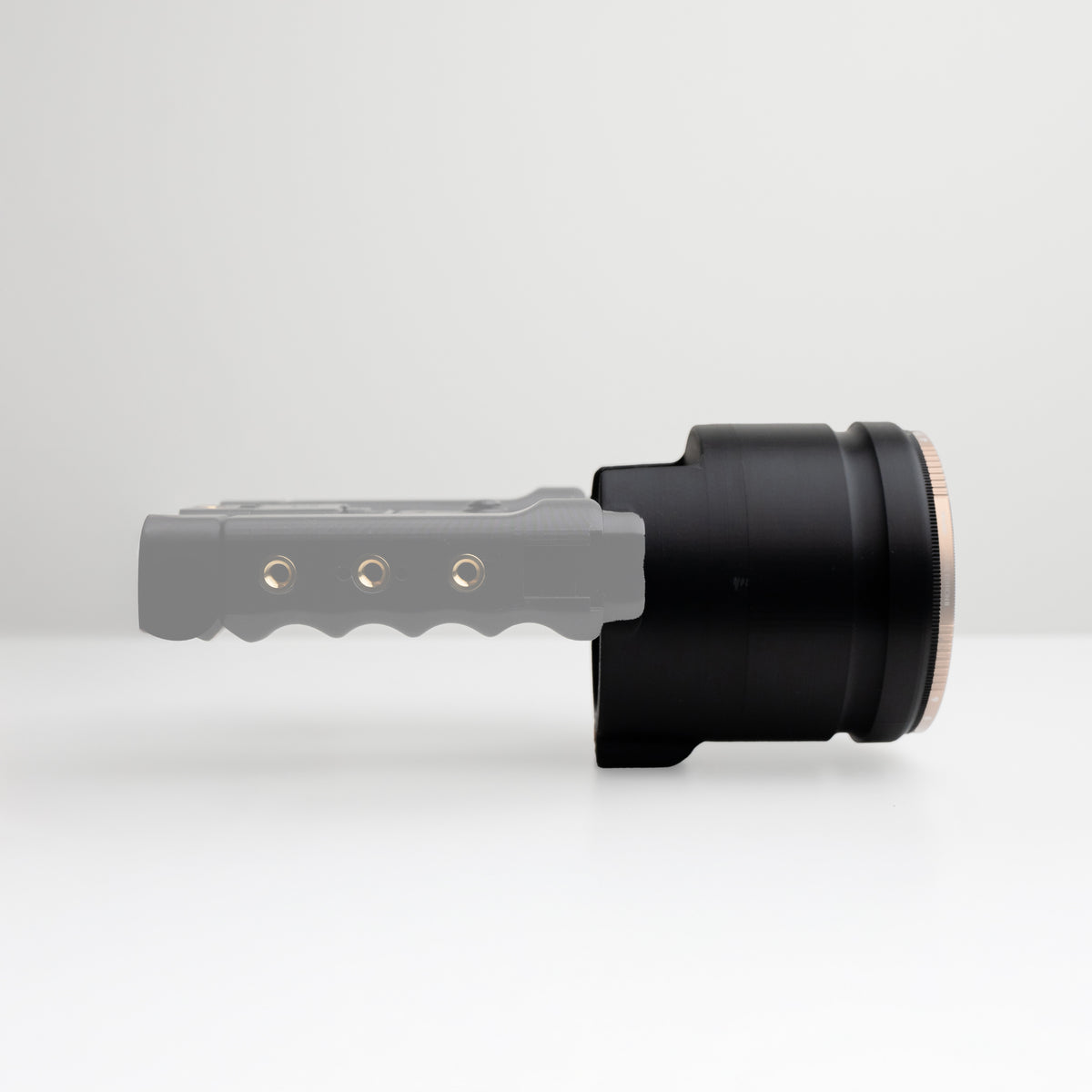
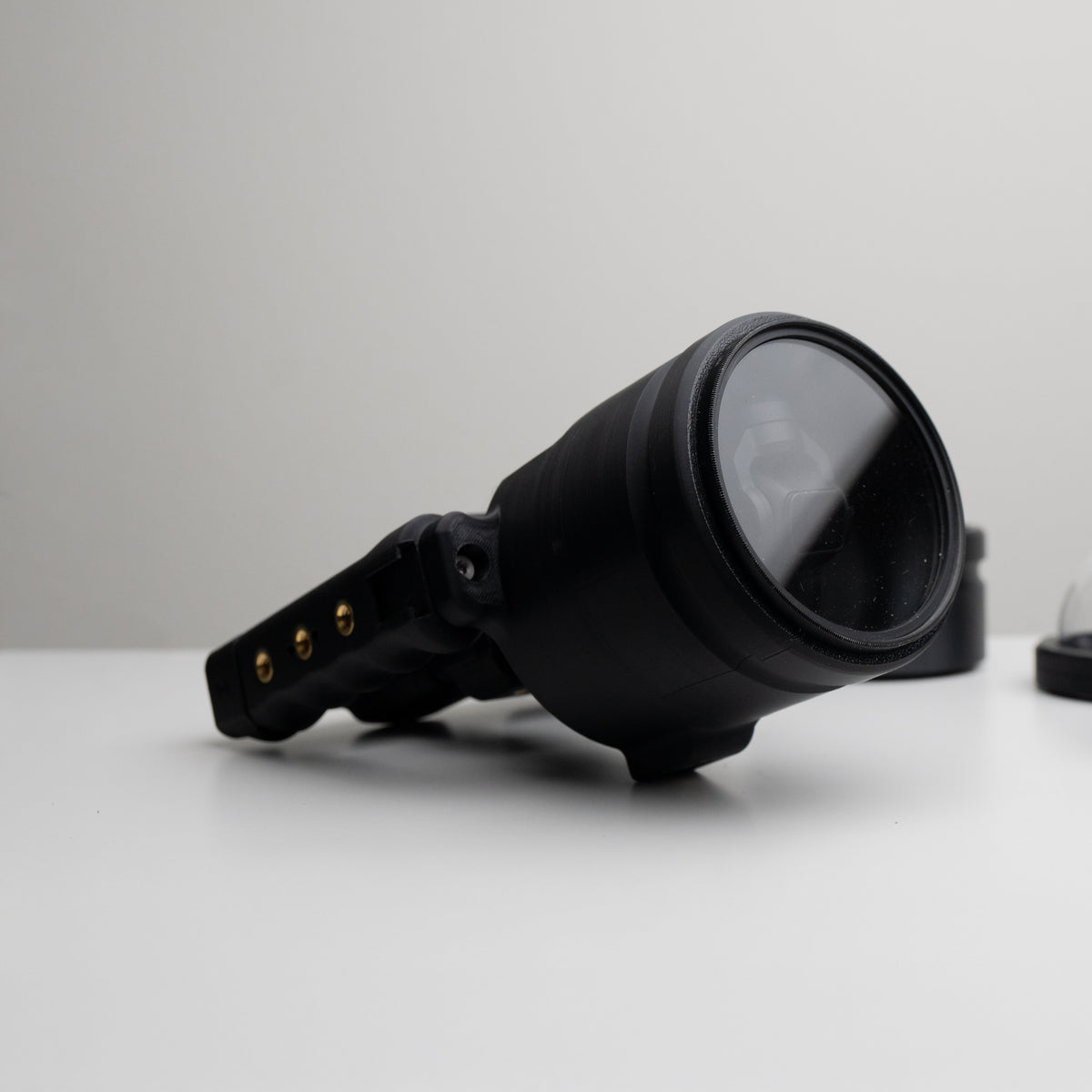
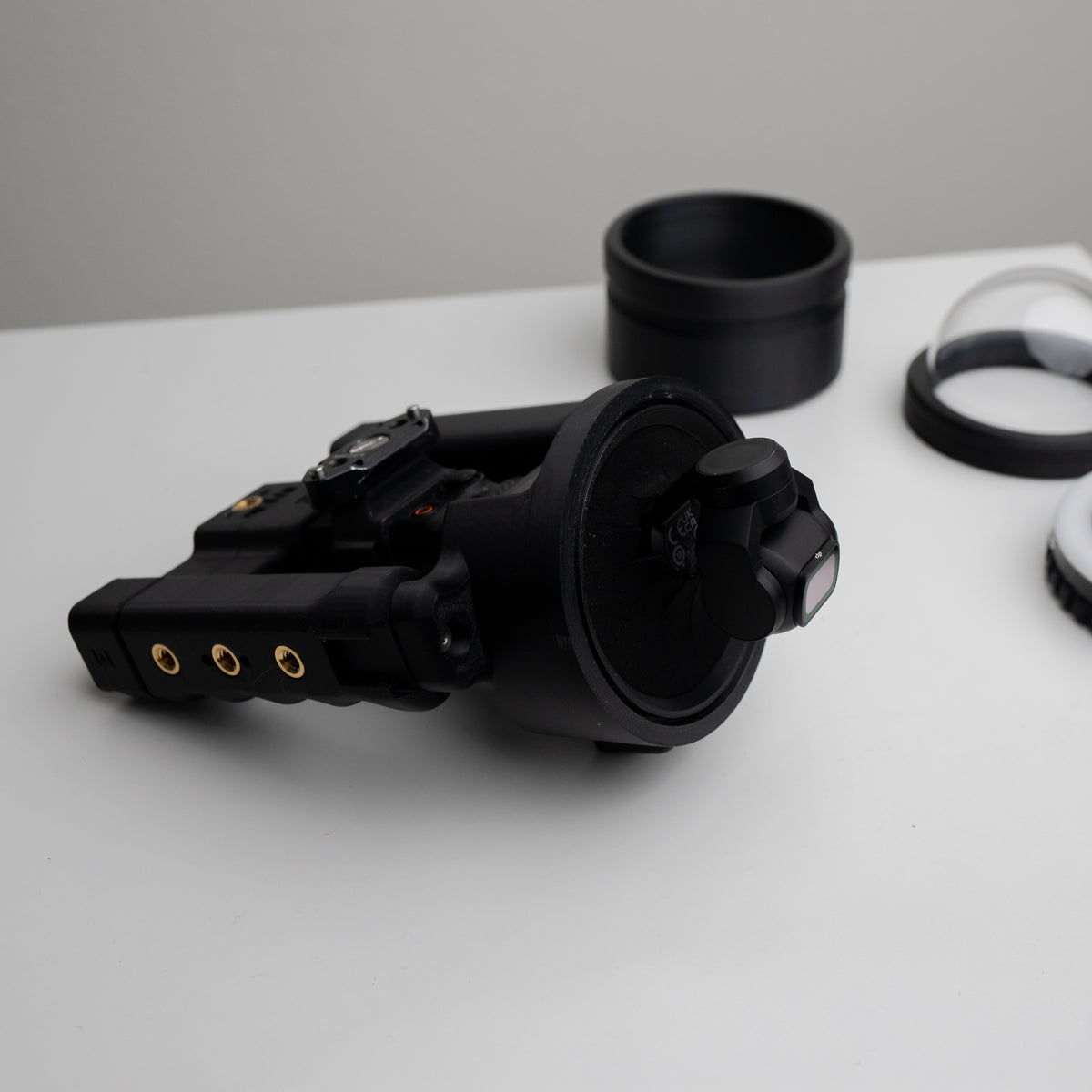
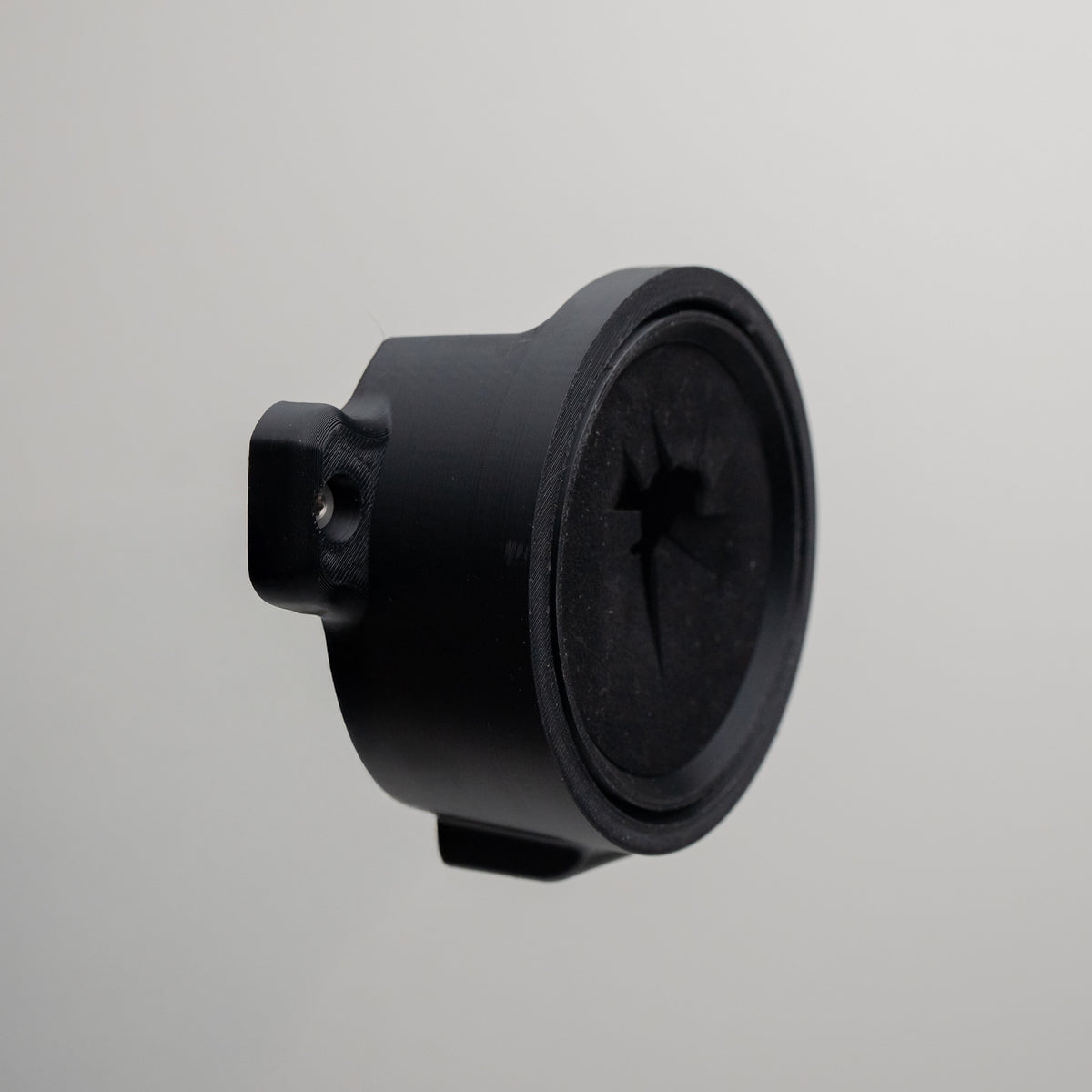
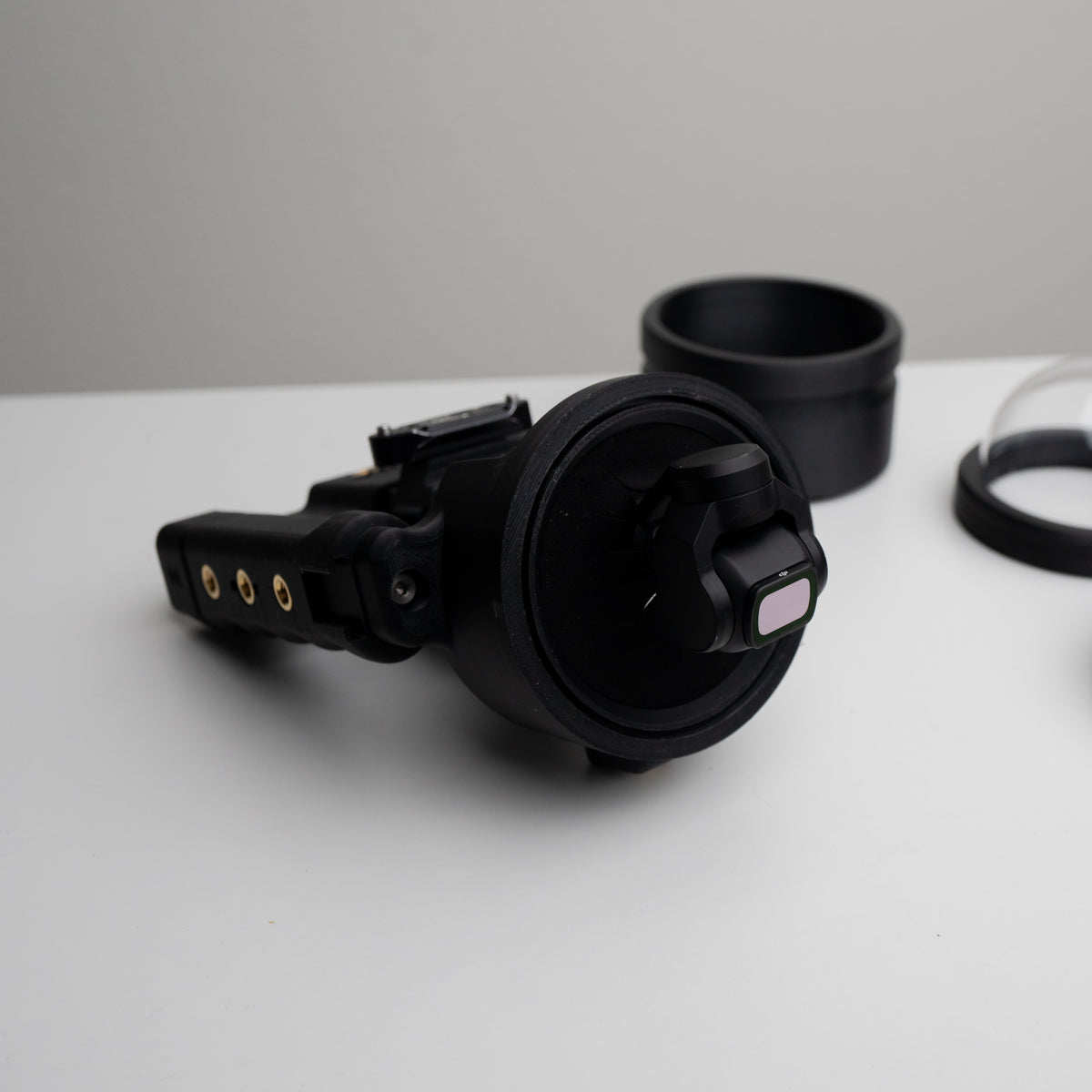
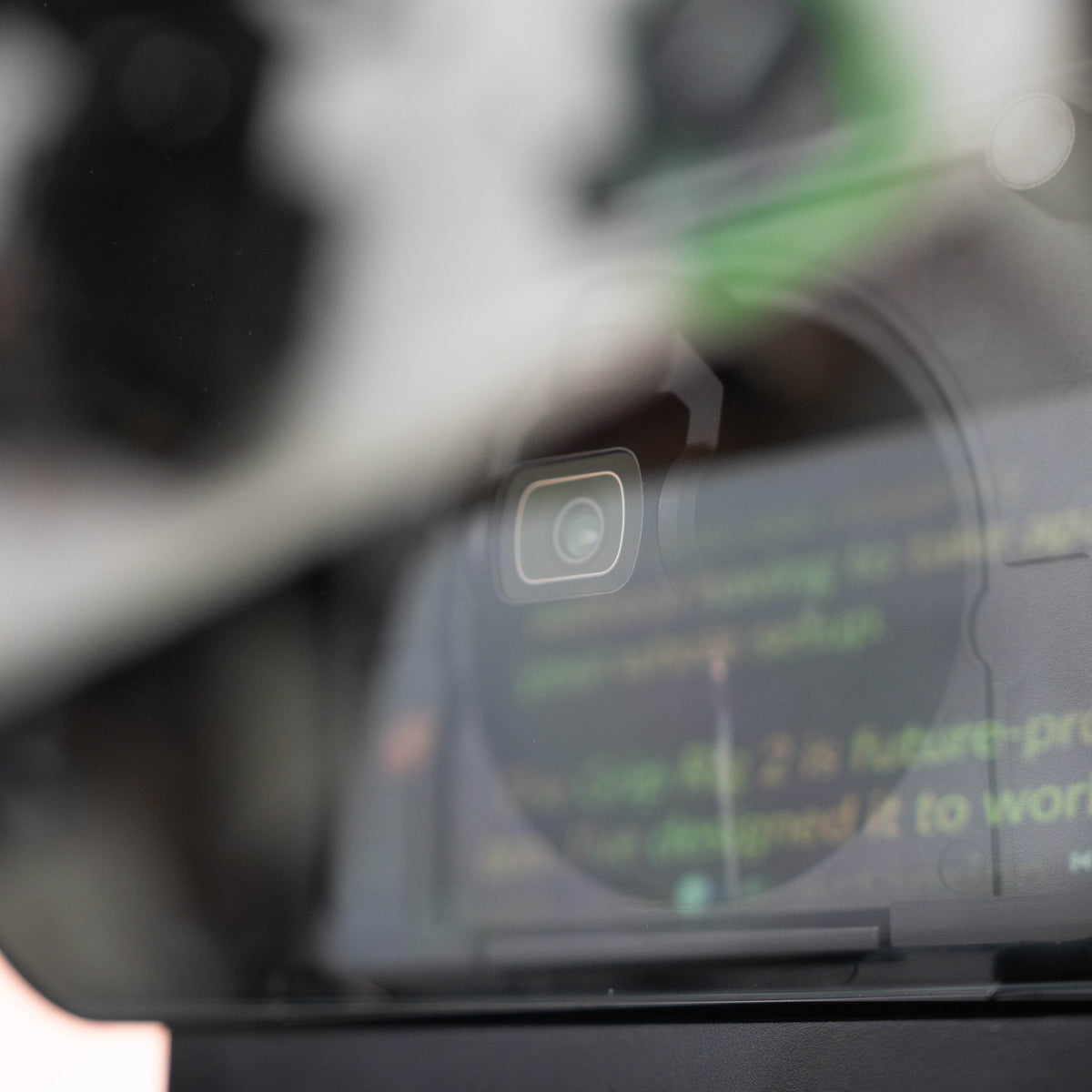
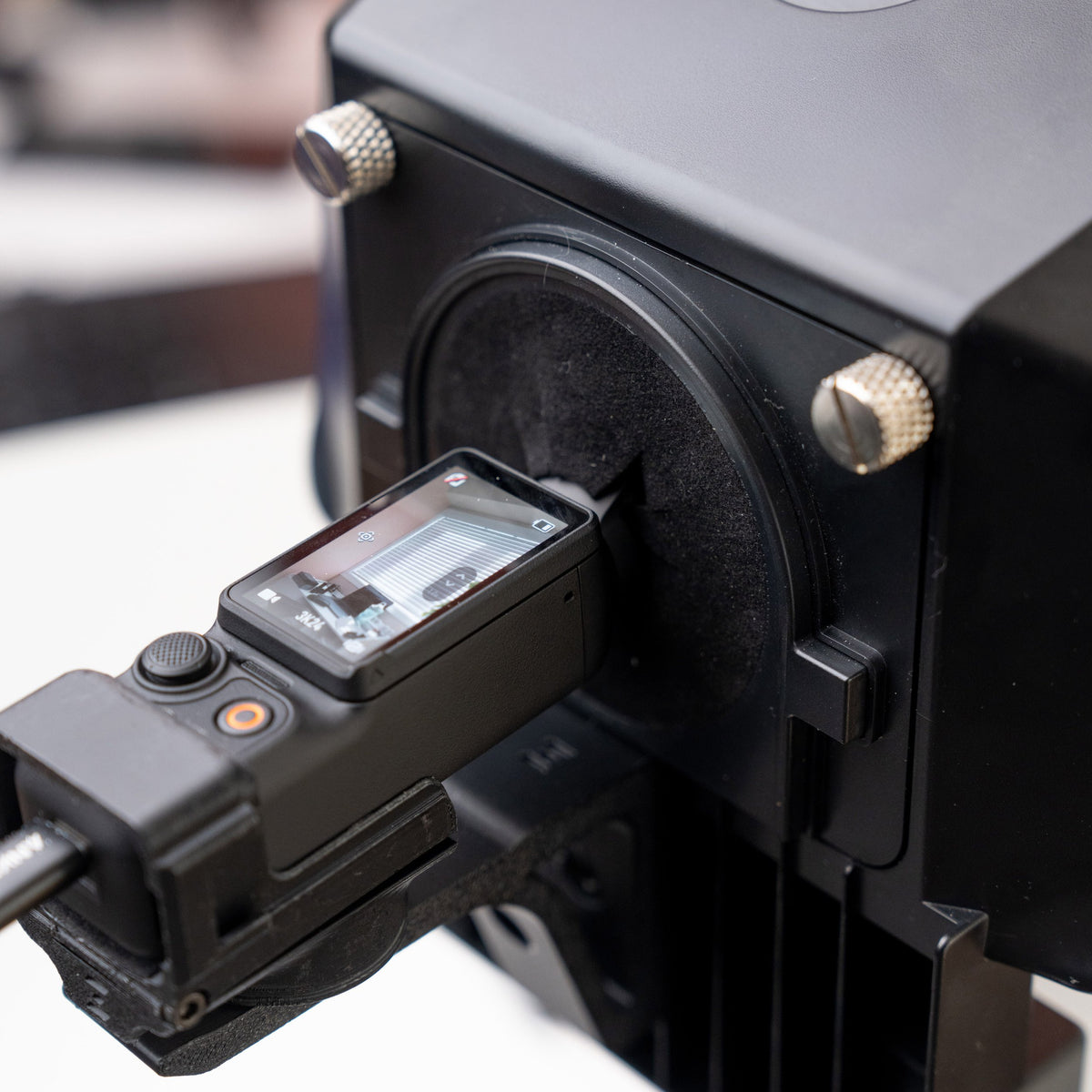
OSMODO Lens Adapter Kit for Grip Rig 2 (95mm)
Before you build
Choose compatible accessories for your camera and grip size. These answers will help you put the pieces together.
Which camera version should I choose?
Choose the listing that names your exact camera. DJI versions fit the Osmo Pocket models listed on each product page. Insta360 versions fit Luna Pro and Luna Ultra; they do not fit DJI cameras. Check the compatibility details on the product you choose before ordering.
What changes between LITE, Standard, and XL?
LITE simplifies the mounting layout to two cold shoes and two bottom mounting points. Standard gives you more mounting options around the handles. XL adds taller, slightly thicker handles with grip grooves. These describe the handle design; you still need the correct camera version.
Does every accessory fit every Grip Rig 2?
Accessory fit can depend on both camera version and rig size. LITE supports compatible bottom-port accessories. Fitted parts such as Top Cages and lens adapters need their own compatibility check, especially for XL. Follow the fit information on each accessory listing.
Is the phone mount included?
Handle-only rigs and XL Phone Mount Bundles are separate products. The XL Phone Mount Bundle includes the XL rig and MagSafe Phone Adapter with XL hinge. Open the product listing and check What’s in the Box for the exact included parts.
Are the camera and pictured accessories included?
Photos may show a complete setup to demonstrate how the gear works together. Cameras, phones, lights, microphones, and other accessories are included only when specifically listed in What’s in the Box. Use that list to confirm your order’s contents.

Set up your Grip Rig 2
Follow the DJI Osmo Pocket 3 installation, then see how the Expansion Adapter attaches.
Check your chosen product’s compatibility and included parts before building your setup.