

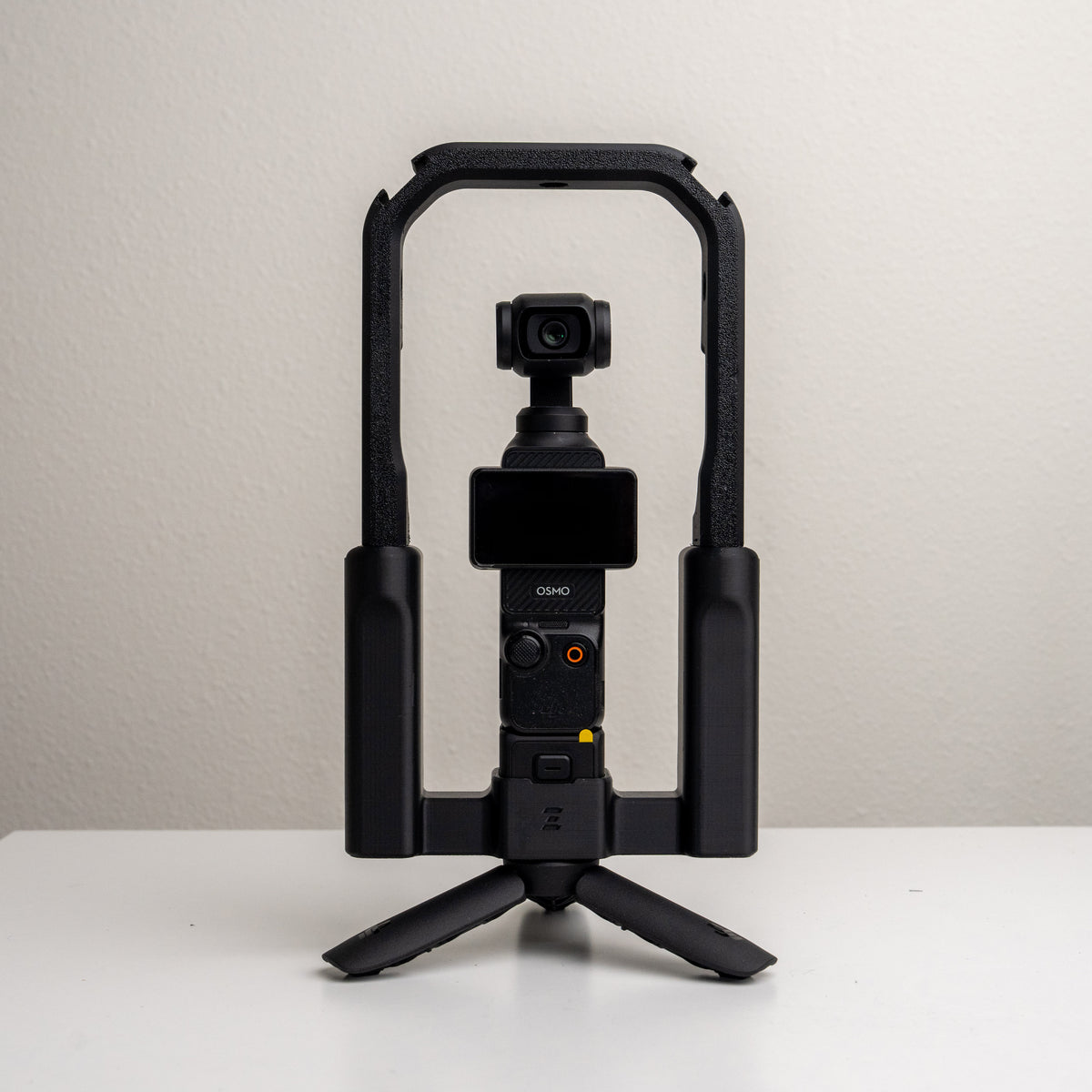
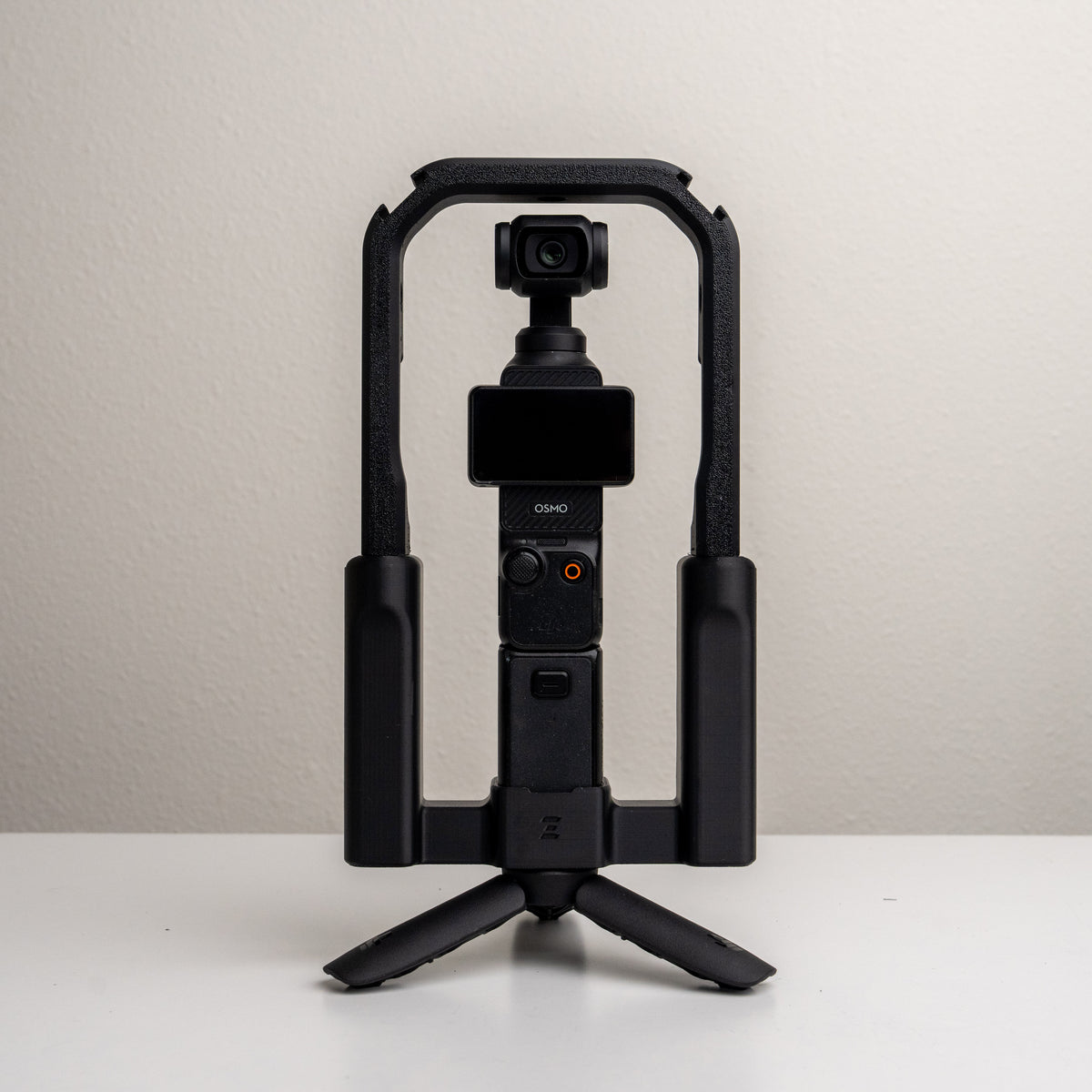

Grip Rig 2 Top Cage v2
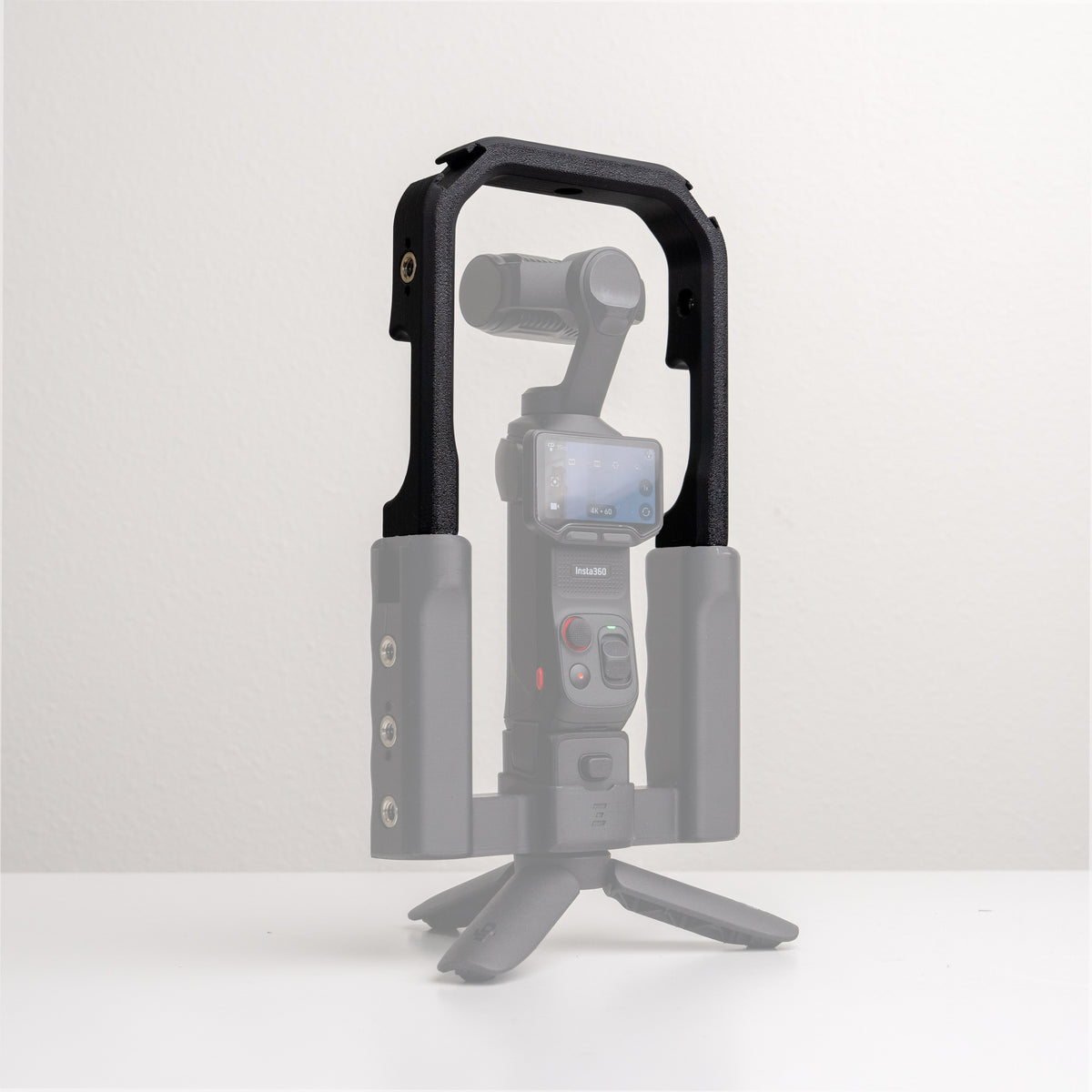
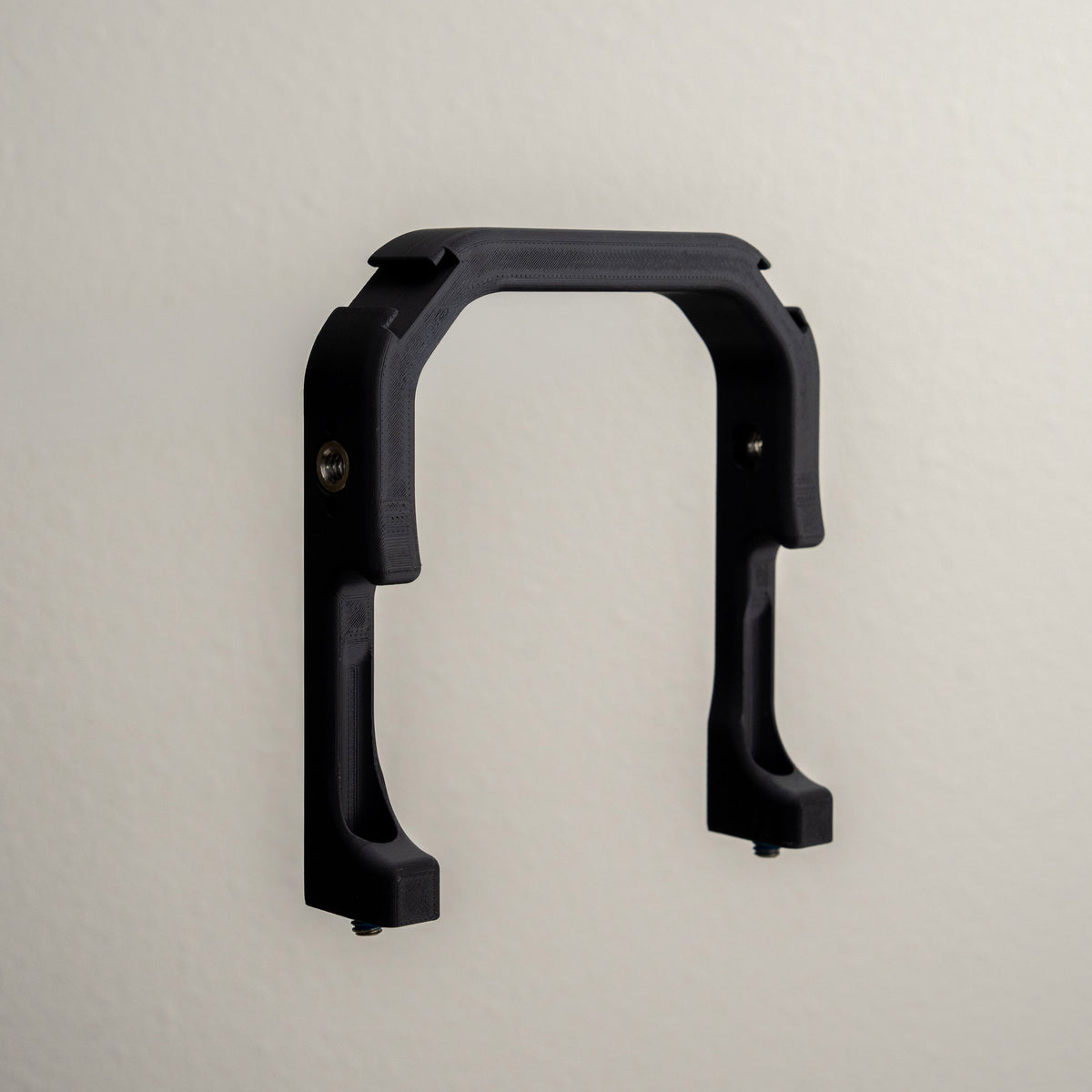
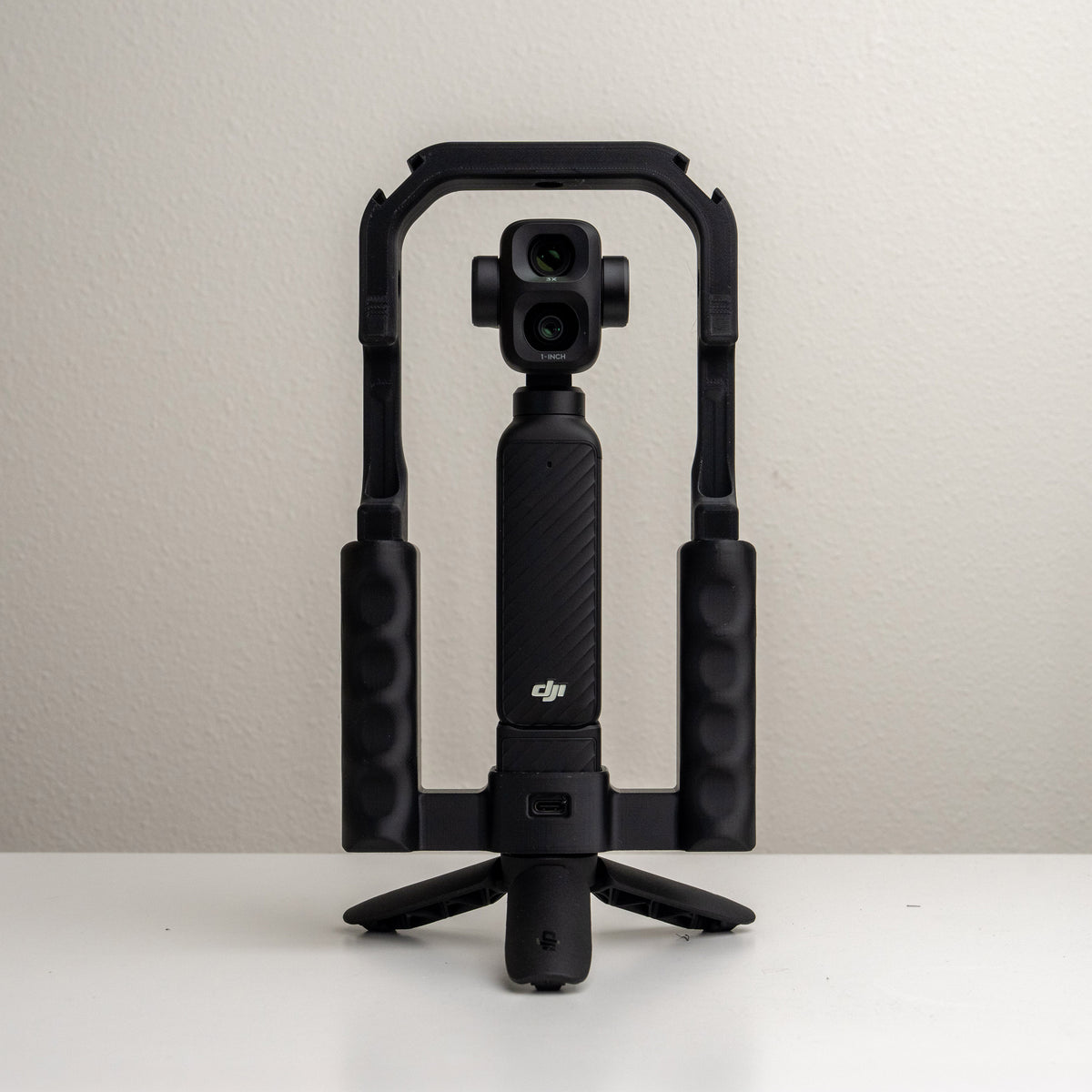
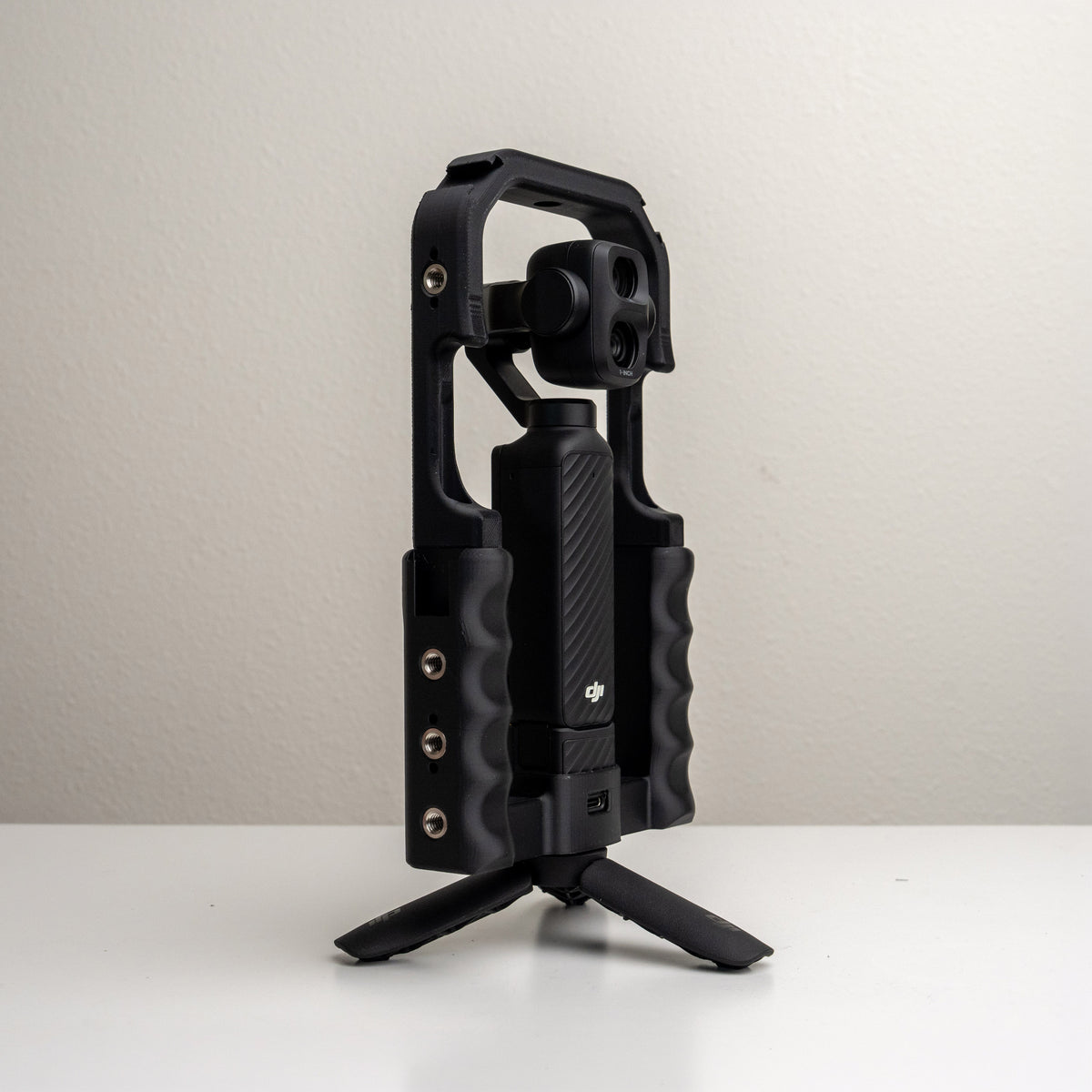
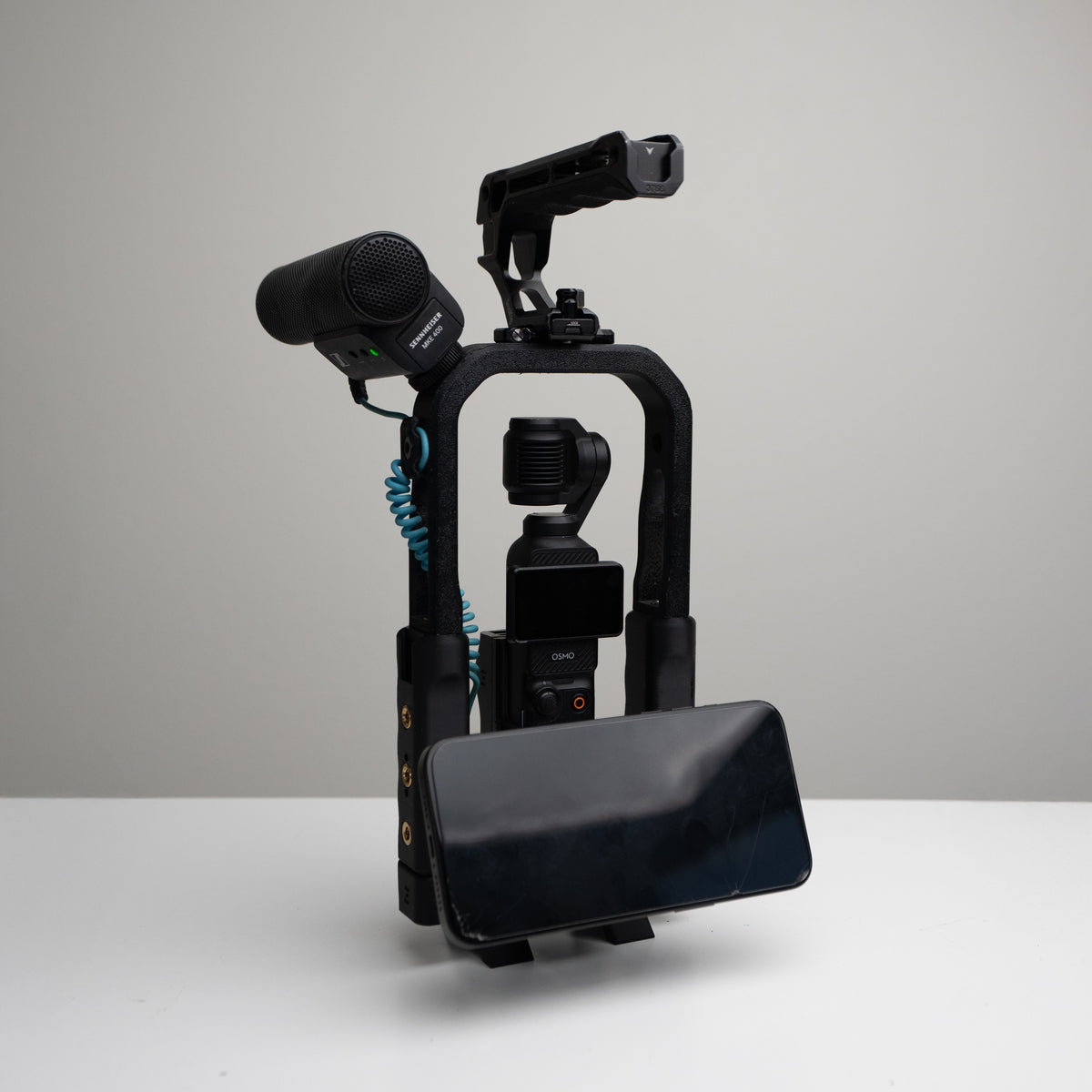
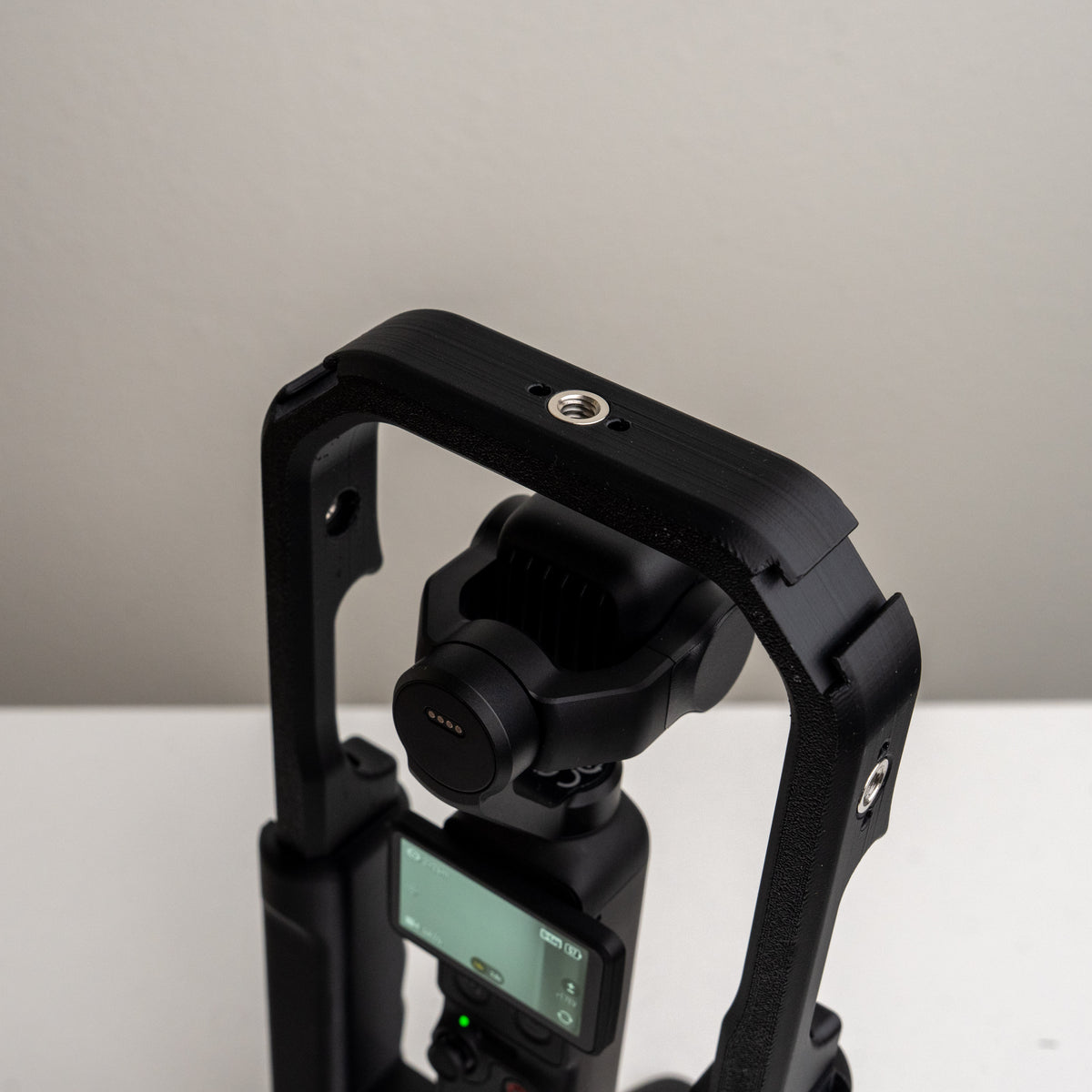
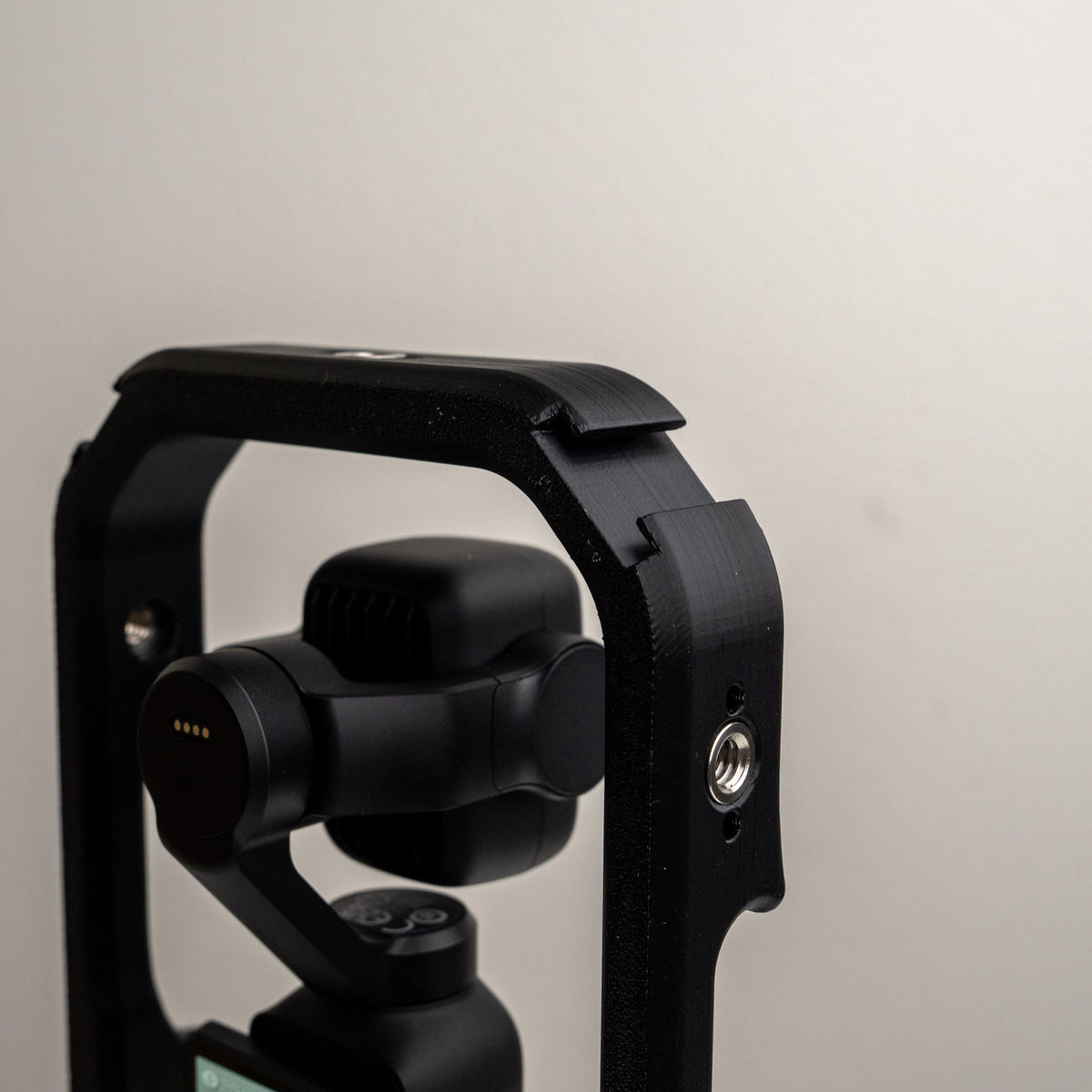
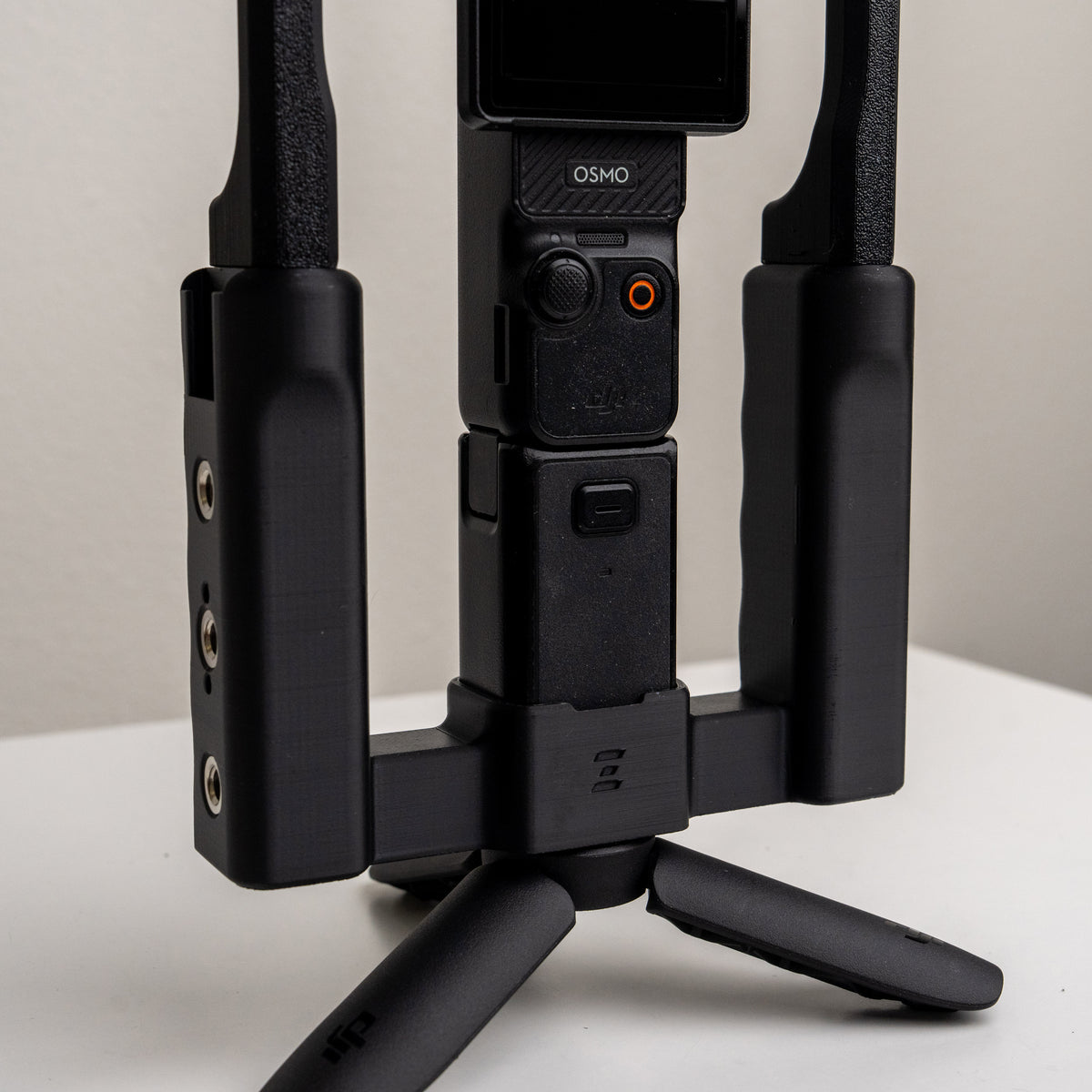
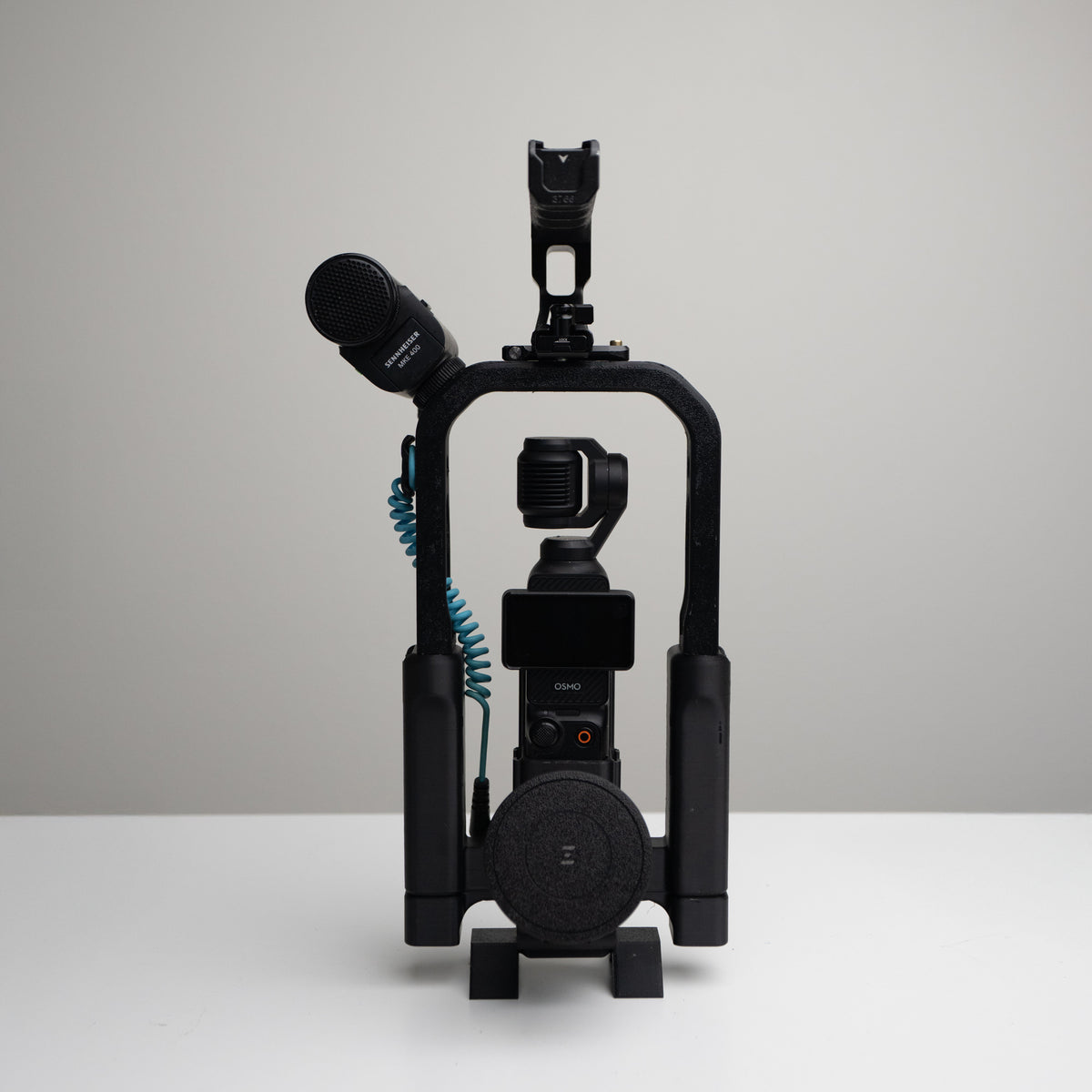
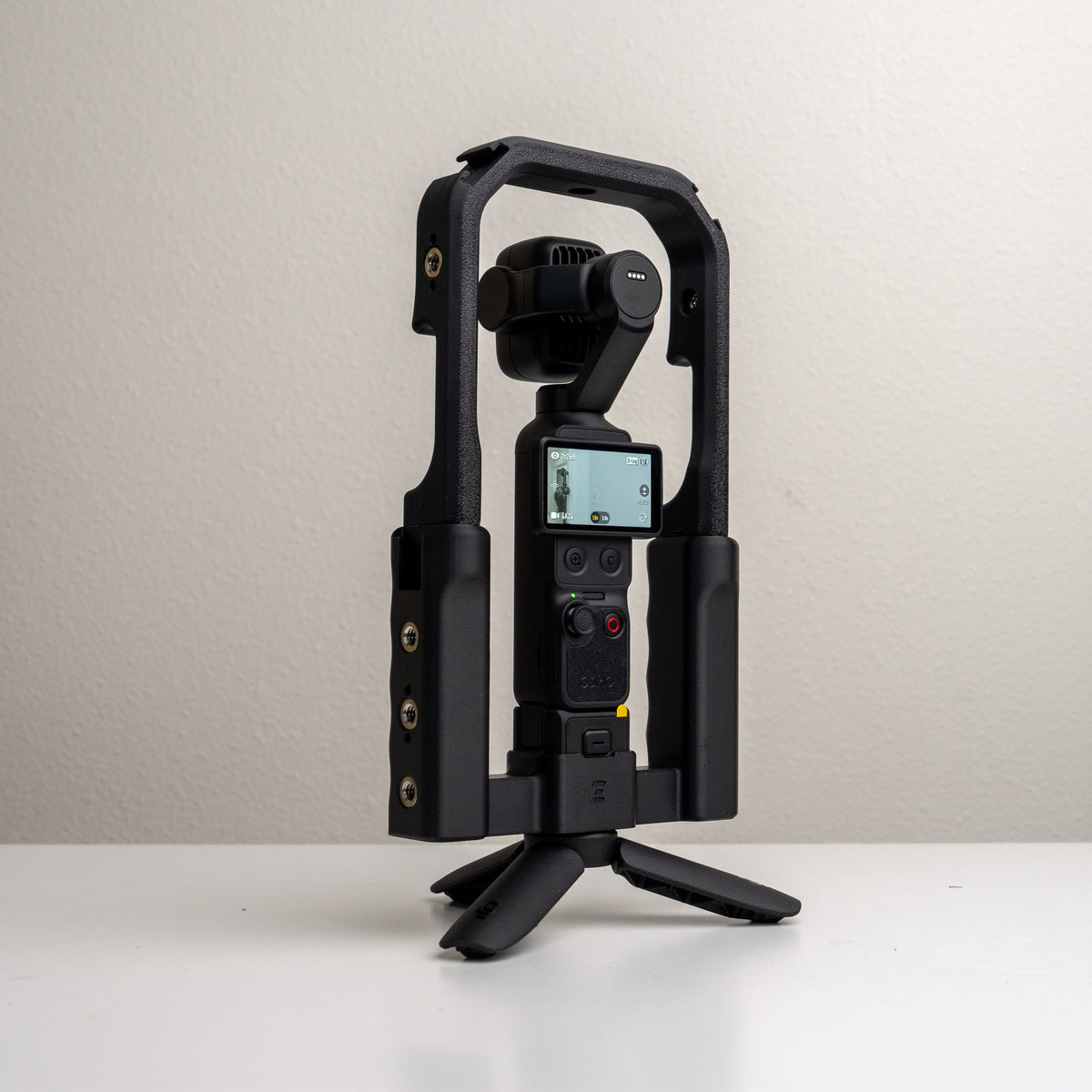
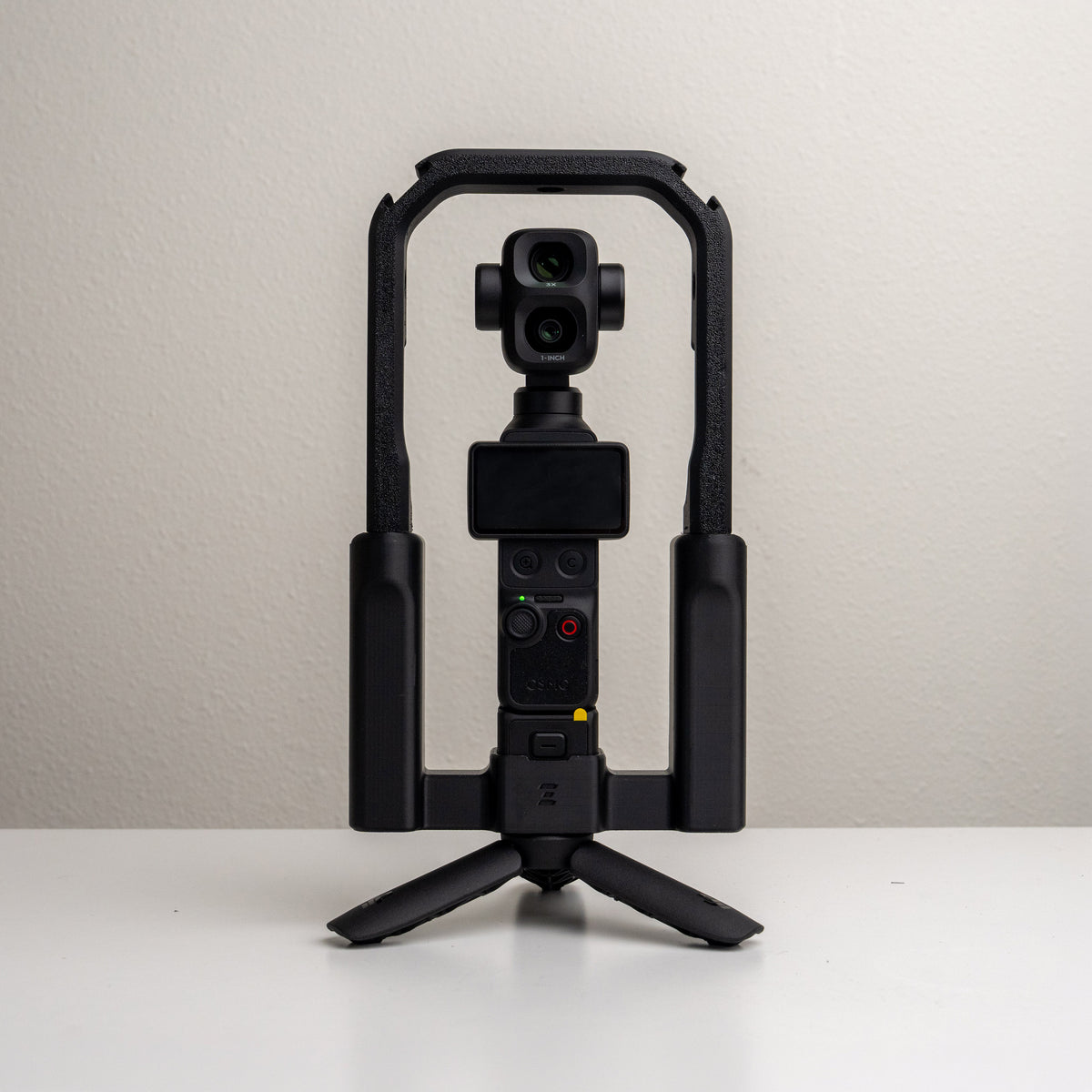
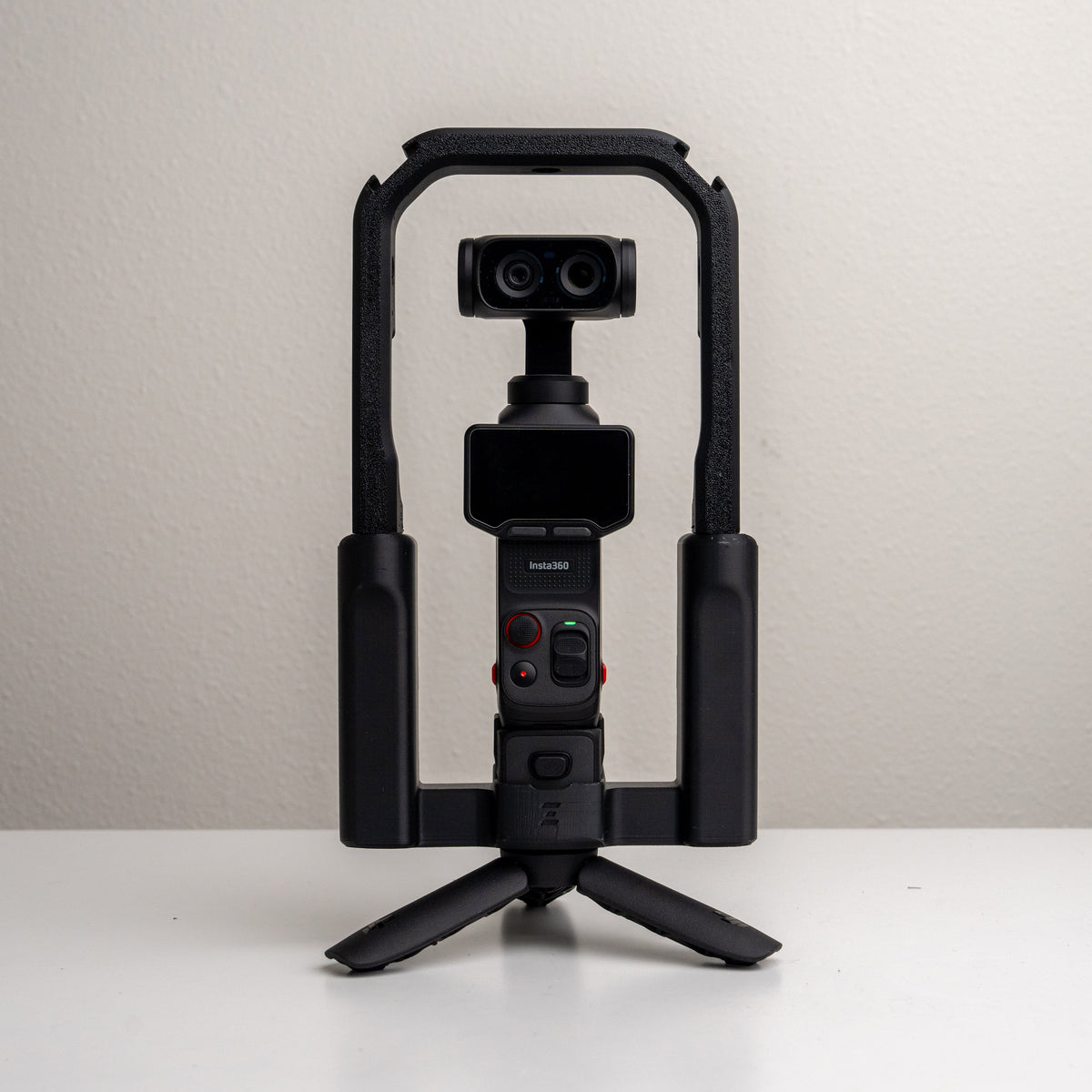
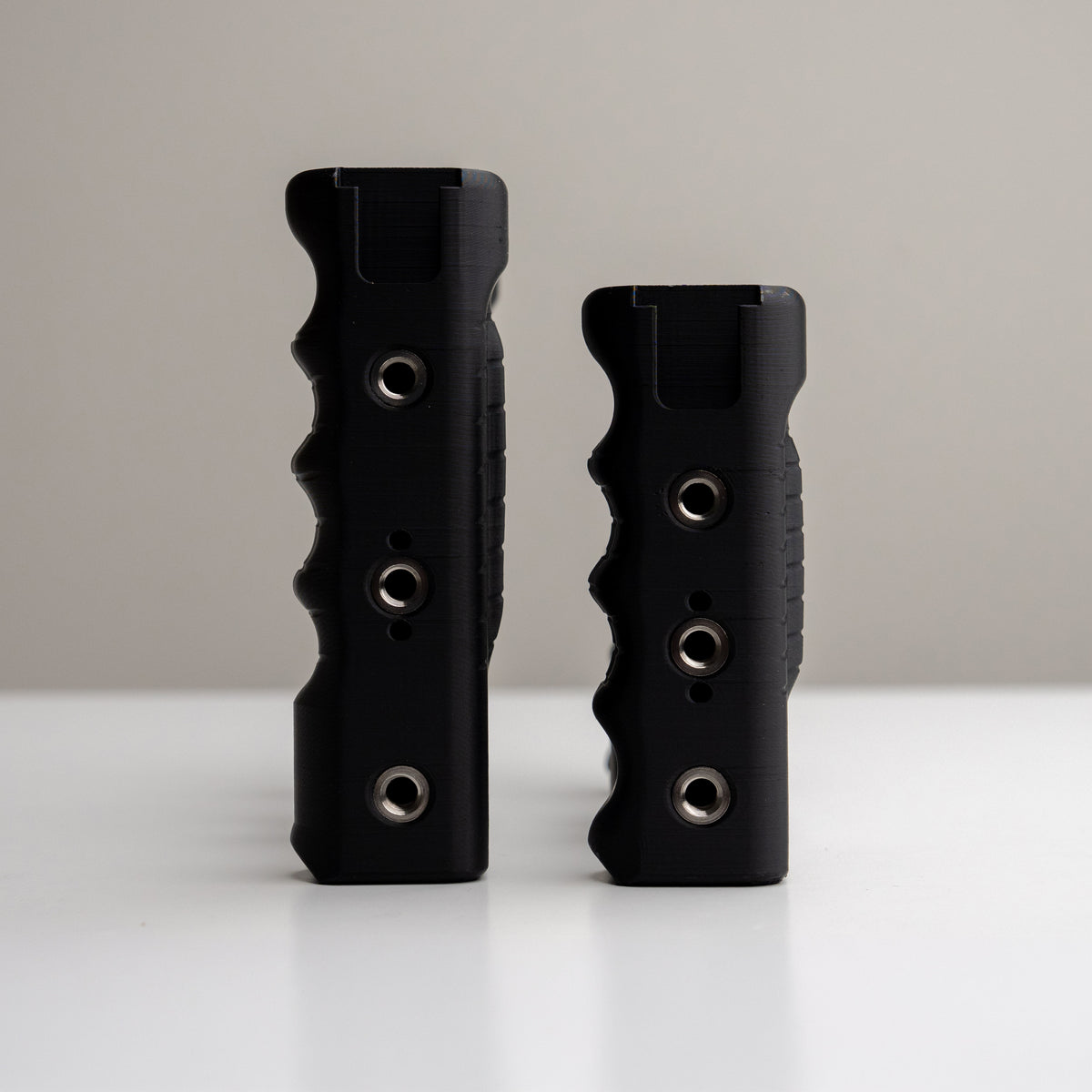
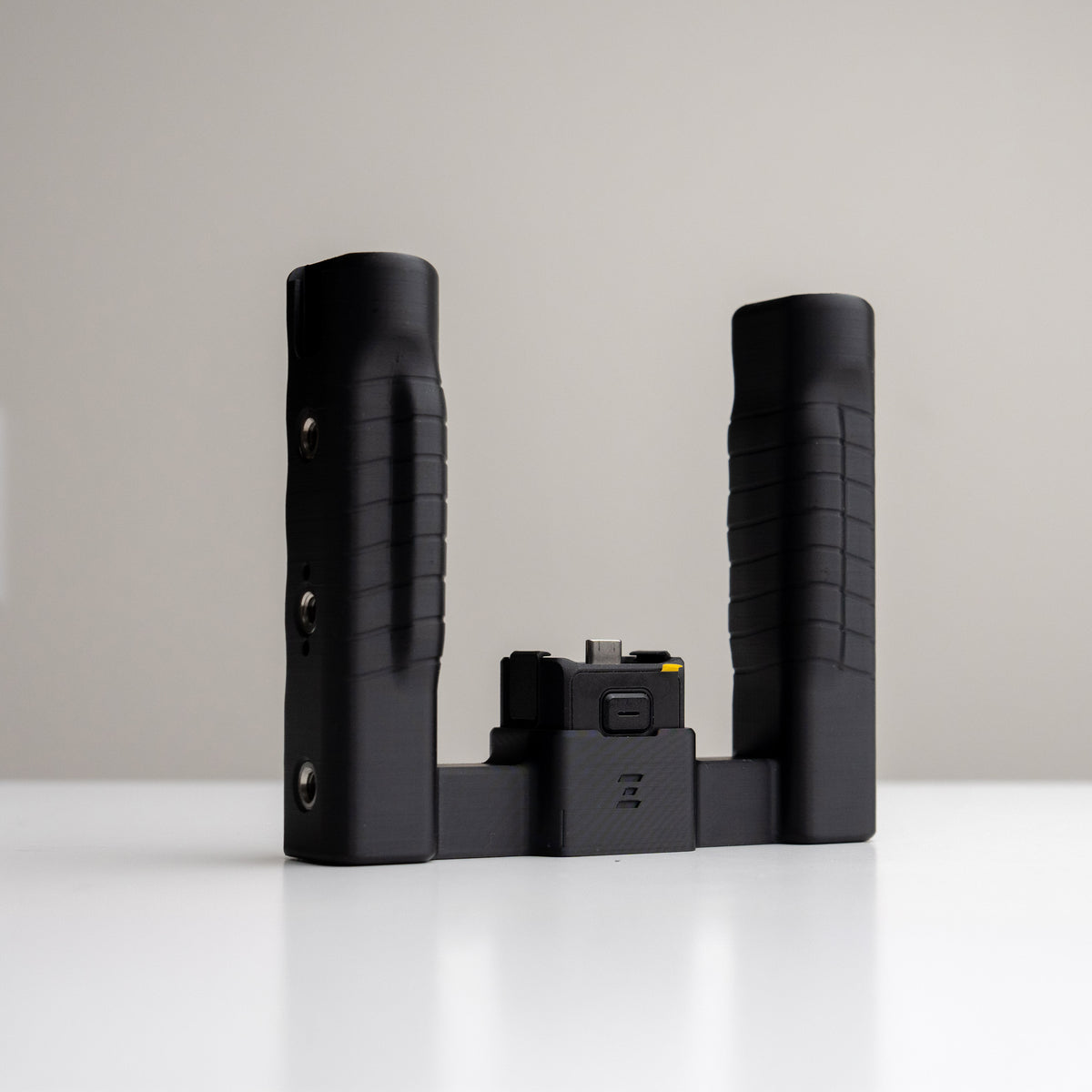
Add mounting space above your camera with Grip Rig 2 Top Cage V2. The taller profile provides clearance for supported camera versions, with three 1/4-20 ports and top cold shoes for accessories. Grip Rig 2 is required and sold separately.
Pairs well with
In stock! Ships within 2-3 business days.
1-Year Warranty
Free Shipping Orders over $120
Grip Rig 2 Top Cage v2
If you have any questions, you are always welcome to contact us. We'll get back to you as soon as possible, within 24 hours on weekdays.
-
Shipping Information
Use this text to answer questions in as much detail as possible for your customers.
-
Customer Support
Use this text to answer questions in as much detail as possible for your customers.
-
FAQ’s
Use this text to answer questions in as much detail as possible for your customers.
-
Contact Us
Use this text to answer questions in as much detail as possible for your customers.
Product details
Features
Description
Compatibility
What's in the Box
Meet the system
Grip Rig 2. More ways to shoot.
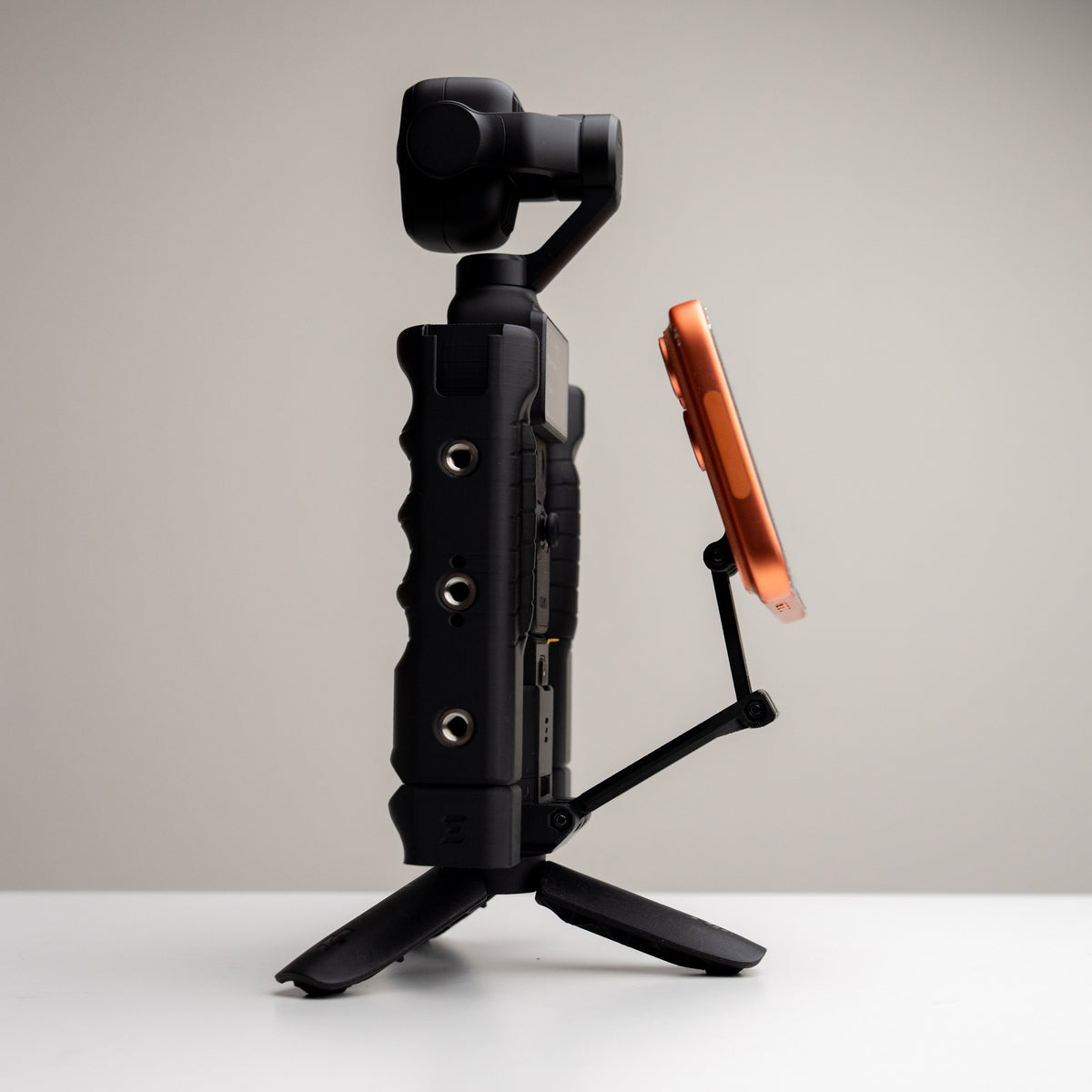
A comfortable two-handed grip is only the start. Build around your camera with Grip Rig 2 handles, MagSafe phone mounts, Top Cages, and expansion adapters.
Choose LITE, Standard, or XL in the version made for your camera, then add compatible accessories for the way you shoot. Check each listing for fit and included parts.
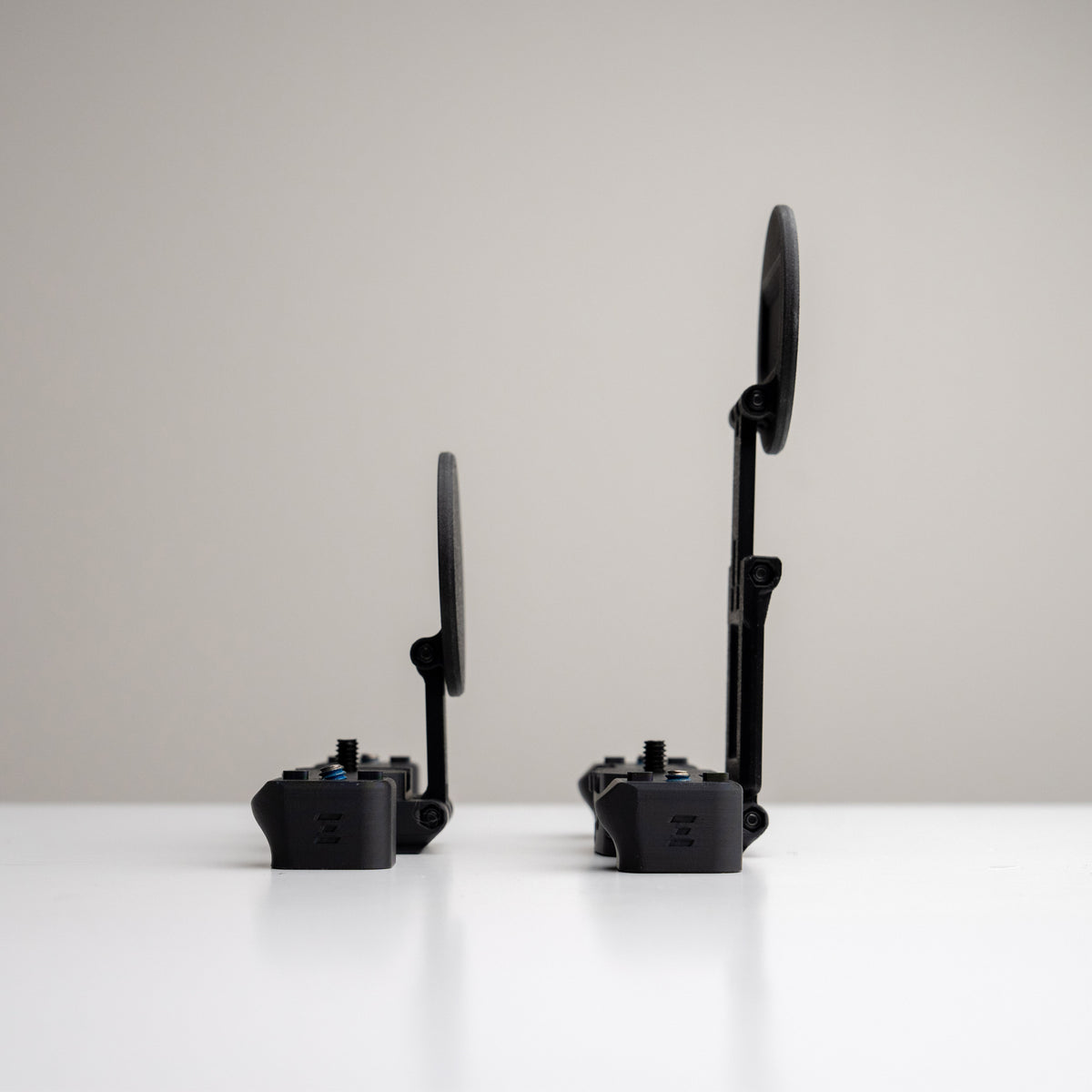
Grip Rig 2 Top Cage v2
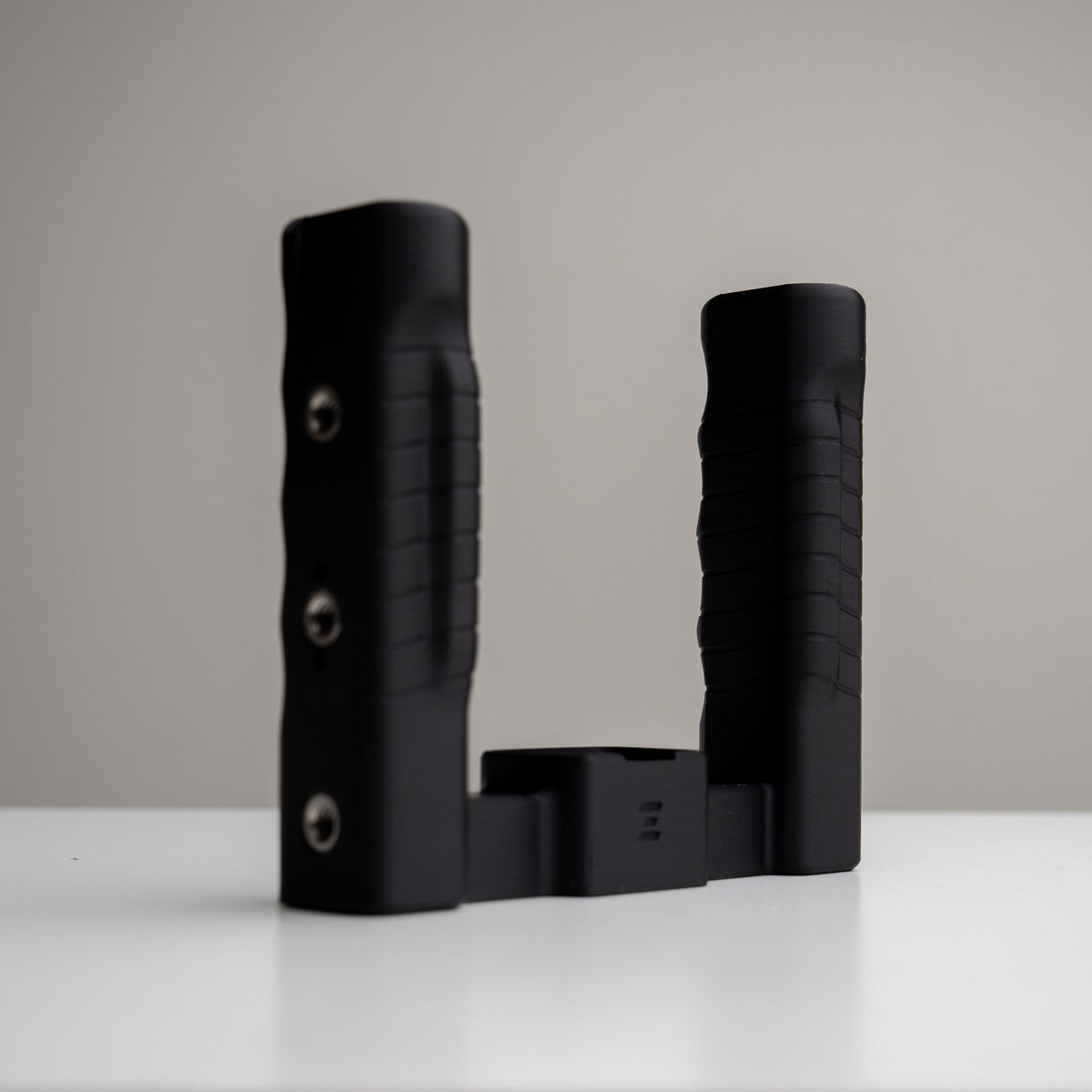
Meet Grip Rig 2
Give your compact camera a comfortable two-handed setup, with room for the gear you use. Grip Rig 2 is a family of camera-specific handles, phone mounts, and accessories.
Start with the version made for your camera, choose the grip style that suits you, then add compatible accessories as your setup grows.
Find your Grip Rig 2
Choose your camera version first, then compare the handle designs. DJI and Insta360 versions are different fits; match your exact camera before choosing a grip.
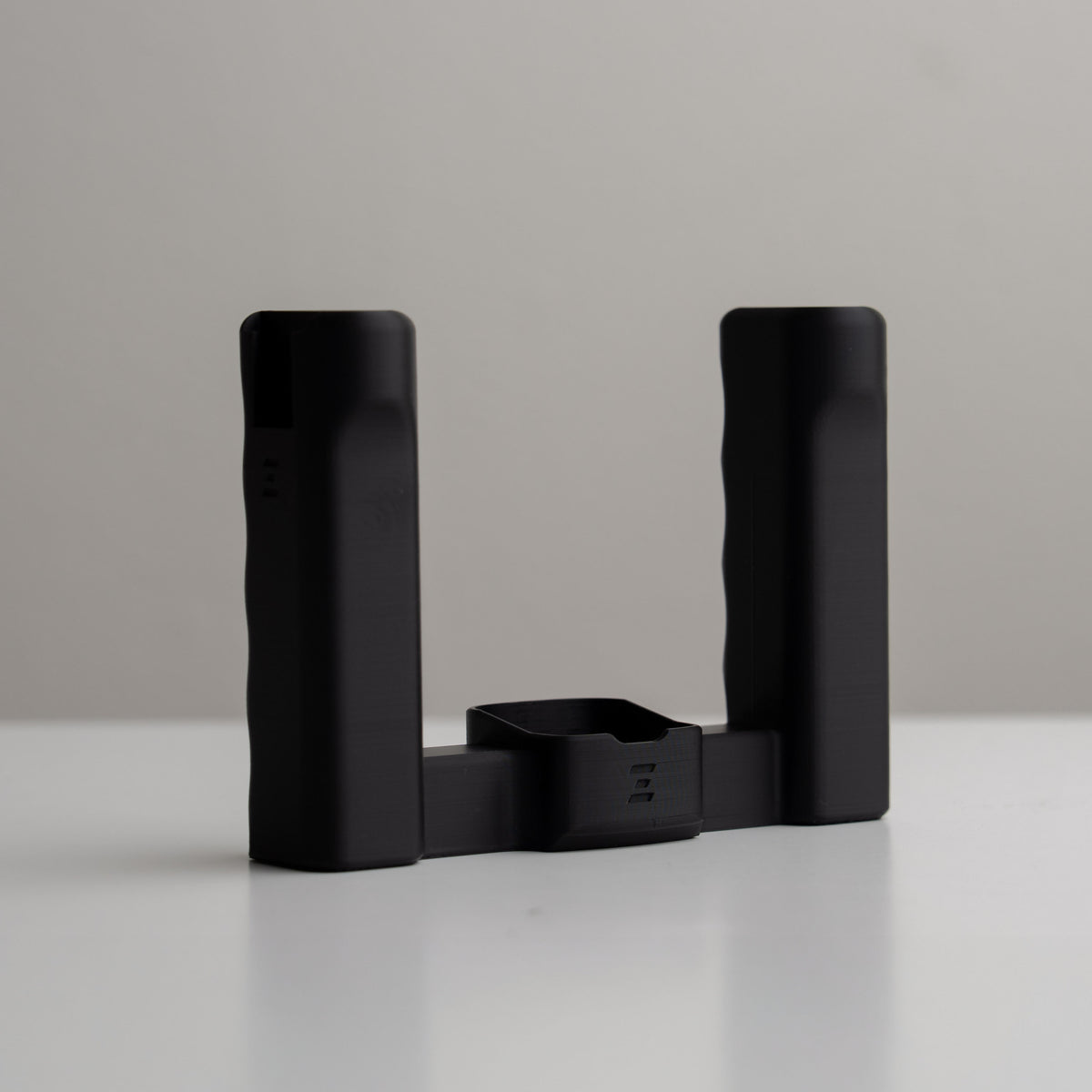
LITE · Keep it simple
Dual handles, two cold shoes, and two bottom 1/4-20 mounting points. A streamlined starting point for a mic or light, with compatible accessories mounted underneath.
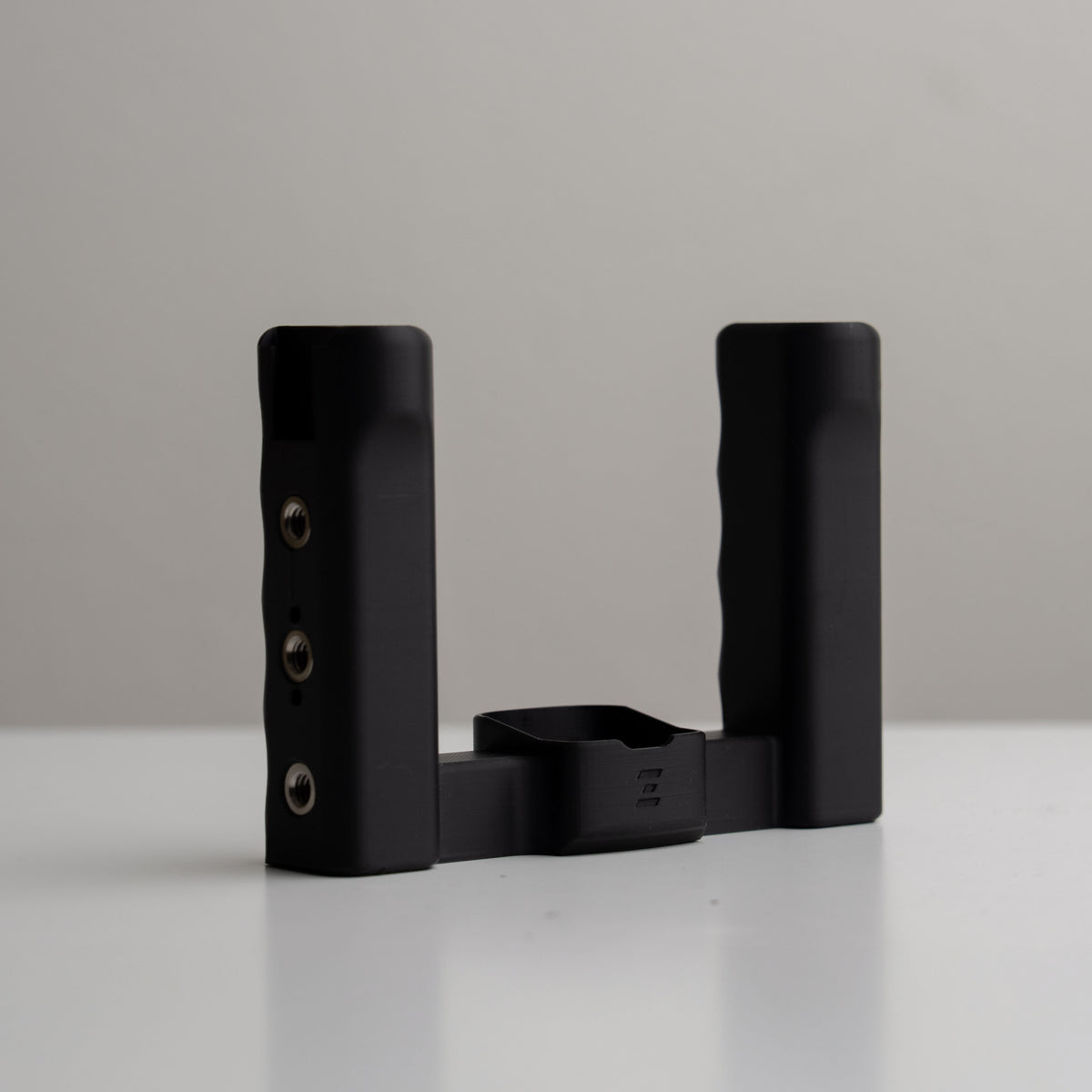
Standard · More ways to mount
Dual handles, two cold shoes, and over 10 mounting points. Choose Standard when you want more places to attach gear, including compatible top-mounted accessories.
XL · More room for your hands
Taller, slightly thicker handles with added grip grooves give your hands more room and a fuller hold. Choose XL for the grip feel, then check each fitted accessory for XL compatibility.
Build your setup
Choose compatible accessories for your camera and grip size. These answers will help you put the pieces together.
Which camera version should I choose?
Choose the listing that names your exact camera. DJI versions are made for the listed Osmo Pocket models. Insta360 versions are made for Luna Pro and Luna Ultra. The Luna versions do not fit DJI cameras. Check Product Details above for this product’s exact fit.
What changes between LITE, Standard, and XL?
LITE simplifies the mounting layout to two cold shoes and two bottom mounting points. Standard gives you more mounting options around the handles. XL adds taller, slightly thicker handles with grip grooves. These describe the handle design; you still need the correct camera version.
Does every accessory fit every Grip Rig 2?
Accessory fit can depend on both camera version and rig size. LITE supports compatible bottom-port accessories. Fitted parts such as Top Cages and lens adapters need their own compatibility check, especially for XL. Follow the fit information on each accessory listing.
Is the phone mount included?
Handle-only rigs and XL Phone Mount Bundles are separate products. The XL Phone Mount Bundle includes the XL rig and MagSafe Phone Adapter with XL hinge. Check What’s in the Box above to see exactly what comes with the product you’re viewing.
Are the camera and pictured accessories included?
Photos may show a complete setup to demonstrate how the gear works together. Cameras, phones, lights, microphones, and other accessories are included only when specifically listed in What’s in the Box. Use that list to confirm your order’s contents.