








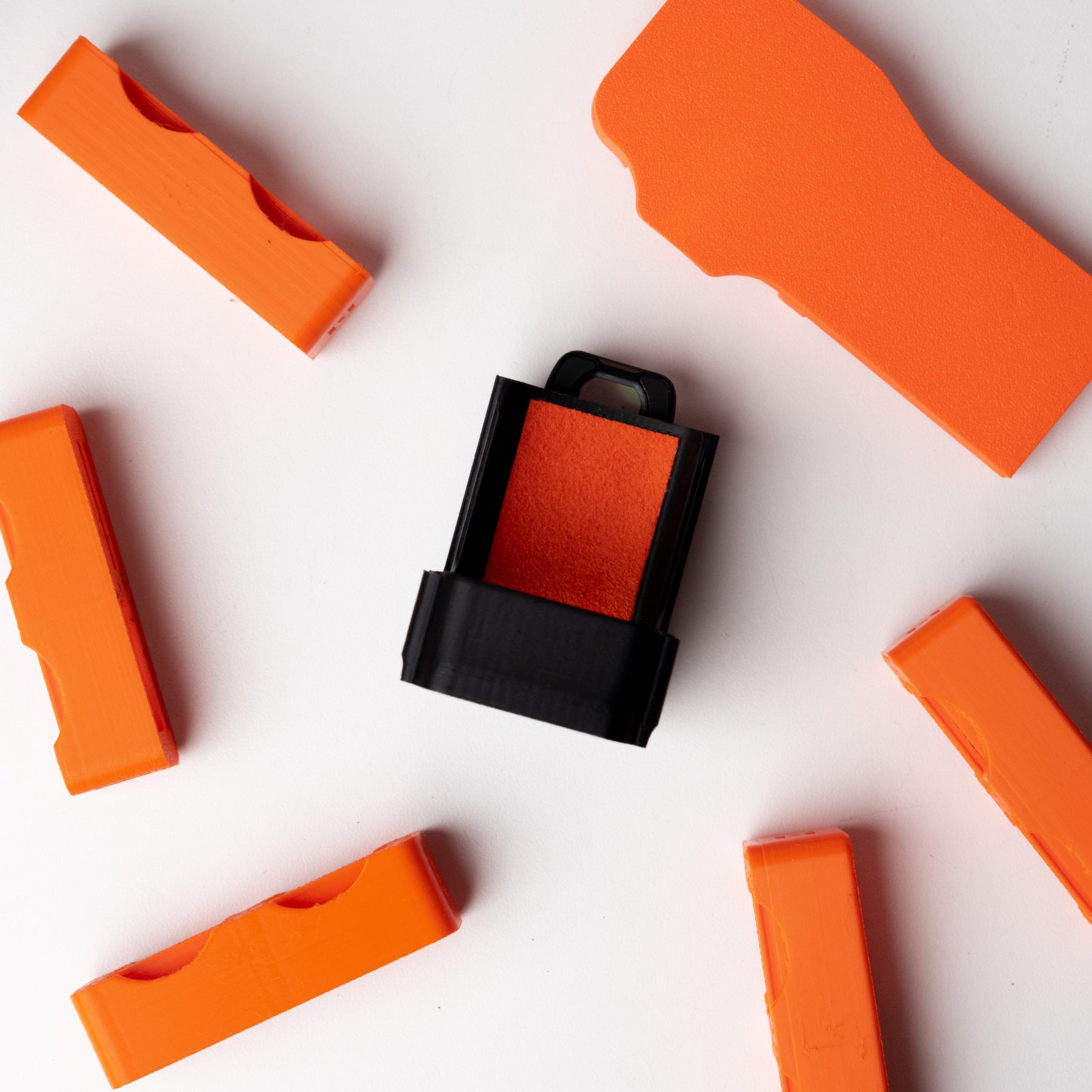

Quick Start Guide: OSMODO PRO
Unboxing & Overview
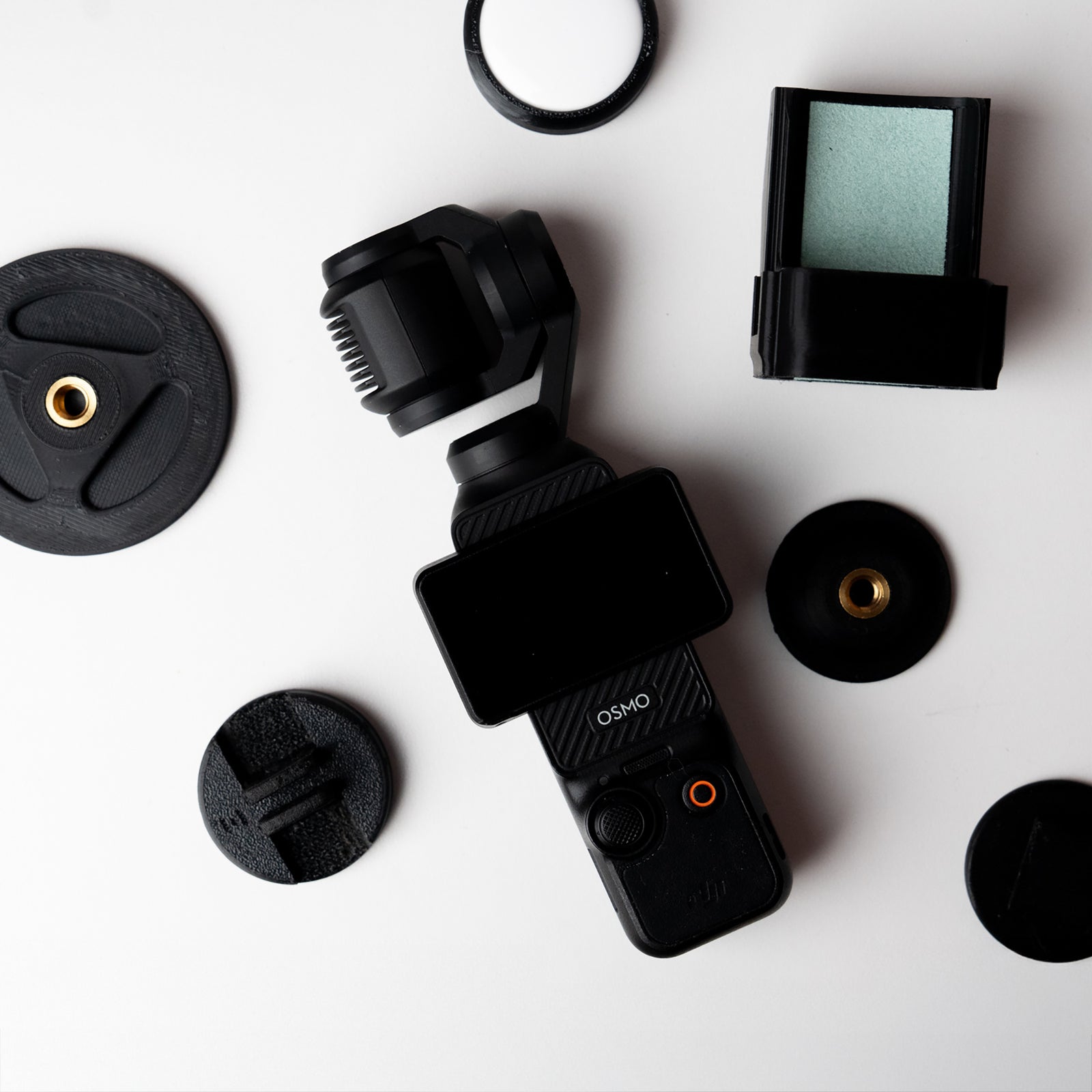
In the Box
- OSMODO PRO Housing with internal hood
- OSMODO Lens module (82mm front)
- OSMODO Back Cover PRO
- OSMODO Base Plate
- Screw kit + tool
Before You Begin
- Install/open DJI Mimo on your phone (optional—you can also use the built-in controls).
- Remove any OP3 add-ons that could snag during insertion (straps, bulky cables).
- Wipe the OP3 lens clean of dust.
What You Need
- DJI Osmo Pocket 3
- Bring your own handles and other rigging accessories unless purchased from us
- For cleanest cable routing, we recommend a short right-angle USB-C cable
Important to Know (Read First)
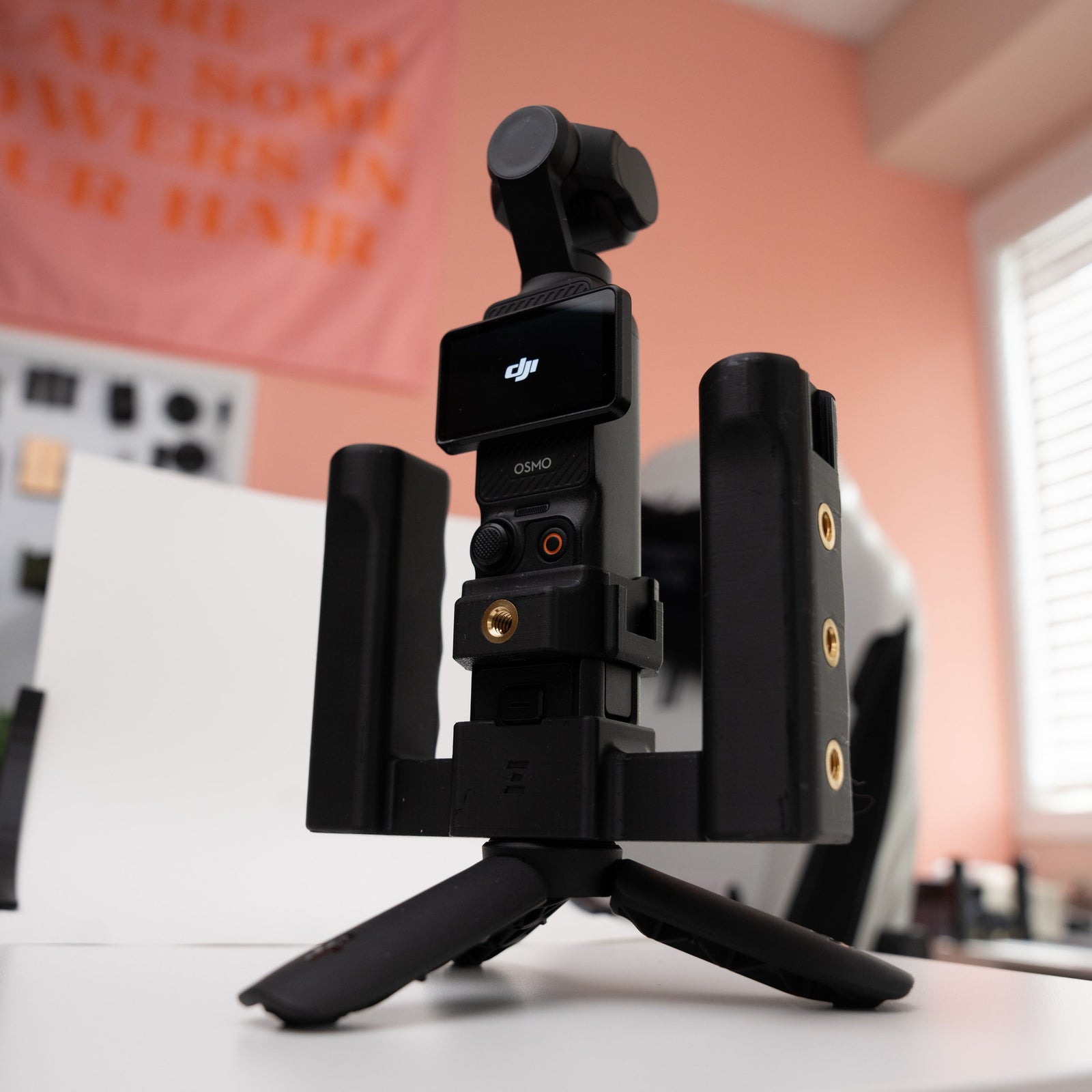
- OSMODO PRO features an open-top design—you have full access to the thumb controller and record button while your OP3 is locked in.
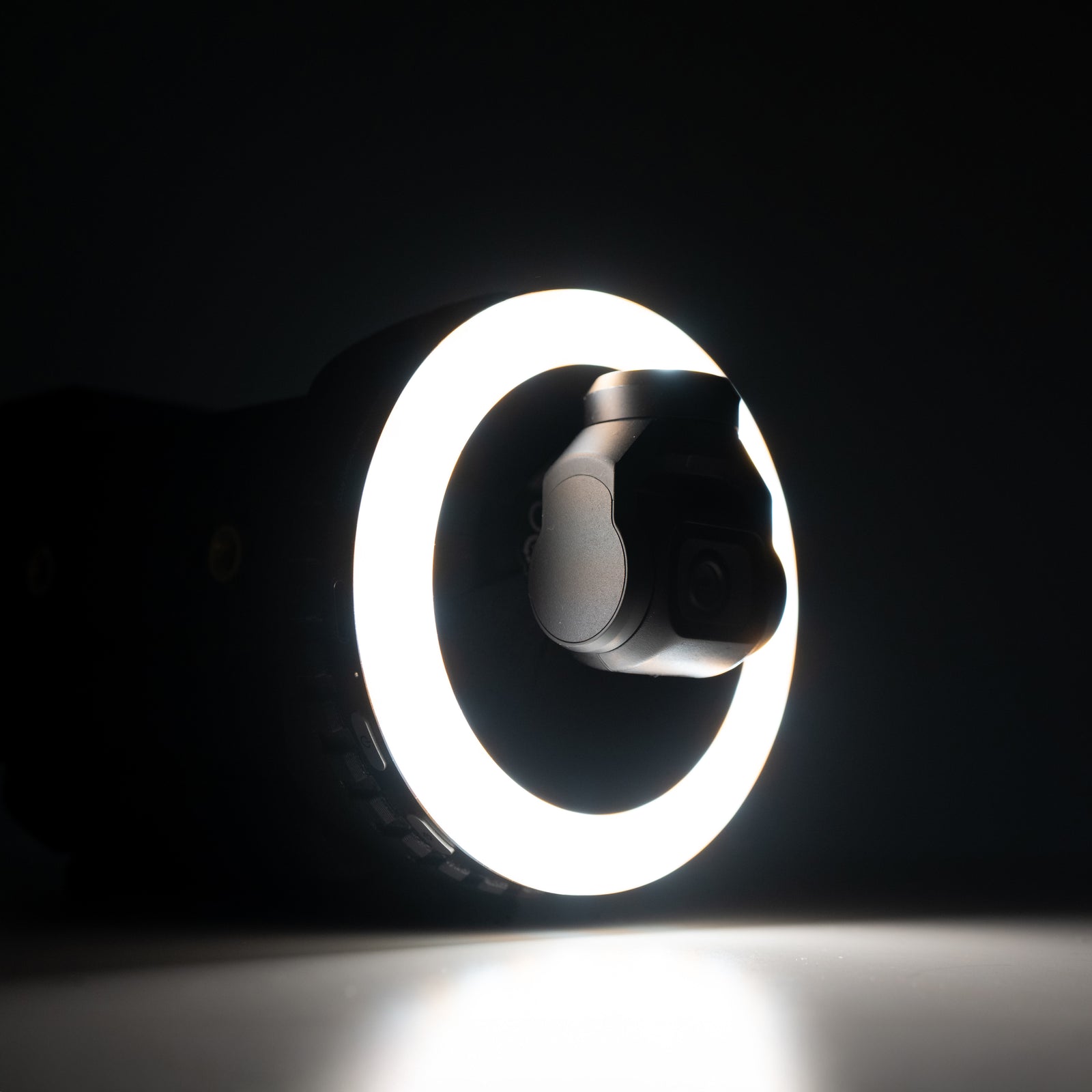
- The internal hood creates a short "tunnel." You may see the edges of the opening in your shot if the camera isn't centered or during extreme moves—this is normal.
- Best for stationary shots. Moving shots can work if set up correctly (see tips below).
- No whip pans or very fast moves with the lens module attached.
- Use Fast Follow speed and make slow, smooth movements to prevent seeing the sides of the lens.
How to Install
1. Mount the Pocket 3 to the Cartridge
Align the OP3 with the cartridge and press in evenly until fully seated against the soft fabric pads.
2. Slide the Cartridge into OSMODO PRO
Guide the cartridge through the internal hood and into the housing until it sits flush. The internal anti-reflection hood helps block rear reflections for cleaner images.
3. Attach Back Cover PRO
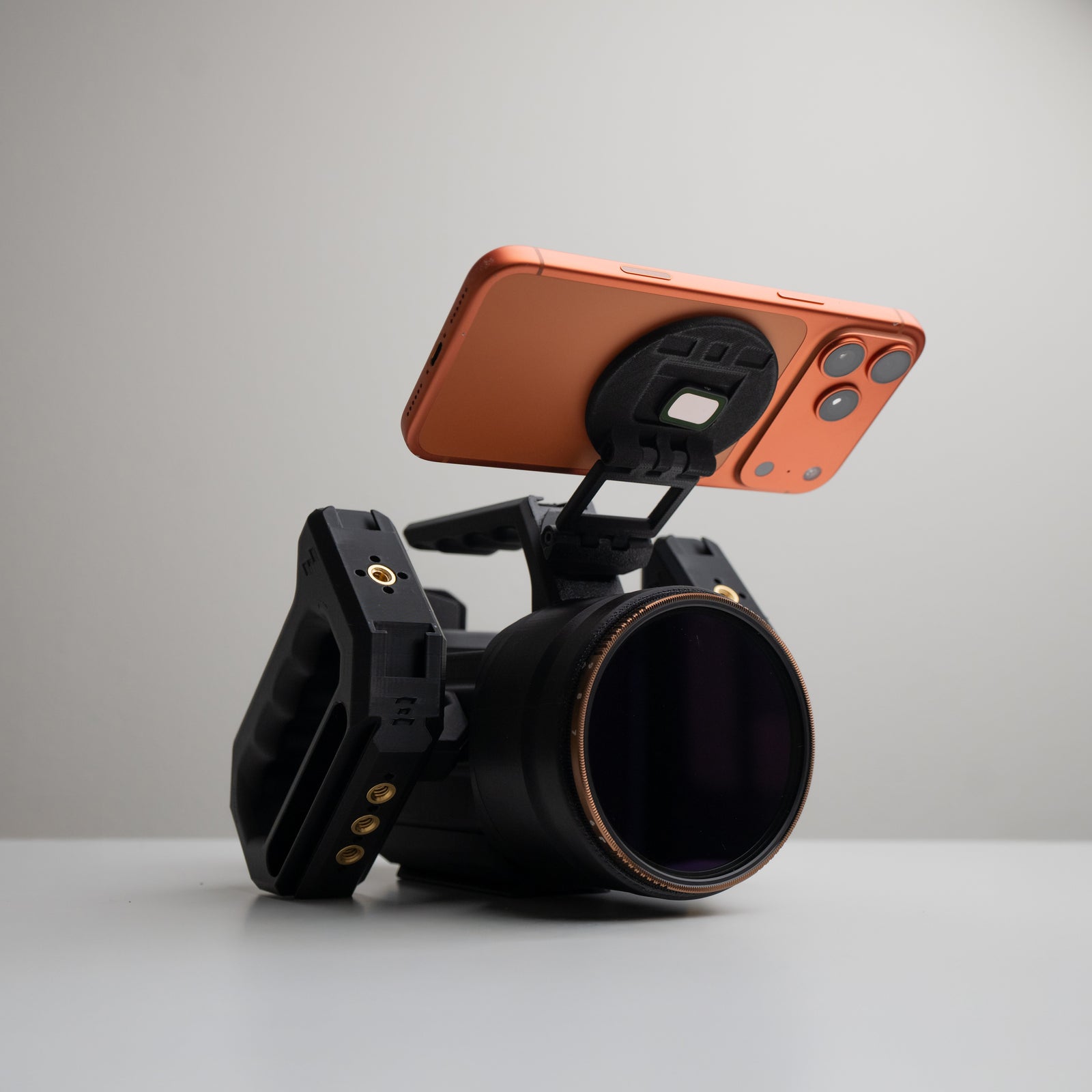
Slide the Back Cover PRO on and firmly press it into the OSMODO PRO. Use the provided screws for a secure locked-in mode. The Back Cover PRO gives you dual cold shoes, 5× 1/4-20 mounting points, and a bottom accessory port for baseplates and future add-ons.
4. Attach Base Plate
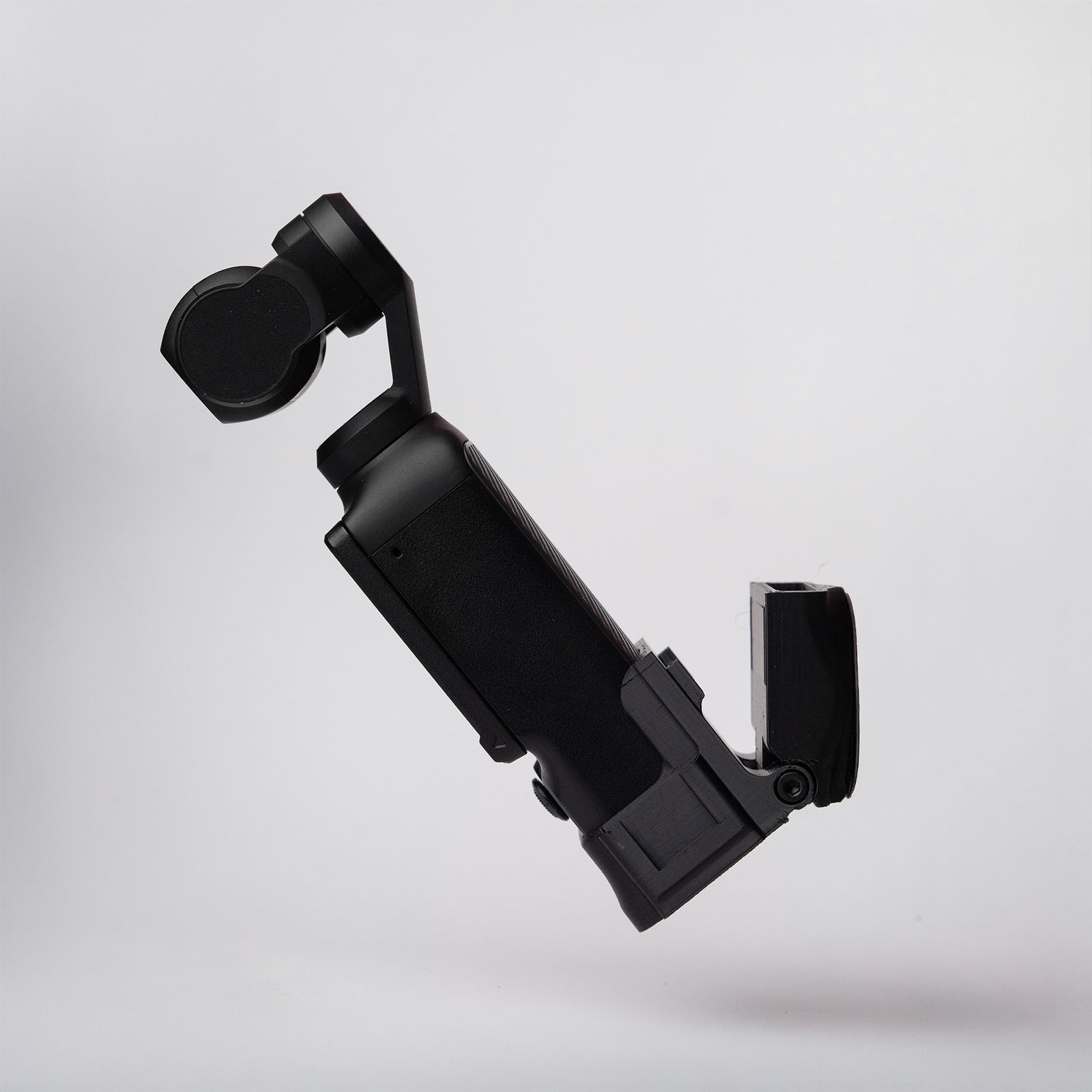
The OSMODO Base Plate offers an Arca-style base with dual 1/4-20s. It also reroutes the bottom USB-C port to the back for cleaner power and SSD cable runs.
5. Add Front Glass (Optional)
- 82mm filters: Thread ND/VND/CPL/diffusion/FX directly into the native M82×0.75 front.
- 95mm matte boxes: Use 95mm clamp style matte box
Tip: Use Fast Follow and smooth moves. If you see filter/matte-box edges, re-center and slow down.
6. Connect Control & Monitoring
- Built-in controls: Unlike the original OSMODO, the PRO's open-top design gives you full access to the thumb controller and record button.
- Phone operation (optional): Use DJI Mimo for monitoring and touch control. Change follow speed to fast and mode to follow mode.
- You can run OSMODO PRO with the built-in controls, a phone, or both.
7. Mount Accessories
- 7× 1/4-20 mounting points with ARRI-style locking ports (anti-twist pin holes) for secure mounting.
- Back Cover PRO: Dual cold shoes, 5× 1/4-20s, plus bottom accessory port.
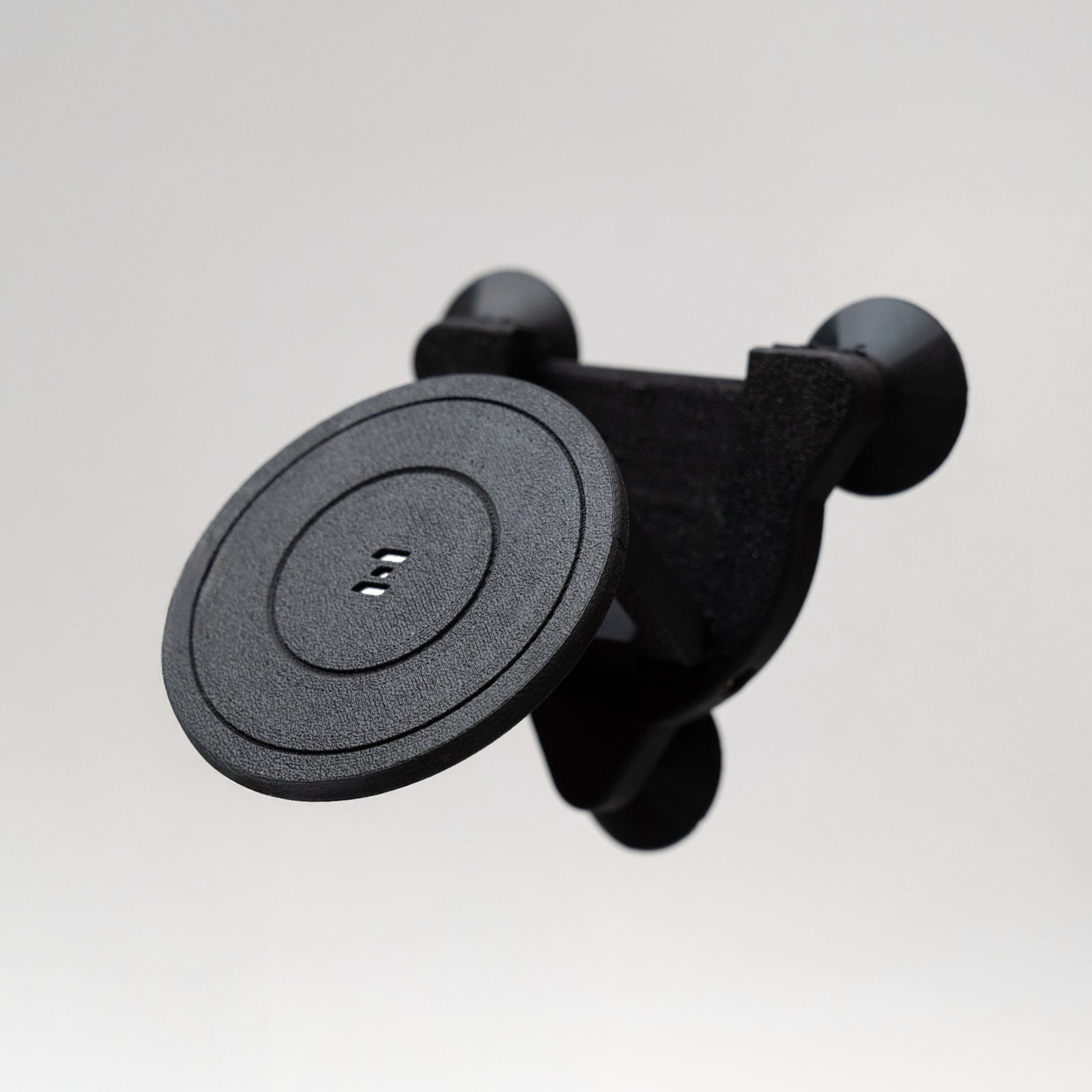
- OSMODO PRO accessory port: 2× M3 pattern on top for future top handles, NATO rails, MagDock mounts, and other accessories.
- Side handle angles use the ARRI pin pattern and support 45°, 90°, and beyond.
8. Cable Routing
- Use the rear and bottom pass-throughs; stow slack in the small internal bay under the cartridge.
- The Base Plate reroutes the bottom USB-C to the back for cleaner runs.
- For the cleanest setup, use a short right-angle USB-C cable.
Tips for Best Results (Especially When Moving)
- Set the Pocket 3 to Follow Mode → Follow Speed: FAST. (Normal is okay; Slow usually isn't.)
- Keep the rig level with the ground while you frame and move around.
- If the camera drifts off-center, double-tap the Thumb Controller to re-center. Hold the rig level while it recenters.
- Occasional re-centering will help if you notice the edges of the lens module in frame.
Mounting Options
- Use the Base Plate's Arca-style base for quick-release tripod mounting.
- Dual 1/4-20s on the Base Plate for additional mounting flexibility.
- Bottom accessory port on the Back Cover PRO for baseplates and future add-ons.
Quick Troubleshooting
- Edges in frame: Re-center (double-tap), keep the rig level, or slow down your move.
- Gimbal error on start-up: Unscrew any filter slightly, then power cycle. Unscrew more until the issue is resolved.
- Housing feels loose: Re-snug the screws with the provided tool.
- Cable in the way: Use the rear pass-through and a right-angle USB-C cable for cleaner routing.
OSMODO PRO vs Original OSMODO
- OSMODO PRO: Open-top design with full access to thumb controller and record button. Includes Back Cover PRO and Base Plate. Can use the OSMODO PRO Accessory Port Accessories
- Original OSMODO: Enclosed, stealthy design with centered 1/4-20 on top. Phone-first operation required. Can't use the OSMODO PRO Accessory Port Accessories
Need Help?
Any issues or questions please start a chat on the store!