








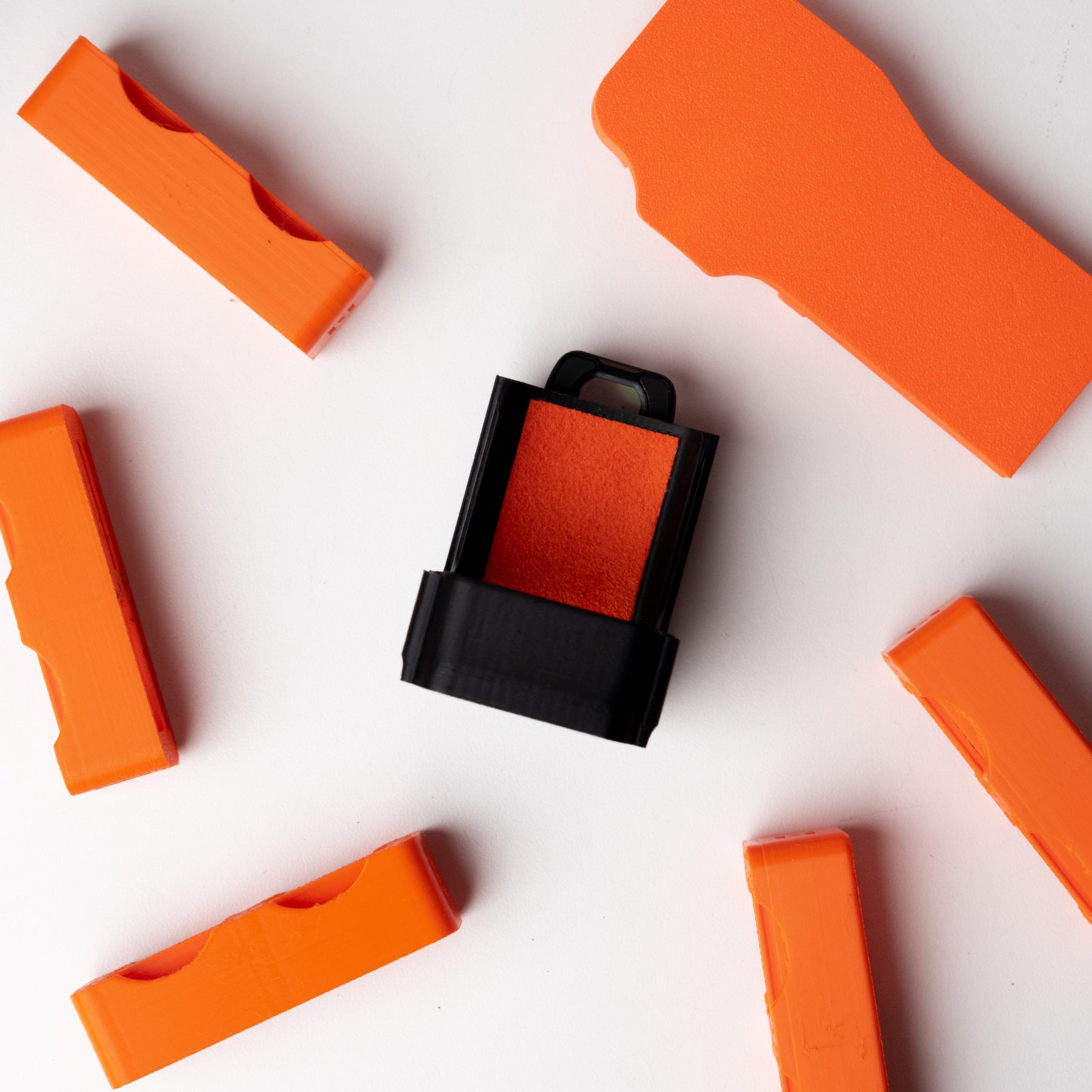

Quick Start Guide: OSMODO Side Handle (1/4-20)
Unboxing & Overview
In the Box
- OSMODO Side Handle (1/4-20)
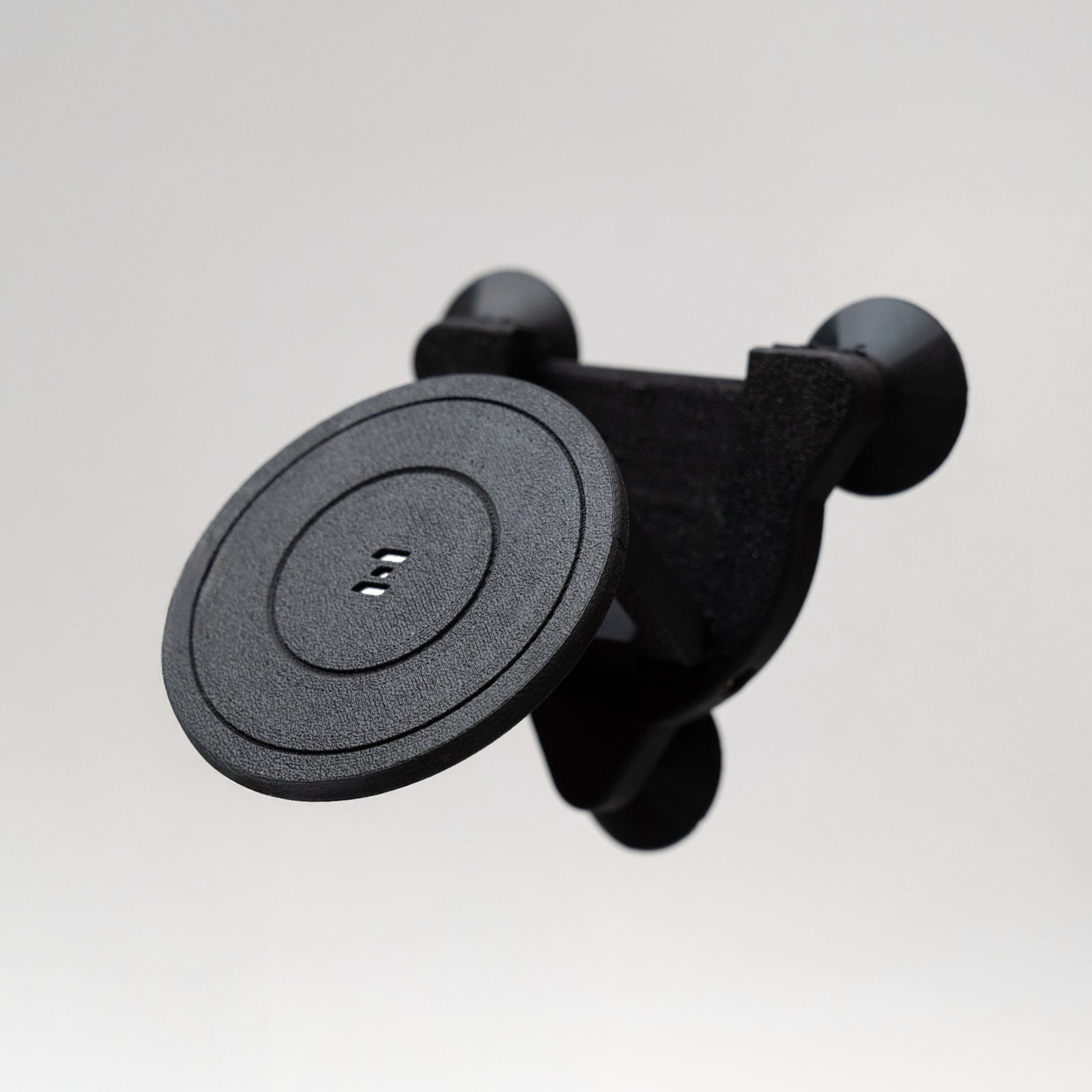
- 1/4-20 base mount with anti-rotation pins
- 1× 1/4-20 mounting screw
- Tool (for tightening/adjustment)
Compatibility
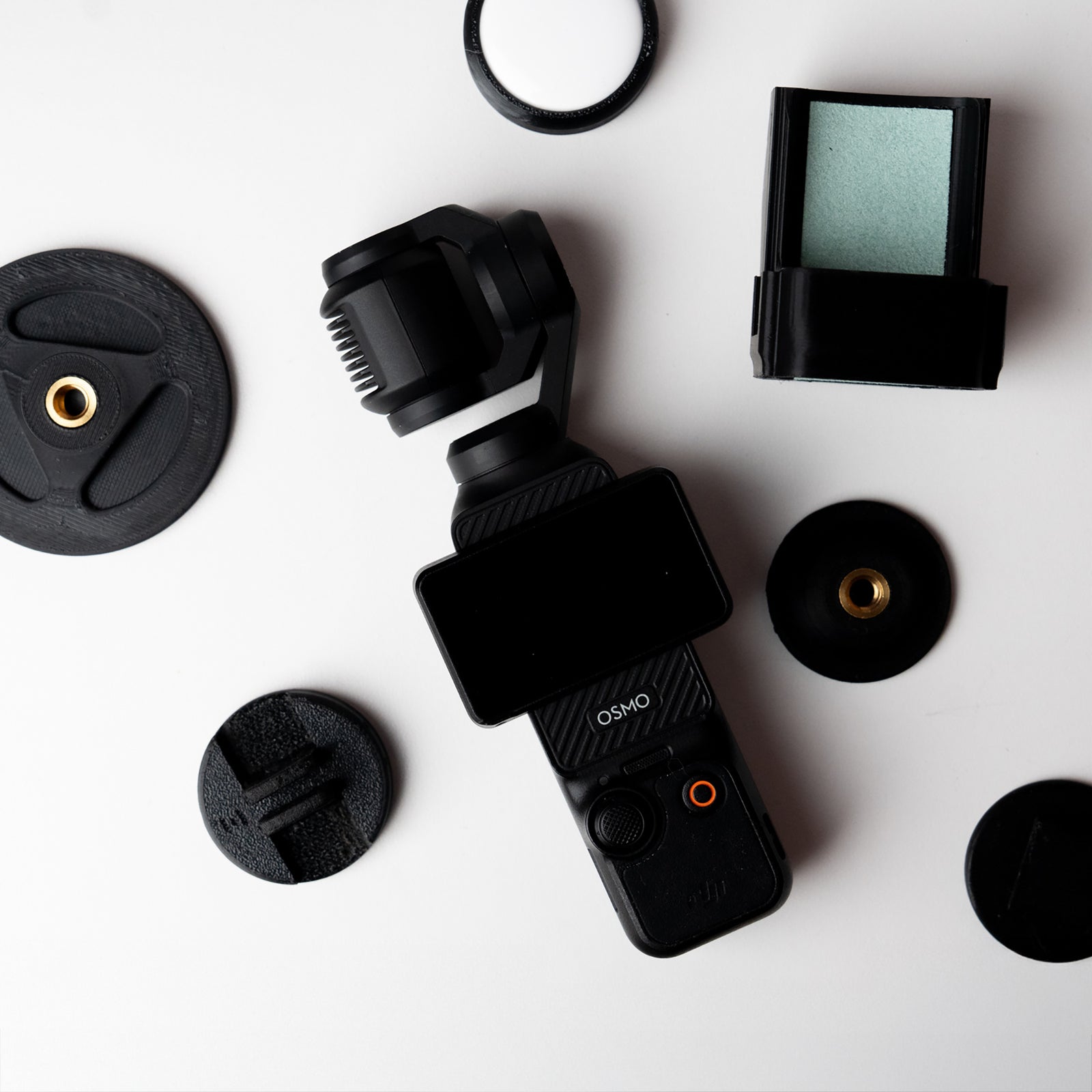
- OSMODO for DJI Osmo Pocket 3
- OSMODO PRO housing
- Grip Rig 2
- Other cages/plates with 1/4-20 + ARRI pin pattern
Key Features
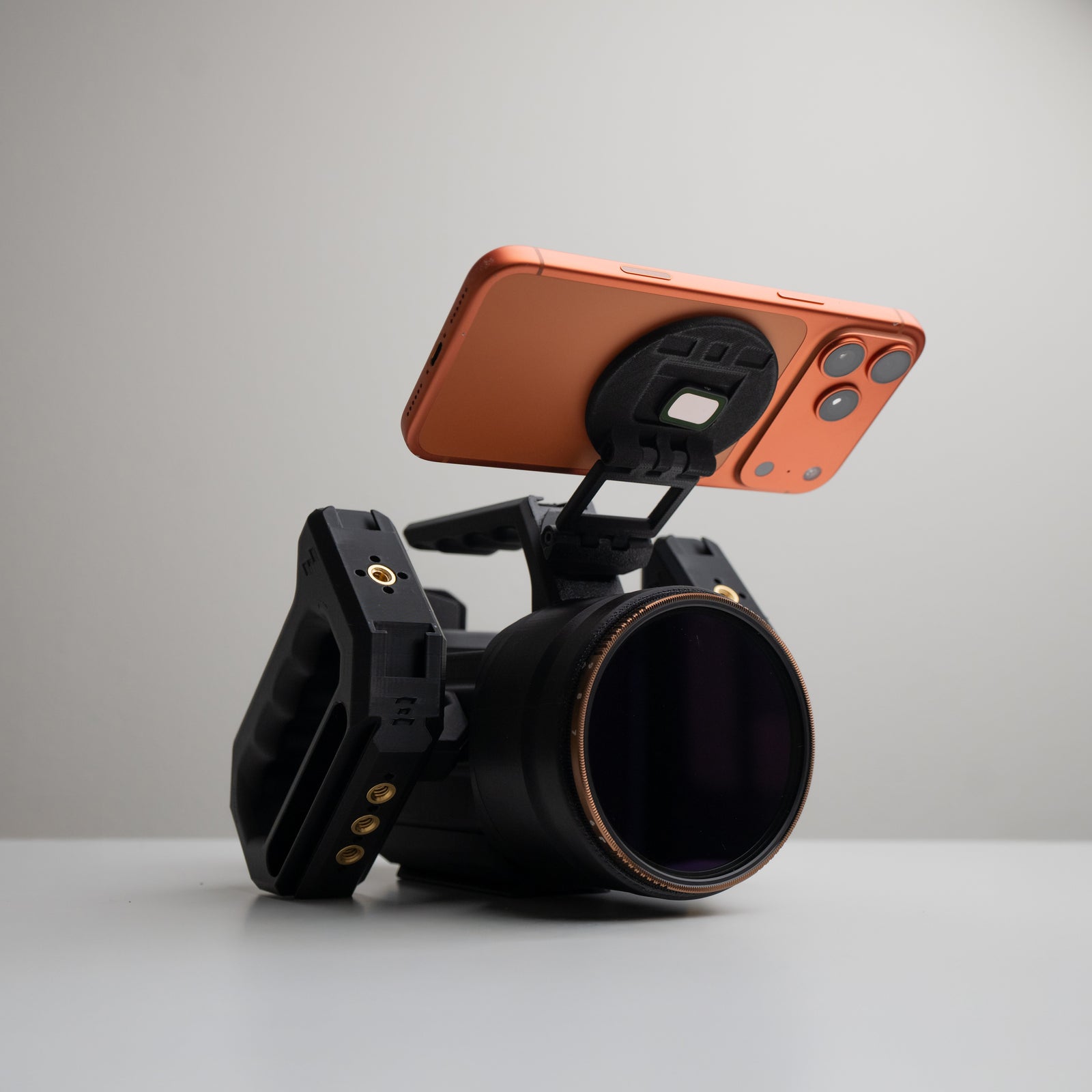
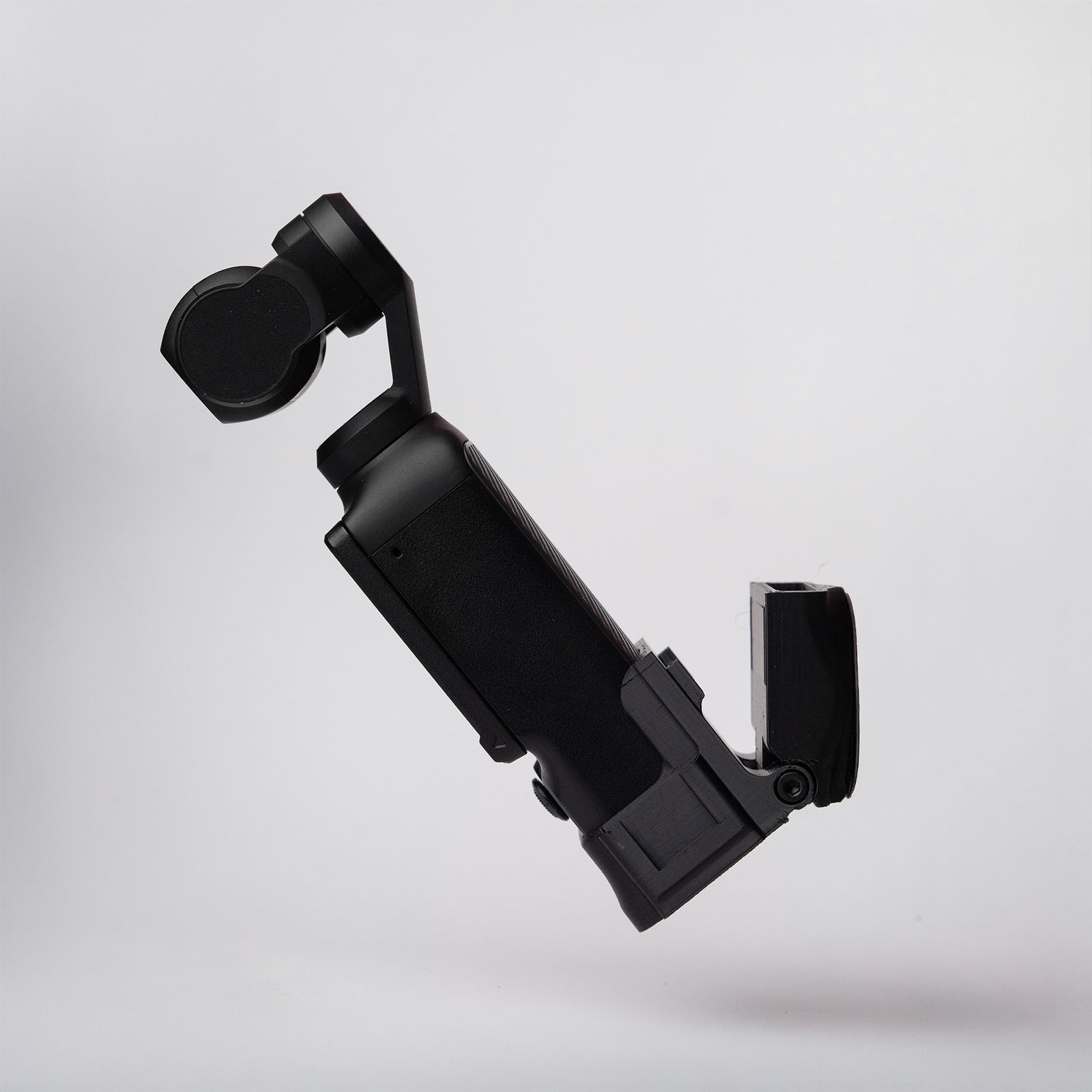
- Height-adjustable: Slide the handle up or down along the mount to match your grip and balance.
- Anti-rotation pins: Locks into any 1/4-20 with ARRI-style pin holes for a twist-free connection.
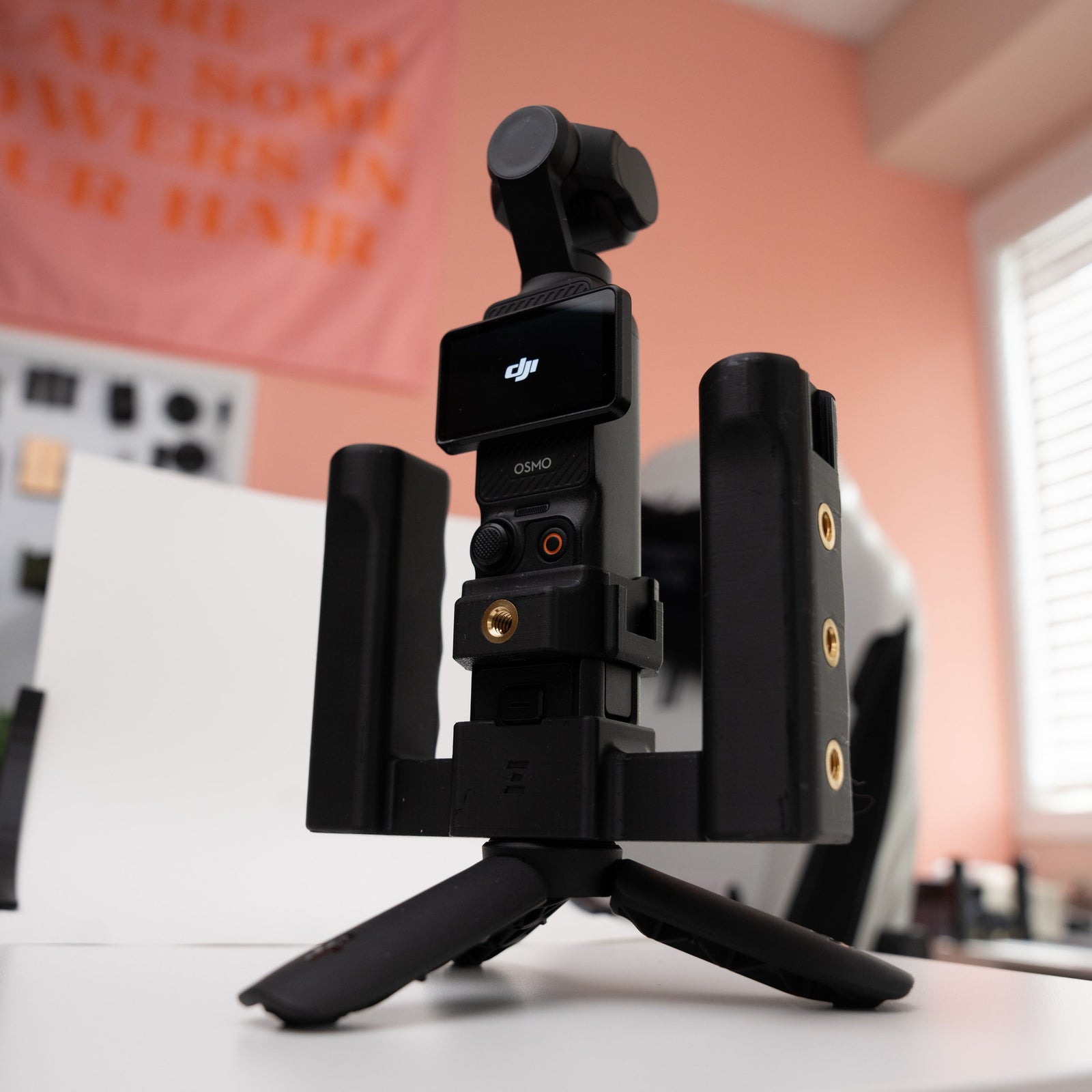
- Reversible: Left or right side compatible—run a single handle or dual-handle setup.
- Mounting-rich design: NATO rail on front, 3× 1/4-20 ports on body, 1/4-20 on top, and triple cold shoes.
How to Install
1. Attach the Base Mount
Line up the 1/4-20 base mount with a 1/4-20 port on your rig (OSMODO, OSMODO PRO, Grip Rig 2, or compatible cage). Make sure the anti-rotation pins align with the ARRI-style pin holes. Trim the pins if you need too like on the MagCase PRO.
2. Secure with Mounting Screw
Thread the 1/4-20 mounting screw through the base mount and into the rig. Tighten with the provided tool until snug—don't overtighten to prevent pulling the metal insert out of the housing.
3. Attach the Handle
Slide the handle onto the base mount. Adjust the height up or down to match your preferred grip and balance.
4. Lock the Height
Once you've found the right position, use the provided tool to tighten the handle in place.
5. Add Accessories (Optional)
- Cold shoes (3×): Mount mics, lights, wireless receivers, or timecode boxes.
- NATO rail (front): Attach clamps, arms, or NATO-compatible accessories.
- 1/4-20 ports (3× on body, 1× on top): Add magic arms, monitors, or other 1/4-20 accessories.
Single vs Dual Handle Setup
- Single handle: Great for lightweight, one-handed operation. Mount on your preferred side.
- Dual handle: Add a second handle on the opposite side for stable, two-handed moves. The reversible design works on either side.
Use Cases
- Build a dual-handle OSMODO or OSMODO PRO rig for stable handheld moves.
- Mount mics, wireless receivers, or small lights directly on the handle via the cold shoes.
- Use the front NATO rail and top 1/4-20 for clamps, arms, or additional accessories.
Tips for Best Results
- Adjust handle height so your wrist stays neutral during extended shoots.
- For dual-handle setups, match the height on both sides for balanced control.
- Distribute accessory weight evenly to maintain rig balance.
Quick Troubleshooting
- Handle twists during use: Make sure the anti-rotation pins are seated in the ARRI-style pin holes. Re-tighten the mounting screw.
- Handle slips up/down: Tighten the height adjustment with the provided tool.
- Won't fit my rig: This handle requires a 1/4-20 port with ARRI-style pin holes. Standard 1/4-20 ports without pins won't lock the rotation. Trip the pins if you need too!
Need Help?
Any issues or questions please start a chat on the store!
PLEASE NOTE
OSMODO 2 preorder
Your cart contains an OSMODO 2 preorder. These products are expected to begin shipping in September 2026.
Important: Any earlier automated delivery estimate shown during Shopify checkout does not apply to OSMODO 2 preorder items.
Need another item sooner? Place it in a separate order, as items ordered together may ship with the preorder.